


Price: $6.99
(as of Apr 14, 2026 06:02:36 UTC – Details)
Product description

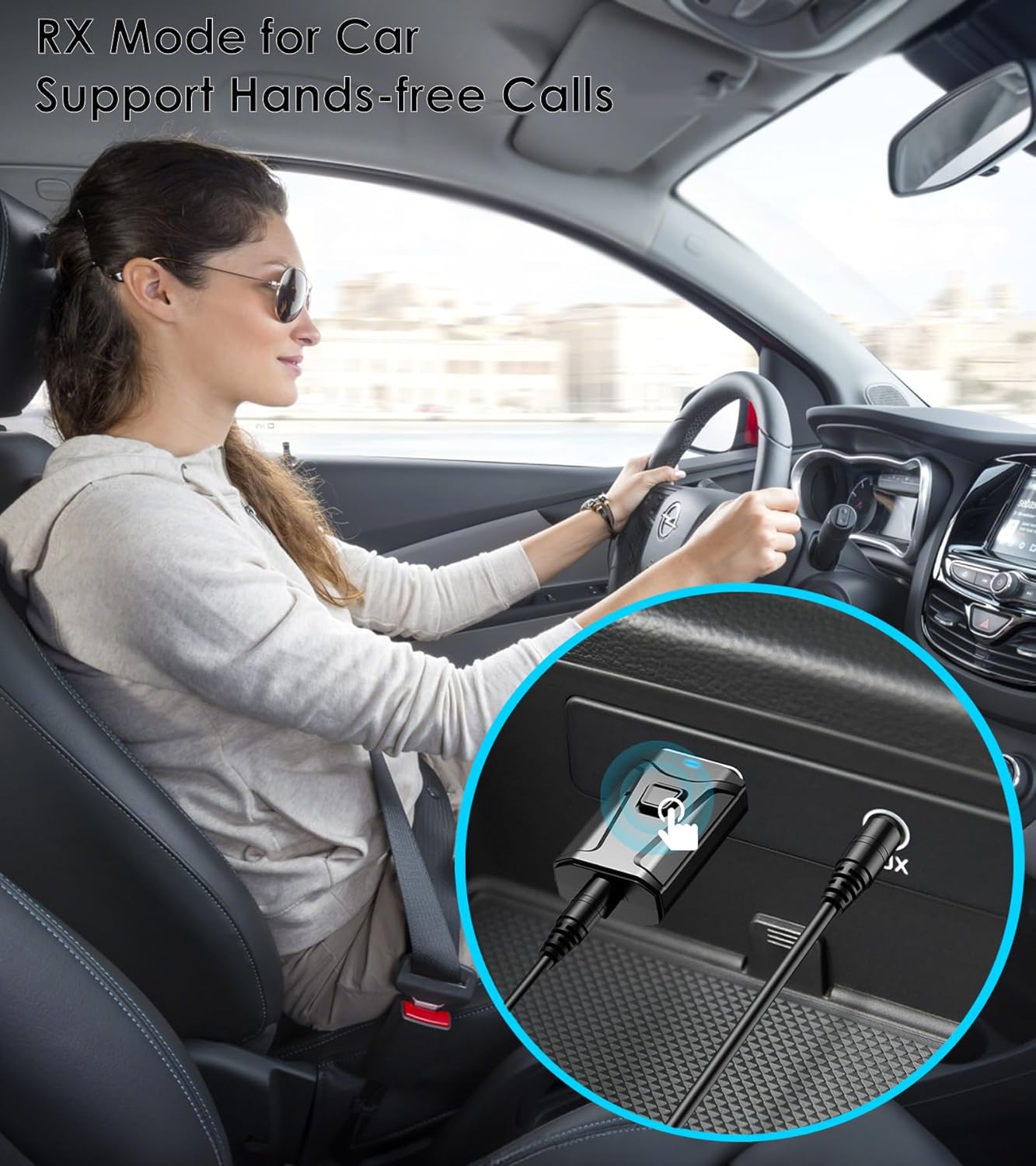
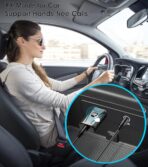
RX Mode  Bluetooth Receiver for Car
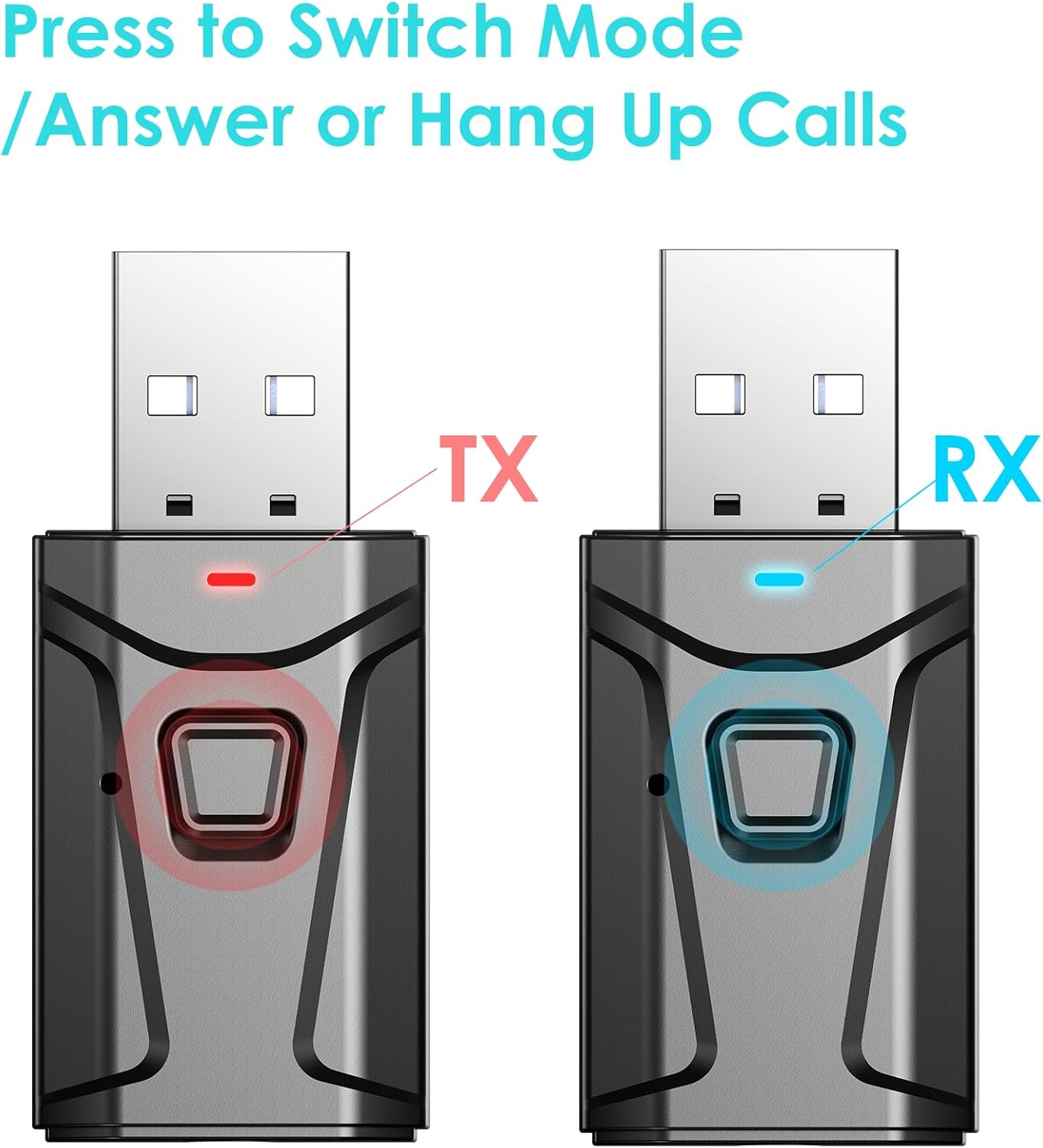
Built-in Microphone for Hands-free Calls. Press the button to answer or hang up the call.
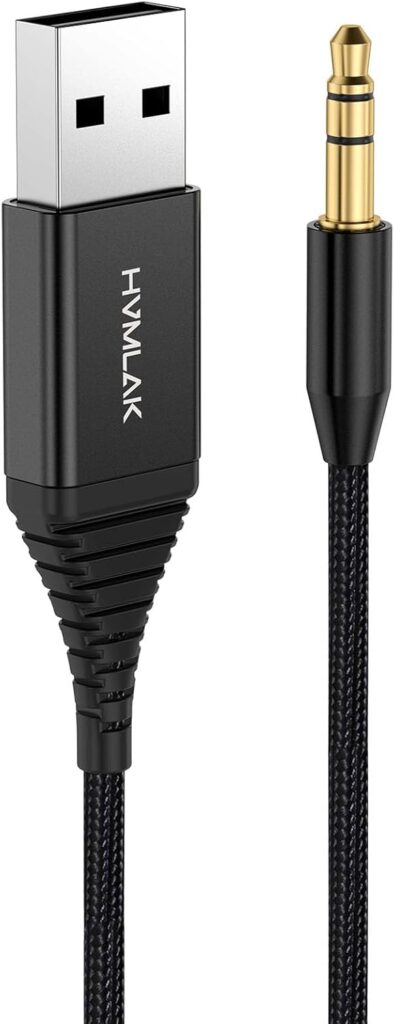
If your car’s USB port doesn’t support audio transmission, please use it with the 3.5mm AUX cable we’ve included.
 Bluetooth Adapter for Stereo
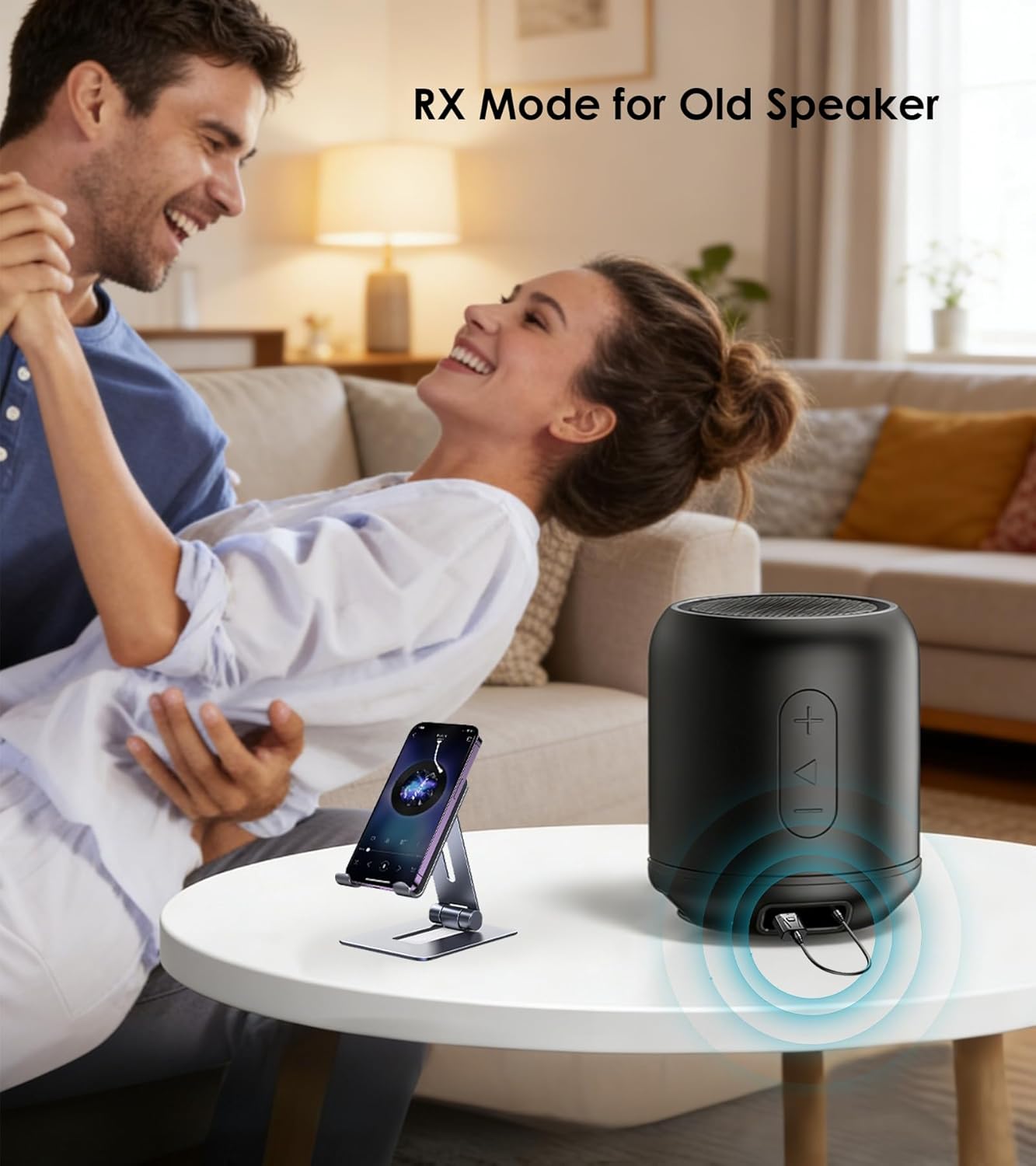
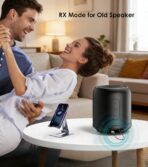
In RX mode, our Bluetooth transmitter receiver can turn non-Bluetooth devices like old speakers, wired speakers, and home stereos into wireless ones.
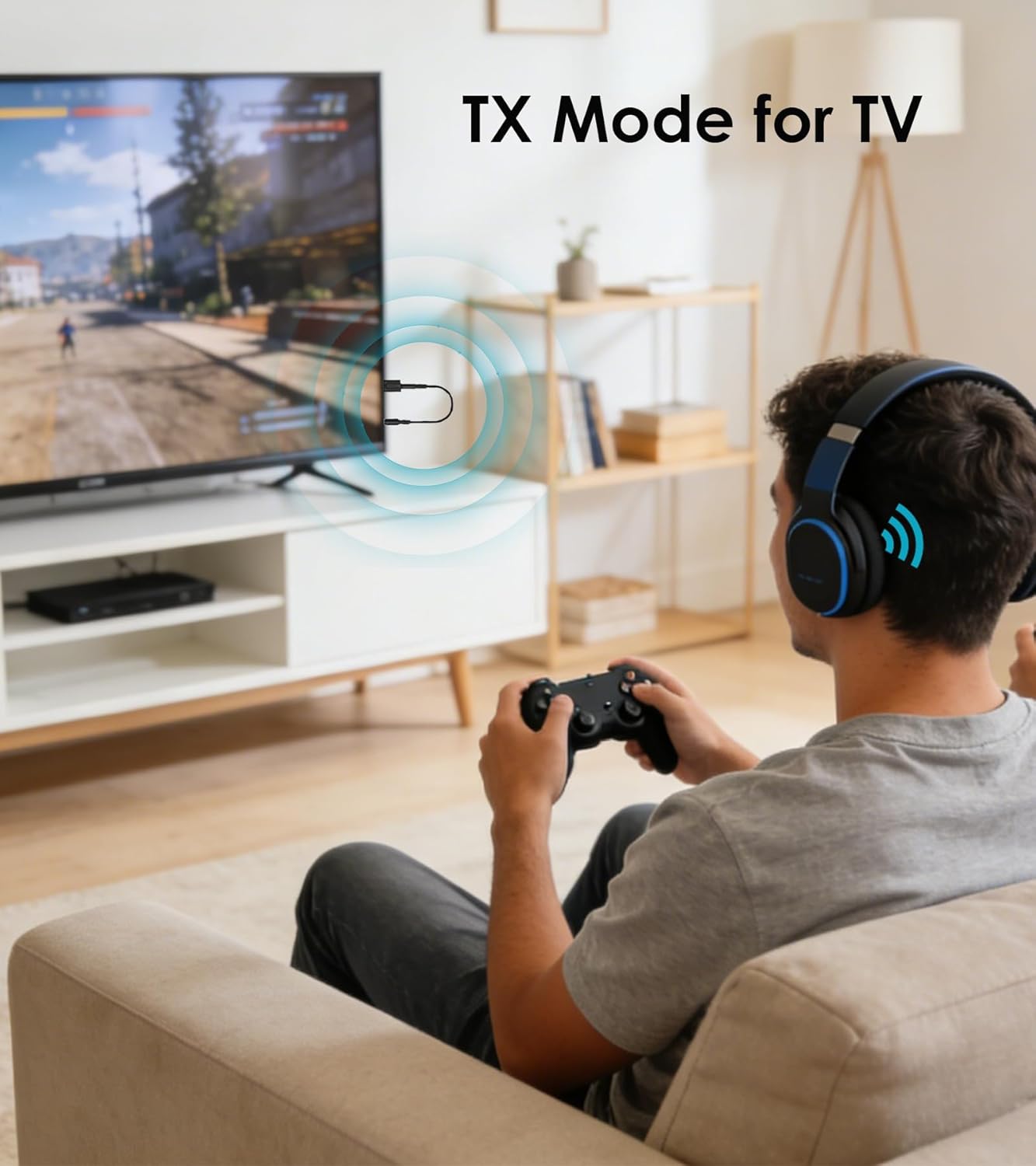
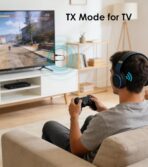
TX Mode  Bluetooth Transmitter for TV
The Bluetooth adapter transmits audio from the TV to your Bluetooth headphone/speaker.
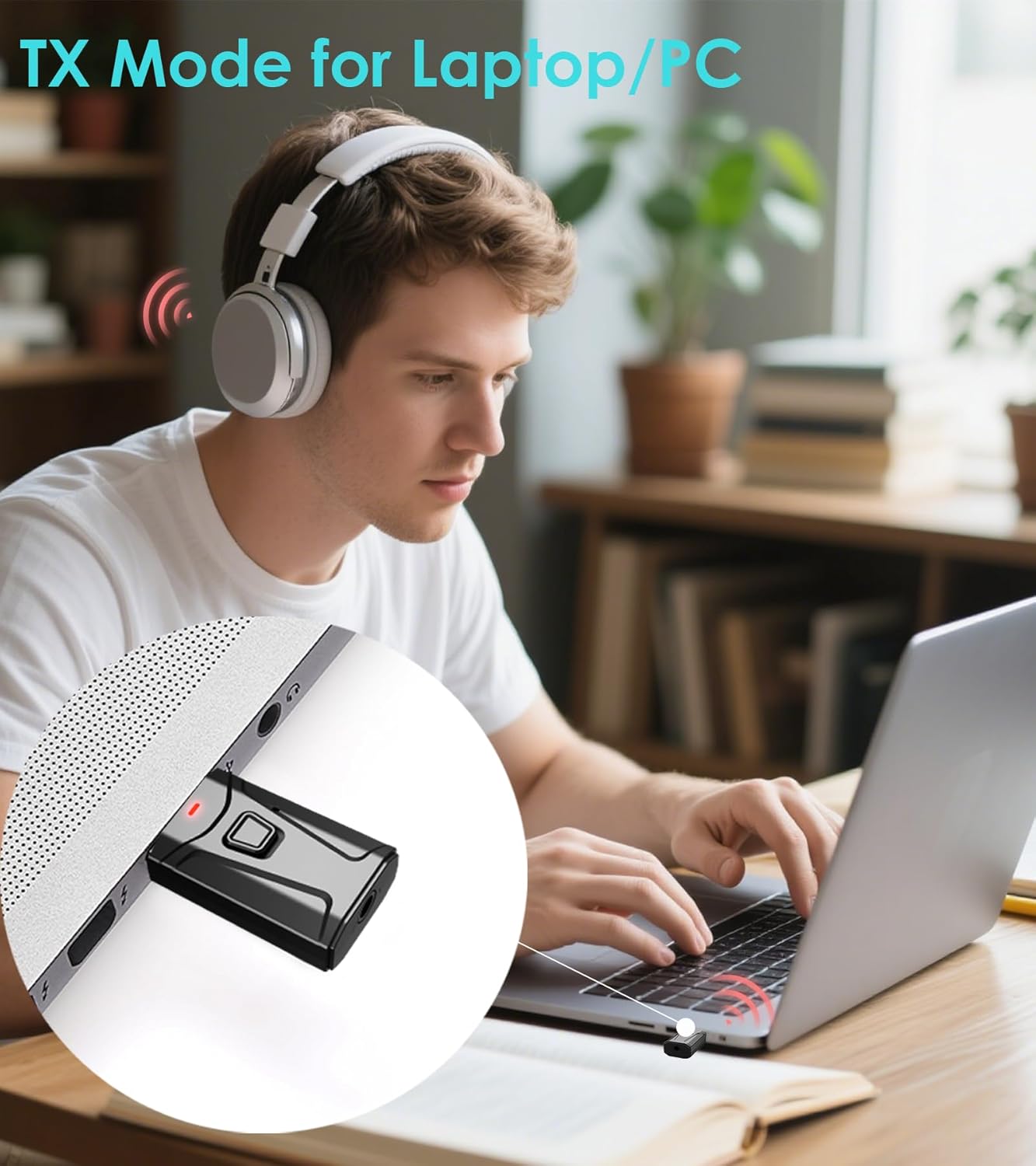
 Bluetooth Dongle for PC
This USB Bluetooth adapter is compatible with laptop and desktop. Plug and play to enjoy CD-level sound quality.
3 Steps to Pair TX Mode 
3 Steps to Pair RX Mode 
HOW TO PAIR WITH TV
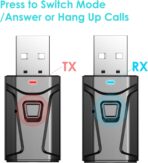
Plug the device into your TV’s USB port for power. The Bluetooth adapter will turn on automatically, with a flashing RED light indicating it’s in wireless search mode. (Press the multi-function button for 2 seconds to switch mode.)Connect the 3.5mm aux cable to the adapter’s 3.5mm port, then plug the other end into your TV’s “AUDIO OUT” or headphone jack. Put your Bluetooth headphones in pairing mode. The adapter will pair automatically—once successful, the red light stays solid. If you can’t hear the sound of the TV, make sure the headphones are paired successfully. Then, change the TV sound settings from “TV speaker” to “Audio out”.To switch to another wireless audio device, quickly press the adapter’s function button. For a fast connection, make sure no other Bluetooth devices are nearby.
HOW TO USE WITH SPEAKER
For Bluetooth Speaker (TX Mode): Plug the adapter into your TV or PC’s USB port for power. Connect the adapter to your device using the included 3.5mm AUX cable. Hold the Multi-function button for 2 seconds to enter TX Mode (the indicator will flash red). Put your Bluetooth speaker into pairing mode, and the adapter will automatically detect and pair with it. Once connected, the light will turn solid red.For Wired/Old Speaker (RX Mode): Plug the adapter into the speaker’s USB port for power. Connect the adapter to your wired speaker using the included 3.5mm AUX cable. Hold the Multi-function button for 2 seconds to enter RX Mode (the indicator will flash blue). On your phone, open the Bluetooth settings and select “T7” to connect. Once paired, the indicator light will turn solid blue.
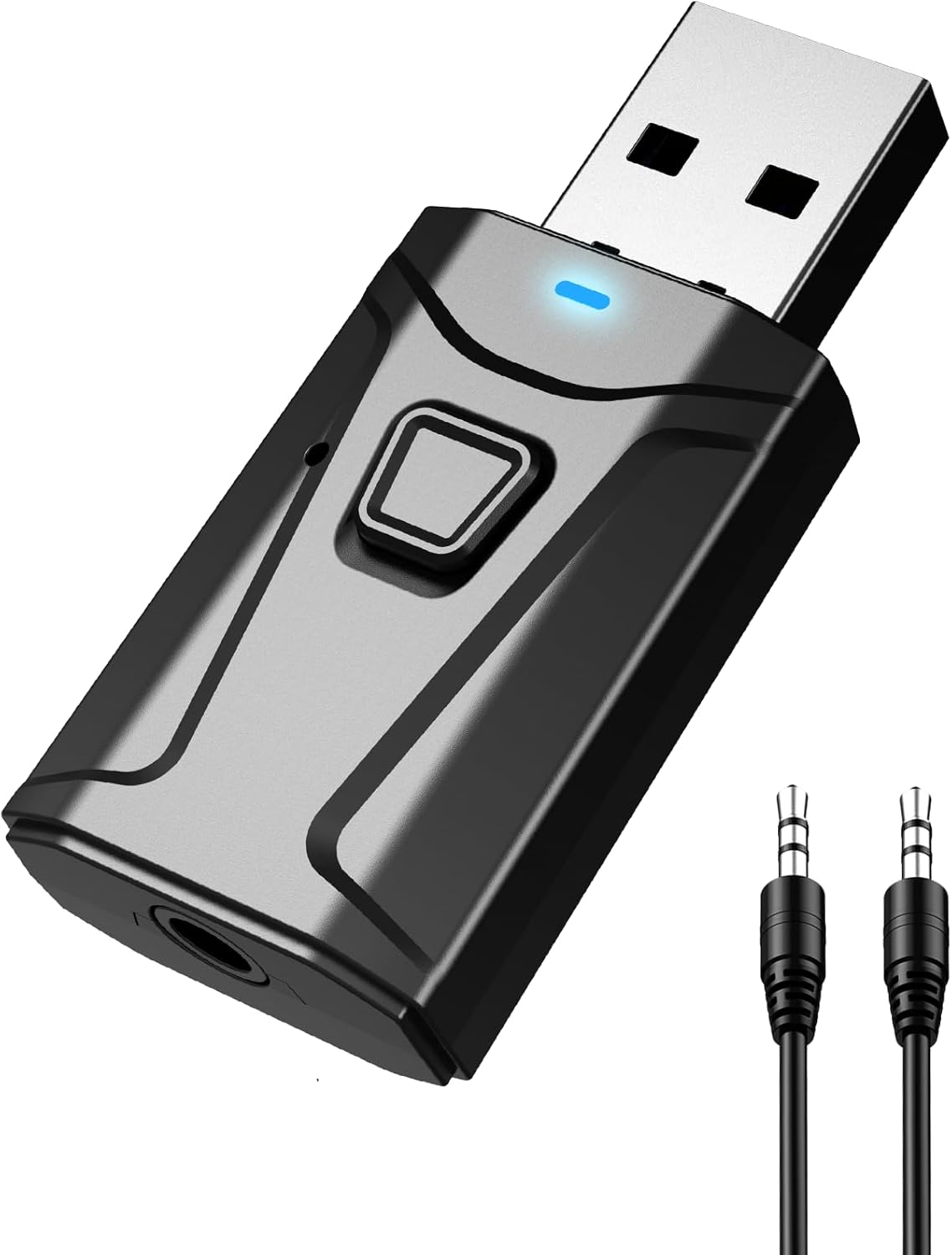
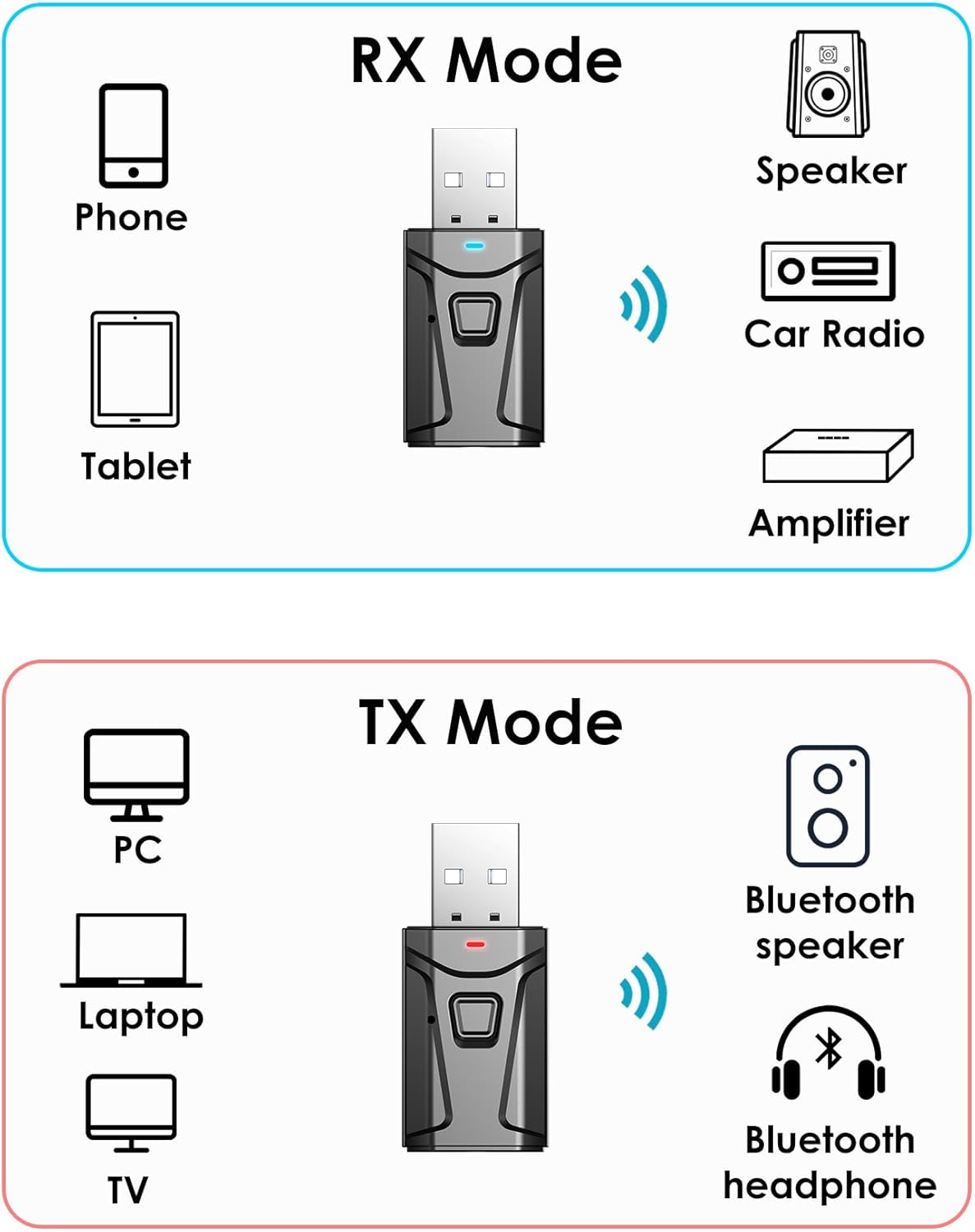
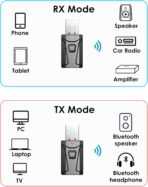
BLUETOOTH TRANSMITTER RECEIVER: ✅In TX mode, the Bluetooth TV adapter streams audio from your PC, MP3, TV, etc to Bluetooth headphone or speaker. ✅In RX mode, our USB Bluetooth receiver lets you receive audio from your phone or tablet and play it through non-Bluetooth devices, such as wired speaker, car stereo, home stereo, and more.
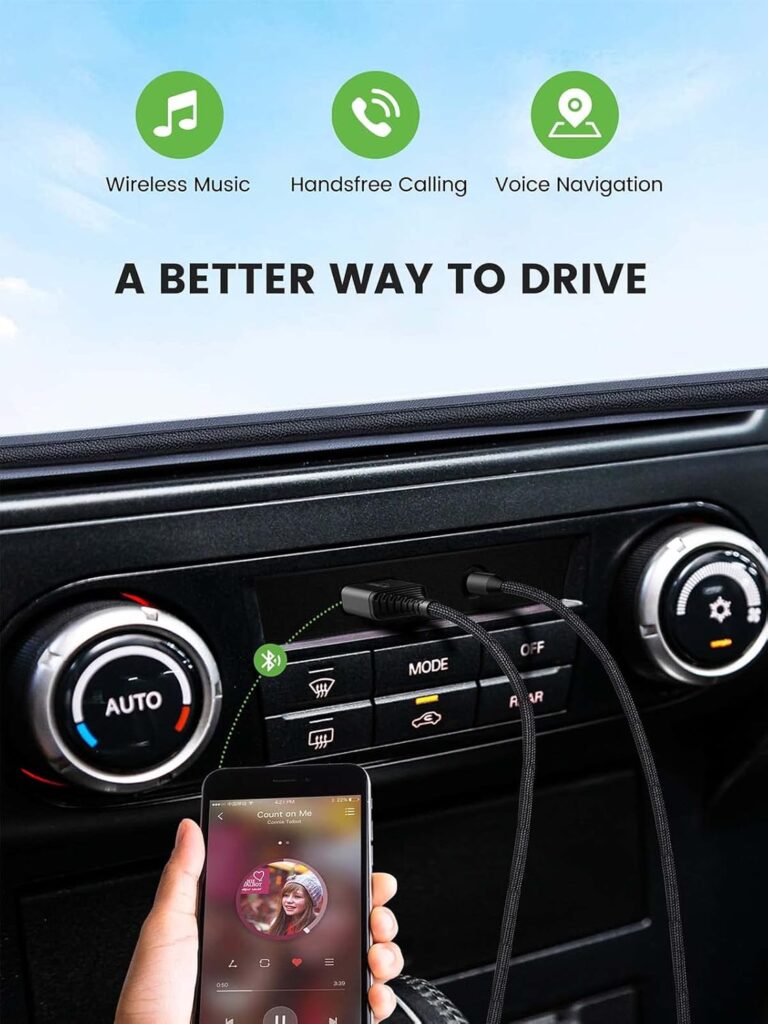
UPGRADE YOUR CAR AUDIO & SAFETY: Use our aux Bluetooth adapter to stream your favorite playlists wirelessly. Featuring a built-in microphone, it effortlessly handles hands-free calls, keeping your eyes safely on the road.
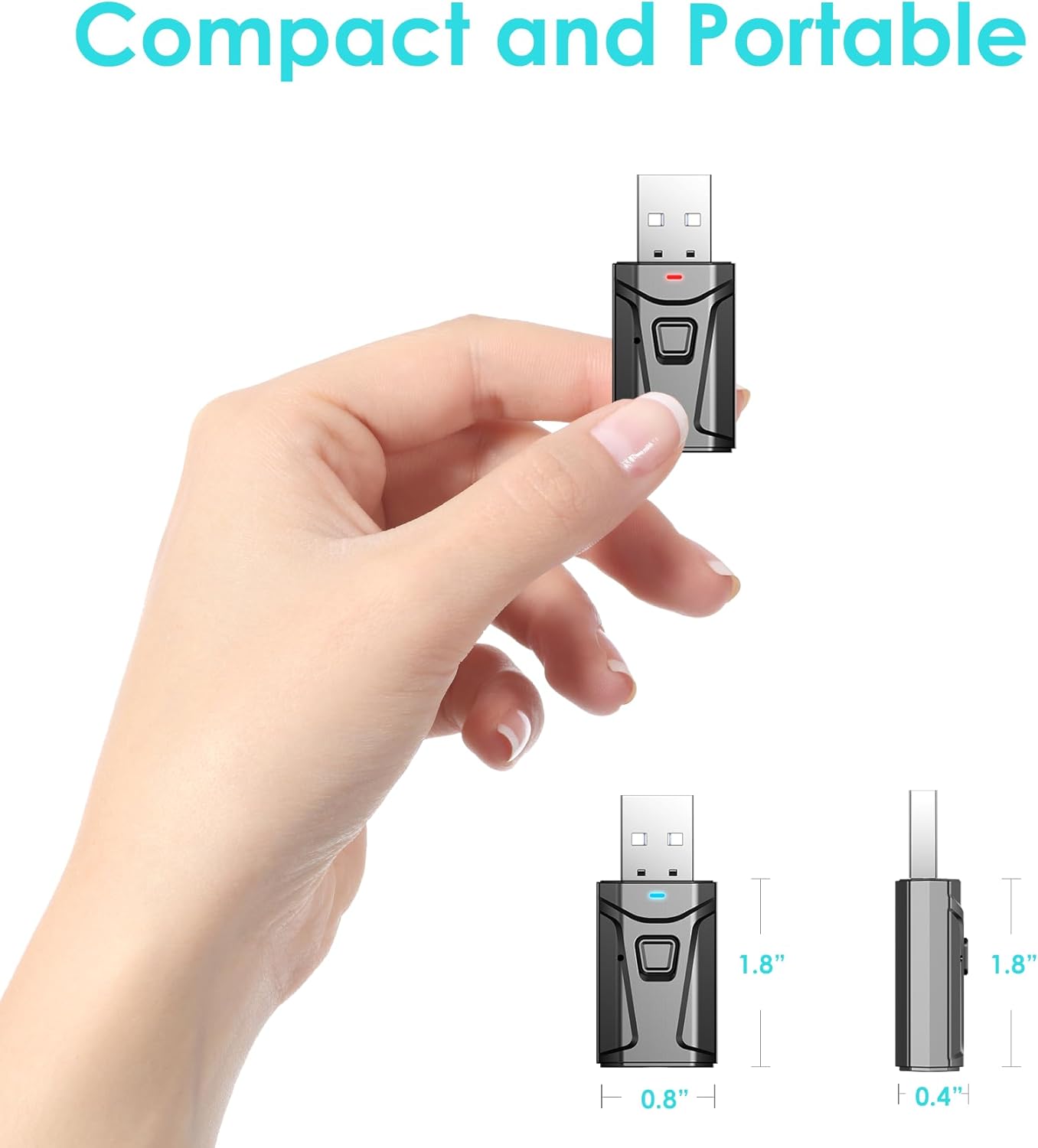
EASY TO USE: Plug the USB Bluetooth transmitter for TV or PC into a USB port, connect the 3.5mm aux cable to your audio device, and it instantly powers on and enters pairing mode.
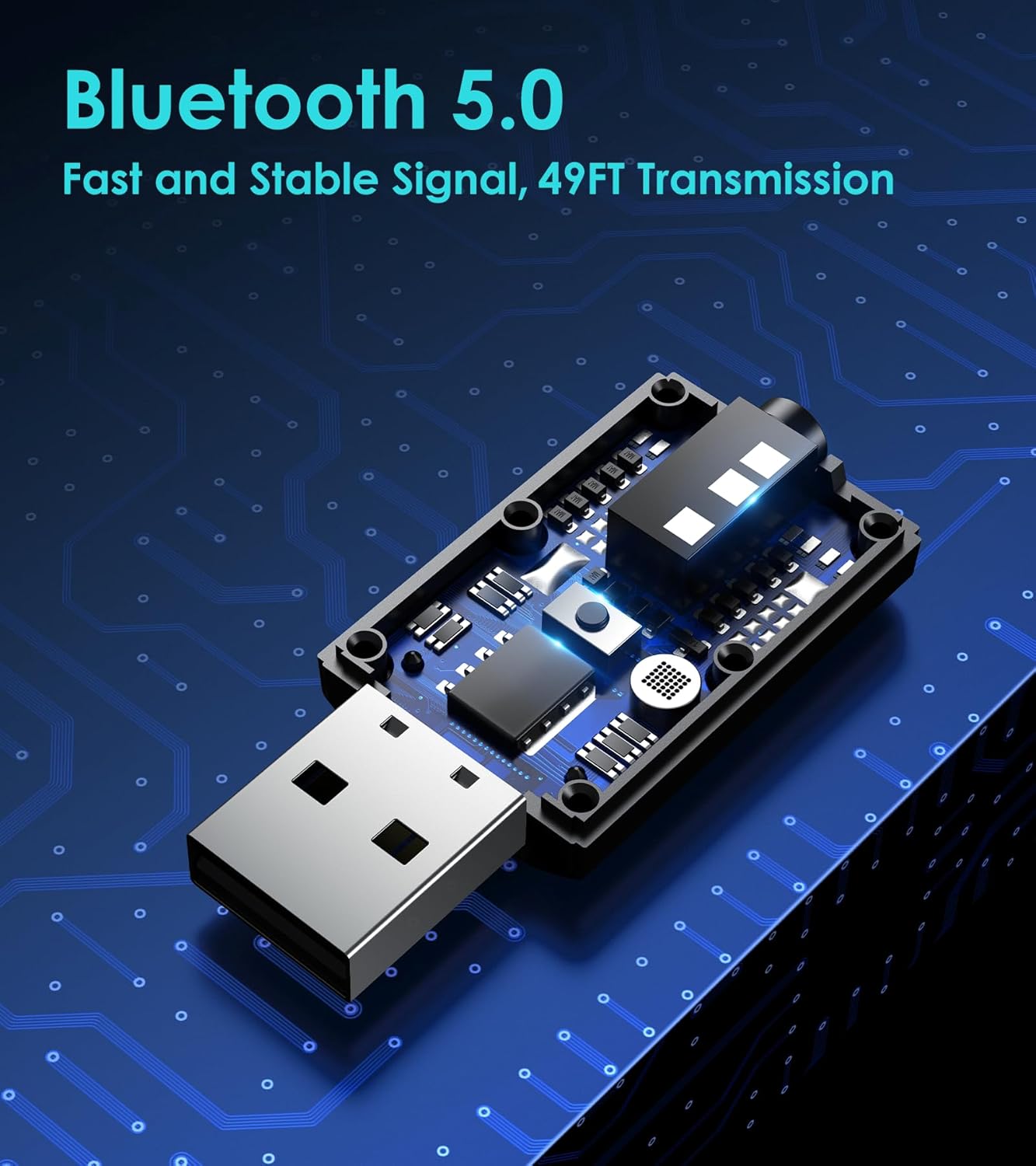
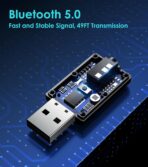
BLUETOOTH 5.0 TECHNOLOGY: Level up your audio with our USB Bluetooth adapter. Enjoy instant pairing and seamless streaming from up to 33 feet away with Bluetooth 5.0 connectivity.
WIDE COMPATIBILITY: This Bluetooth adapter for TV and car compatible with almost any device featuring a USB power port and a 3.5mm AUX audio output jack.
TX MODE FAST PAIRING: ①Plug the Bluetooth dongle into a USB audio port, then use the included 3.5mm aux cable to connect it to your TV or another device. ②Press the Multifunction button for 2 seconds to select TX mode—the indicator light will start flashing red. ③Put your Bluetooth earbuds or Bluetooth headphones in pairing mode. The Bluetooth adapter will automatically search for and connect to them. ④Once connected, the light stays solid RED.
RX MODE FAST PAIRING: ①Plug the Bluetooth adapter into a USB audio port, then use the included 3.5mm aux cable to connect it to your car or old speaker. ②Press the Multifunction button for 2 seconds to select RX mode—the indicator light will start flashing blue. ③Turn on your phone’s Bluetooth settings, and then search for and connect to “T7”. ④When connected, the light stays solid BLUE.
NOTE: Most pairing issues happen because Bluetooth earbuds aren’t in pairing mode. For quick pairing, Ensure your wireless earbuds or Bluetooth device are in pairing mode before connecting.


Arista M Bates –
Good
Works good for what I need. Has good sound quality. East to connect and install. Doesnt need battery since plugged into tv for headphone use
Gabriel Villar –
easy to work with
Works great
Ramon G. –
Not in sync with TV
Returned due to lip sync not being matched on TV. Probably better for car audio but not fot TV
Jesse –
Delayed audio, but otherwise works good.
Seems to work. Has about a 1/3 second delay so it does not work for audio that should be synced with video.
foosh711 –
Solid works well zero hassle
Worked as expected older flat screen with no Bluetooth is now connected to my soundbar. Easy to hook up and has a strong signal. Also it’s plugged into the TV so I’m not sure what people are talking about in reference to battery power. Once it’s plugged in you’re good to go.
hp –
We like the USB that go BOOM!
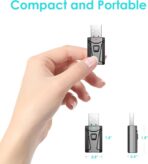
Fixed my problem COMPLETELY! I had an older model TV have been using a fire stick, added an Amazon Sound Bar and it would NOT work untillllll I added this tiny little Bluetooth converter to the last available spot on the back of the tv and now, I’m watching movies from my bed with movie theatre sound, dancing while I’m getting ready for work and cooking up meals- it’s fantastic!!!
Asanka –
A subtle humming noise
The setup was easy and the device successfully paired my old Roku tv and JBL5 Bluetooth speaker. However there is a subtle humming when nothing is playing over. I will still use it as it is minimal when playing movies etc.
Asad Alam –
The sounds
I liked it worked better