



Price: $299.00 - $275.00
(as of Apr 15, 2026 01:32:39 UTC – Details)
Product description
Specification
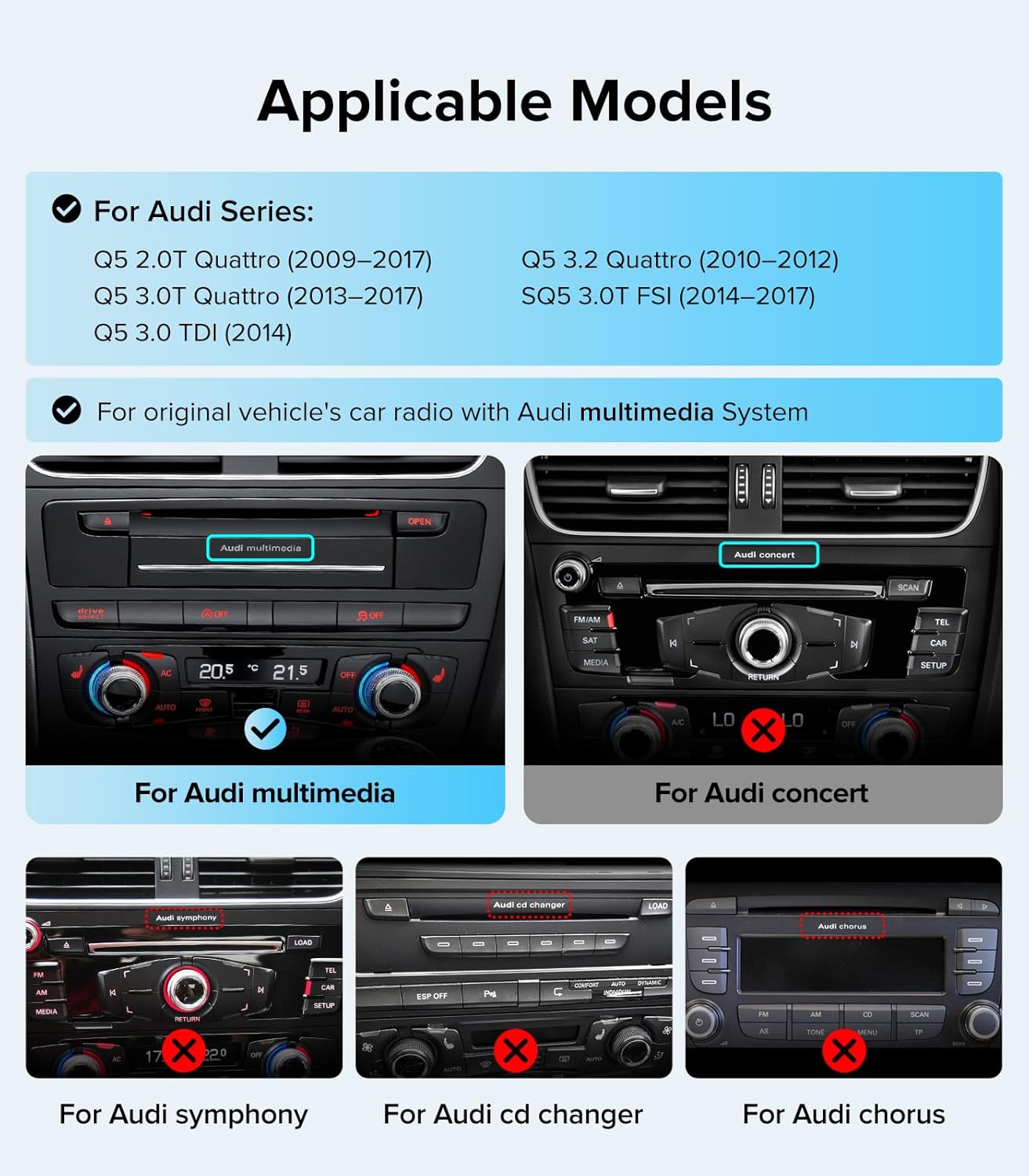
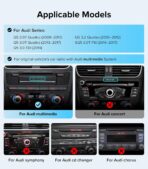
Compatible Vehicles For Audi Q5 / SQ5 (8R Chassis) 2009-2017 Supported Radio System MMI 3G (Multimedia radio) System ONLY (Knob near Gear Shifter) Incompatible System DOES NOT FIT Concert/Symphony (Knob on Dash) Operating System Highly Optimized Linux OS (Fast Boot, Anti-Lag) Screen Size & Resolution 10.25-Inch HD Touch Screen (1920 x 720) System Architecture Dual OS (Linux + Original Audi MMI UI) Smartphone Integration Wireless Apple CarPlay & Wireless Android Auto Media Playback USB 1080P Video / Mirror Link / Bluetooth OEM Retention Keeps Factory Camera, MMI Knob, SWC, Car Info

Note:Please identify your OEM car is “ Audi multimedia ” CD amplifier system. If your original Car CD system is “Audi Concert or Audi symphony” , This carplay touch screen can NOT Fit


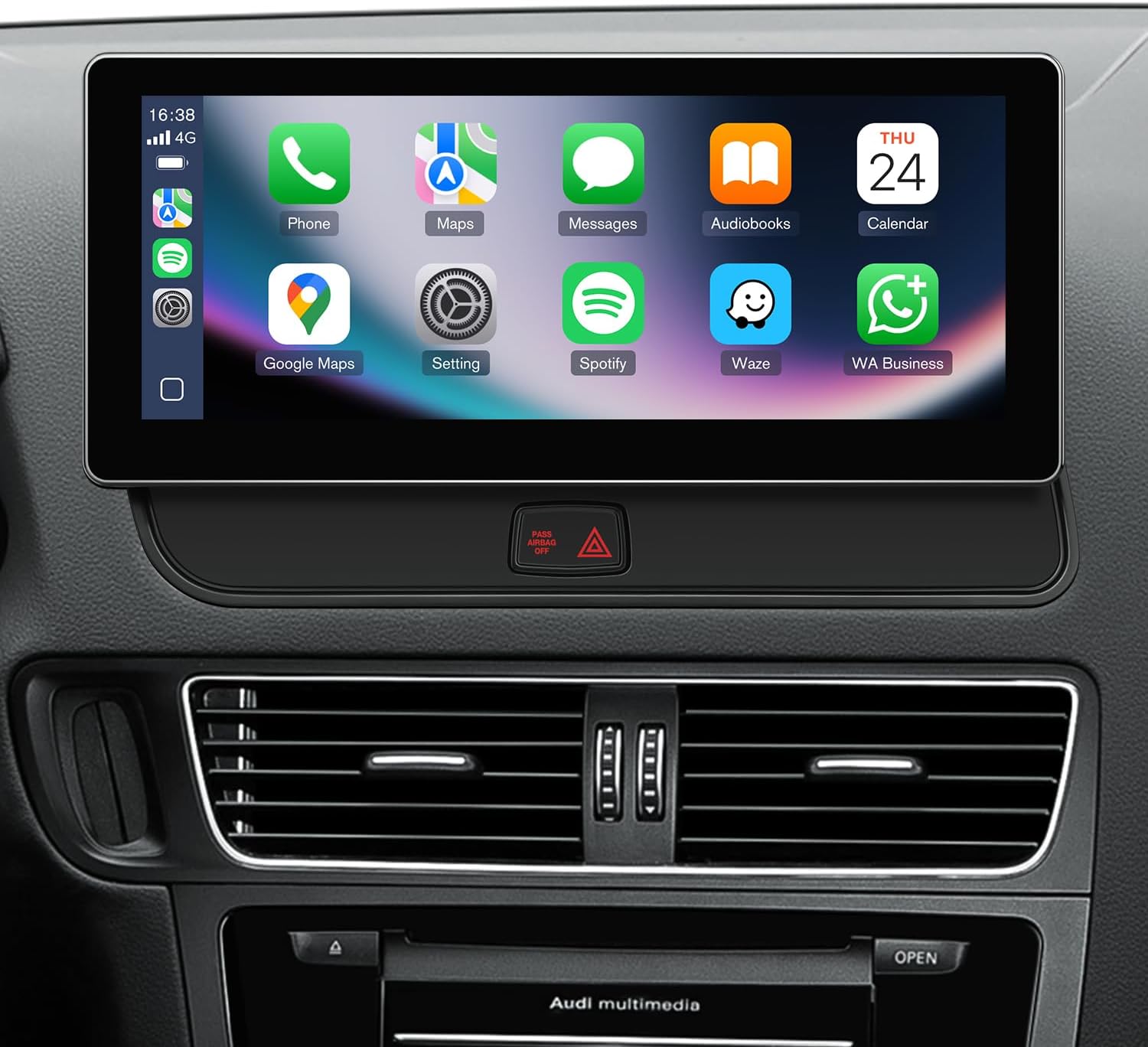
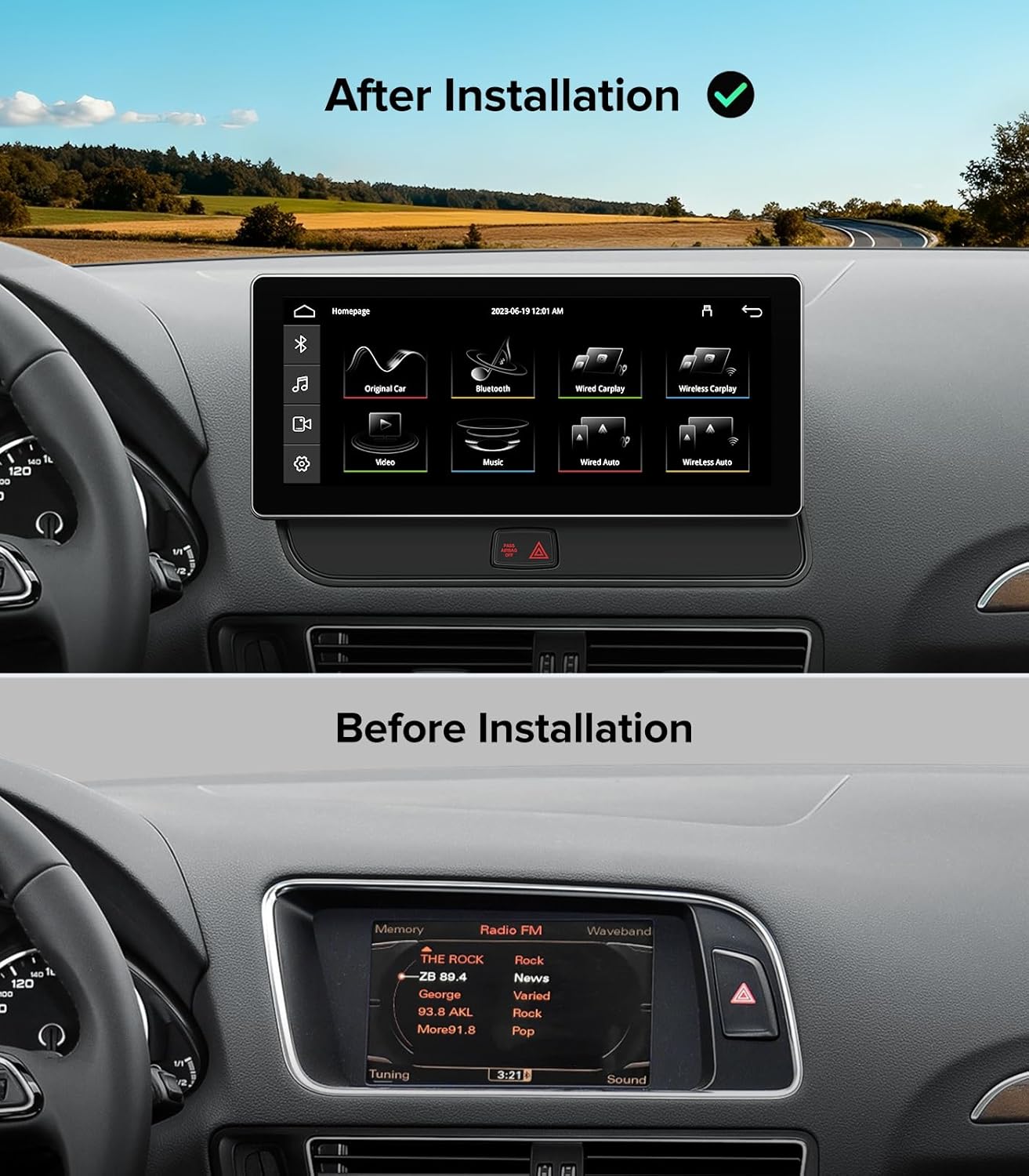
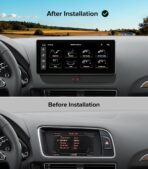
1 before and after install
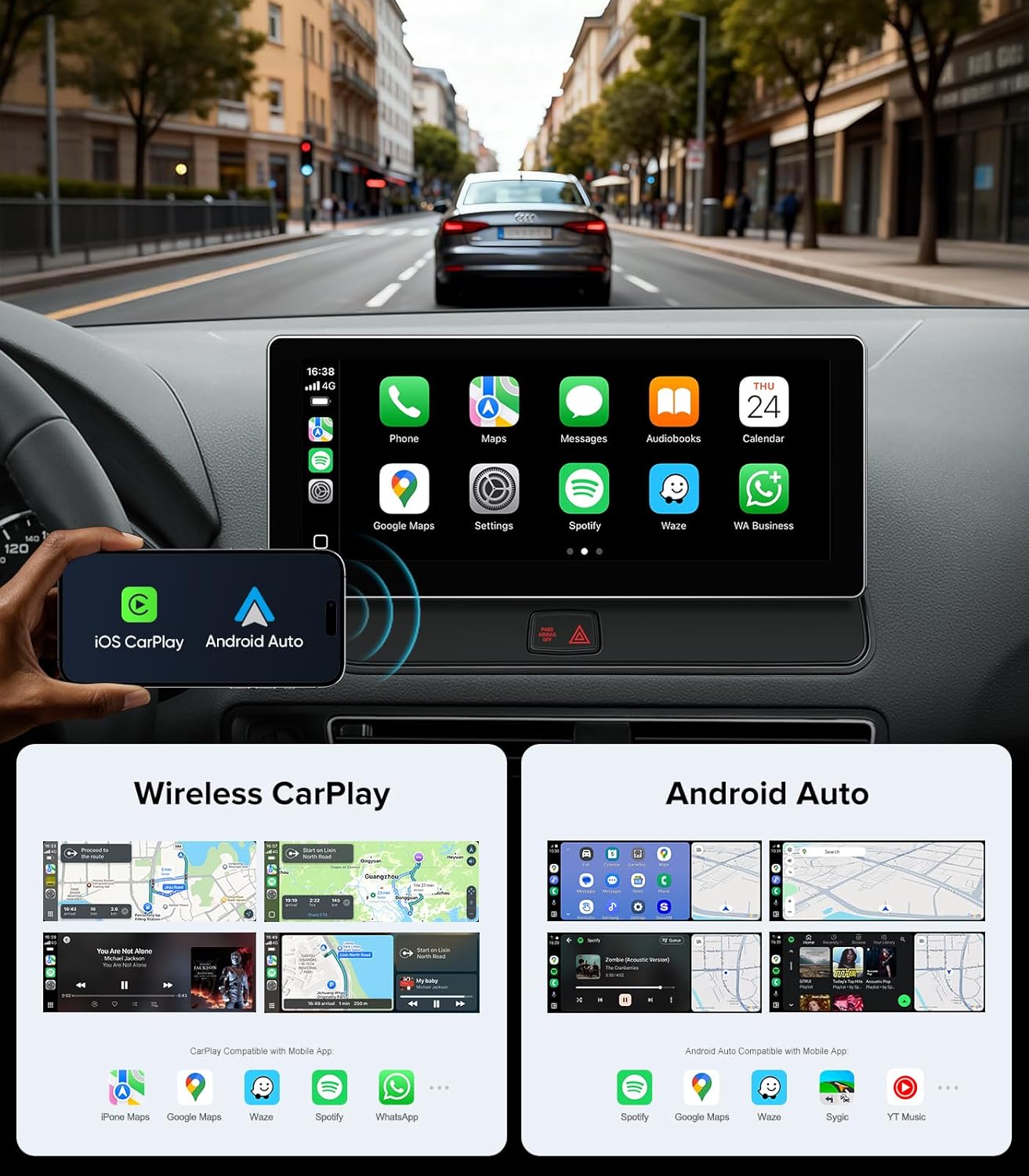
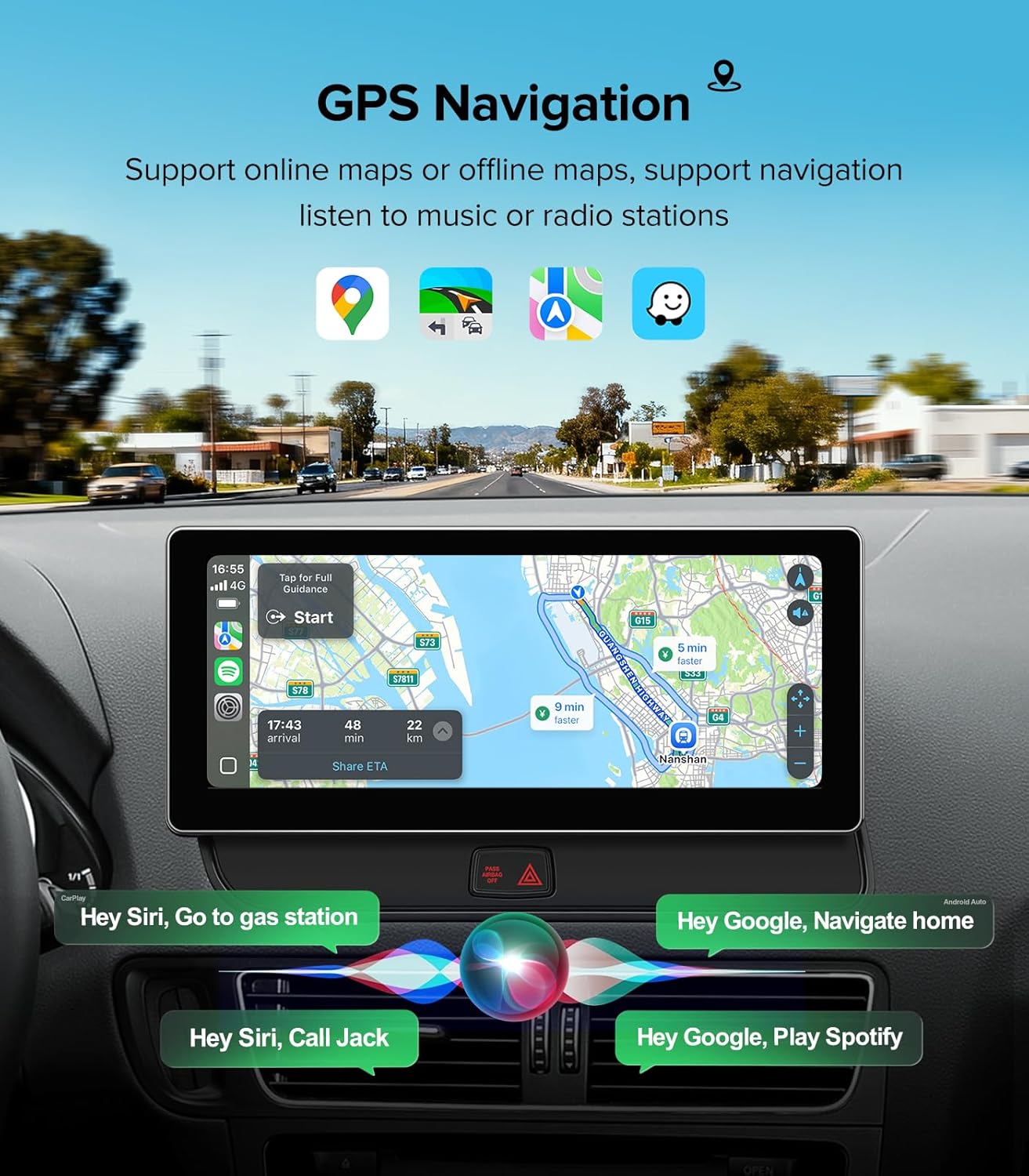
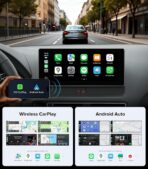
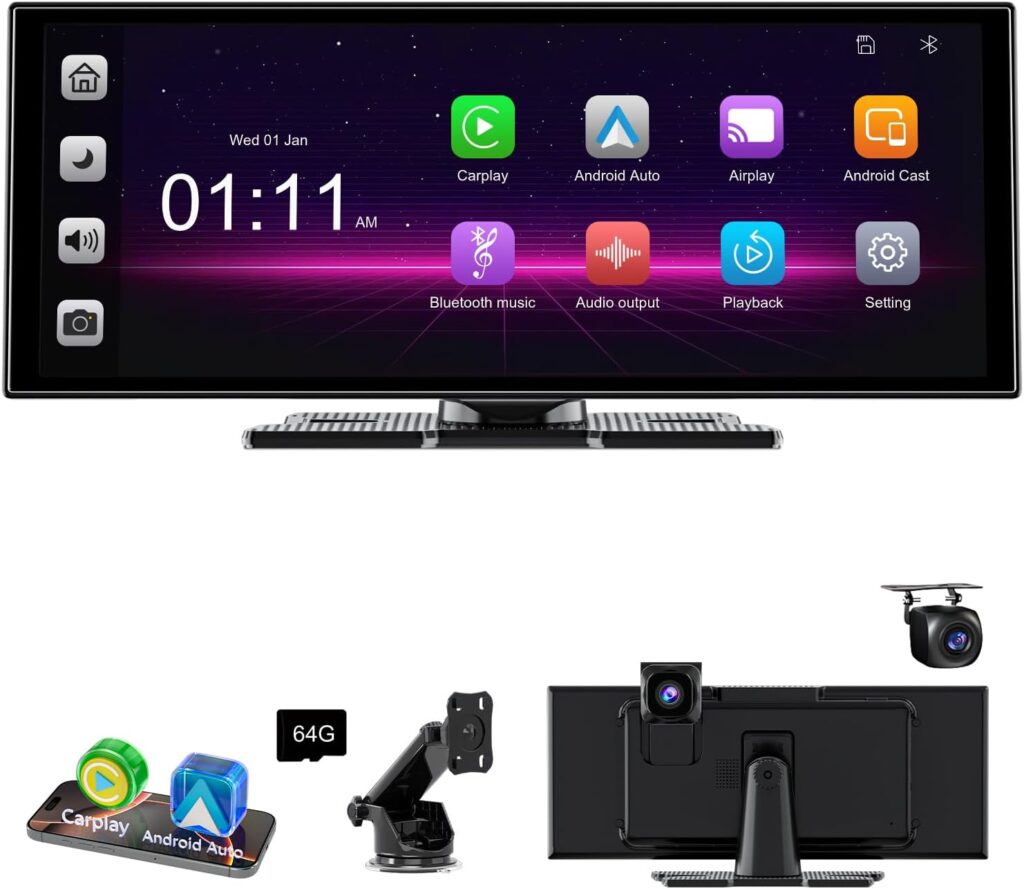
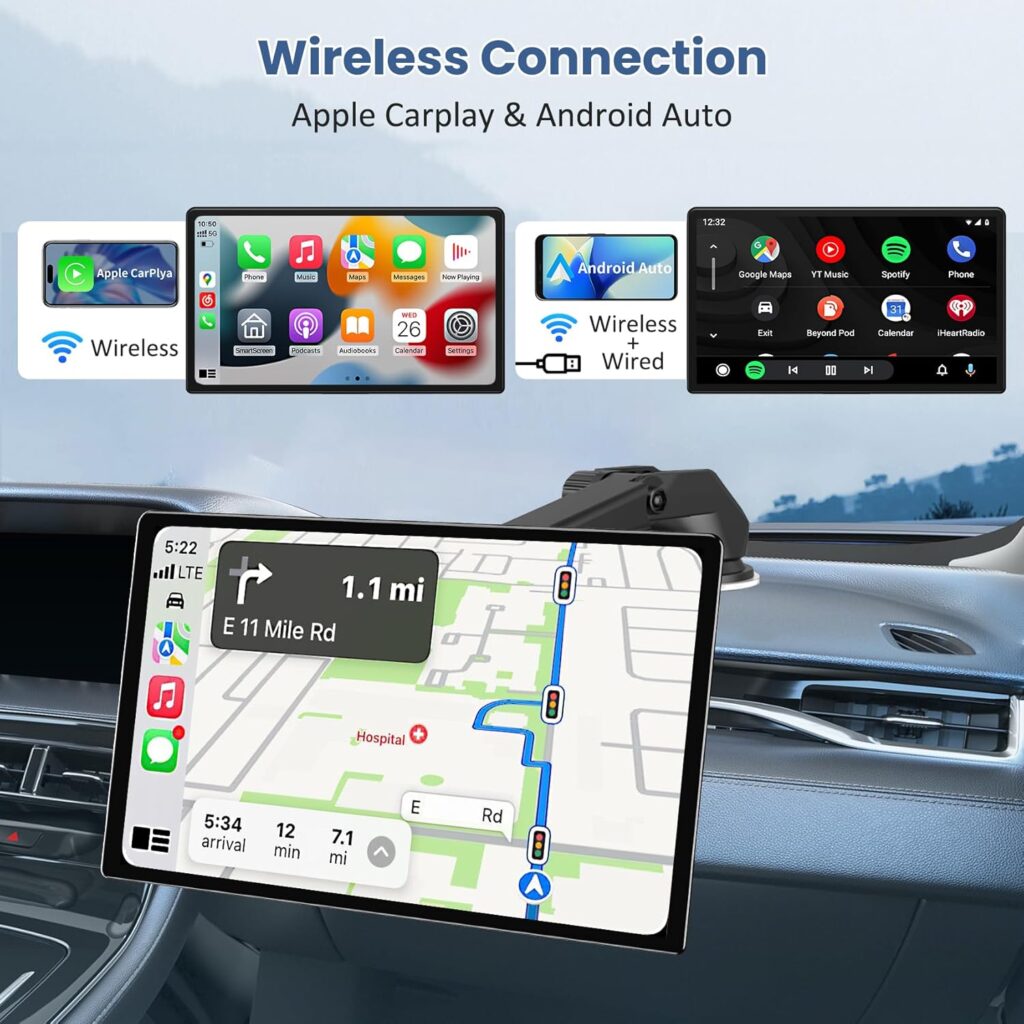
2 Carplay&Android auto
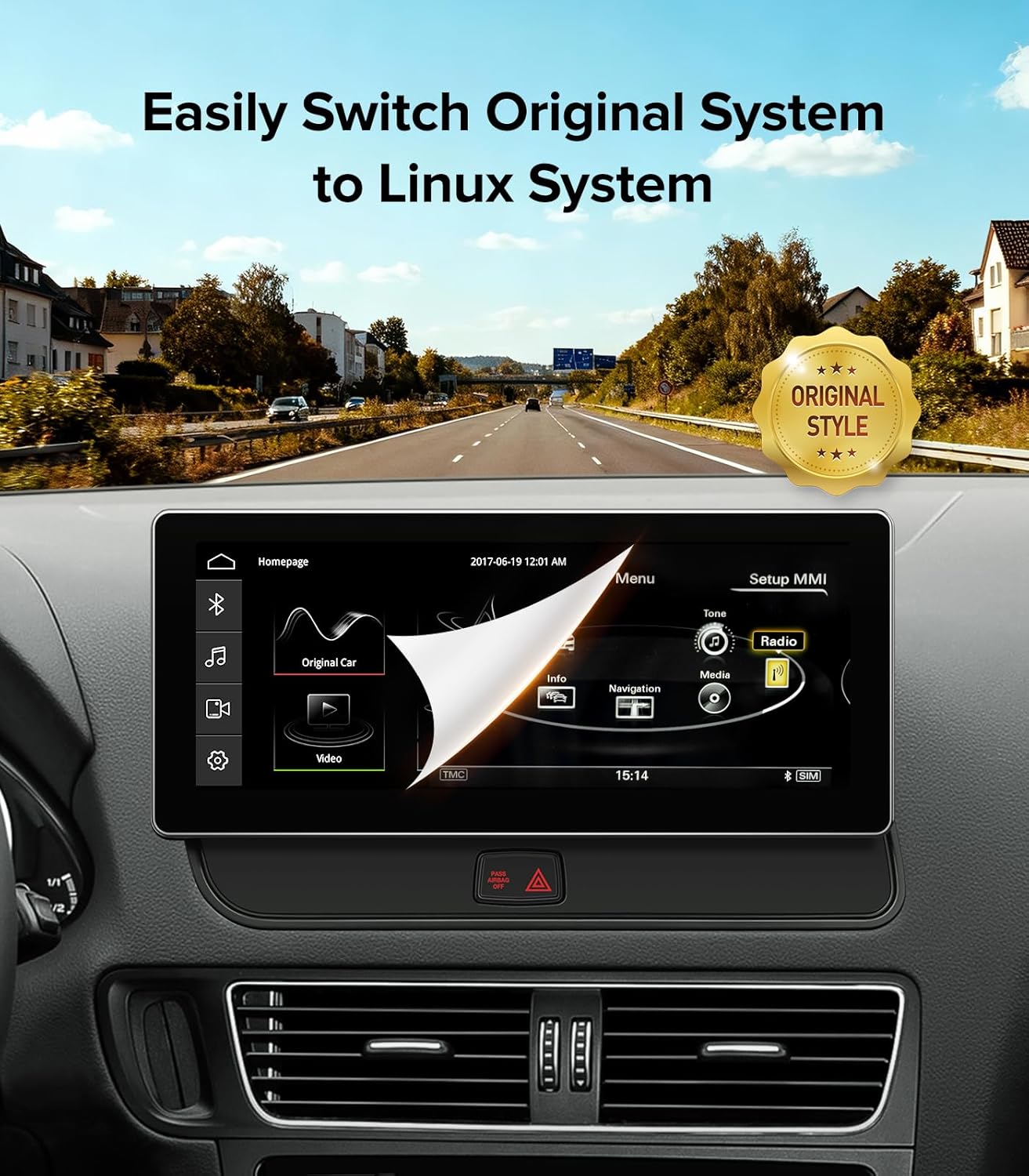
3 Dual Operating System
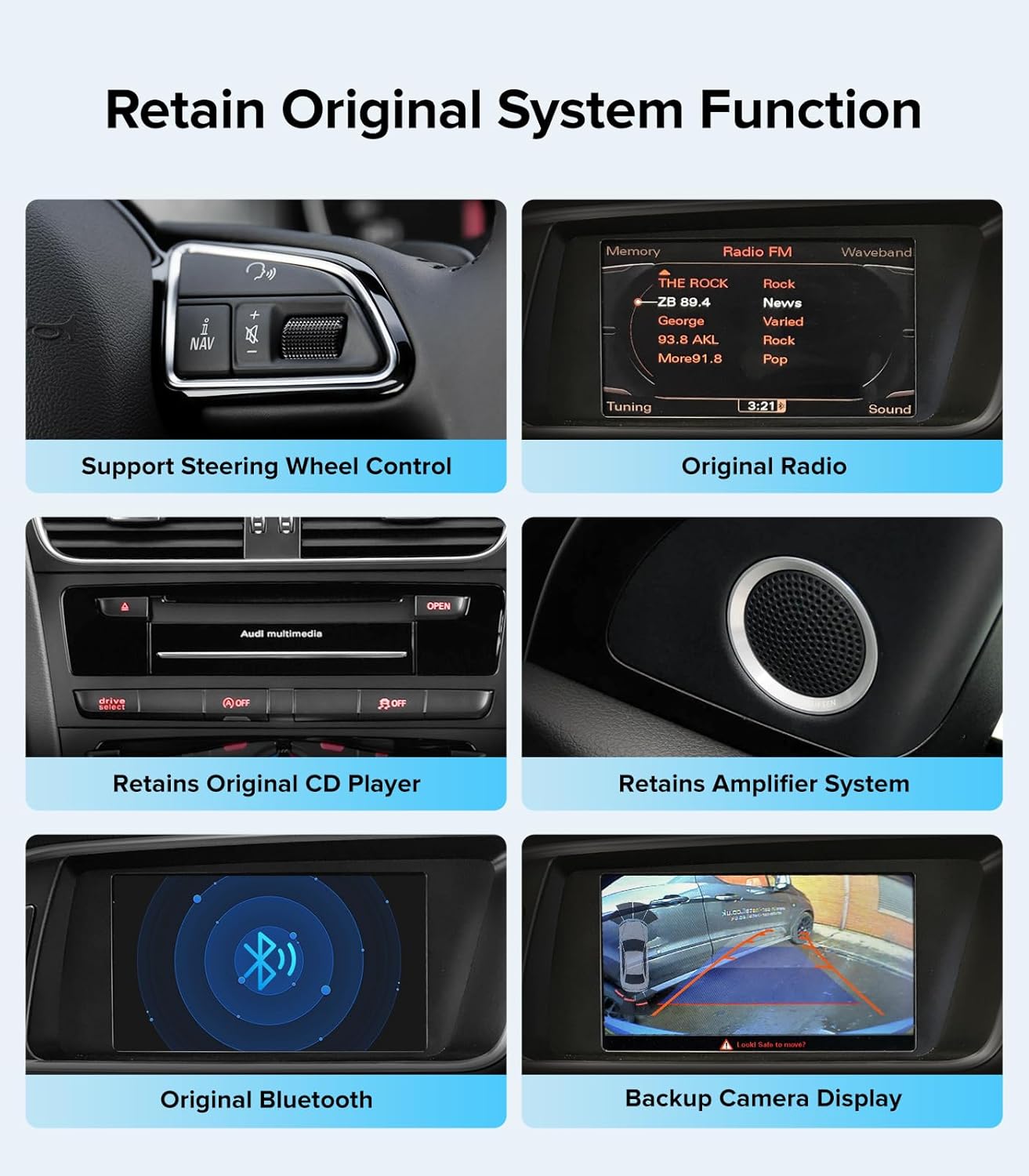
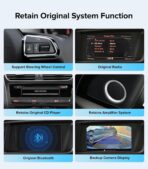
4 Retains OEM Functions


Why is there no sound when playing music or using CarPlay?
Sound routes through the Audi AUX system. Use your MMI knob: Go to Original Audi Menu > Media > Source > select “AUX”. If your car has an AMI port in the glovebox, you MUST plug the included AMI-to-AUX adapter cable into it to hear audio.
My reverse camera isn’t showing up. How do I fix this?
You must select your camera type in the new settings. Go to Settings > Car Settings > Camera Selection. Choose “OEM Camera” if keeping your factory Audi backup camera, or select “Aftermarket Camera” if you installed a new one.
How do I successfully connect Wireless CarPlay or Android Auto?
First, “Forget” the original Audi Bluetooth on your phone to avoid conflicts. Turn on your phone’s Wi-Fi and Bluetooth, pair with the new screen’s Bluetooth name, and allow all connection prompts on your phone to launch CarPlay automatically.
How do I switch back to the original Audi screen to check oil levels?
A: This is a Dual OS system. Simply tap the “Original Car” icon on the new Linux home screen, or use your factory MMI knob to seamlessly toggle back to the original Audi interface at any time to check vehicle info and radio.
What should I do if the wiring harness doesn’t fit my car’s plugs?
Stop the installation and consult us via Amazon Messages! You may have ordered the MMI 3G version for a Concert/Symphony car. Send us a photo of your dashboard and gear shifter console so our engineers can quickly resolve the fitment issue.
Wireless CarPlay Screen for Audi Q5 SQ5 2009-2017
Add to Cart
Add to Cart
Add to Cart
Customer Reviews
4.1 out of 5 stars 47
4.1 out of 5 stars 47
1.0 out of 5 stars 1
2.7 out of 5 stars 3
4.9 out of 5 stars 29
4.9 out of 5 stars 20
Price
—
$269.00$269.00
—
$207.85$207.85
—
$275.00$275.00
Screen Size
10.25
10.25
12.3
12.3
10.25
10.25
Operating System
Linux
Linux
Android 13.0
Android 13.0
Linux
Linux
Memory (RAM+ROM)
No
No
4G(RAM)+64G(ROM)
4G(RAM)+64G(ROM)
No
No
Resolution
1920*720
1920*720
2400*900
2400*900
1920*720
1920*720
Screen Display Type
IPS Screen
IPS Screen
IPS Screen
IPS Screen
IPS Screen
IPS Screen
Seamless Connectivity
CarPlay+Android Auto
CarPlay+Android Auto
CarPlay+Android Auto+Airplay
CarPlay+Android Auto+Airplay
CarPlay+Android Auto
CarPlay+Android Auto
WiFi Type
5G WIFI(2.4Hz+5Hz)
5G WIFI(2.4Hz+5Hz)
5G WIFI(2.4Hz+5Hz)
5G WIFI(2.4Hz+5Hz)
5G WIFI(2.4Hz+5Hz)
5G WIFI(2.4Hz+5Hz)
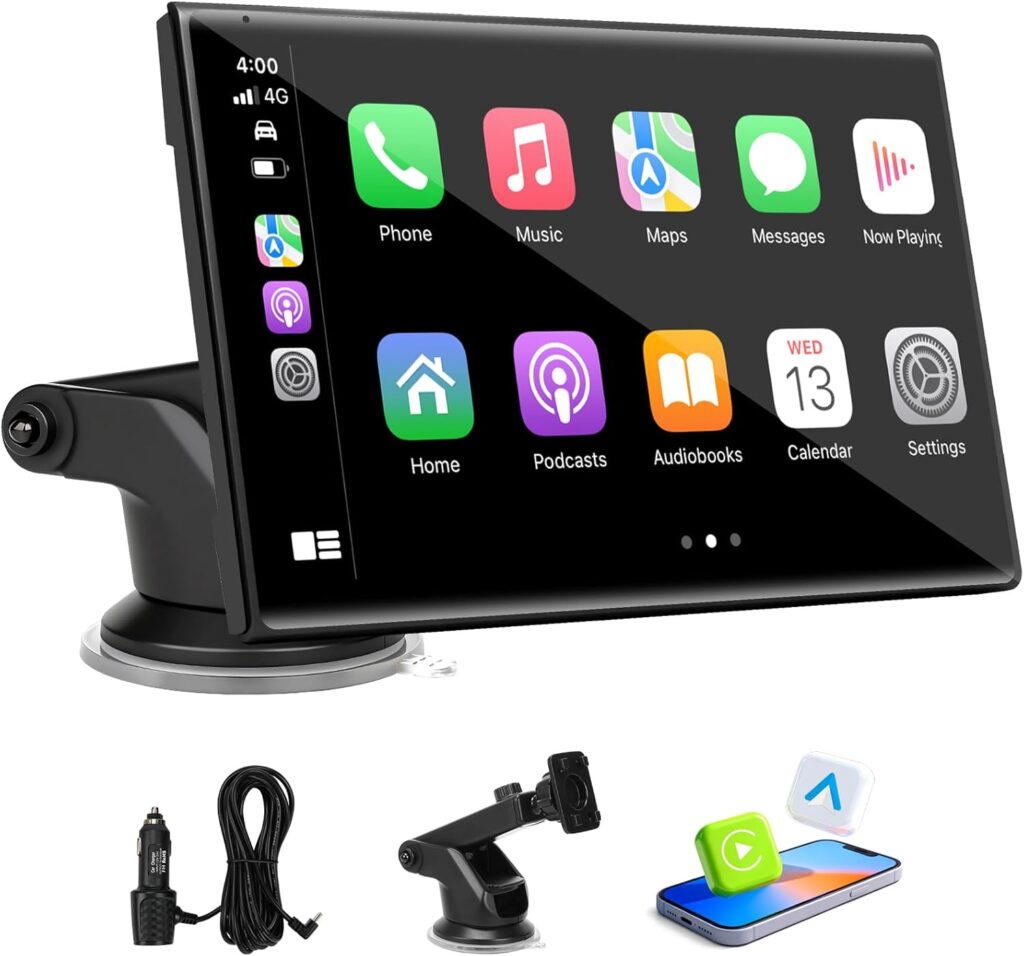
【CRITICAL: Fits Audi MMI 3G System ONLY】 Engineered specifically for Audi Q5 / SQ5 (2009–2017) equipped with the Multimedia MMI 3G system. Key Identifier: Your main control knob MUST be located on the gear shift console. DOES NOT FIT Concert/Symphony systems. Please verify your console layout before purchase
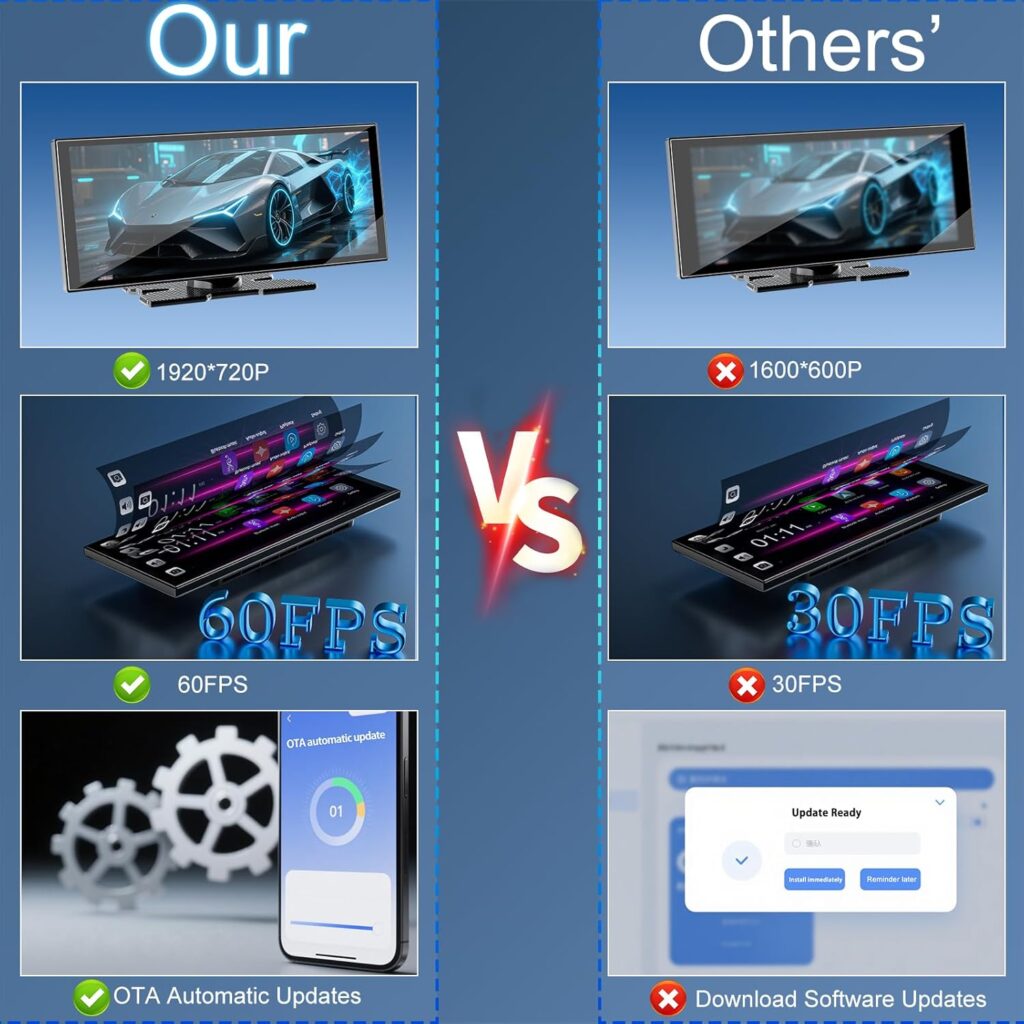
【Ultra-Stable Linux OS & Fast Boot】 Say goodbye to laggy Android screens. This smart display runs on a highly optimized Linux operating system. It delivers a lightning-fast boot time, zero lag, and rock-solid reliability, streamlining your hardware purely for flawless smartphone integration without slowing down over time
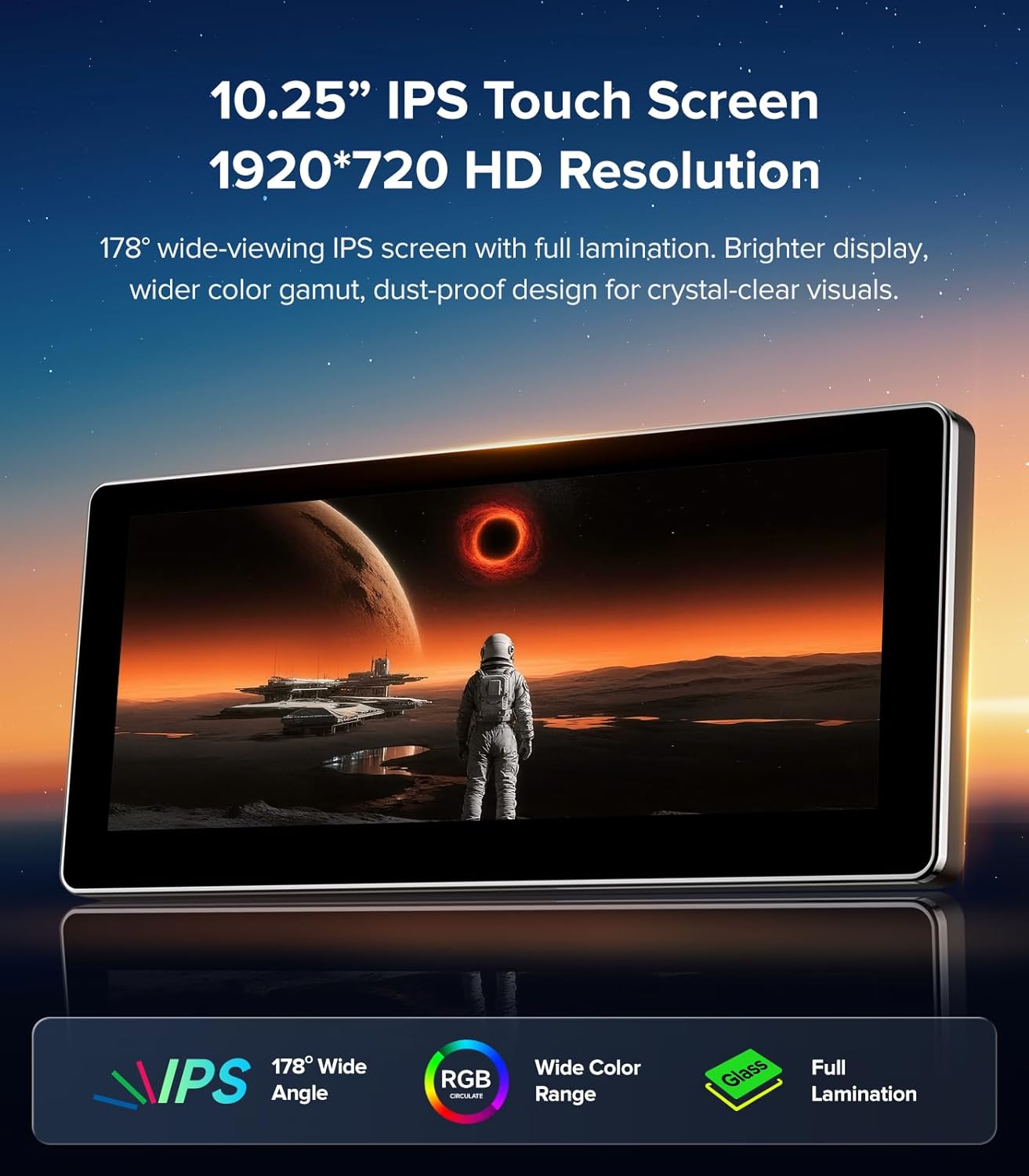
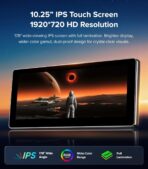
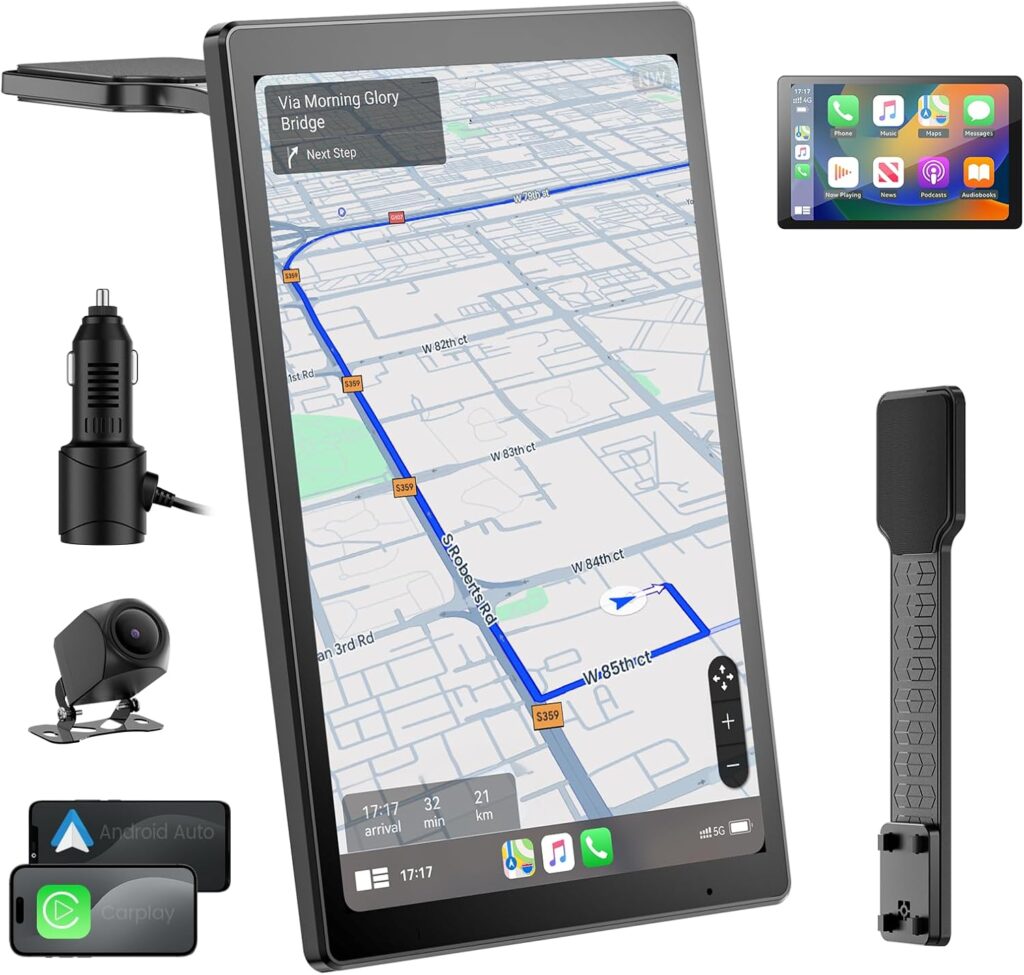
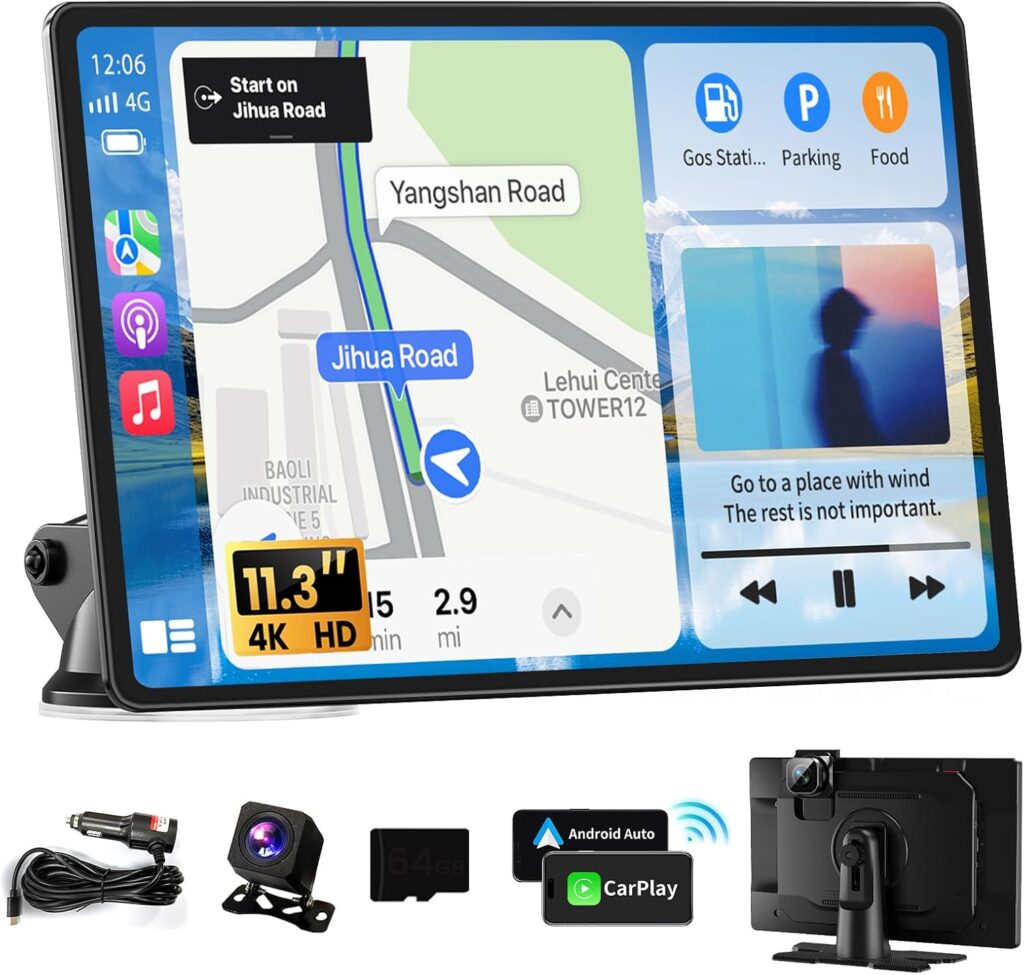
【10.25″ 1920×720 HD Touch Screen】 Transform your SUV’s interior. The massive 10.25-inch ultra-wide display features a stunning 1920×720 HD resolution. Enjoy incredibly crisp navigation maps, 1080P USB video playback, and a responsive interface, offering a visual experience vastly superior to standard factory screens
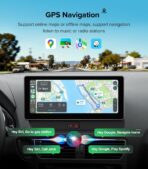
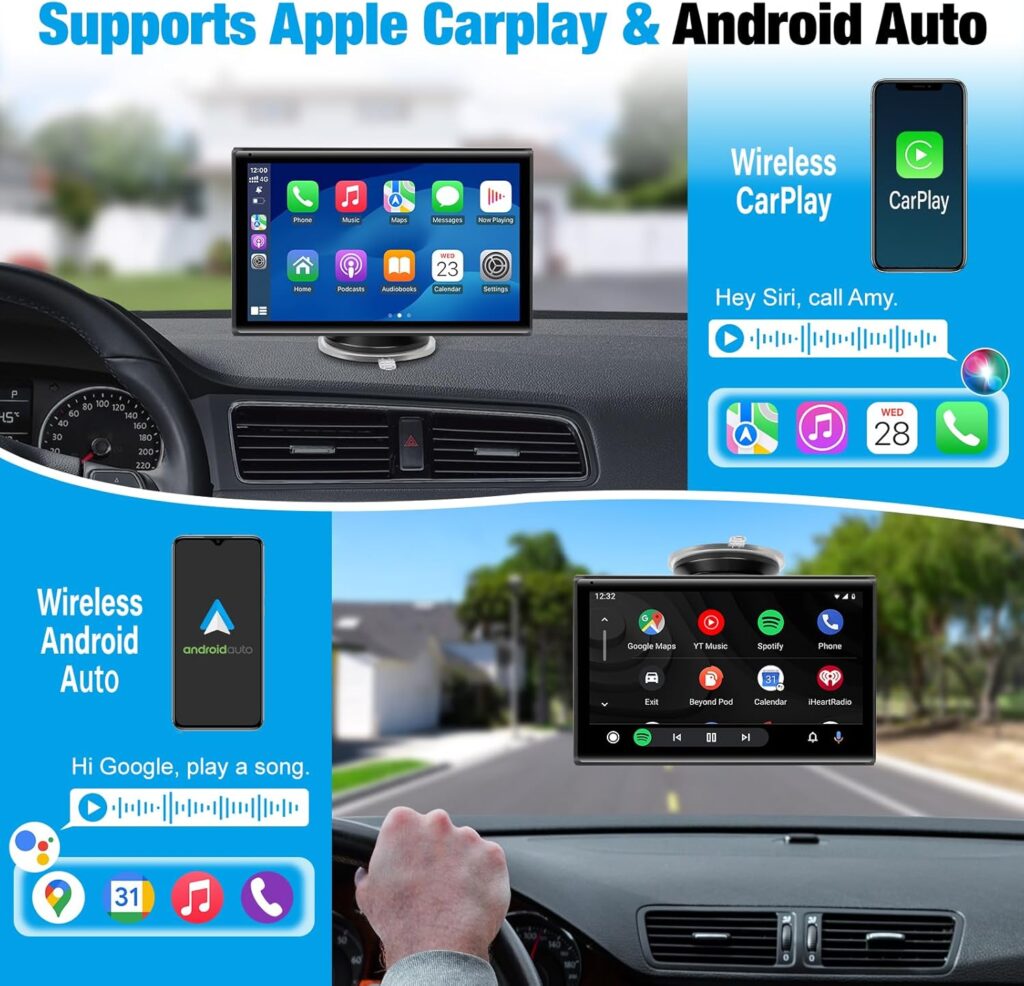
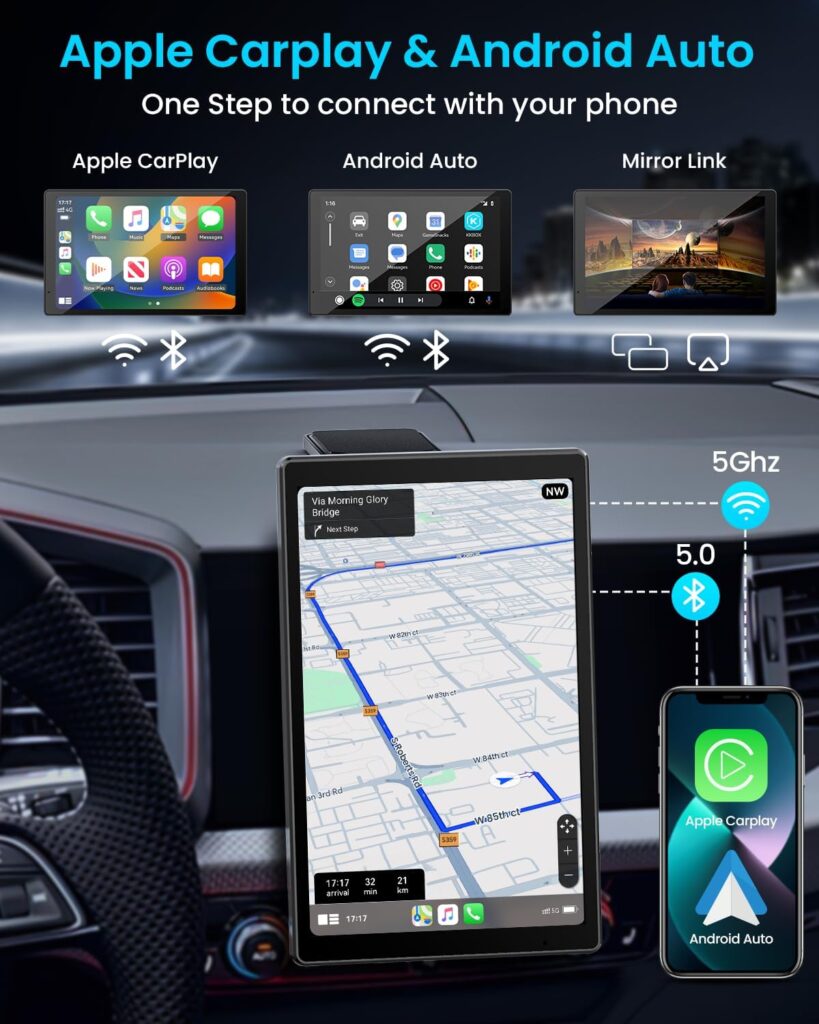
【Instant Wireless CarPlay & Android Auto】 Keep your focus on the road. Built-in Bluetooth and Wi-Fi ensure Wireless Apple CarPlay and Android Auto connect automatically upon ignition. Access Google Maps, Waze, Spotify, and messages seamlessly without cluttering your luxury cabin with USB cables
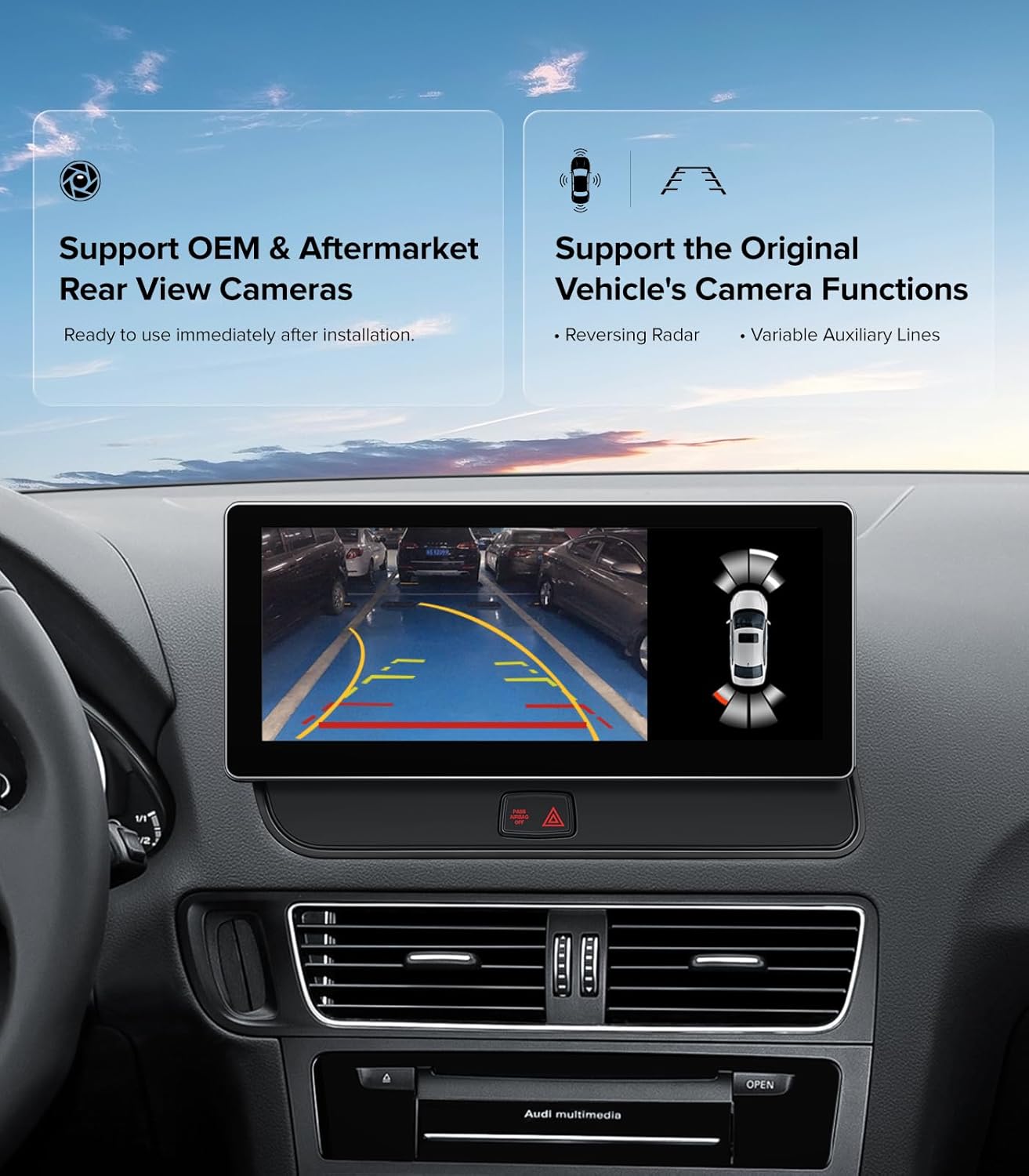
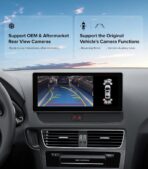
【Dual System: Retain Original Audi Menu】 Get the best of both worlds. Switch instantly between the new Linux smart interface and your Original Audi Menu. It flawlessly retains your factory radio, CD player, car info (oil levels), OEM reverse camera, and parking sensors. Nothing is lost
【Retain Factory MMI Knob & Steering Wheel Controls】 Never take your hands off the wheel. This system fully supports the retention of your original factory Steering Wheel Controls and the MMI control knob near the gear shifter. You can easily adjust the volume, navigate menus, or answer hands-free calls safely while driving
【Multimedia Playback & Custom Sound】 Audio routes perfectly through your vehicle’s factory system. Features Screen Mirroring, USB media playback, and 4 customizable EQ modes (Standard, Fashion, Classical, Jazz). We provide a plug-and-play harness and 1-on-1 professional engineer guidance to assist with fitment
Josh –
Perfect radio for Audi Q5.
Its greatest selling feature is its functionality. When you get in the car, Wireless CarPlay automatically connects, making it incredibly simple to use. There is no need for a phone holder because Waze, Google Maps, Spotify, and phone calls can all be utilized directly. One major benefit is that the original steering wheel buttons and rotary knob can still be used for control. The dual-system design is also very ingenious; on one side is the original Audi system, which keeps all of the vehicle’s settings, radar, reversing camera, and original Bluetooth; on the other side is a Linux system, which is specifically in charge of CarPlay, multimedia, mirroring, and other features. The steadiness is more comforting than other pure Android head units, and they do not interact with one another. In comparison to the OEM arrangement, the screen is enormous. As if it instantly alters the dash’s entire atmosphere. The increase in screen real estate is striking if you are used to that smaller factory display. CarPlay has a neat appearance, large icons, and a display that you can look at without squinting. The OEM arrangement resides inside the original screen area, giving it a tucked-in, factory-like appearance. This update has the opposite effect. It protrudes more like a mounted tablet and sits up higher. The floating screen appearance works well in some automobiles, but at first glance, this interior may seem a little aftermarket. It is clearly an add-on, but it is not unsightly. In essence, you are exchanging that factory-integrated appearance for a larger, more contemporary, front-and-center display.So far, Wireless CarPlay has been reliable and fast to connect. I appreciate that it maintains the factory settings, parking sensors, and steering wheel controls of the original Audi system in the background. It is easy to switch between the new interface and the OEM system. Although most of the installation was plug-and-play, I did take my time to ensure that everything was routed properly. The sound quality is on par with stock, if not slightly superior. All things considered, this gives the vehicle a considerably more contemporary feel without sacrificing its original qualities. Navigating and controlling media is a pleasure because to the HD touchscreen’s exceptional responsiveness and clarity. I feel like I have the best of both worlds thanks to OEM Linux’s dual OS capability, which combines the traditional Audi UI with contemporary Android-like freedom. I adore being able to mirror my phone and play films via USB without any lag thanks to Wireless CarPlay’s faultless operation. It connects flawlessly with the current Audi Concert and Symphony system, and installation was simple. Compared to the original system, the interface is more faster and more user-friendly.
Customer Review –
Finally Dragging a 2010 Audi Into the Smartphone Era
If you drive an older Audi, you know the original infotainment system now feels like a museum exhibit. Tiny screen, clunky menus, and navigation that probably still thinks Blockbuster Video is open.This replacement unit fixes that problem in a fairly dramatic way.The first thing you notice is the screen. It is a large 10-inch display that instantly makes the dashboard look like it jumped forward about a decade. Instead of squinting at a small factory screen, you now get a bright, wide touchscreen that is much easier to read while driving. Maps, music, and apps are all big enough to see without leaning halfway over the steering wheel.The big upgrade here is wireless phone integration. Once your phone connects, you can run navigation, music, calls, and messages through the screen just like you would in a modern car. It feels like the car suddenly learned how to live in the same century as your phone.What I particularly like is that the original car functions are still there. The factory system does not disappear, which means things like the original menus and vehicle settings are still accessible when you need them. It feels more like an upgrade layered onto the car rather than a replacement that breaks half the features.Installation is not exactly a five-minute project, but it is very manageable if you are comfortable removing trim panels and plugging in harnesses. Once installed, the fit looks very close to factory, which is always the goal with something like this.Sound quality is also solid. The system feeds into the original audio setup, so the speakers and amplifier you already have still do the work. Music, calls, and navigation prompts all come through cleanly.If you like your Audi but hate the prehistoric infotainment system, this is one of those upgrades that makes the car feel much newer every time you start it. Suddenly the dashboard stops feeling like 2009 and starts feeling a lot more like 2025.
Robert L. K –
A Nice Modern Upgrade While Keeping the Factory Feel
For a vehicle like this—one with an interior that is inherently well-appointed, yet features a system that has begun to lag behind modern user habits—the most immediate sensation after installation is that the cabin feels instantly more contemporary. Crucially, however, this upgrade achieves that modernity without disrupting the original vehicle’s cohesive aesthetic—a balance I find particularly appealing. The 10.25-inch screen is perfectly sized; once installed, it lends the interior a visually grander and more sophisticated presence than the stock display. With a resolution of 1920×720, it renders everyday tasks—such as viewing navigation maps, skipping tracks, or checking interface information—with exceptional clarity, completely avoiding any sense of blurriness or cheapness. I find the inclusion of wireless CarPlay to be especially practical; upon entering the vehicle, my phone connects automatically, making the most frequently used functions—navigation, music playback, and answering calls—instantly more seamless to access. Eliminating the need to physically plug in a cable every time truly makes for a significantly more convenient daily driving experience. Furthermore, the unit features a dual-system design that retains the original factory MMI rotary dial—a design choice I consider quite clever. This is because many owners are reluctant to completely overturn their vehicle’s established operational logic; by preserving the factory dial, the system retains that signature “Audi feel” during daily use, preventing the interface from suddenly feeling alien or unfamiliar. In essence, it successfully upgrades the vehicle’s convenience and functionality while simultaneously doing its utmost to preserve the user habits and tactile experience of the original car.