
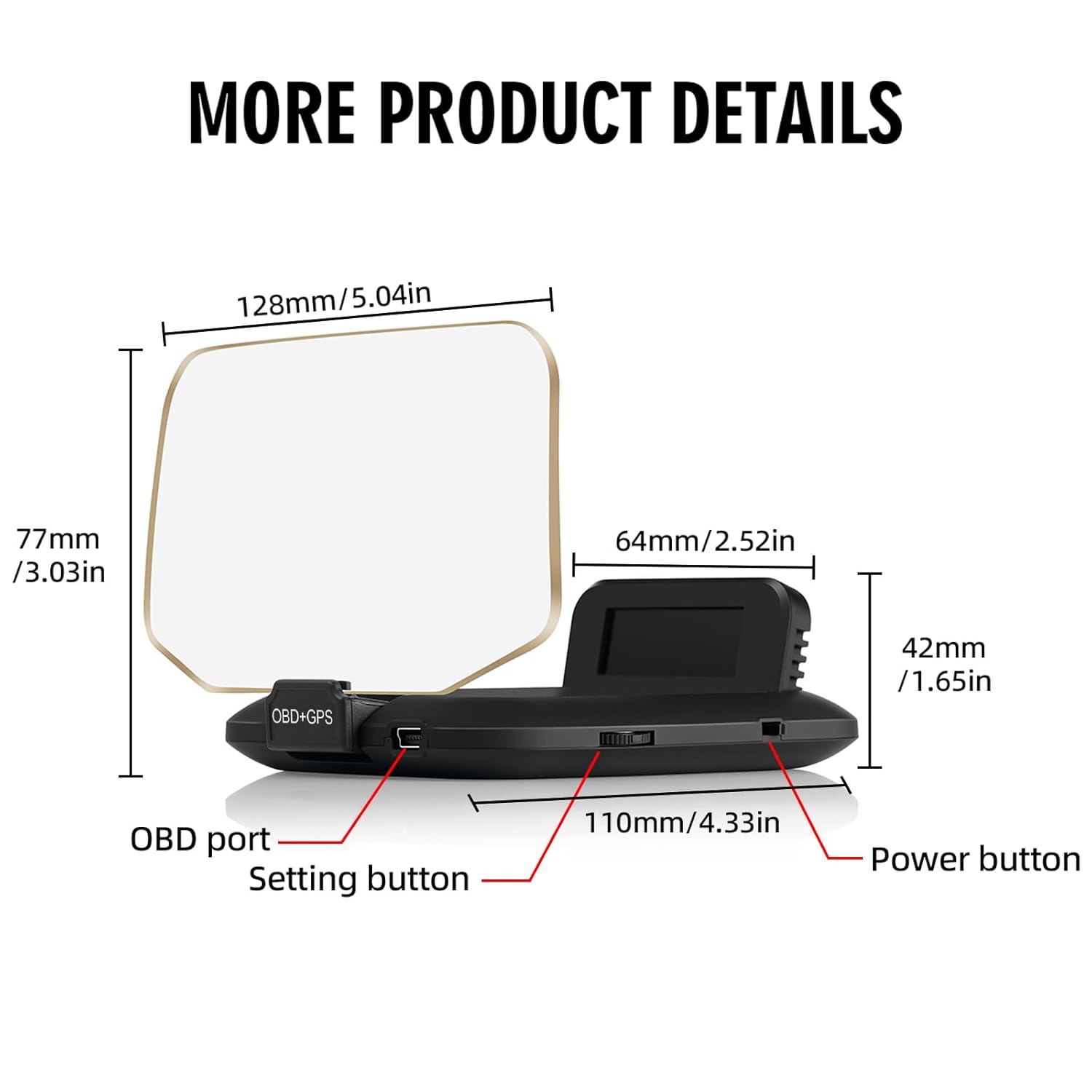
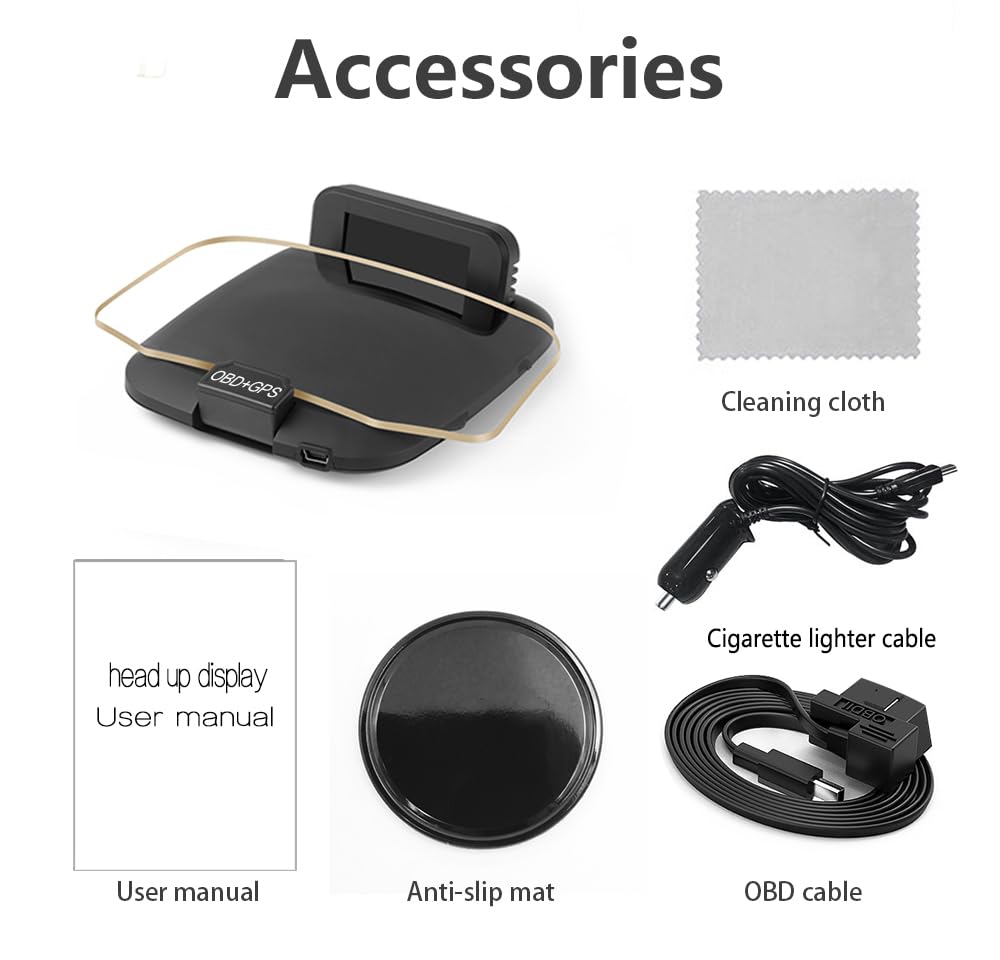

Price: $54.99
(as of Mar 27, 2026 14:45:12 UTC – Details)
Product description


GPS system precautions
This global positioning system is compatible with all vehicles with no compatibility issues. This product’s GPS mode can be used regardless of whether your vehicle is an electric car, gasoline car, electric van, box truck, or truck.
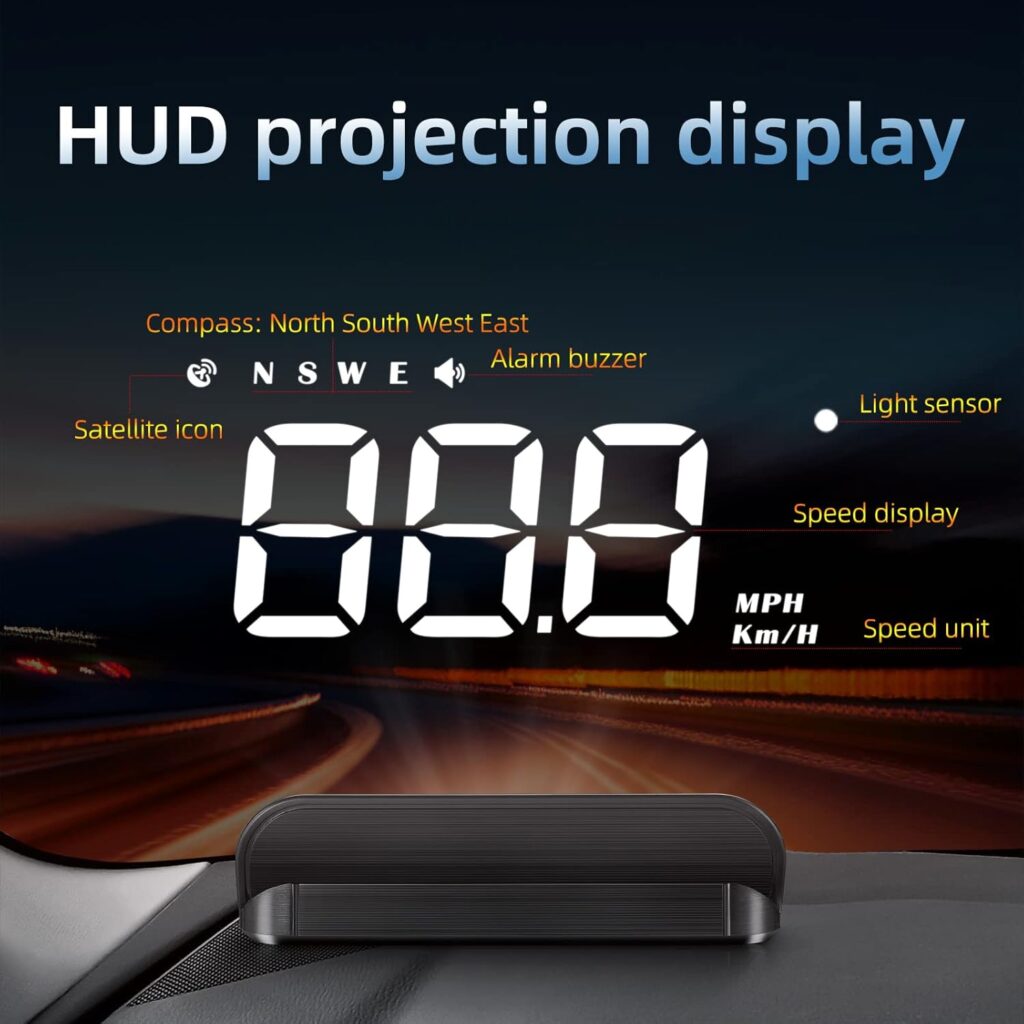
After powering on the device, select the GPS mode. The device will then automatically search for satellite signals, during which the satellite icon will flash continuously. Please wait until the satellite icon stops flashing and remains steady before starting to drive.
OBD2 system precautions
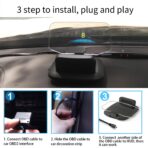
When using OBD2 mode, you need to select OBD mode at startup, then connect the product’s OBD2 cable to your vehicle’s interface before use.
This OBD2 system is compatible with most sedan cars manufactured after 2008. Please select the mode according to your vehicle condition. If this mode is not applicable, you can switch to GPS mode conveniently.
If you are unsure whether your vehicle model is compatible, feel free to confirm compatibility with us at any time.
FAQ & NOTE
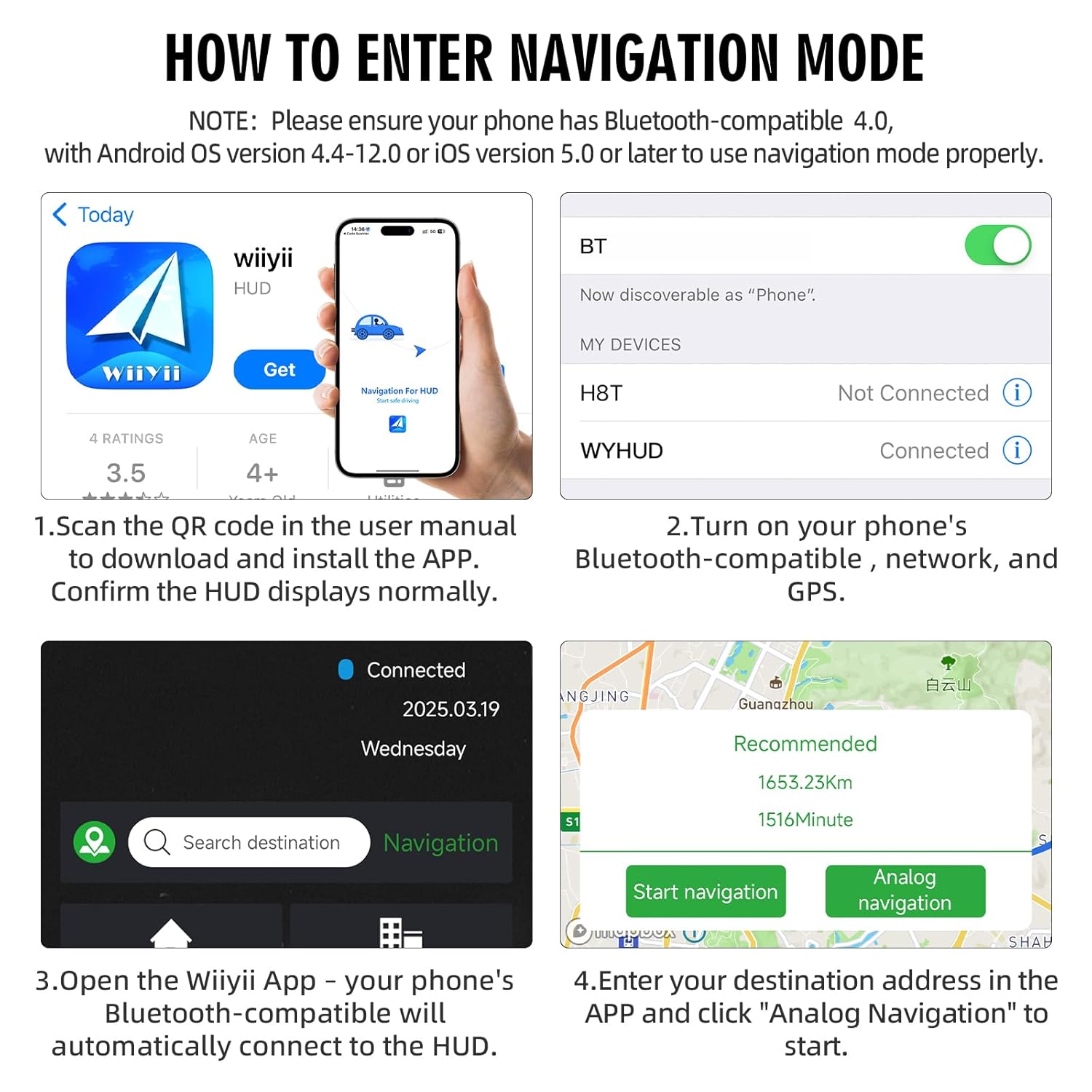
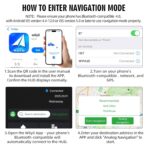
Device Working Voltage 5V – 18VDC (12VDC / 200mA). Disconnect the OBD plug if the vehicle is not in use for more than a week to avoid continuous power consumption. APP Installation Requirements Your phone system must meet the following versions: Android ≥ 4.4 / iOS ≥ 5 Bluetooth Requirements Your phone must support Bluetooth 4.0 or above. How to Install App? Please refer to the Navigation system use section in the instruction manual, open it in the browser according to the prompts, click download and complete the installation. If the instruction manual is lost, we can provide you with an electronic version. Phone Cannot Connect to HUD 1. Please check if the HUD is powered on and displaying normally. If the HUD does not work in OBD2 mode, switch to GPS mode. The HUD must be working and displaying properly for Bluetooth connection. 2. Check if your phone’s Bluetooth is connected to other devices. If so, unpair the existing devices, then try connecting to **WYH2**. 3. Turn Bluetooth off and on again, or restart your phone. App BT Connection Failed 1. Verify your phone system version: the device requires Bluetooth 4.0 support, iOS 5 or above for Apple devices, and Android 4.4 or above for Android devices. 2. Enable Bluetooth on your phone, search for **WYHUD** and tap to connect, and turn on mobile data at the same time. 3. Enable GPS navigation and positioning. After successful positioning, enter your navigation destination. Navigation Address Not Showing Please enable location services on your phone, turn on mobile data, check your network signal, move to an area with stronger signal, then re-enter the navigation address. More Navigation Questions Please refer to the **Navigation FAQ** & **Navigation system use** section in your user manual. If you have lost your manual, we can provide you with an electronic version at any time. If the instructions still do not resolve your issue, we are ready to assist you further.


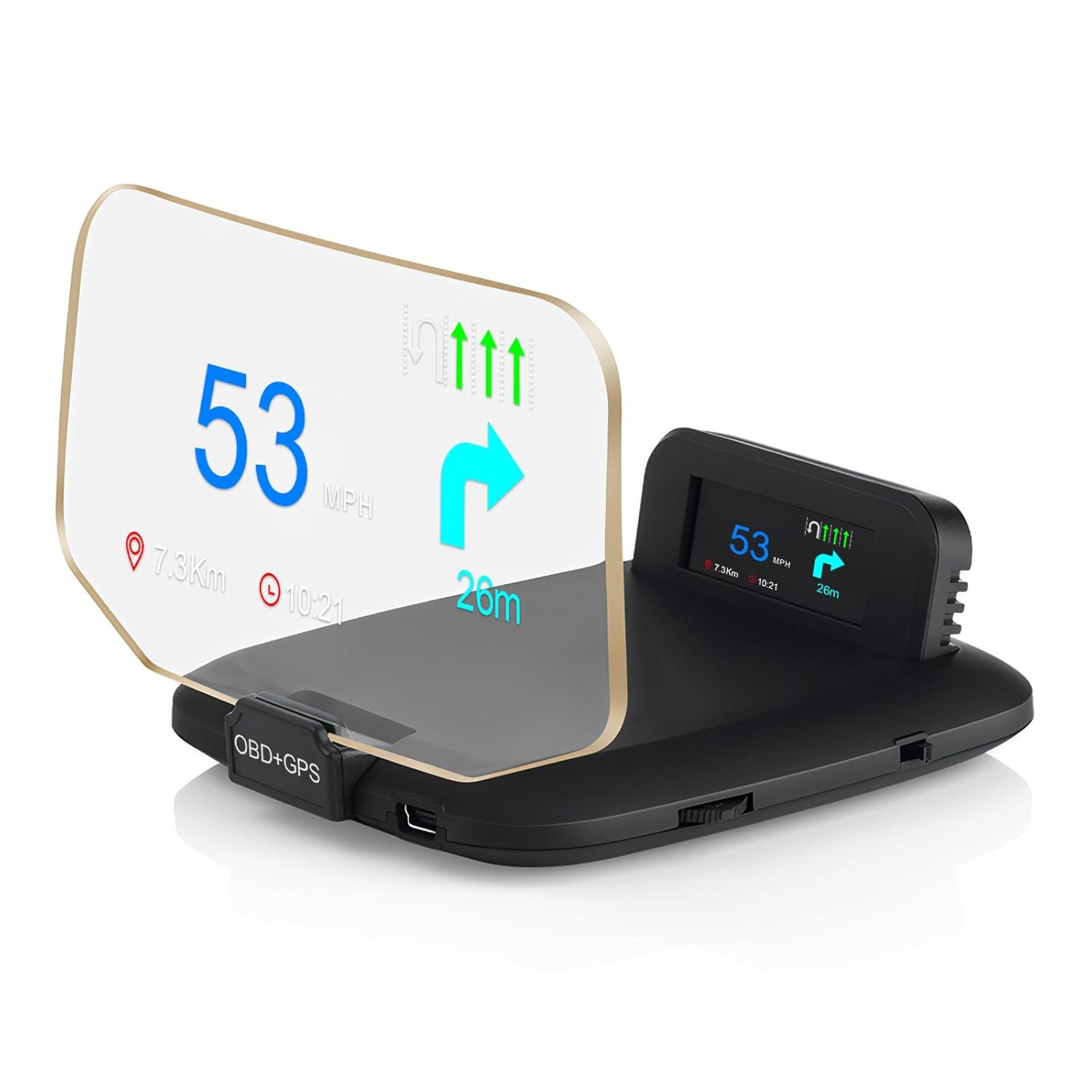
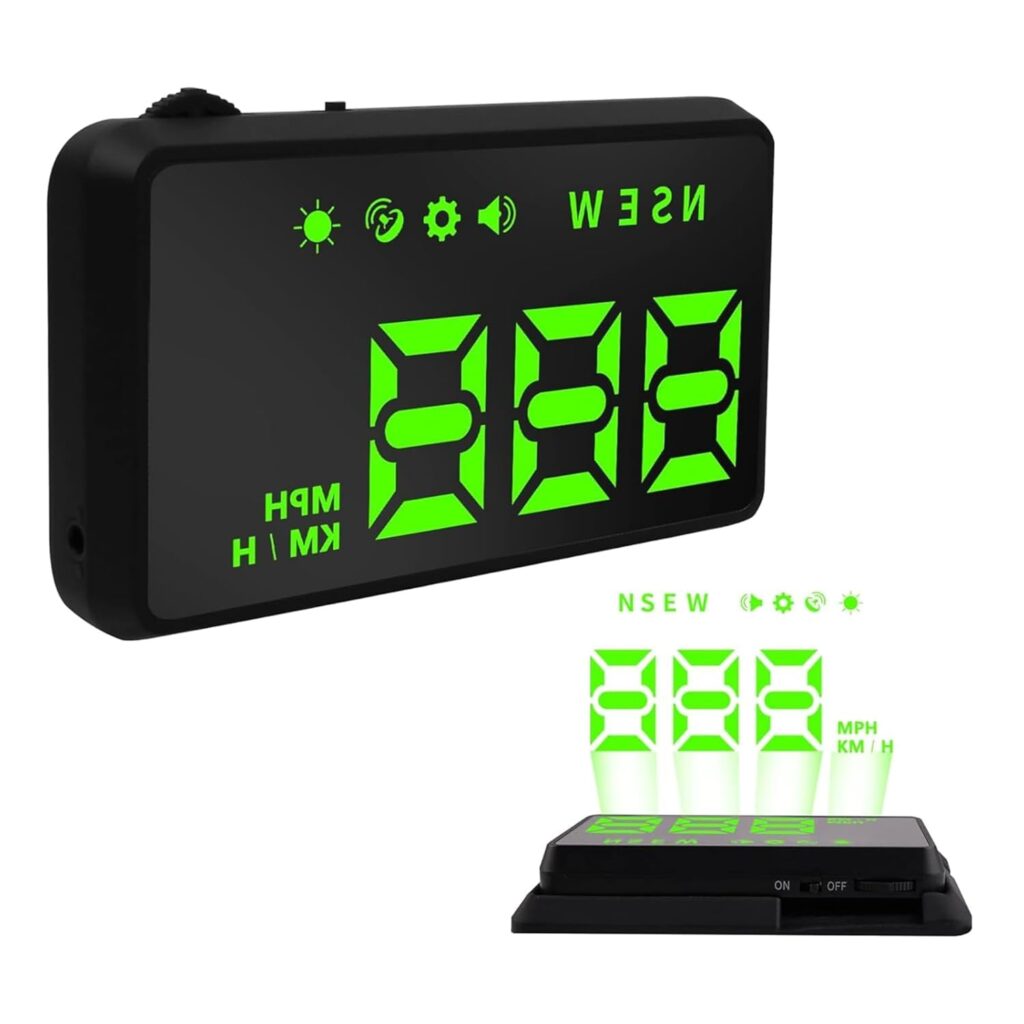
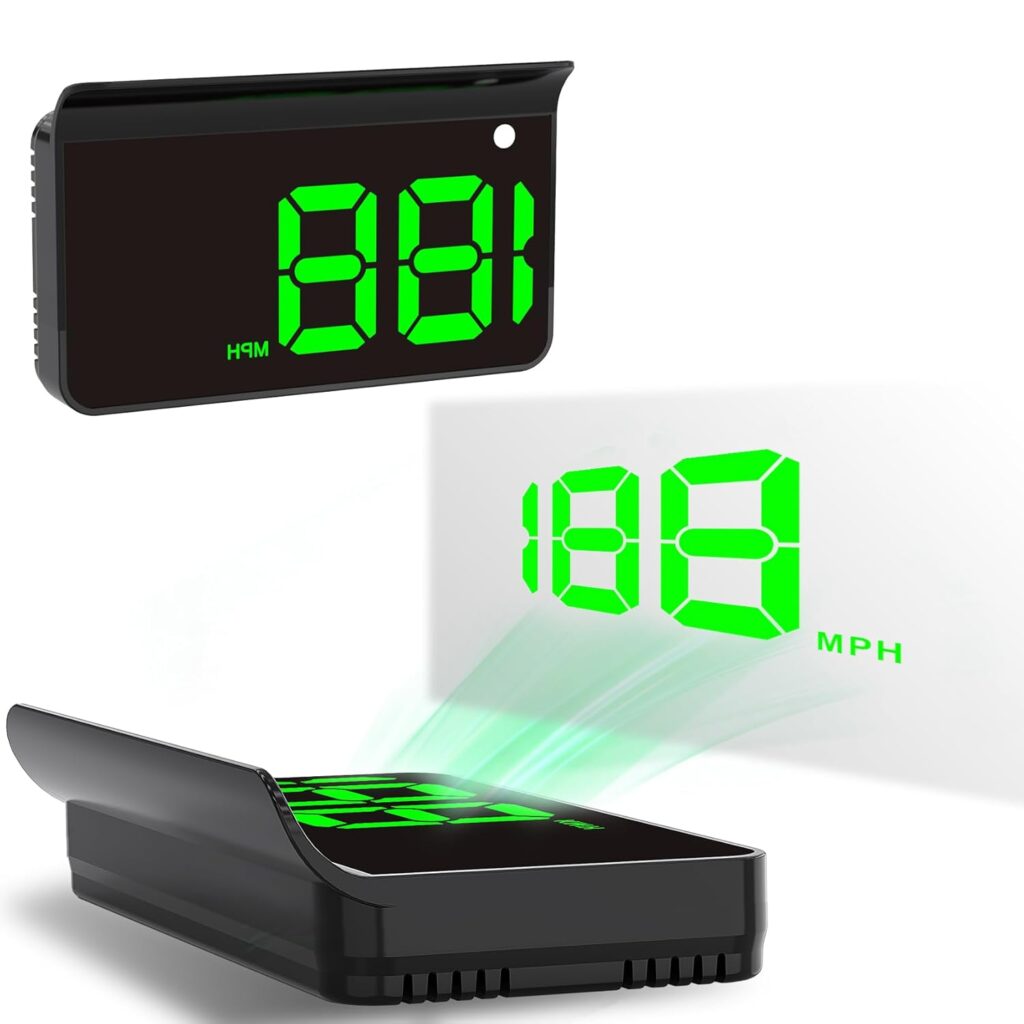
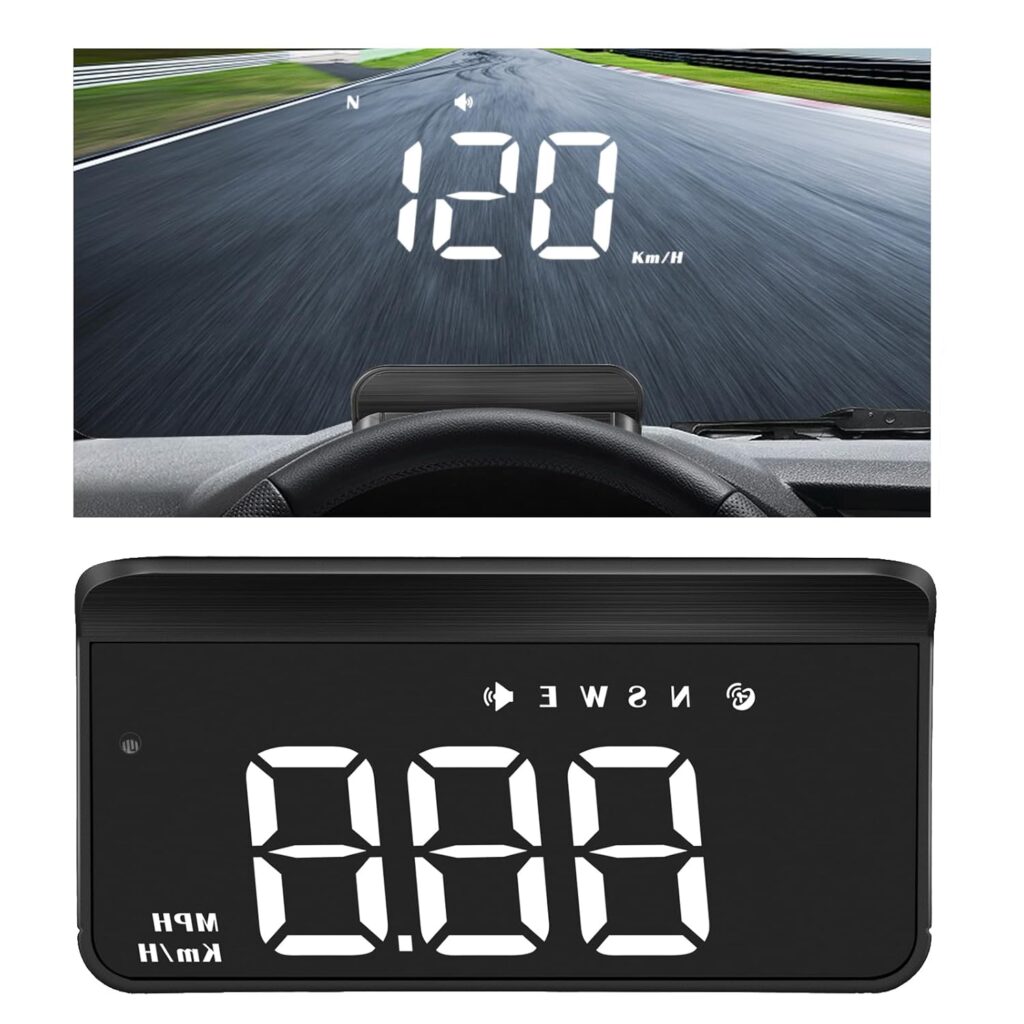
【Dual-Mode Heads Up Display】 Upgrade your driving experience with this heads up display for car, combining OBD2 speedometer for car and GPS speedometer technologies. The OBD2 mode works on most vehicles manufactured after 2008, while the GPS mode works universally with all cars. Whether tracking GPS speedometer mph data or engine metrics, this digital speedometer for car ensures precision across both systems.
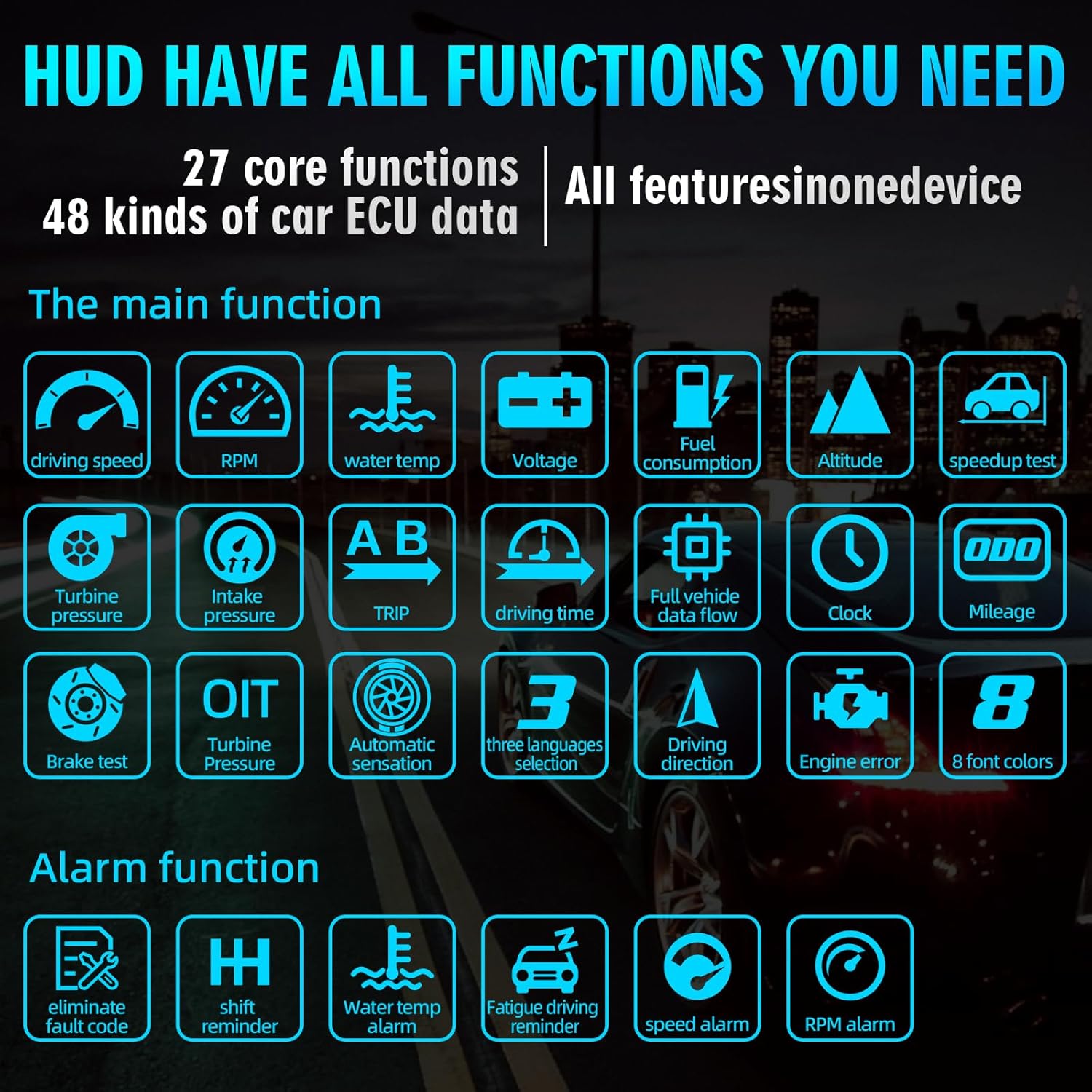
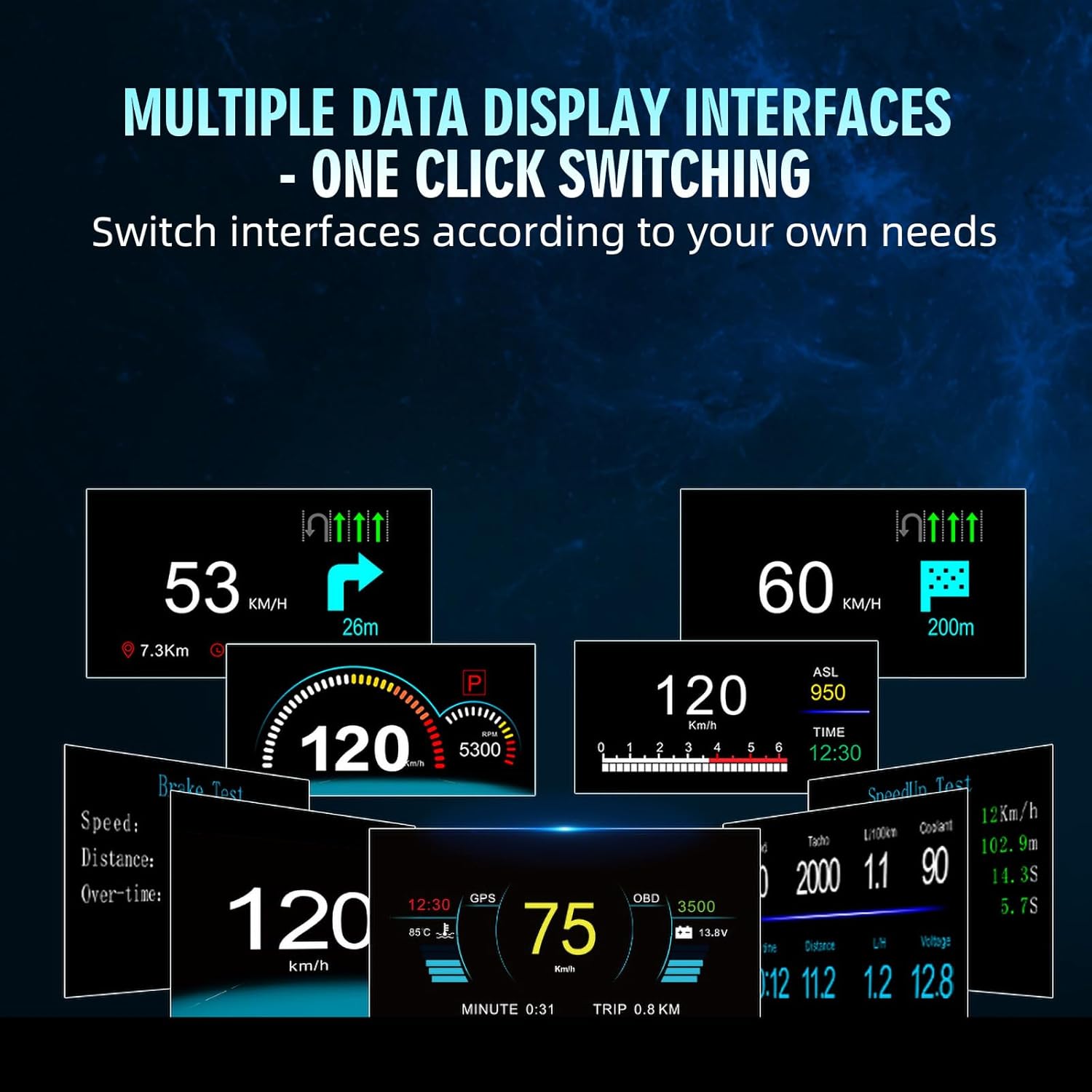
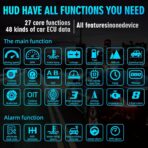
【Comprehensive Real-Time Monitoring】 15+ Metrics on Your Car Heads Up Display – Stay informed with a digital speedometer that displays critical data: water temperature, voltage, fuel consumption, RPM, total mileage, travel time/distance, turbo pressure, air-fuel ratio, altitude, direction, and more. The heads up display for cars also triggers customizable alerts for overspeed, overheating, abnormal voltage, and RPM limits. Never miss a vital update with this all-in-one speedometer for car.
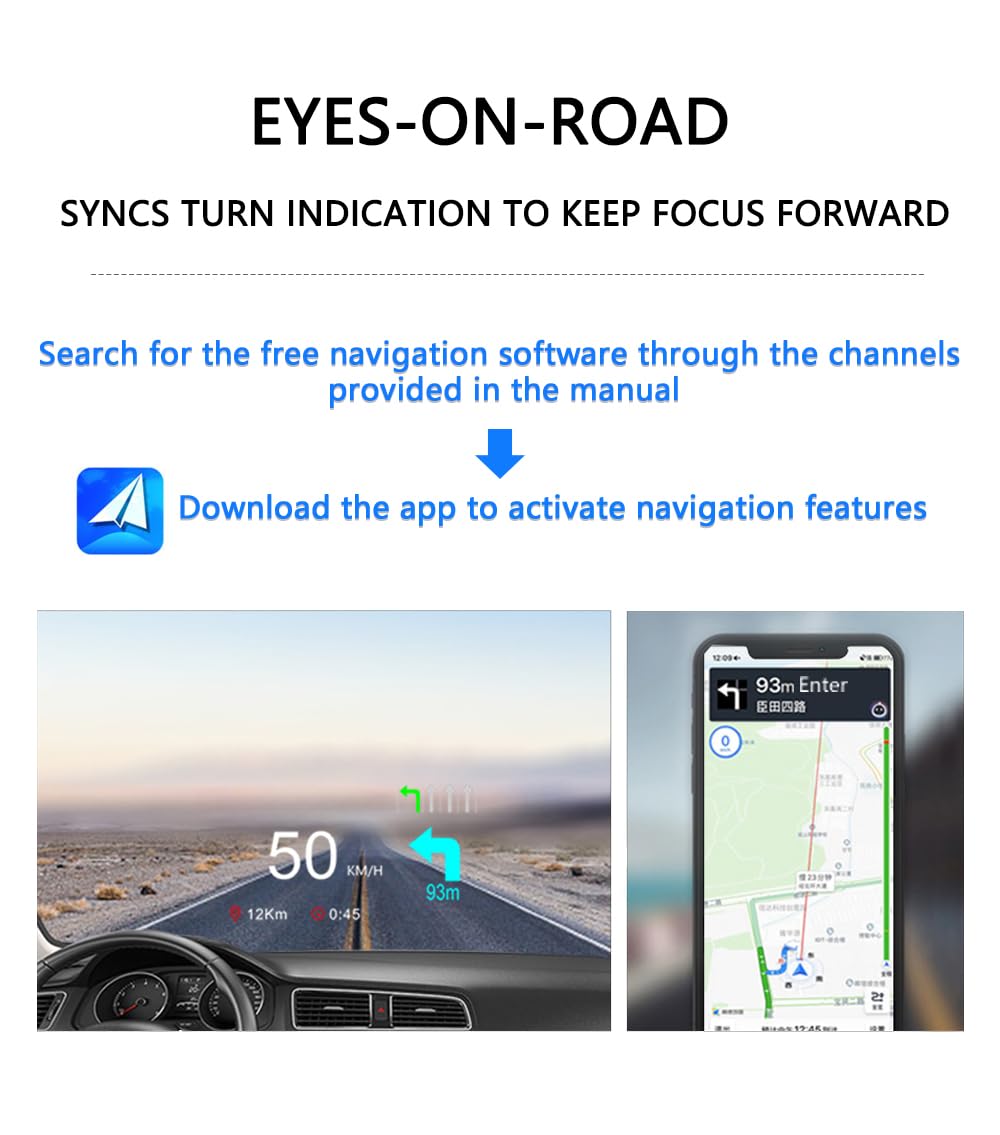
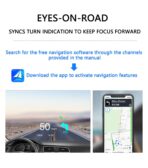
【Turn Indication Sync】 Scan the QR code (included) to download the app (supports Android 4.4–12.0 and iOS 5.0+), then project turn indication directly onto the heads up display. Perfect for road trips or city driving, this GPS speedometer car accessory keeps your eyes safely on the road while guiding you to your destination.
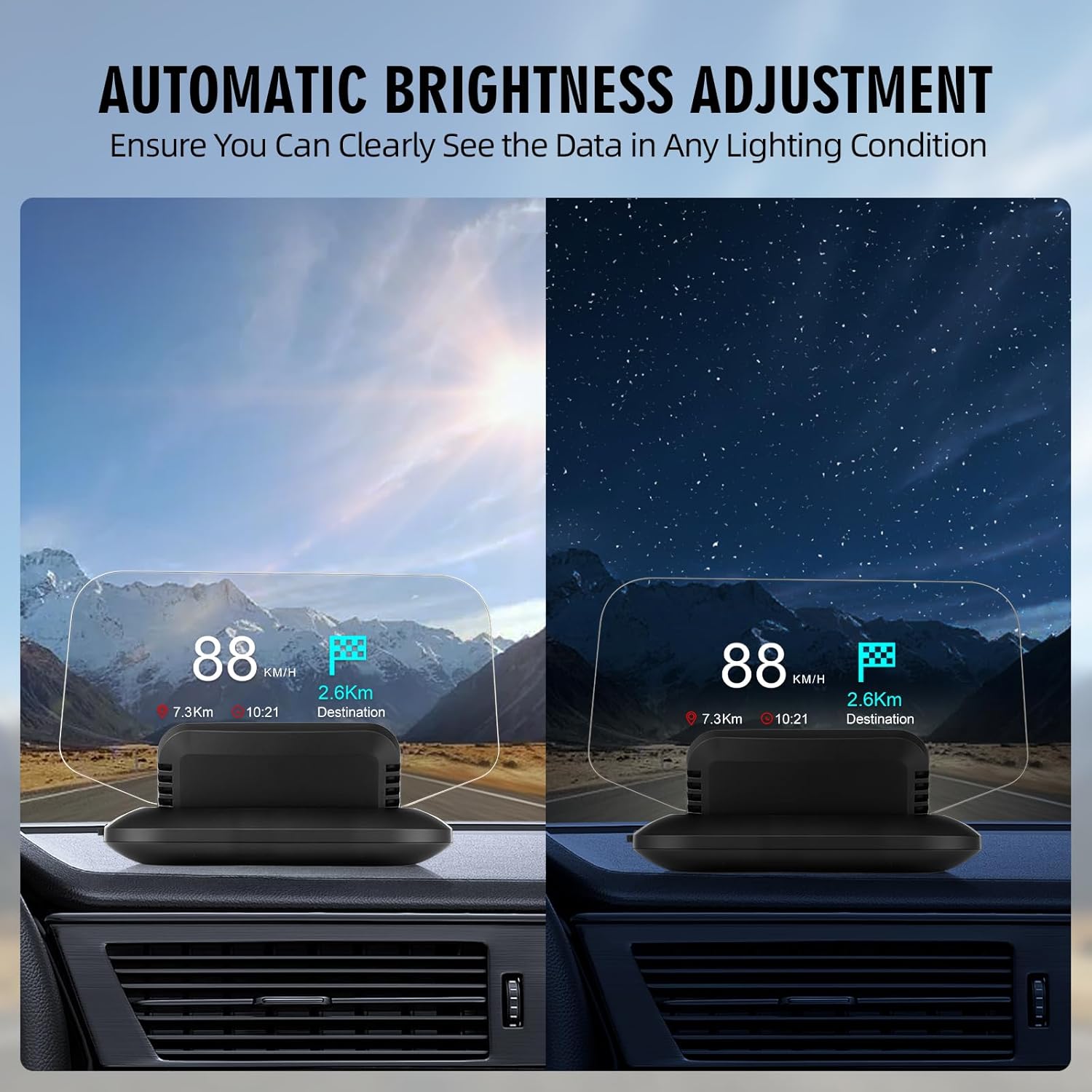
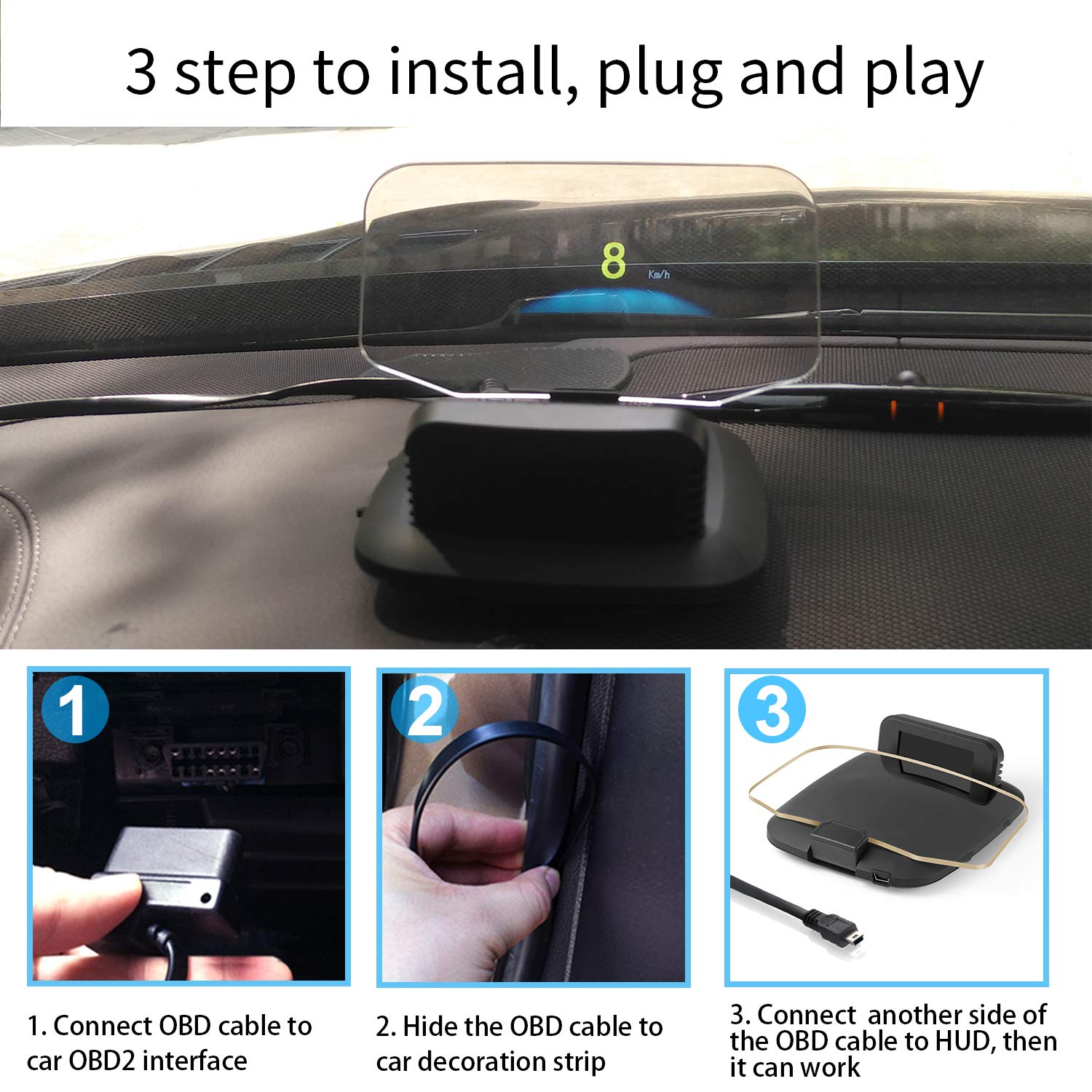
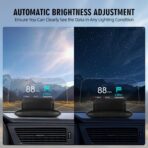
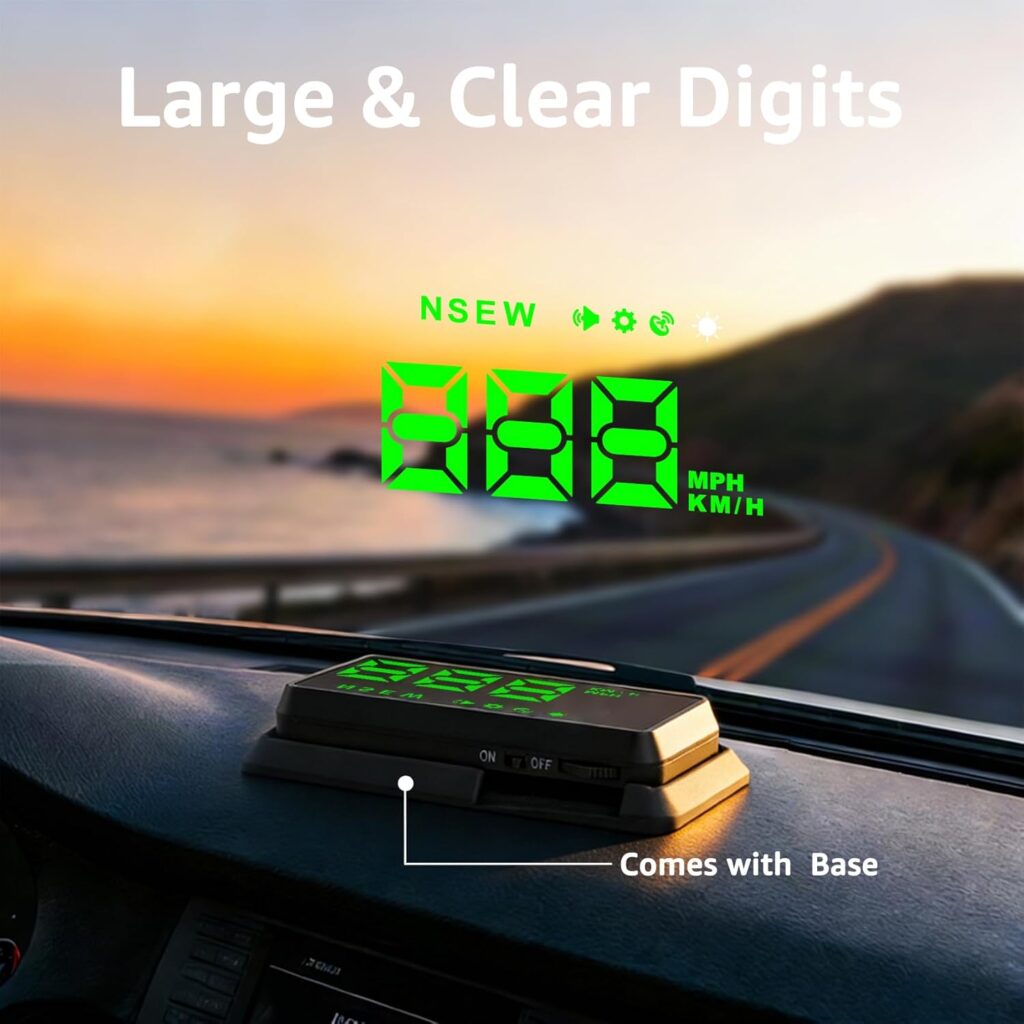
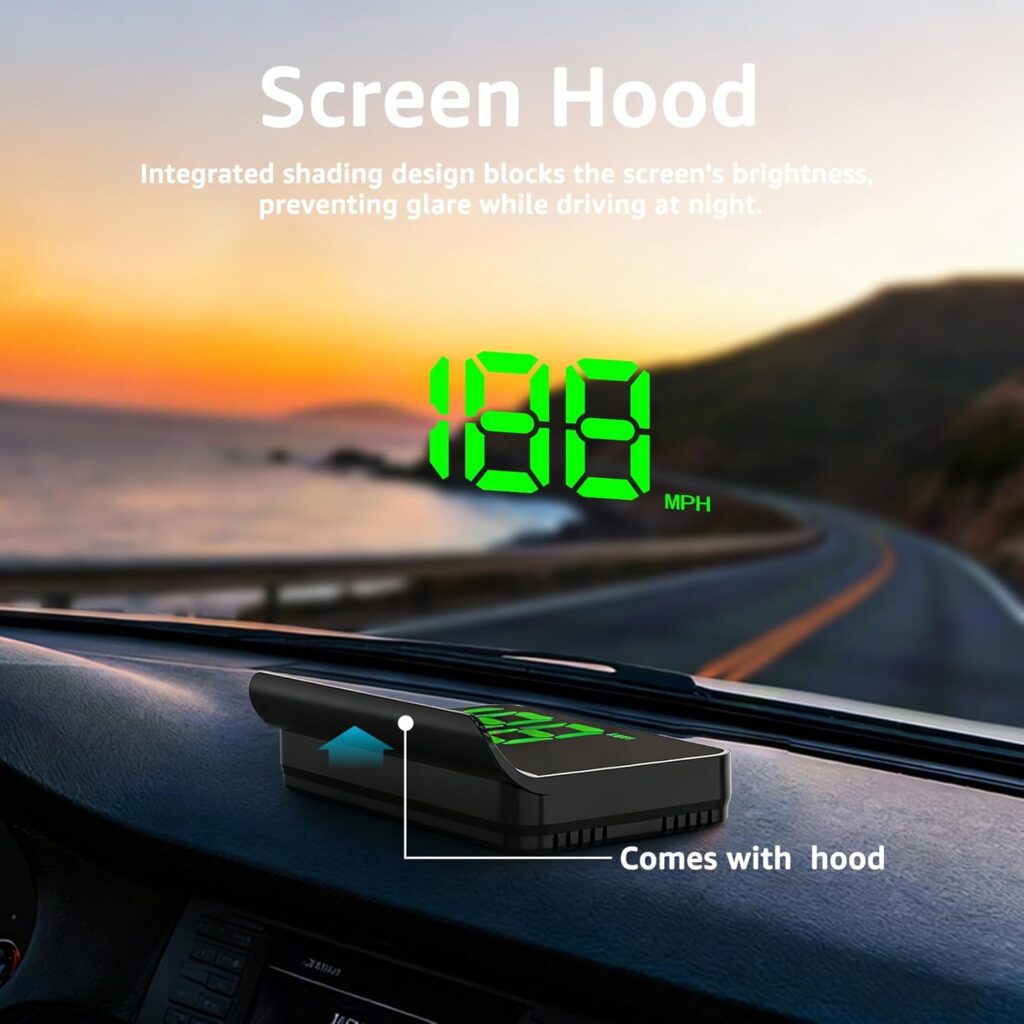
【Effortless Installation】 Designed for simplicity, this car speedometer requires no complex wiring. Plug the OBD2 connector or attach the GPS module, adjust the heads up display angle, and start driving smarter. Its crisp, anti-glare screen suits day/night use, making it ideal for all drivers seeking a reliable speedometer for car with cutting-edge clarity.
【Safety-First Innovation】 Why Choose This Heads Up Display for Cars? Unlike basic speedometers, this device merges OBD2 speedometer for car diagnostics with GPS speedometer mph accuracy, delivering unmatched versatility. The heads up display projects data onto your windshield, minimizing distractions.Whether optimizing fuel efficiency, monitoring engine health, or navigating, this car heads up display is your ultimate co-pilot.
【Note】This OBD heads up display is only applicable to cars that support OBDII and EOBD protocols (cars produced after 2008 began to use OBDII and EOBD), it does not support OBDI and JOBD. The following brands are not compatible with the OBD2 system – not compatible with Dodge/JEEP/ Sail/Chrysler/French models/Italian models/ Suzuki/Mazda 6/Infiniti (QX50, Q50, Q501)/Toyota Avanza in 2013/Lexus (IS250, EX250, ES300H)/Honda (Jazz, CRV)/Kia/hybrid and diesel vehicles/pickups/RVs/vehicles with modified automotive computers (Note: If you want to use OBD mode, but do not know if your car is compatible with OBD, please check with us)
【Note】: The car hud speedometer in GPS mode requires 5 satellite icons to be displayed on the screen in order to work properly. When the signal is not good in the underground parking lot, tunnel, and other places, the hud speedometer data for car will have a certain error, and the hud will return to normal after the vehicle is driven to an empty place. If you do not use the vehicle for a long time, please unplug the OBD cable to prevent the hud speedometer from wasting power for a long time.
Jan E. –
OBD2 and GPS compatible HUD
All cars should have a heads up display! Ive used them for years, they allow me to access the basic info I need without taking my eyes off the road.This one is quite configurable and works both in OBD2 and GPS modes.
david –
No phone app
Says there is an app to pair and to scan the QR code in the instructions. There were never any instructions in the box. Otherwise a good device with the exception of false advertisement as I can not pair with my phone to provide map assistance.
Jason P. Duffy –
Good for the price.
Initial review, 7/18/2025. Just received it, item appears as described. However, I have significant issues getting the navigation to work. I don’t need to connect to my ODBII port, I only want this for speed and navigation. Once I was able to connect to nav, the HUD will show speed and arrow for next nav point. It’s not very sophisticated. However, the HUDWAY top of the line model is over $300, so this is a bargain. The display is small, but does not block my view of the road, as my height means the screen shows the data within view of my hood and not the road. This is fine for now, as when you first start using this, the novelty of it can be distracting. I am sure that will lessen with time. My phone broadcasts the voice commands for directions and shows road hazards. However, road hazards(construction, traffic jams, police, etc…) do not appear on the nav. But that’s probably OK, since that may be more distracting. If you are looking for the equivalent of an OEM HUD, this is not it. But that doesn’t make it bad. Just makes it rudimentary. And for under $50, what do you expect.Make sure you change setting to MPH as it’s defaulted to KPH. It’s is also defaulted to OBD, which I don’t use. I might try it, but I don’t have a need for that.All in all, it’s not bad. Gonna take getting used to, and I may end up loving it. I’ll post an update in 6-8 weeks once I’ve put it through it’s paces.8/11/2025 update: I have used this for my 1st trip. I really do like it. Once I got the speed adjustments dialed in on the options screen it stayed pretty well in synch with my speedometer. I am even getting comfortable using this full time for knowing my speed. For nav, it displays the next turn clearly, thought its not perfect. First, there is an arrow for next turn, it also provided some kind of distance measurement, but it doesn’t seem to correspond with anything. I am not yet sure how to adjust that. Also, I wish it would display that name of the the next street or route. But for $53, it’s OK. I am really looking forward to the next iteration of this device.Not perfect but I think it’s a great start. Also, don’t use the OBDII port full time. Modern cars don’t like devices plugged in there full time. That port is for diagnostics, not for toys. I use this device for GPS speed and nav only.
PeterJ –
Works very well overall.
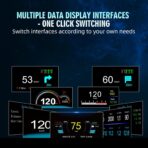
It’s bright in the day and adjusts for night. It works very well with both the GPS and OBD setting. It is fairly responsive and accurate. The map GPS function is cool, and the display info is customizable which is great too. The alarms are useful.
DAVID S. VOGEL –
Great little display and easy to modify.
Great little display. I have modified it to use a FLIR camera in my grill that broadcasts to it with an infrared thermal image of the road ahead. You can also blend your thermal image with the OBD communication from the car. Did exactly what I needed to do.
Claudia Lambaren –
It’s ok
The product is ok, but the only thing I like is that it’s very clear to see. The bad part is that you can really change the time and it didn’t work on my 06 Chevy Tahoe.
esteven –
Nice looking but not worth the price paid 😕
I am just starting to use this product. My road test is the next thing on the operational list. It was easy to install. My cable management is in disarray because another product did not work correctly but we will fix that little issue. The display is great but I need to road test. I can’t comment on the value because I need to road test it. It fits my eye level. Update: I installed the navigation software; found out there is a fee for the navigation system. This information was not included in the listing, was it? Ugh!
Craig H –
Vbibration
Works great but image is septable to vibration
Samuel –
There’s no way the hud itself can be adhesive to the dash.