


Price: $69.98 - $59.48
(as of Mar 27, 2026 20:00:34 UTC – Details)
Product description

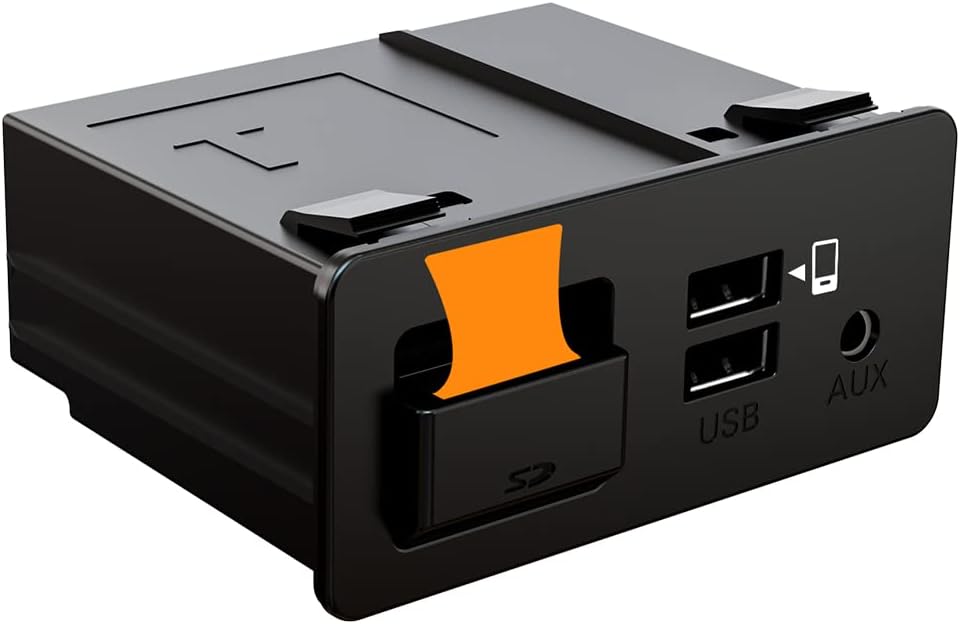
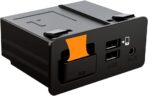
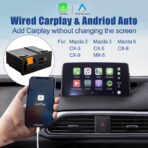
HMYC Original Car Upgrade Mazda Wired Carplay Box
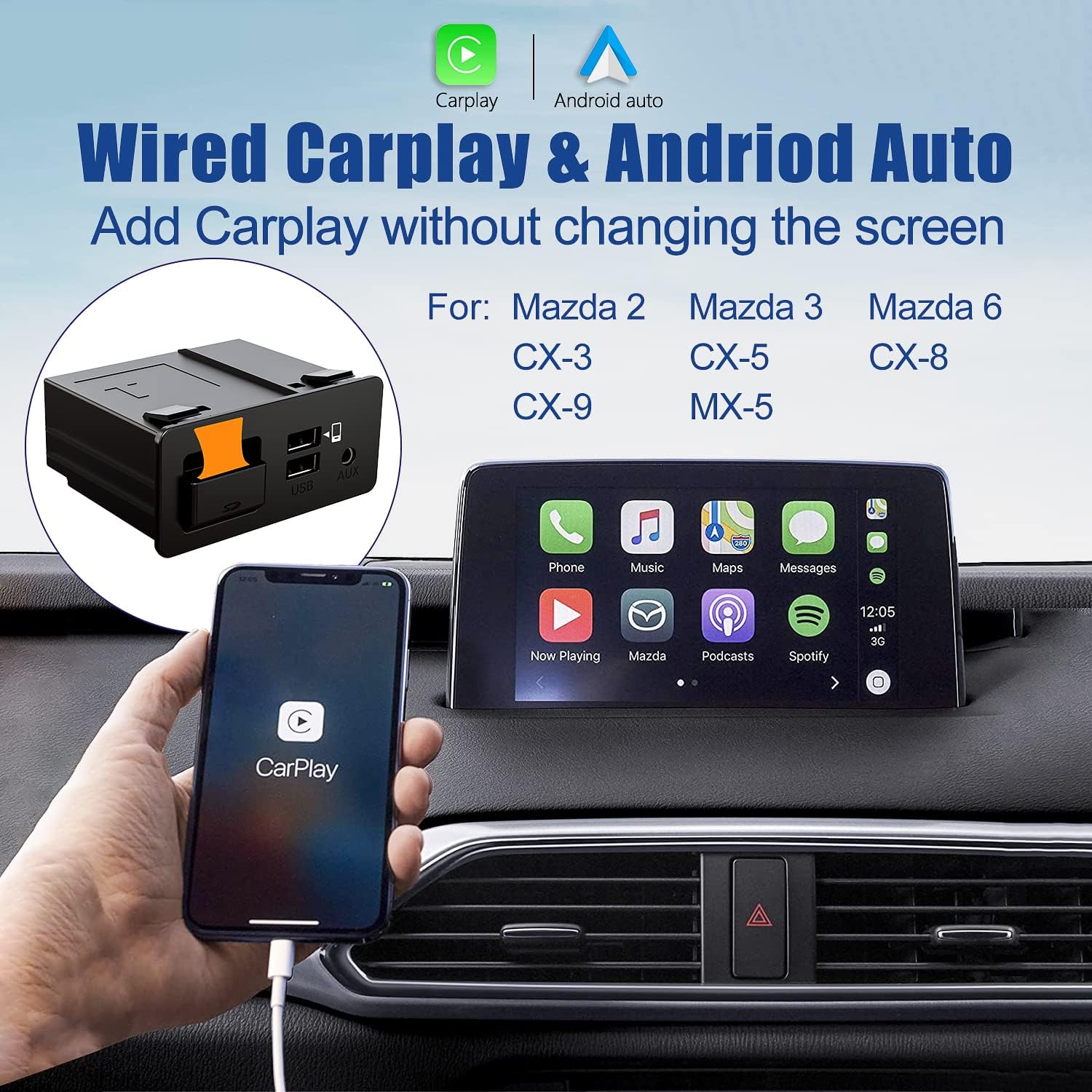
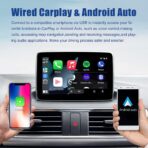
The Mazda Carplay media hub is suitable for MZD CONNECT systems. Upgrade your car to a smart car and get Carplay and Android Auto functions. Enjoy music while driving, receive and send information, support Sirt and Google Assistant. Realize smart and safe driving.
You will enjoy Six Benefits while you having this Mazda Carplay Kit!
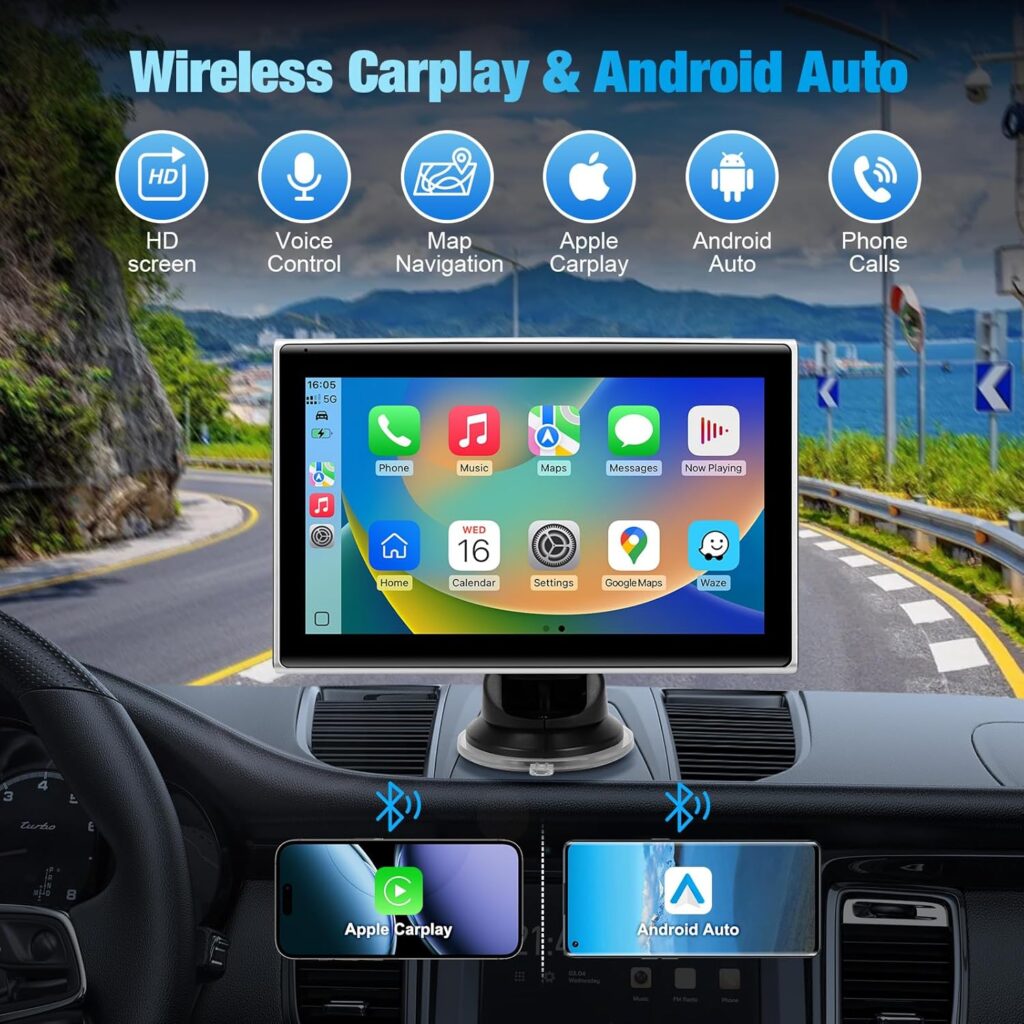
Support Wired Apple CarplaySupport Wired Android AutoSupport Voice Control and Hand-free CallingSupport Original Car Knob Control Support Steering Wheel OperationSupport Touch Screen(for some car models, touch screen is not working while using Android Auto)

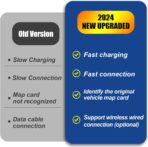
Why choose HMYC New P2 Upgraded Mazda Carplay HUB?
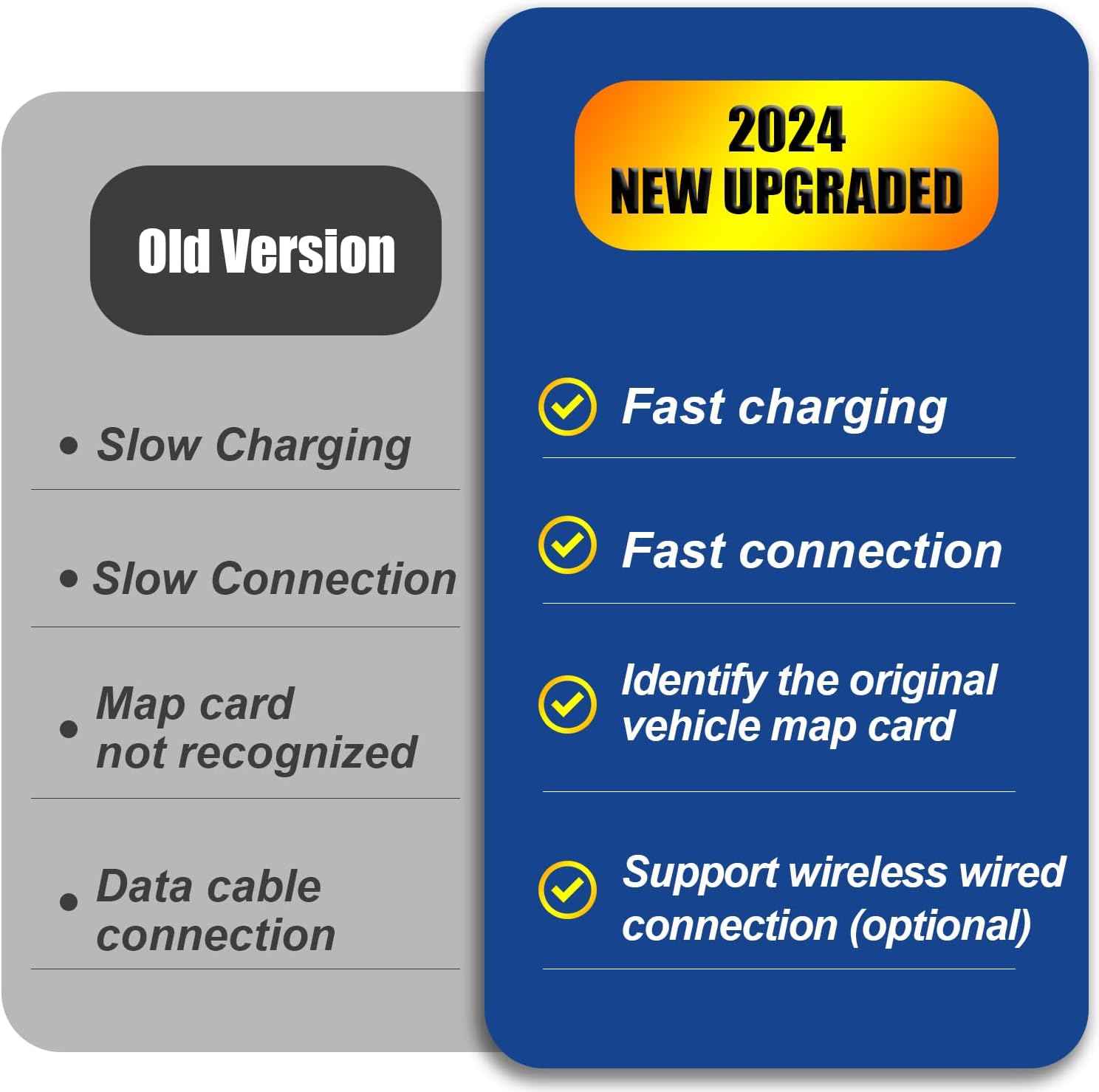
Faster connection speed with your cellphones.Faster charging your devices while connecting your smart phones to the Hub’s USB port. Especially when you drive long distances, you will realize how important it is.

Smarter & Safer
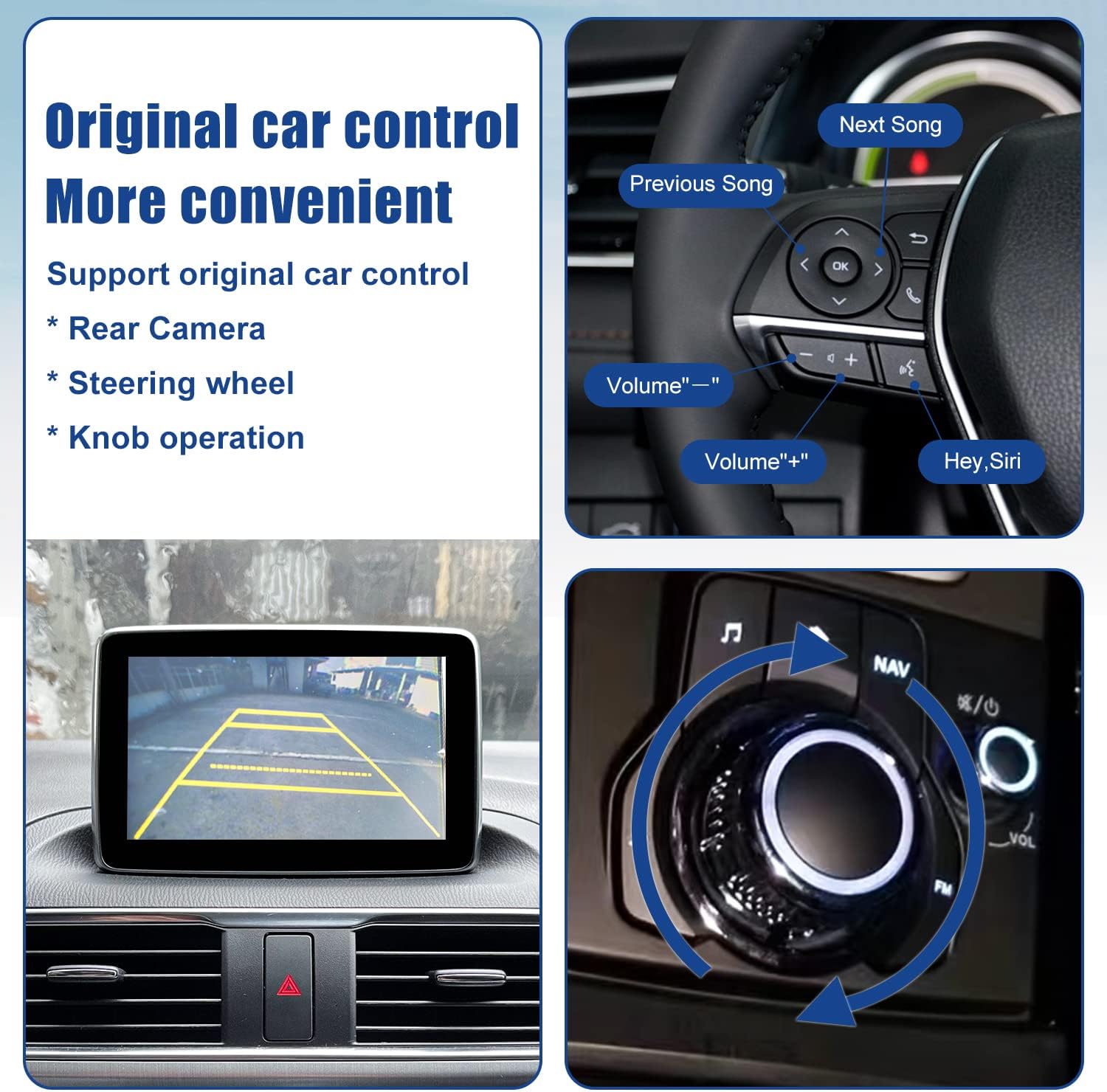
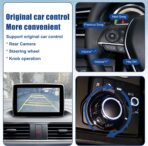
Support your original car knob control and your original steering wheel button control, keep your drive more safety. Stay connected to your world while keeping your eyes focused on the road with our smartphone screen mirroring kit.

Support All Apps from Carplay/Android Auto
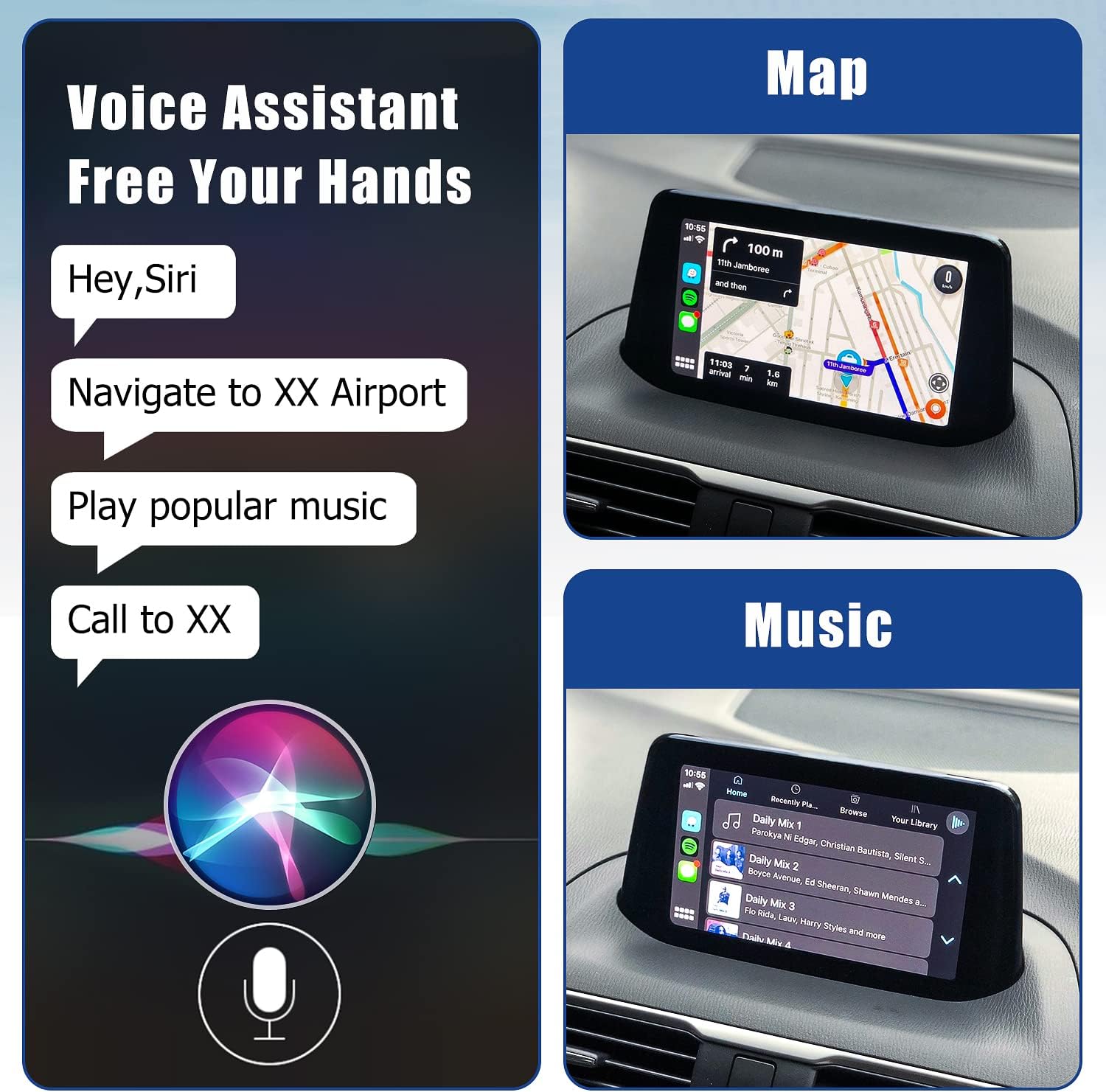
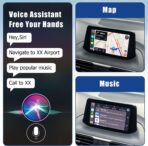
Supports IOS system and Android system, and SIRI and Google Assistant voice control can be perfectly adapted, which helps you focus on the road and enjoy along the way while getting directions, making calls, sending and receiving messages.

Package list
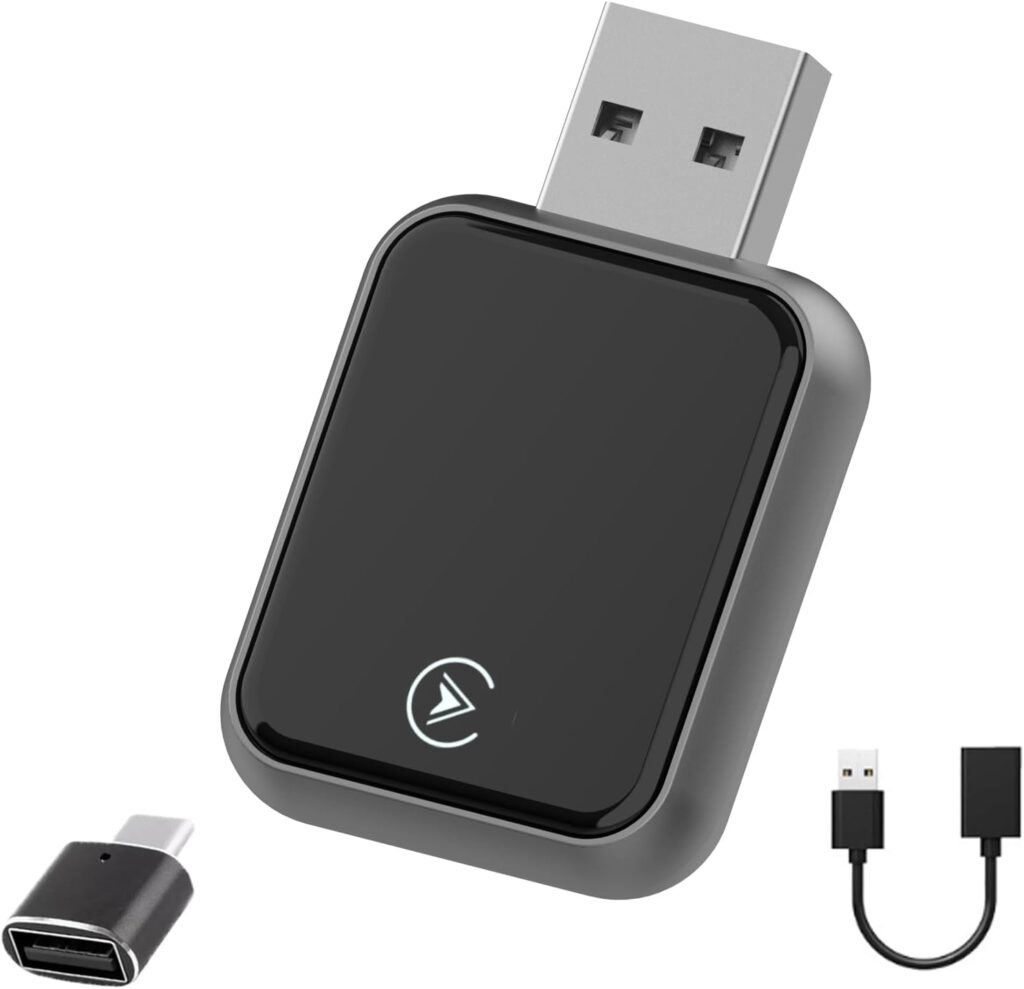
1 X Mazda HUB Unit
1 X USB Cable(Gray/Blue-Black)
1 X USB Cable(Gray/Blue-Brown)
1 X Sponge Tape (L=3m)
10 X Tie Wrap(L=200mm)
1 X Product Manuals

Perfect Compatibility
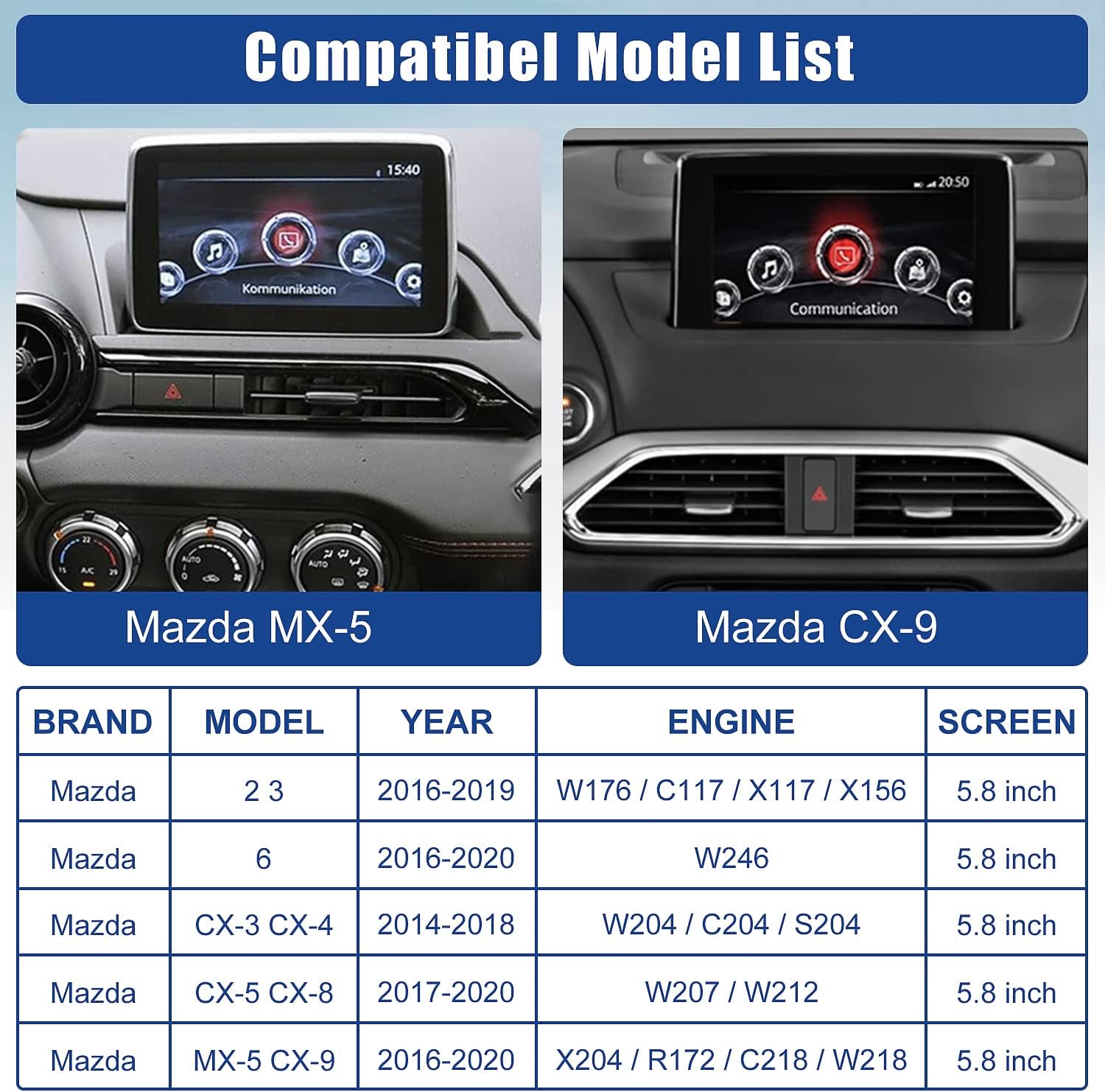
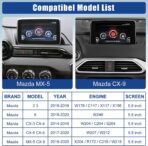
This carplay Adapter is suitable for Mazda Connect system, such as :
Fits Mazda 2 2016-2019;
Fits Mazda 3 2014-2018;
Fits Mazda 6 2016-2020;
MX-5 2016-2020;
CX- 3 2016- 2019;
CX-5 2015-2020;
CX-9 2016-2020;
FIAT 124 2017- 2021.
And more

Warm Tips:
1.The software version of your car firmware system must be V70.00.21 or later
2.How to check your car firmware version?
Click the button “Setting”-“System”-“About”- “Version Information”- “OS Version”
3.How to upgrade your car firmware system?
Please refer to the upgrade method in the manual book.
<1>To prevent noise , wrap the disconnected vehicle wiring harness connector with a piece of sponge tape( 100 x 30 mm).
<2>The diagram shows the case when there is a single vehicle wiring harness connector.
<3>If there are two vehicle wiring harness connectors , carry out the same procedure for both connectors.

【Upgrade your Mazda to have Carplay and Android Auto】 Apple CarPlay is powerful and friendly driving assistance system. This Mazda Carplay hub upgraded your car to more Smarter and safer while driving. That allows you to access map navigation, phone contacts, email, notifications, music and get help from intelligent voice assistant(Siri or Google Assistant).
【Why choose our Mazda Carplay Kit】1. Faster connection speed with your iPhone. 2. Faster charging (9-12W)your devices while connecting your smart phones to the Hub’s UBS port. When you use the Mazda Carplay for a long time, you will realize how important it is. 3. Supporting Mazda Navigation SD Card Map. 4. We provide professional technical support services and 24-months warranty
【Perfect Match with Mazda】Replaces Part Number: TK78-66-9U0C K1414 00008FZ34 . Compatible with Mazda Connect System, Such as CX-5 2013-2016; CX-9 2016-2020; CX-3 2014-2020; Mazda 2 2014-2020;Mazda 3 2013-2018;Mazda 6 2015-2020;MX-5 2015-2020. (Please feel free to ask if your car is compatible)
【Keep Original Car Function Well】 This smart Carplay adapter supports your original car knob controls and your original steering wheel button controls, allowing you to operate without leaving the steering wheel. Making your driving safer.
【Warm Reminder】1.Please confirm the software version of your car firmware system must be V70.00.21 or later before installation, if not, please upgrade the firmware first. (If you are using an older version of the CMU system, the CarPlay/Android Auto may not be recognized.) 2.The installation of this kit requires a certain level of expertise. 3. The kit does not include an SD navigation card or any software containing data.
Derek –
Perfect OEM-Quality Retrofit
Works flawlessly. Integrates seamlessly with the factory head unit like an original Mazda part. No lag, perfect fit, and easy installation. Highly recommend for adding CarPlay/Android Auto to your Mazda3.
Benjamin –
Easy to install with videos
I was a little nervous about attempting to install this, but the process went smoothly. There are many tutorials on Youtube to guide you. The hardest part was removing the old unit, which is held in place by clips that are difficult to manipulate due to the constricted space. I would recommend using a butter knife or flathead screwdriver to hold the clips down. I would also buy a trim remover tool, as I put a scratch on my dashboard. Once installed, the unit works perfectly.There is some lag once you start the car, but this is part of the software design and not a huge issue. Also, sometimes CarPlay will cut out and stop working, but I suspect this is a phone issue and not a problem with the unit.
Angelina Grigorenko –
So far it works
Must know: Before installing make sure your cars firmware is updated to the compatible version for this CarPlay kit. You can do this yourself by watching a YouTube video or go to the dealership (which will must luckily cost you a bit) I would say this part takes the longest to get done. About 1-2hr with figuring out how to update and actually updating.Otherwise when installing the kit just find a YouTube video that will guide you through it, would recommend having someone else give you a hand with pulling the wires but otherwise this could be done on your own. Fits well and they give you everything to hide your wires and make sure they aren’t hanging loose.Overall the product is working without much issues. It connects to the phone right away without you having to do anything. My only negative is sometimes if you have multiple people that connected before to the car in the car at the same time, it sometimes has issues connecting. Showing that it connected but not pulling up the CarPlay on screen. Think this issues gets caused when it try’s to connect to multiple devices. Would have been perfect if it connected to the last person that was connected. And if that person isn’t in the car to then prioritize the next device that has the CarPlay saved in Bluetooth.
LT –
Mazda cx5 2017 works!
Mazda CX5 2017 installed and worked perfectly! Easy to install and well worth it. Dont have to remove middle console shifter section either like some are doing. Find video in spanish of guy fishing wire on side of middle console. So easy!
VolcanoKyle –
Best purchase from Amazon ever!
Best purchase from Amazon ever! 70 bucks for this thing, then a $120 install from Best Buy, so for ~$200, I’ve got CarPlay plus new USB ports that power up my dash cam. The old USB ports had a trickle charge and wouldn’t even power up my dash cam. You will need to upgrade your firmware. For that go to YouTube and search for instruction vids by Killobyte. He also has one to change your settings to allow touchscreen functionality while driving, which comes in handy when using CarPlay. The connectivity to CarPlay is fast / instant once you plug in the USB cable (unlike some of my other vehicles), it works great and I am super happy with this. The technician at Best Buy said that it was easy to set up, and as far as fit is concerned, it fits exactly where the old USB module was located so I would say the fit is perfect. Now I can get rid of my cell phone mount and also the battery pack that I used to power up my dash cam.
SM –
Worked initially, then stopped recognizing phone within two days
Received the product and had the Mazda dealer upgrade the firmware to v74.— (2016 Mazda CX-5).Installed the module (videos on YouTube helped), but instructions for connecting wires were included. During install, I did ensure to properly and fully seat every connection.The CarPlay connectivity worked the day of install and the next day.When the car was used a few days later, there is now no CarPlay Connectivity. It will not recognize the iphone when it is connected.Have tried multiple troubleshooting tips: Soft reset of infotainment system, new USB cable, Restarted iphone, removed Mazda from the CarPlay list on phone, turned car off and let it sit away from the key fob to let it fully power down, etc. This USB module will not recognize the iphone when attached.Next step is to try another iphone and then perhaps will pull the Negative post cable on the battery to fully power down the car. Will see if these help.Hard to recommend this, if the reliability is this unknown. Will hope to hear from the seller on any other ideas they may have to get it working.
Kurt Piotrowski –
Good product
Works great. Good product
Shannon Phillips –
Even better than factory. Easy install and can use it wirelessly
Have been using the head unit for a year now with no issues.
Marc Borger –
Just installed this in my Mazda 3 2016 and works flawless!Great product, just check YouTube for the installation guide!
L –
Lieferumfang:- 2 Kabel, die vom Display durch die Verkleidung zum USB Hub verlegt werden müssen- der USB Hub- 9 Kabelbinder- 20 Stücke Schaumstofftape, jeweils 100mmx30mmEinbau:Schwierigkeit einfach bis mittel, ca 1h ohne das Softwareupdate.Es musste nur eine Schraube (10mm Außensechskant), mit der das Display zusätzlich befestigt ist, gelöst werden. Der Rest sind Steckverbindungen, die man vorsichtig aber mit beherzter Kraft problemlos lösen kann. Der Raum hinter dem Display ist sehr eng, die Kabel zu verlegen eine kleine Herausforderung. Geht auf jeden Fall von oben nach unten vor, von unten eine Öffnung zu finden ist praktisch unmöglich. Die Anschlüsse sind zwar selbsterklärend und unmöglich falsch zu verkabeln, einem sollte aber vor dem Verlegen genau klar sein, welcher Stecker auf welche Seite gehört.Das Schaumstofftape reicht um (fast) die gesamten Kabel zu polstern. Ein oder zwei Stücke übrig zu lassen, um die alten Stecker gegen Rattern abzukleben, macht Sinn, weil man das alte Kabel am Kabelbaum lässt.Software:ACHTUNG! Die Firmware der “Head Unit” (des Displays und seinem Computer) muss mindestens Version 70.00.100A oder höher sein BEVOR man den neuen Hub einbaut. (Kann man unter Einstellungen->System->Über->Version Information nachsehen)Nochmal ACHTUNG: Führt ein notwendiges Update auf keinen Fall nach der beilegten Anleitung durch! Das kann die Unit komplett unbrauchbar machen.Wer das generelle Risiko eingehen möchte, kann jedoch auf eine 9-seitige bebilderte Anleitung, die im Internet kursiert, zurückgreifen, der haargenau gefolgt werden sollte. Bei mir hat es ohne Probleme geklappt.Bisher nur Android Auto getestet. Es läuft flüssig und tut was es soll.Fazit:Wer nicht zwei linke Hände oder große Angst davor hat, etwas kaputt zu machen, kann den Einbau locker selbst machen. Apple Carplay und Android Auto sind deutlich moderner als Mazda Connect und bessere Navigation als mit Google Maps findet man 2024 nicht.
Miguel MG –
Unidad perfecta para mi Mazda 3 MK3. Incluye la esponja para aislar los cables y las instrucciones. A tener en cuenta que la versión de firmware del coche tiene que ser 70.xx o superior.Funciona perfectamente en estas semanas de uso.
Amazon Customer –
Very good.
Ryan –
I recently installed the Mazda CarPlay and Android Auto Retrofit Kit in my 2017 CX-5, and I’m very happy with the upgrade. The setup was straightforward—I had minimal trouble swapping out my old unit for the new one. If you’re considering the installation, I recommend watching a YouTube tutorial first, as it makes the process even easier.The system integrates seamlessly with the built-in screen and infotainment, and you can switch between them simply by pressing and holding the home button. I use a Google Pixel, so I can’t speak much for CarPlay, but Android Auto has worked flawlessly. For an even better experience, I highly recommend pairing this kit with an AAWireless dongle, which allows wireless Android Auto.One important tip: make sure your firmware is updated on the original unit before swapping to the new one.Overall, this has been a smooth, worthwhile upgrade and I would highly recommend it.