

Price: $119.99
(as of Mar 31, 2026 19:22:06 UTC – Details)
Product description


1 Wireless CPAA & Android
2 App Tools & OTA Update
3 Reliable Features
4 128GB TF Card
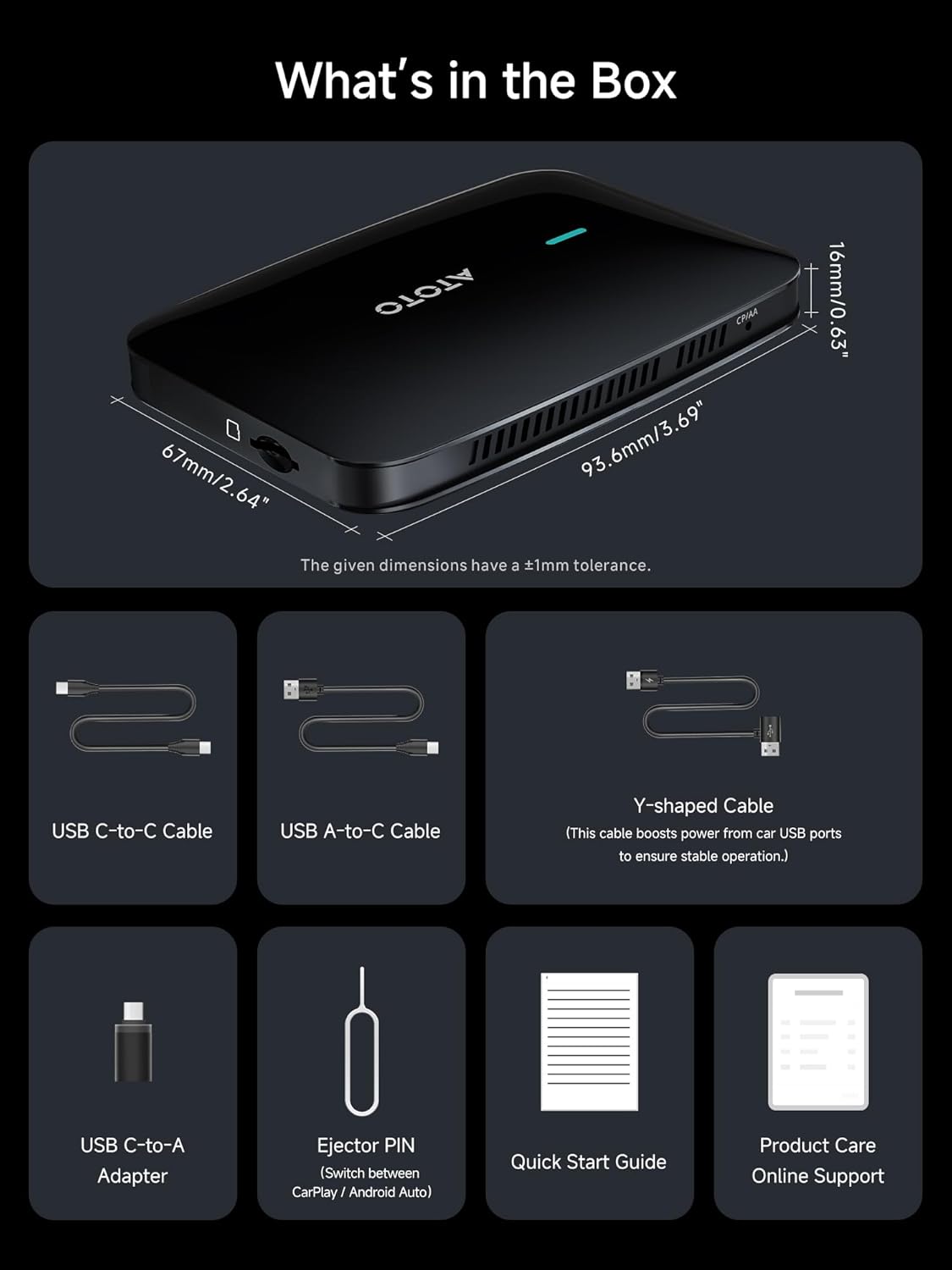
5 Cable Kit


1 Dual WI-FI
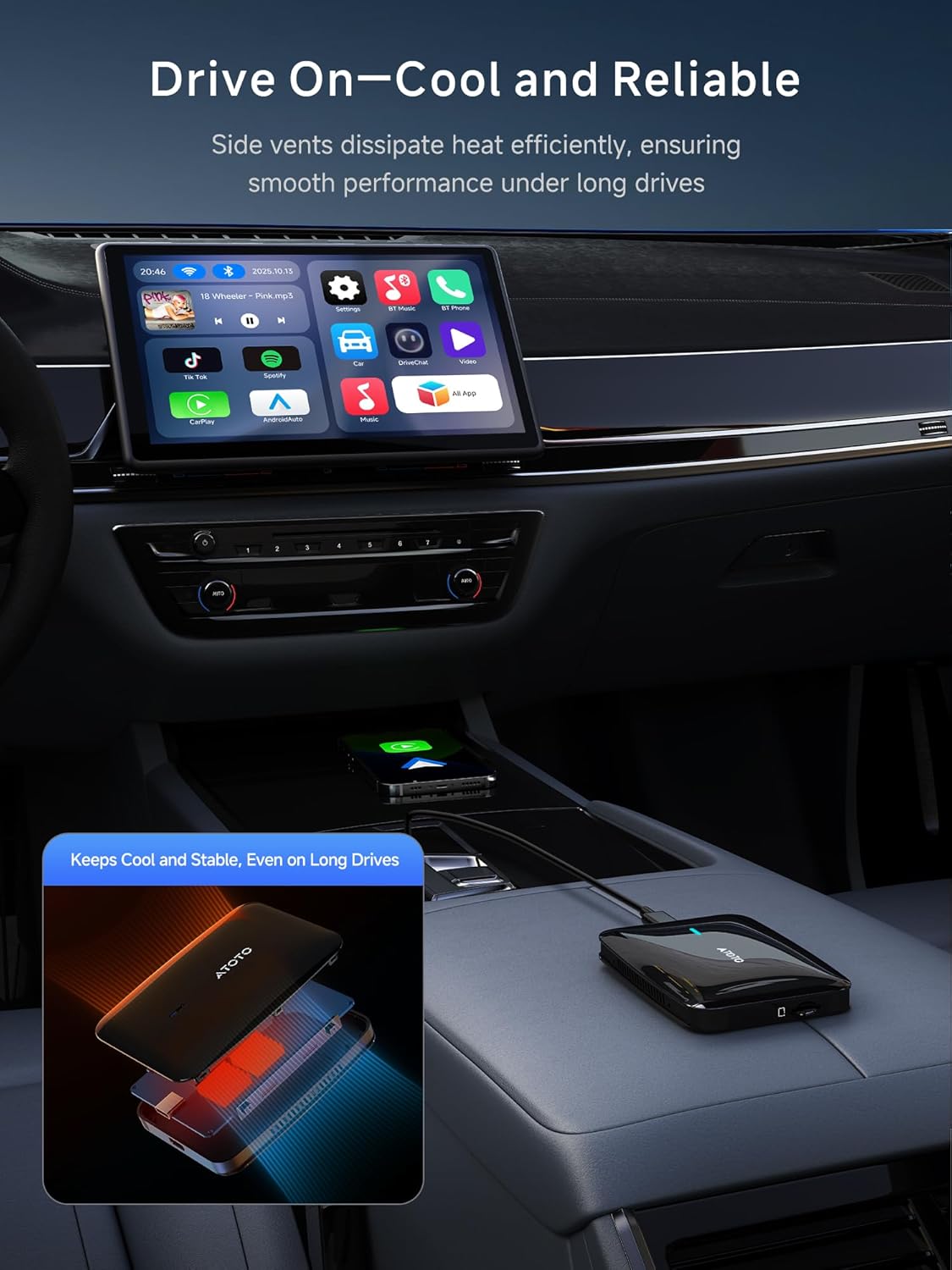
2 Cooling Design
3 DriveChat AI
4 Bluetooth Auto Lock

Wireless CarPlay/Android Auto Adapters, Choose the magic ai box that suits you.
Add to Cart
Add to Cart
Add to Cart
Add to Cart
Add to Cart
Add to Cart
Add to Cart
Customer Reviews
4.4 out of 5 stars 37
4.2 out of 5 stars 41
4.2 out of 5 stars 41
4.0 out of 5 stars 55
4.4 out of 5 stars 56
4.4 out of 5 stars 56
4.0 out of 5 stars 55
Price
$79.99$79.99
$179.99$179.99
$199.99$199.99
$279.99$279.99
$119.99$119.99
$79.99$79.99
$289.98$289.98
RAM/ROM
2G+16G
4G+64G
4G+64G
4G+64G
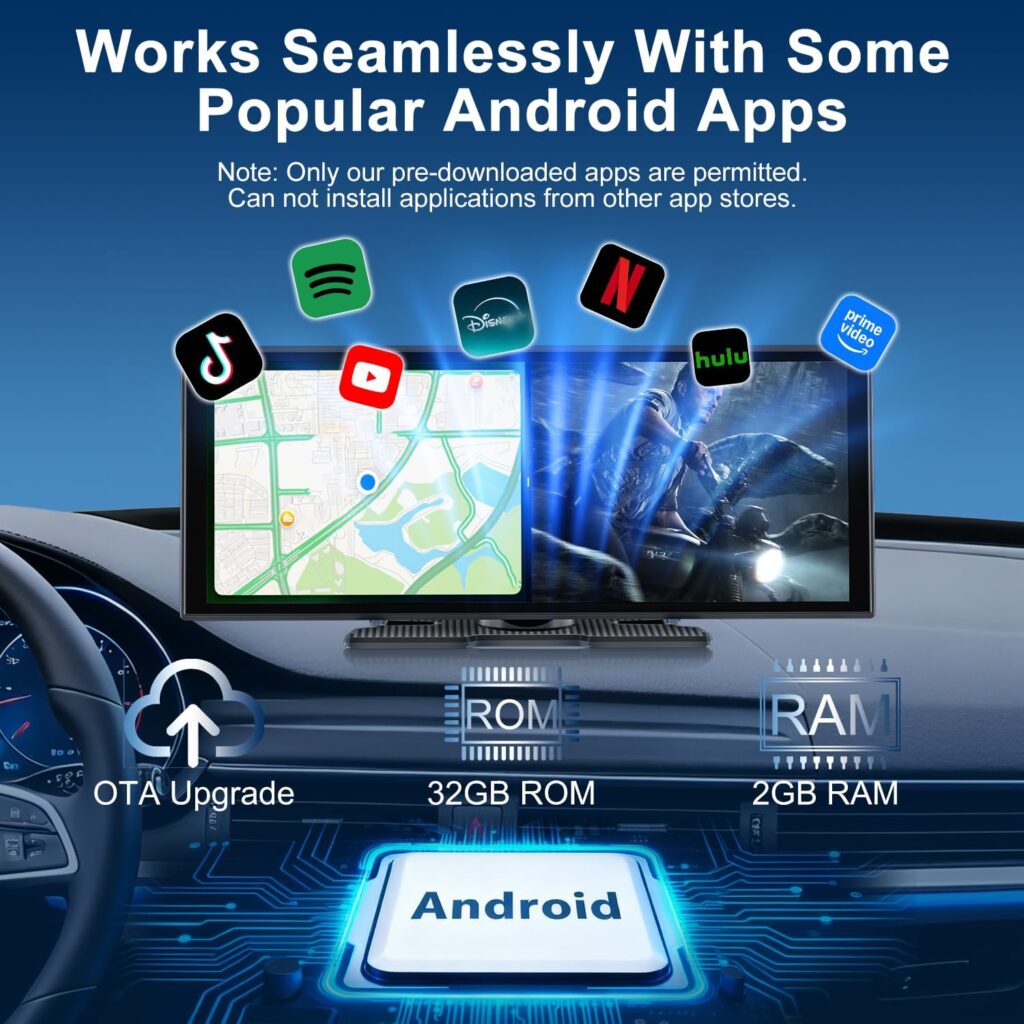
4G+32G
2G+16G
8G+128G
External storage capacity
128GB
256GB
256GB
256GB
128GB
128GB
256GB
Network Connection
WIFI
WIFI, 4G, BT
WIFI, 4G, BT
WIFI, 4G, BT
WIFI
WIFI
WIFI, 4G, BT
Hotspot Sharing
✘
✔
✔
✔
✘
✘
✔
GPS Navigation(TrackHU )
✘
✔
✔
✔
✘
✘
✔
AI Assistant (DriveChat)
✔
✔
✔
✔
✔
✔
✔
Bluetooth Privacy protection
✔
✔
✔
✔
✔
✔
✔
HDMI IN
✘
✘
✘
✔
✘
✘
✔
HDMI OUT
✘
✘
✘
✔
✔
✘
✔
Split Screen
✘
✔
✔
✔
✔
✘
✔
OTA Update
✔
✔
✔
✔
✔
✔
✔
Download and Install Apps
Supports apps from our store
Easily install favorite apps
Easily install favorite apps
Easily install favorite apps
Supports apps from our store
Supports apps from our store
Easily install favorite apps
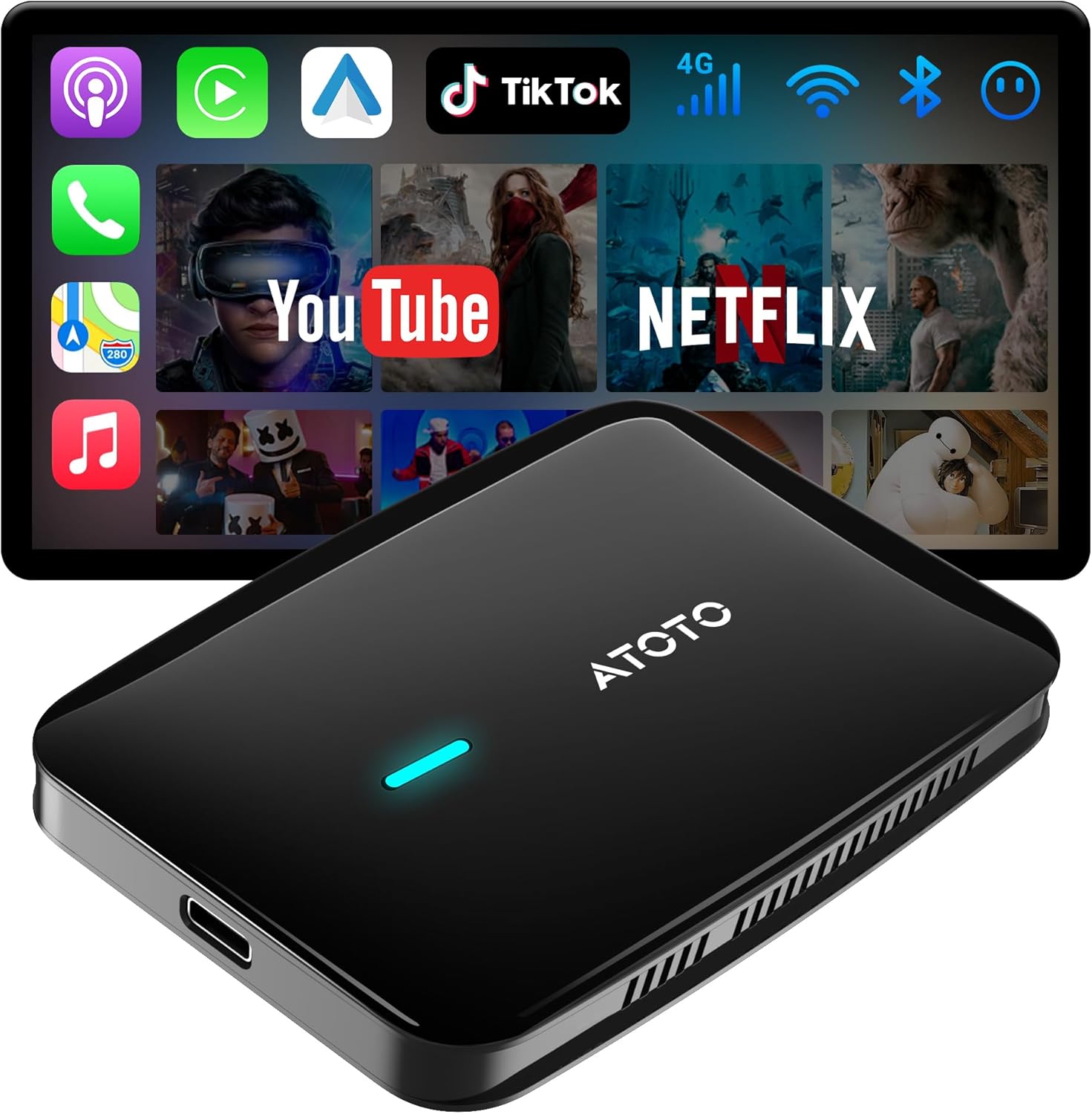
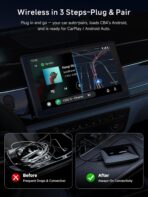
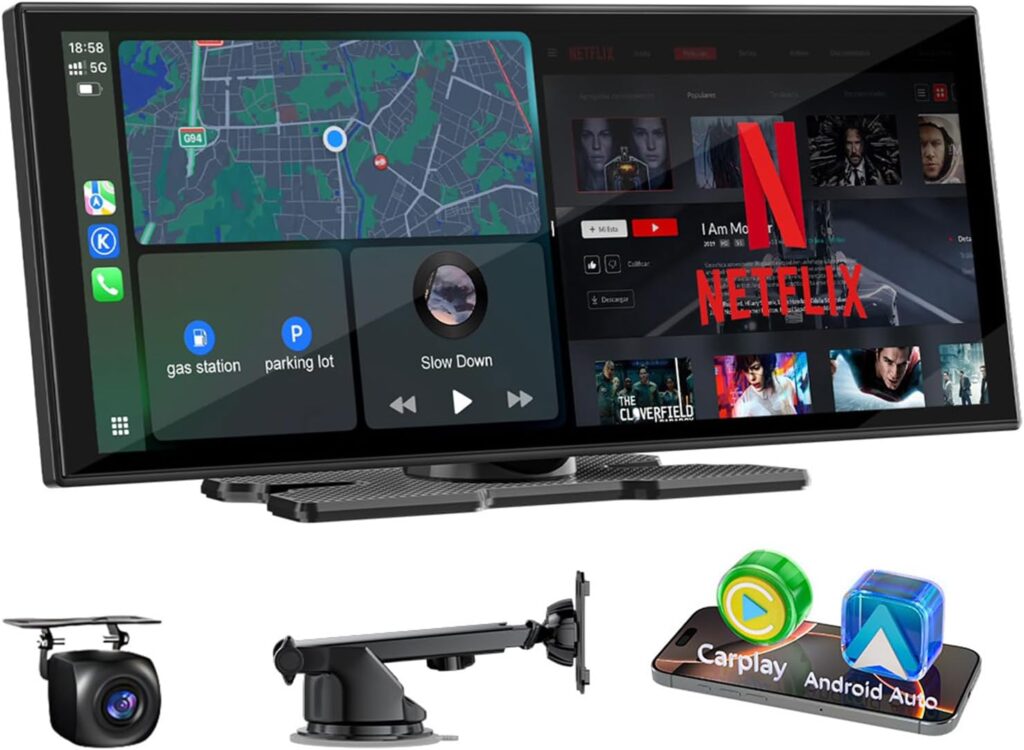
Magic AI Box Go Wireless: Convert your wired CarPlay/Android Auto to wireless adapter—no head‑unit swap. A true magic box that realize wireless Carplay, Android Auto, and Android system in one.
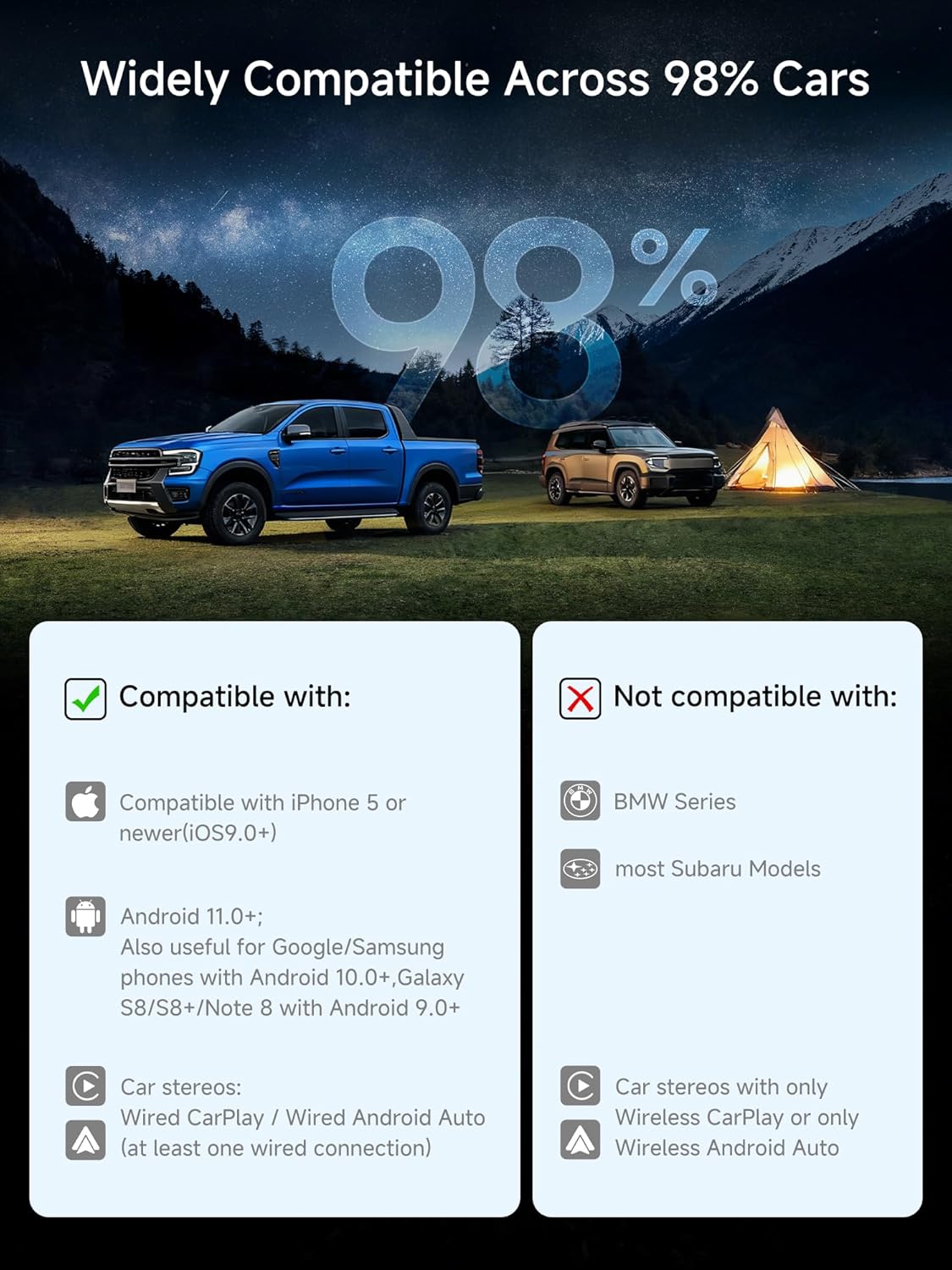
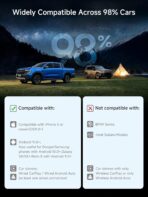
Purchase Notice:To ensure optimal performance, please confirm 1. Your vehicle must support wired CarPlay or wired Android Auto, as the AI Box operating mode depends on the factory system. 2. Your car stereo must support one of the following: Direct on-screen touch control, or a touchpad, remote controller for navigation. 3. Not compatible with: BMW models, Most Subaru vehicles, Aftermarket head units, or OEM head units that support wireless CarPlay or wireless Android Auto only.
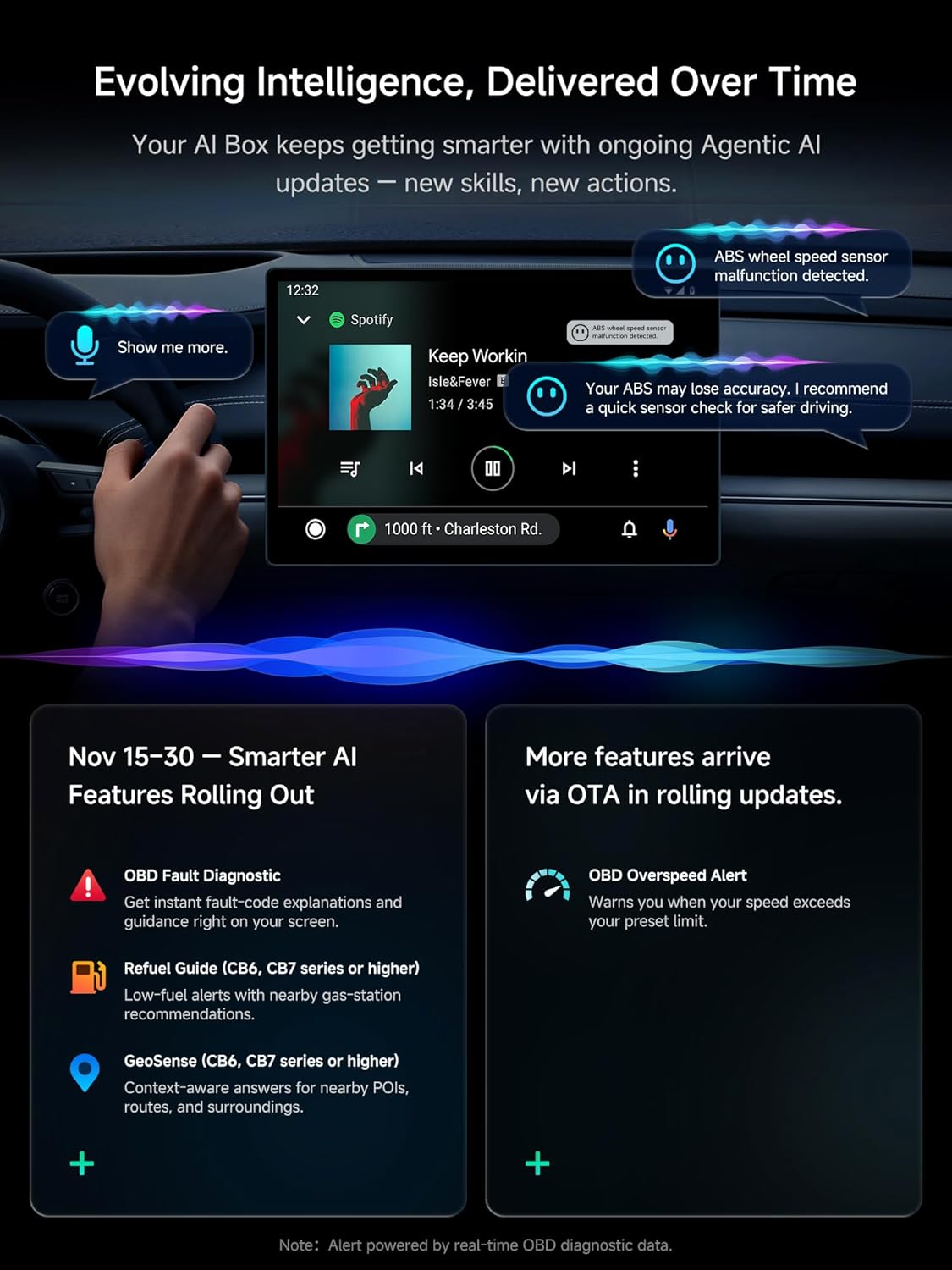
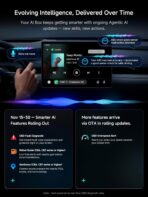
AI Voice Assistant for Smarter Guidance:Activate DriveChat from your steering wheel and enjoy natural AI-powered responses through MYATOTO’s advanced AI Box CarPlay system. Whether asking questions or managing box-level tasks, everything stays hands-free and intuitive—bringing calm, clarity, and convenience to every moment behind the wheel.
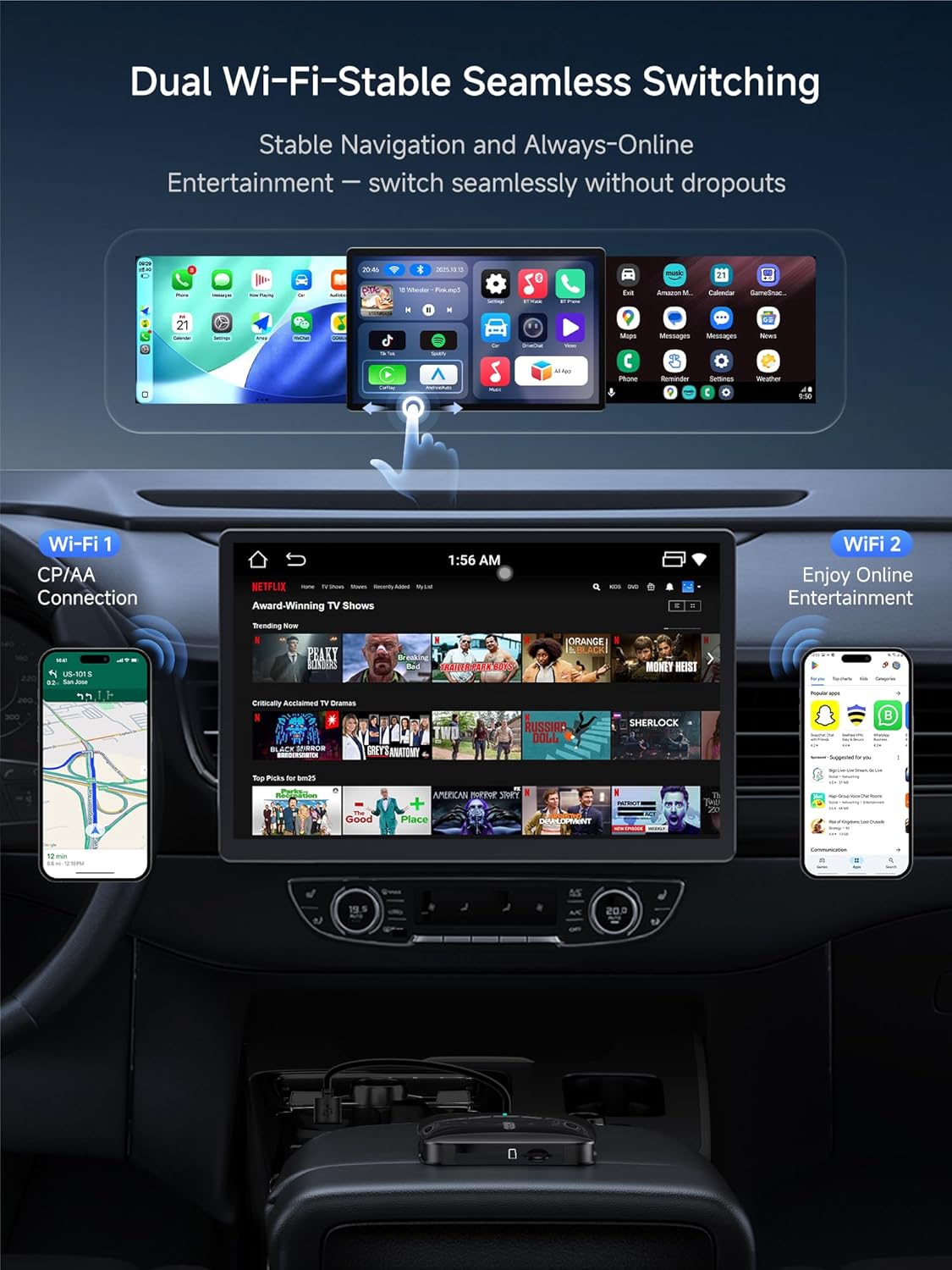
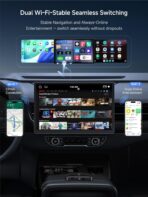
Designed for a Stable, Fluid Wireless Experience:Dual-WiFi channels maintain a stable wireless carplay adapter for android connection while powering online apps through MYATOTO’s internal system. This ensures navigation stays responsive while media loads smoothly without interruptions—giving you a sense of confidence that your tech won’t fail when you need it most.
Auto Privacy Lock for Peace of Mind:Bluetooth proximity detection automatically locks and unlocks your apps as you walk away or return. With security built into every trip, this CarPlay AI Box prevents unwanted access without extra effort—giving you reassurance that your personal world is always protected.
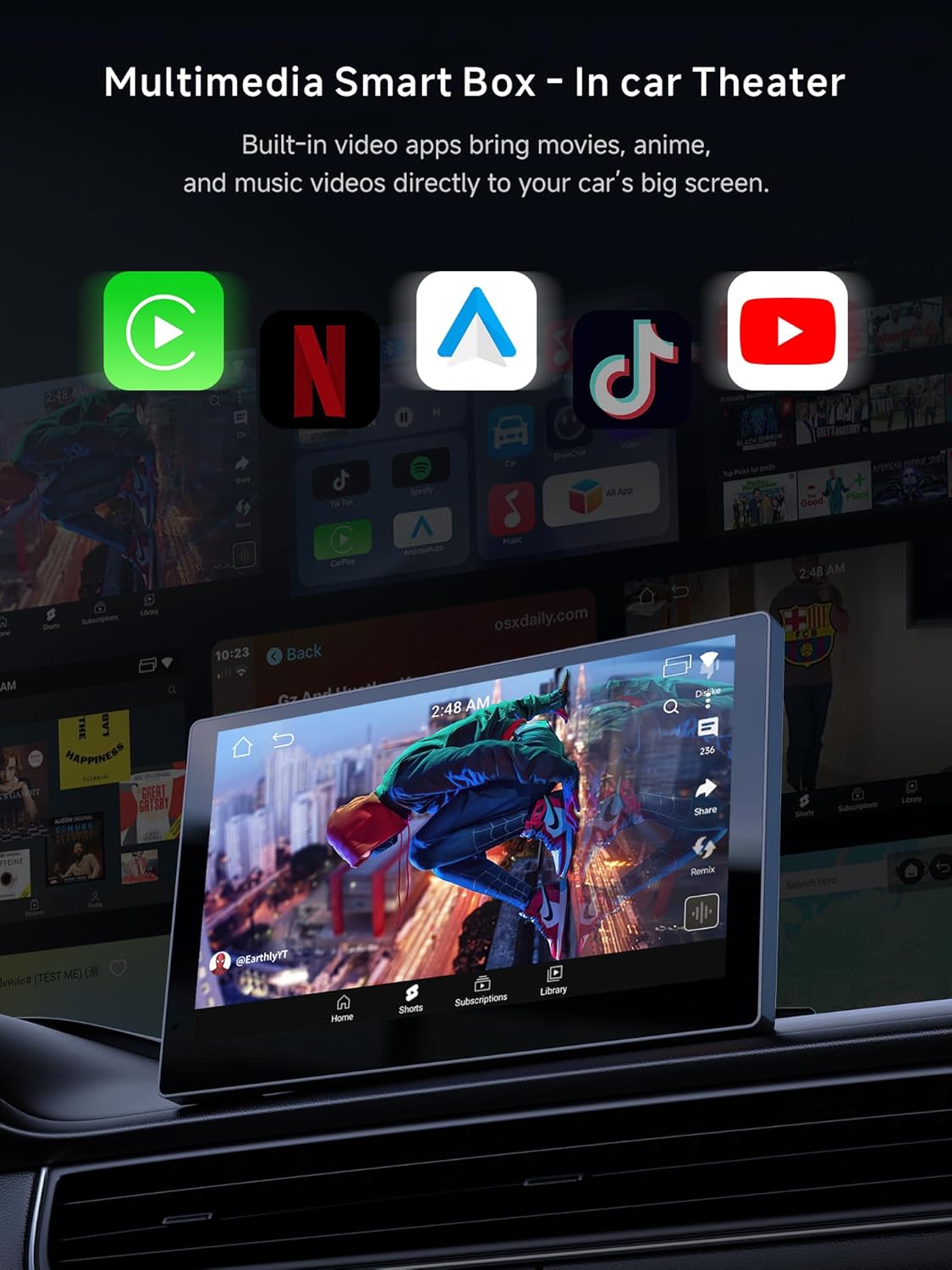
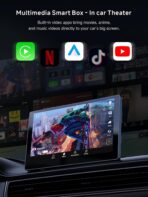
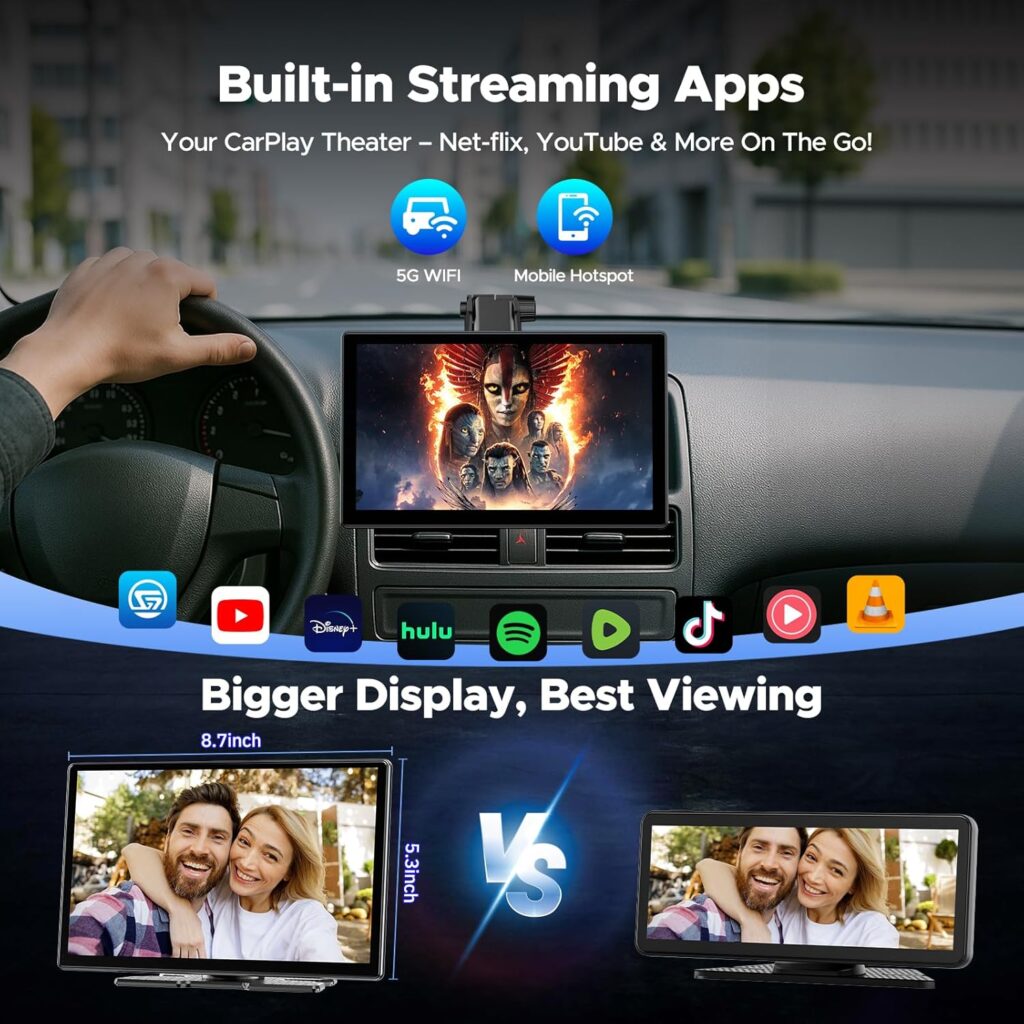
Smooth Performance for In-Car Video Enjoyment:With optimized performance, MYATOTO CB4B operates as a reliable video CarPlay adapter for passengers during parked moments or allowed scenarios. Designed for fast app loading and fluid playback, it handles your favorite entertainment effortlessly—turning downtime into moments of enjoyment and relaxation.
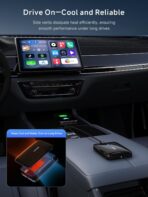
Thermal-Smart Design + Power-Safe Y-Cable:Advanced heat-dissipation vents and a stabilizing Y-cable keep MYATOTO CB4B running smoothly, even in vehicles with weak USB ports. This reliability surpasses typical wireless CarPlay adapter USB-C setups—bringing you the comfort of uninterrupted performance on long drives.
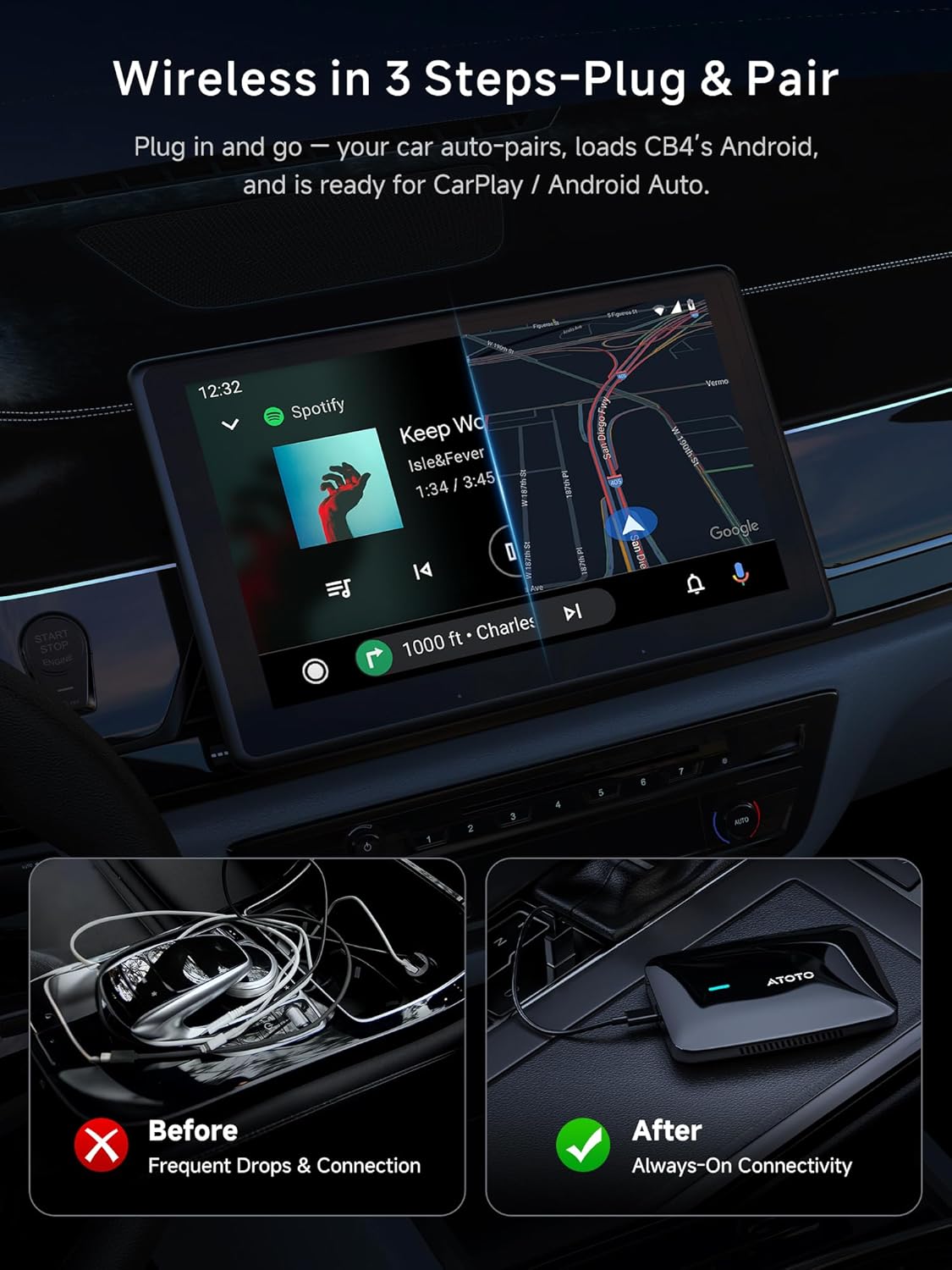
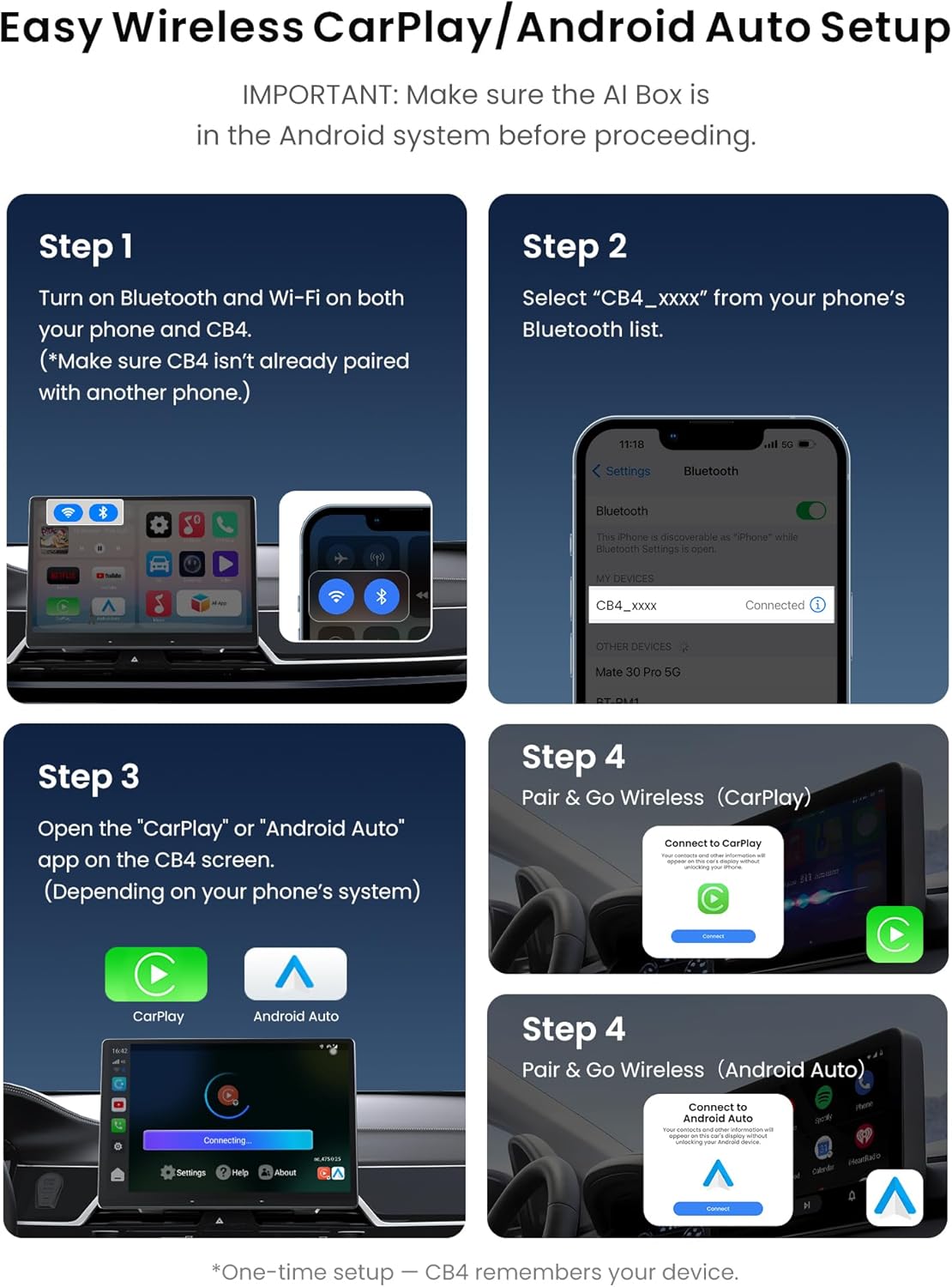
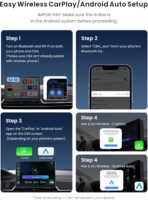
Wireless CarPlay / Wireless Android Auto Setup (CB4B) Turn Bluetooth and Wi-Fi ON on your smartphone. On your phone, open Bluetooth settings and select “CB4_xxxx” to pair. On the CB4B Home screen, tap the CarPlay / Android Auto app (connection icon). Follow the on-screen prompts on your phone to complete the setup. Important (Android Auto mode on some vehicles): If your car supports wired Android Auto only, or wired Android Auto + wireless CarPlay, press and hold the “CP/AA” button on the head unit to switch to Android Auto mode, then open the CarPlay / Android Auto app on the CB4B.
Smart IoT Connectivity for Personalized Comfort:The CB4B connects BLE lights, LED displays, and select accessories—turning it into a fully interactive Magic Box CarPlay cockpit through MYATOTO’s IoT interface. Optional diagnostic pairing adds real-time car data for empowered driving—letting your vehicle feel uniquely tuned to your personality and style.
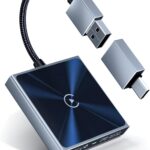
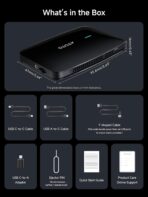
Complete Cable Kit + MYATOTO Warranty Support:Includes USB-A to C, USB-C to C, and a stability-boosting Y-cable for modern vehicles using wireless CarPlay adapter USB-C connections. Backed by MYATOTO’s extended care and responsive support—rewarding you with long-lasting confidence in your purchase.

Berenice Correa Arroyo –
Carplay
Muy bueno y funciona muy bien sin internet, y tiene muy buena calidad de visibilidad, lo unico es que no puedes bajar mas aplicaciones. Solo puedes usar las que tiene. Pero es muy bueno lo recomiendo. A mi me gusto mucho, pero yo queria uno que yo pudiera baja mas aplicaciones.
Sophia –
Awesome carplay adapter
Very handy carplay used in hyundai pallisade. Very easy to connect and also supports airplay.
Genevieve –
smooth wireless connection and makes driving
Plugged this wireless CarPlay and Android Auto unit into my car and setup took only a couple of minutes. Once paired, it reconnects on its own every time I start the engine, which means no cables hanging across the console and no reaching for plugs before driving. Navigation loads quickly and the map stays responsive even when switching apps or checking music. Calls come through clear on both ends and I can answer or hang up with steering wheel controls, so I keep my hands where they should be. Music streaming is also smooth. I switch between playlists and podcasts while driving and there is no lag or sudden dropouts. The screen layout feels familiar since it mirrors what I’m used to on my phone, just easier to tap and scroll while focused on the road. I tested Siri and Google Assistant for messages and quick tasks, and both picked up my voice well without needing to shout. It really feels like a natural extension of the car instead of another piece of tech to manage. Only small thing is that the first pairing took a little patience, but after that it remembered instantly. Since then it has been plug in, start car, and everything is ready. Overall it keeps my dashboard clean, lets me use GPS and music wireless, and saves me from fumbling with cables every morning. It is for convenience, connection stability, and the way it fits into daily driving so effortlessly.
Lorenzo l. –
Entretenimiento en tu carro
Esto ha sido lo mejor que he comprado
A. Kashyap –
Slow but steady
Connected with iphone 16 pro and noticed Carplay takes a while to load. First it loads the os home screen in 15 seconds, then it waits for 30 seconds. Then the ai drivechat app opens with a disclaimer screen, and after 5 seconds speed play opens and it connects to carplay. Overall very slow. I had a ottobox from 2022 that connects in 10-15 seconds. Returning for something else. Also there is no way to disable drivechat ai app. One positive is that connection is stable and reliable.
moka –
Wireless carplay for Android system
This wireless CarPlay and Android Auto box for my dad’s older car so he could play music and use maps more easily. The device is small and light, so it sits near the dashboard without taking up space. Setting it up was not hard. I plugged it in, followed the steps on the screen, and it connected to his phone in a few minutes. My dad is not good with tech, but now when he gets in the car, the box usually connects by itself and his music starts to play. He likes that he can listen to his songs and hear map directions without touching his phone. The sound is clear, and the connection has been mostly stable.
Ellis –
Great for Daily Driving
What stands out is how seamlessly this adapter fits into regular routines. The small cable and lightweight body make it easy to move between cars if needed, and the LED indicator keeps things clear without being distracting. App icons appear crisp, and touch responses on the car’s screen feel just as quick as using a wired connection. I also like that there’s no complicated menu—you simply connect once and let it do its job.Calls come through with steady clarity, and switching from navigation to music is smooth. Even when I open multiple apps, there’s no noticeable lag. It keeps the drive organized and allows me to keep my phone in my bag instead of constantly plugging it in. For anyone who wants a cleaner setup and easier access to their apps on the road, this wireless adapter brings a tidy, convenient upgrade.
Edison Couple –
all-in-one solution that works brilliantly.
First and foremost, it effortlessly converted my factory wired CarPlay into a seamless wireless connection. I now get in the car, and my phone connects automatically within seconds—no more fumbling with cables.The addition of a full, standalone Android system is the game-changer. It’s like having a smart tablet built into my dashboard. I can run YouTube, streaming services, or dedicated navigation apps independently of my phone. The built-in 4G LTE (with optional data plan) and support for Wi-Fi/Bluetooth tethering ensure it’s always online, which is perfect for keeping passengers entertained on long trips or using real-time cloud-based tools.
Fernanda –
Connectivity is instant the moment the ignition starts. The screen responds quickly to touch commands without lag. Split screen features allow navigation and entertainment to run at the same time. Having 4G LTE built in keeps the system online even when the phone is away. Internal cooling prevents the unit from getting hot during long drives. Installation involves plugging into the existing port. The processor handles multitasking without crashing. The item represents a technical upgrade for a vehicle with a wired system. The interface is clean and mirrors the phone perfectly. The connection remains stable through tunnels and remote areas. The box stays hidden. The setup is fast. The signal is strong. The adapter is compact. The memory allows for many apps to be stored. The antenna provides a good range for the wireless signal. Multitasking between maps and music is fluid.
Sky lights –
From the moment I start the car, this adapter links up immediately. The touch screen responds quickly, and using navigation alongside entertainment is effortless. It feels seamless compared to my old wired setup.Reliable and well-builtThe built-in 4G LTE keeps the system online even if my phone isn’t connected, and the internal cooling prevents it from overheating on longer trips. Installation was simple — just plug into the existing port — and the compact design keeps everything hidden and tidy.Practical for everyday useMultitasking between apps is smooth, and storing multiple apps on the internal memory is convenient. The signal remains stable in tunnels and remote areas, and the interface mirrors the phone cleanly. Overall, it’s a smart, practical upgrade that makes CarPlay feel modern and versatile.
Chole s –
I installed this wireless CarPlay AI box in my car last week, and the setup was very quick. It was truly plug and play. After connecting it once, my phone connects automatically when I start the car, which makes daily driving more convenient.The wireless CarPlay works smoothly and the connection has been stable during my drives. I also like the HDMI input feature. I tested it with a small media device, and it displayed clearly on the car screen.The device is compact and does not take up much space in the car. Bluetooth connection is fast, and the interface responds quickly when switching between apps. It has been a useful upgrade for my car’s infotainment system and makes longer trips more enjoyable.
Bright Horizon –
This compact adapter is a neat little upgrade for a wired CarPlay system. It’s slim, easy to connect and the plug-and-play setup makes it very straightforward to get started. The HDMI input is a clever addition too, allowing other devices like a TV box or game console to be connected when needed.It has been working nicely so far, with stable performance and smooth connectivity. My girlfriend loves it as well, especially how tidy and unobtrusive the small design is in the car. A smart little gadget that adds useful flexibility to the infotainment setup.
Faye –
This wireless CarPlay AI box adapter is a great upgrade for cars that originally only support wired Apple CarPlay. The setup is very straightforward—just plug the adapter into the car’s CarPlay USB port, connect your phone, and it quickly converts the system to wireless CarPlay. It reconnects automatically when the car starts, which makes everyday use much more convenient without needing to plug in a cable.One of the most interesting features is the HDMI input, which allows external devices like a TV box, game console, DVD player, or Blu-ray player to connect directly to the car’s display. This turns the car screen into a small multimedia hub, which can be very useful for passengers during long trips or when the car is parked.The connection is stable thanks to Bluetooth 5.2, and the system works smoothly with navigation apps, music streaming, and phone calls. The interface remains easy to use and similar to the original CarPlay experience. The plug-and-play design means there is no complicated installation or setup process.