


Price: $359.99 - $289.98
(as of Mar 31, 2026 18:25:02 UTC – Details)
Product description


1 Full Android System
2 True 8GB+128GB
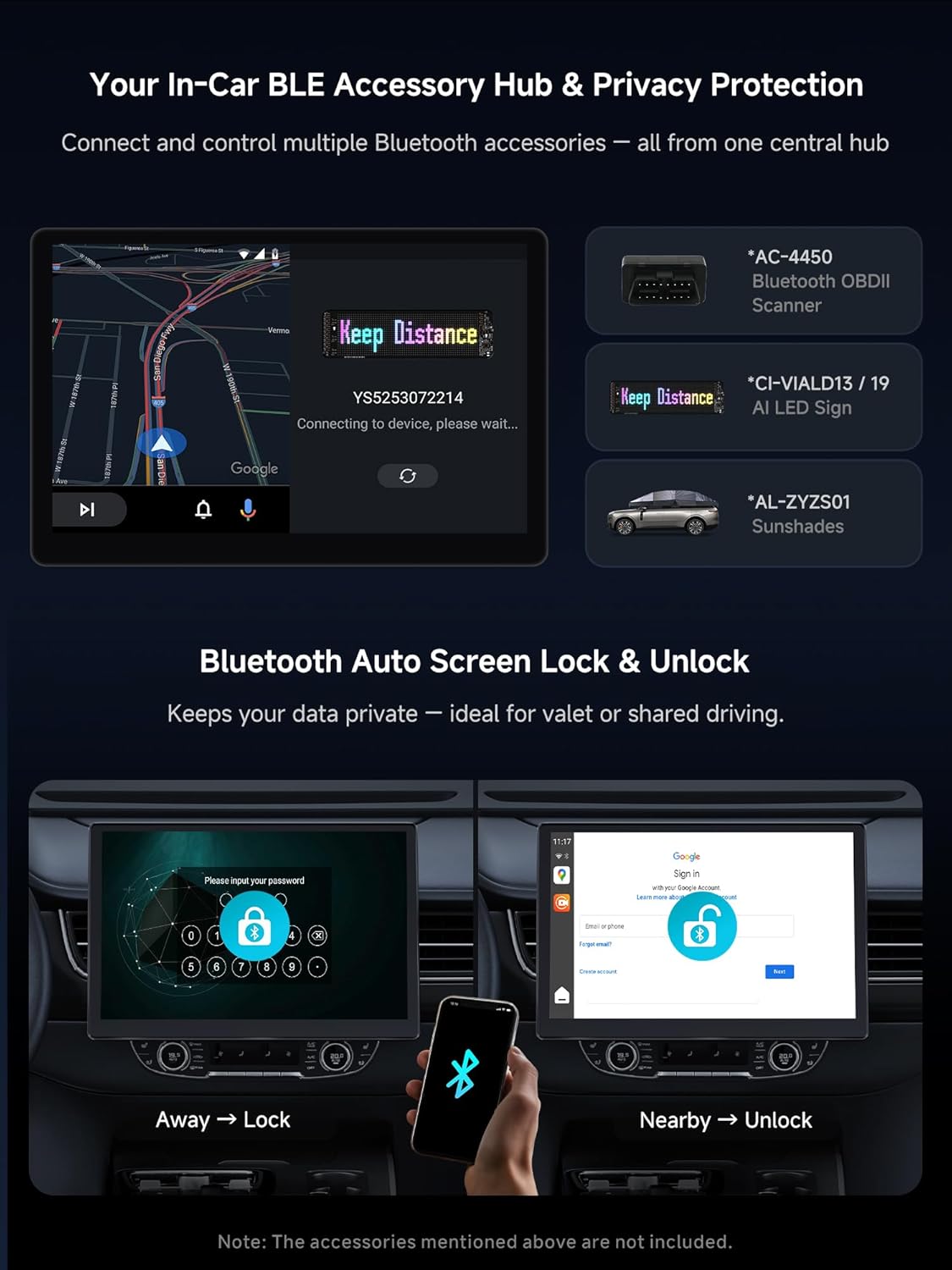
3 Dual Bluetooth
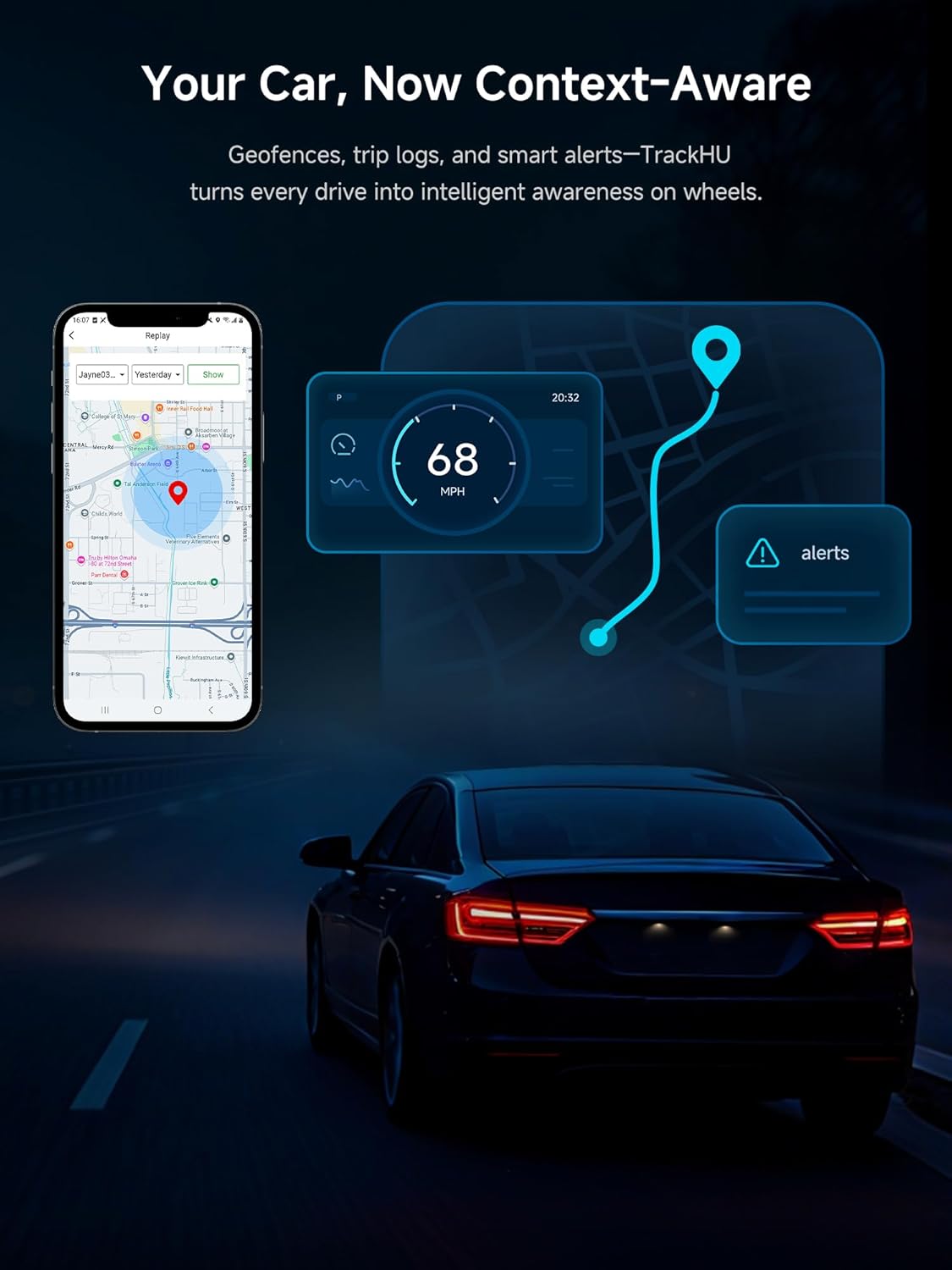
4 TrackHU
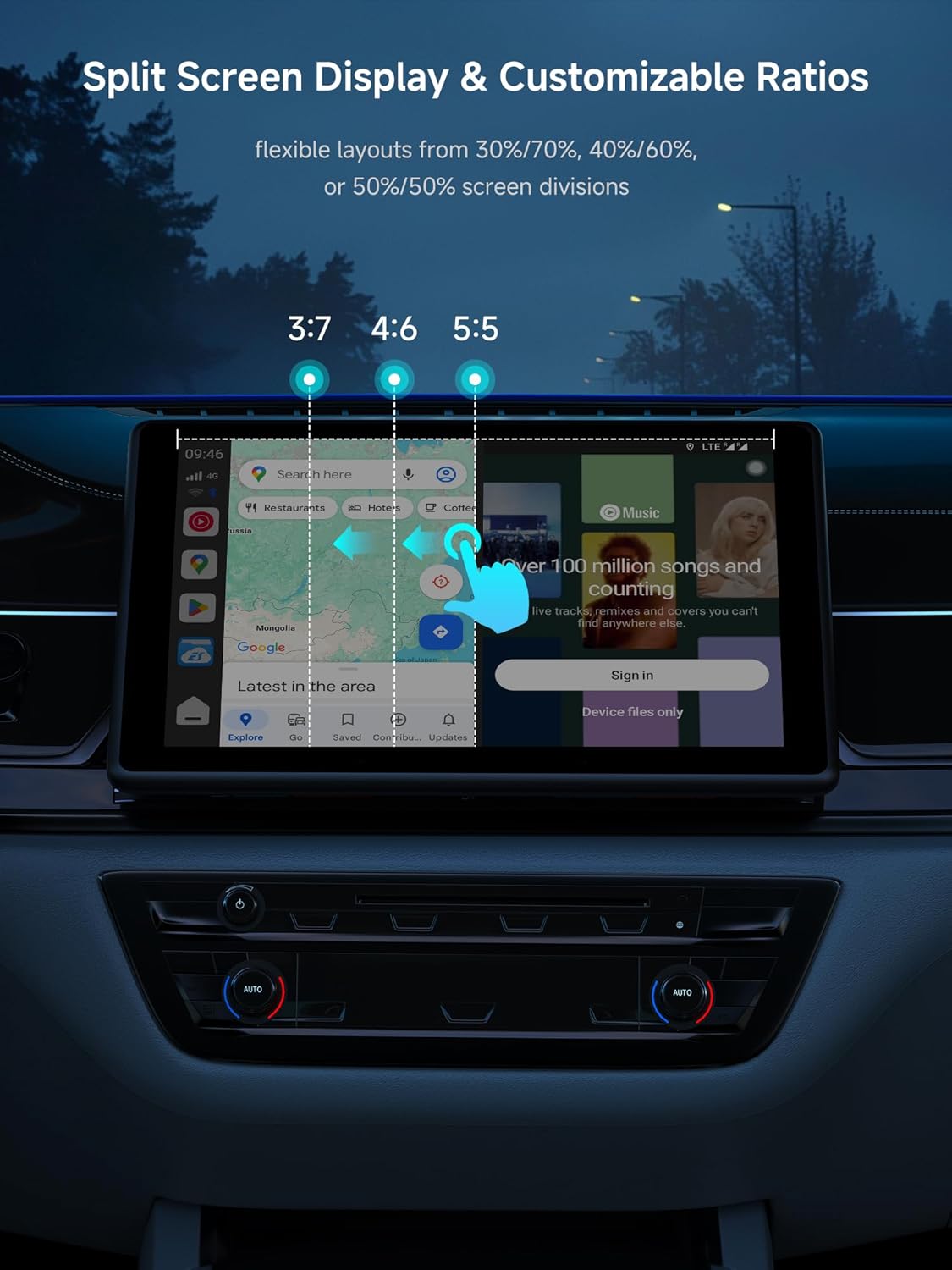
5 Split Screen


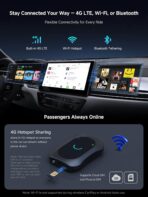
1 Built in 4G LTE
2 APP Tools
3 OEM SWC
4 CloTHub
5 Stable Power & Cooling


1 Easy Connected
2 Wide Compatiblity
3 Y-Shaped Cable
4 Product Care
5 Carwave Lineup
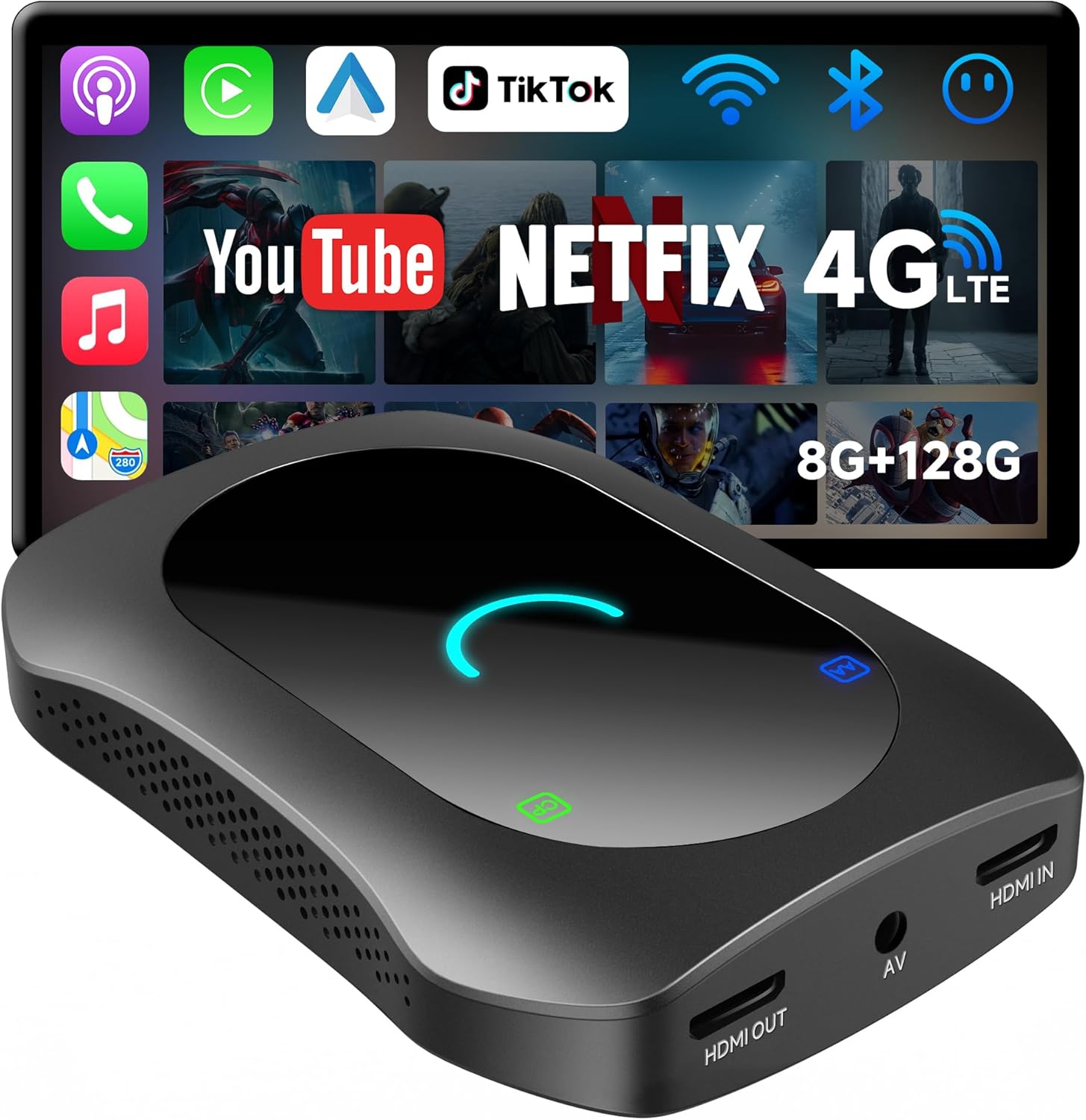
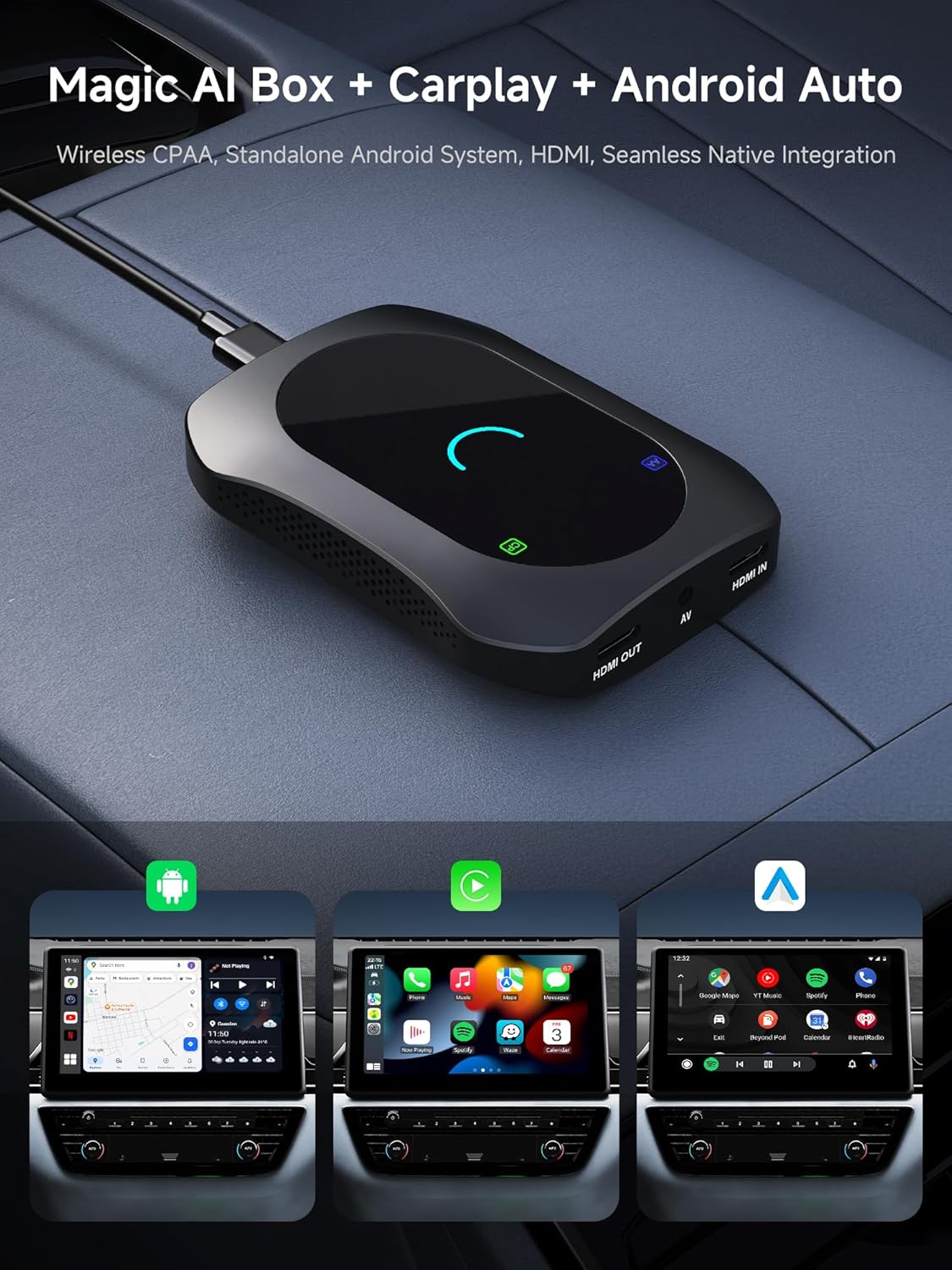
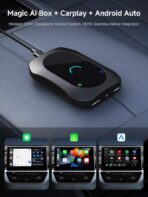
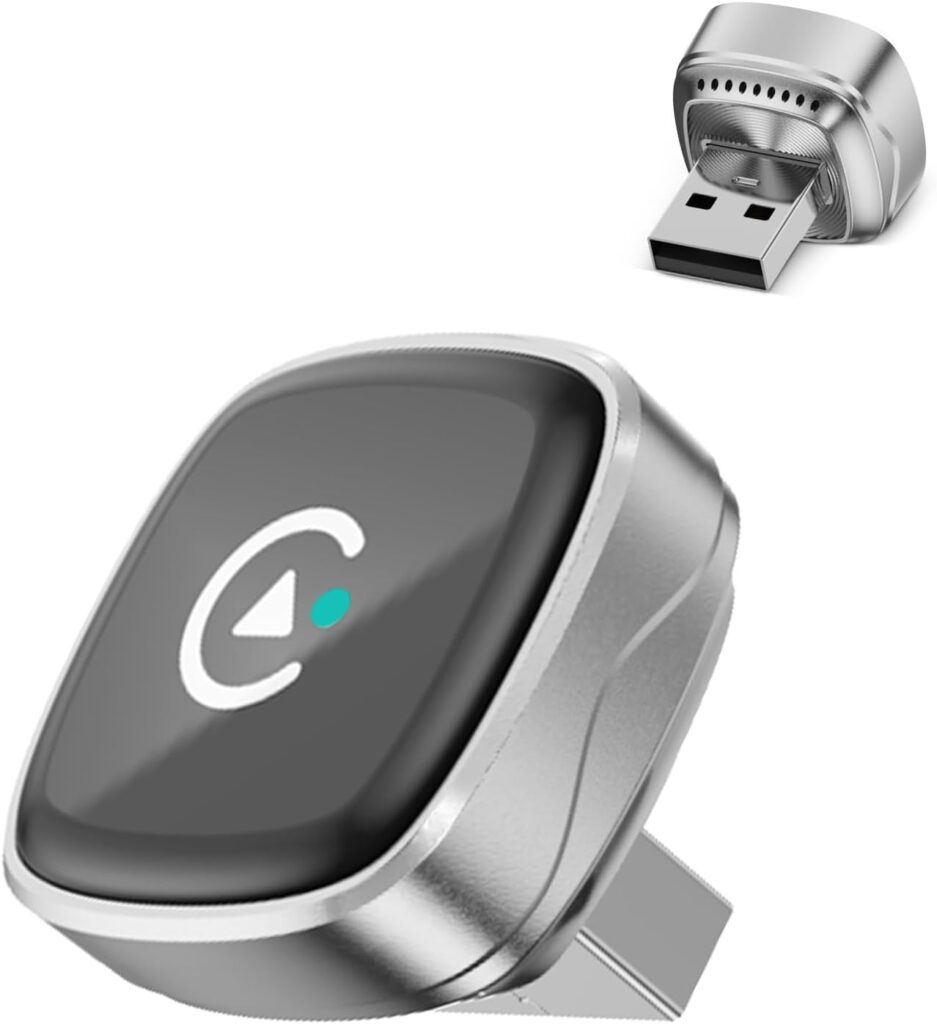
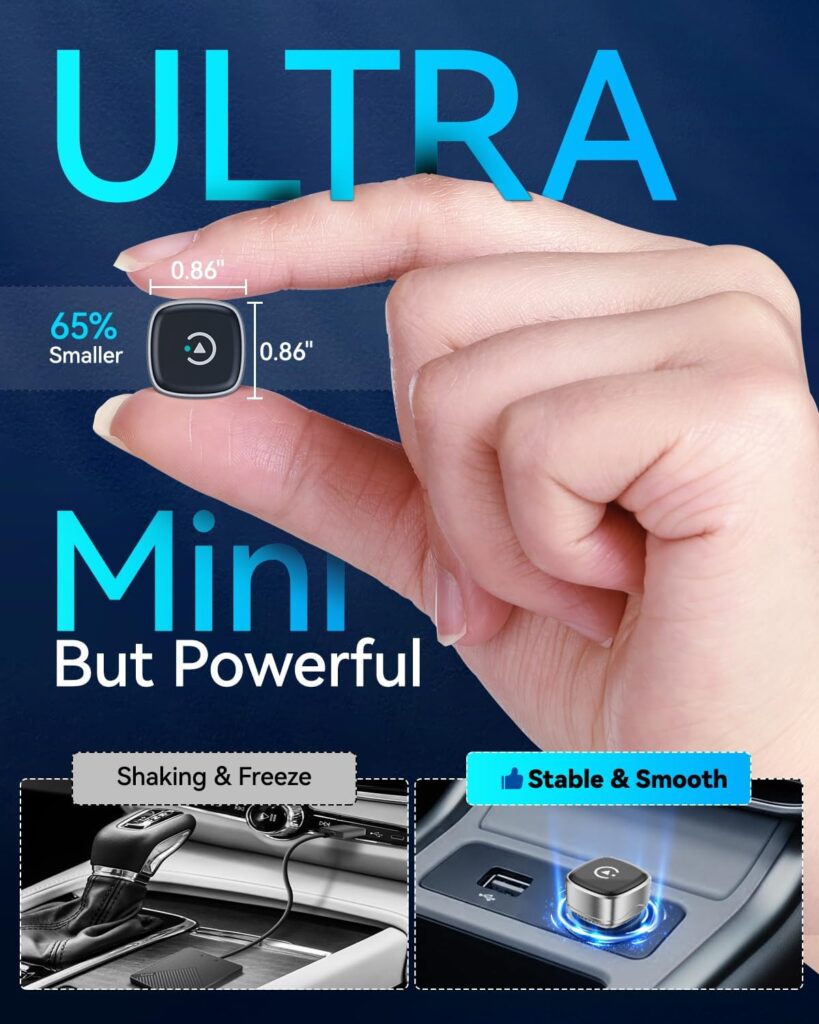
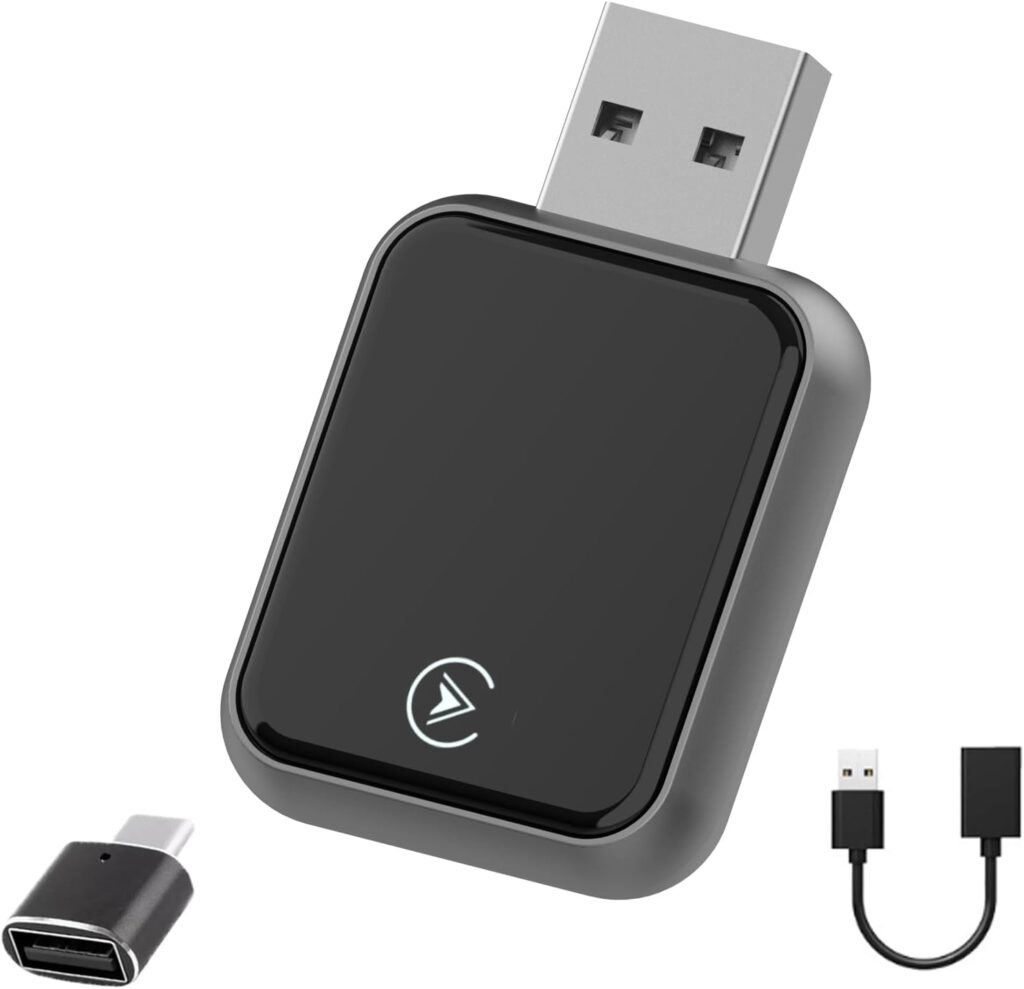
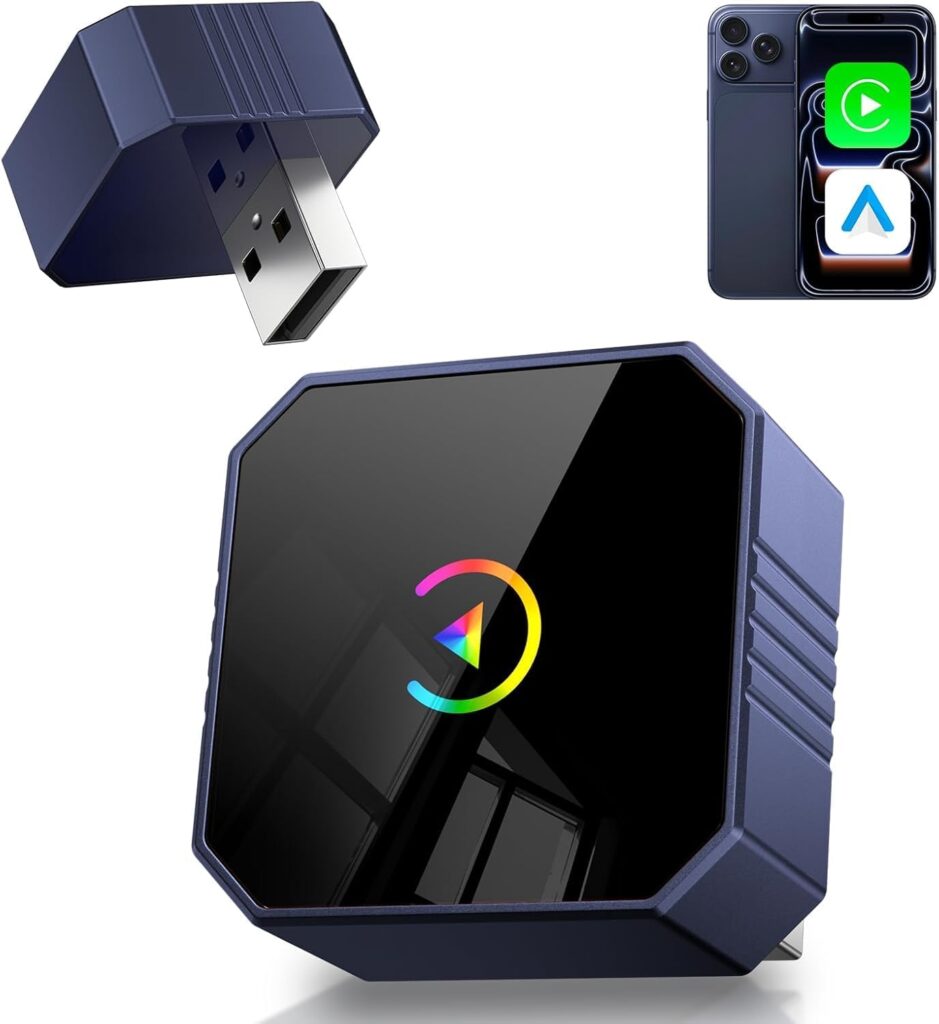
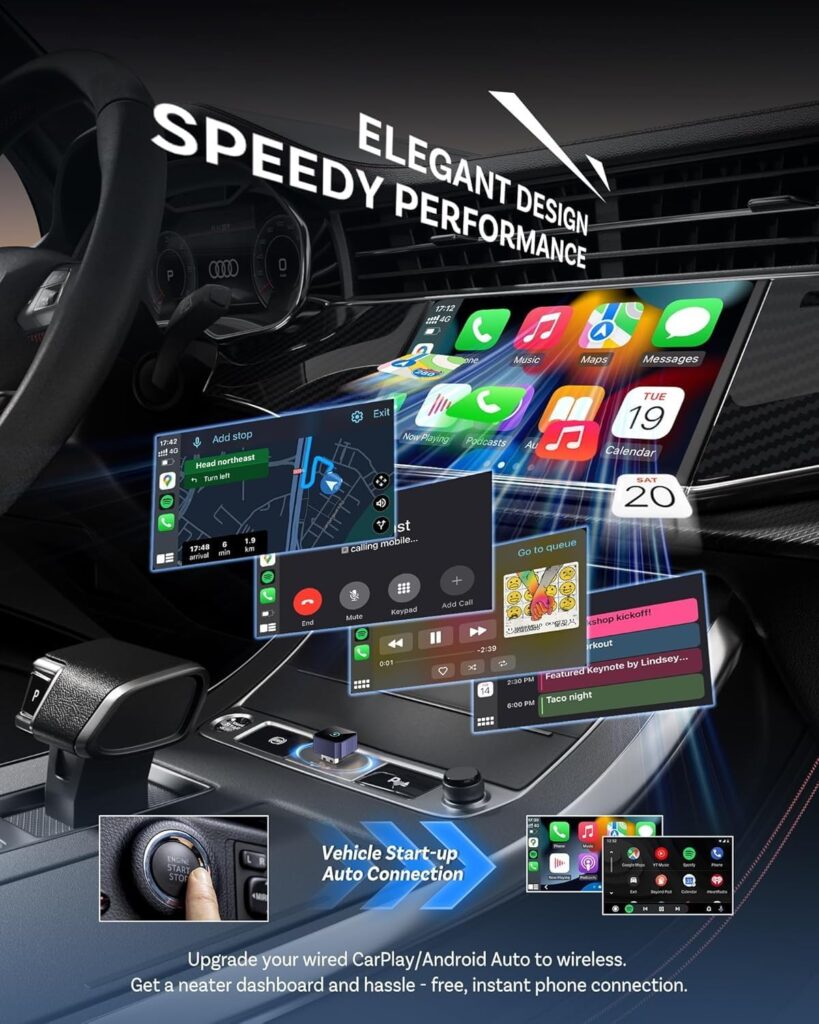
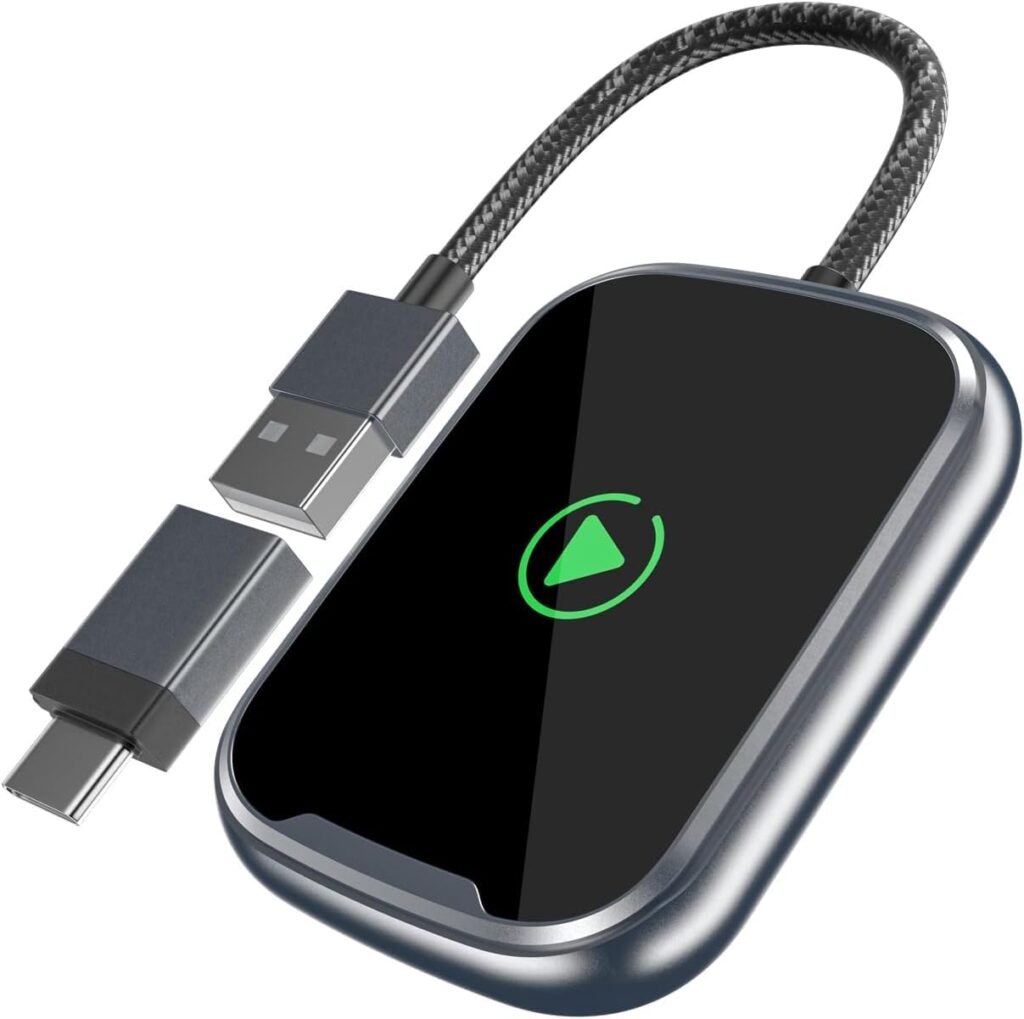
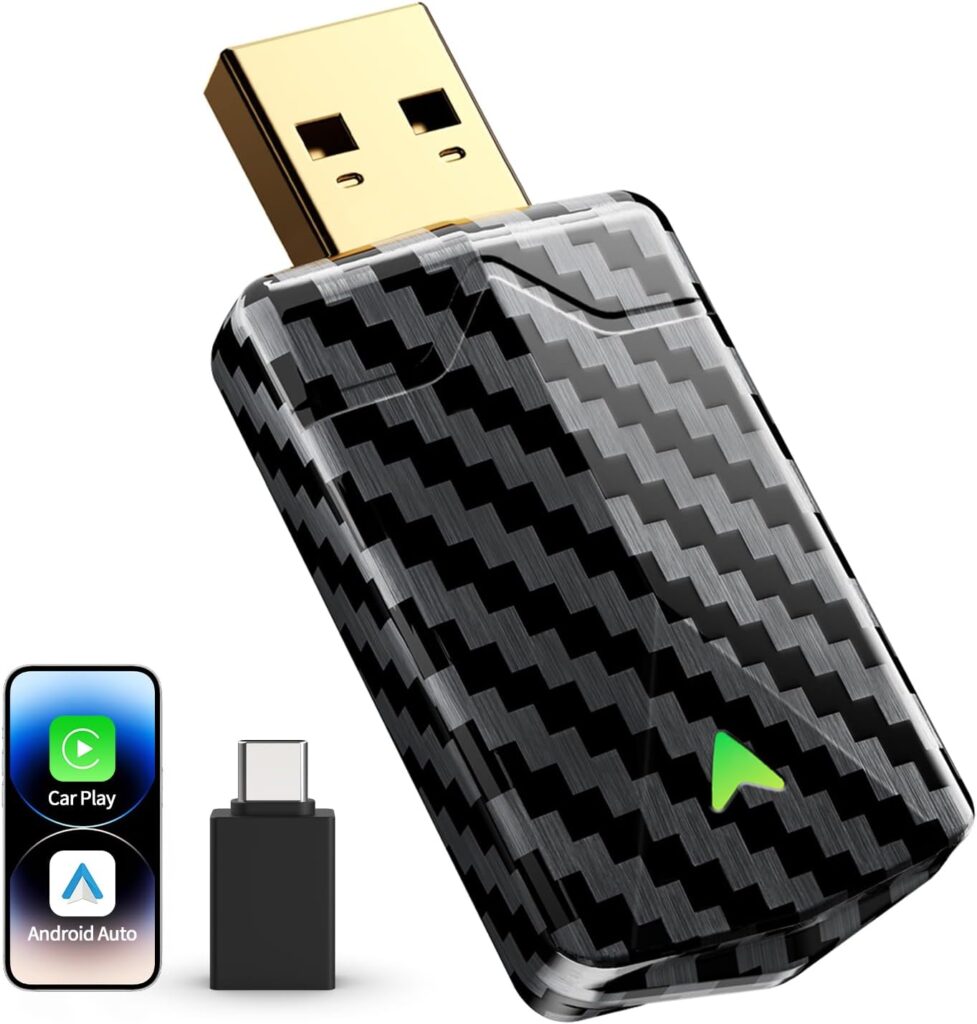
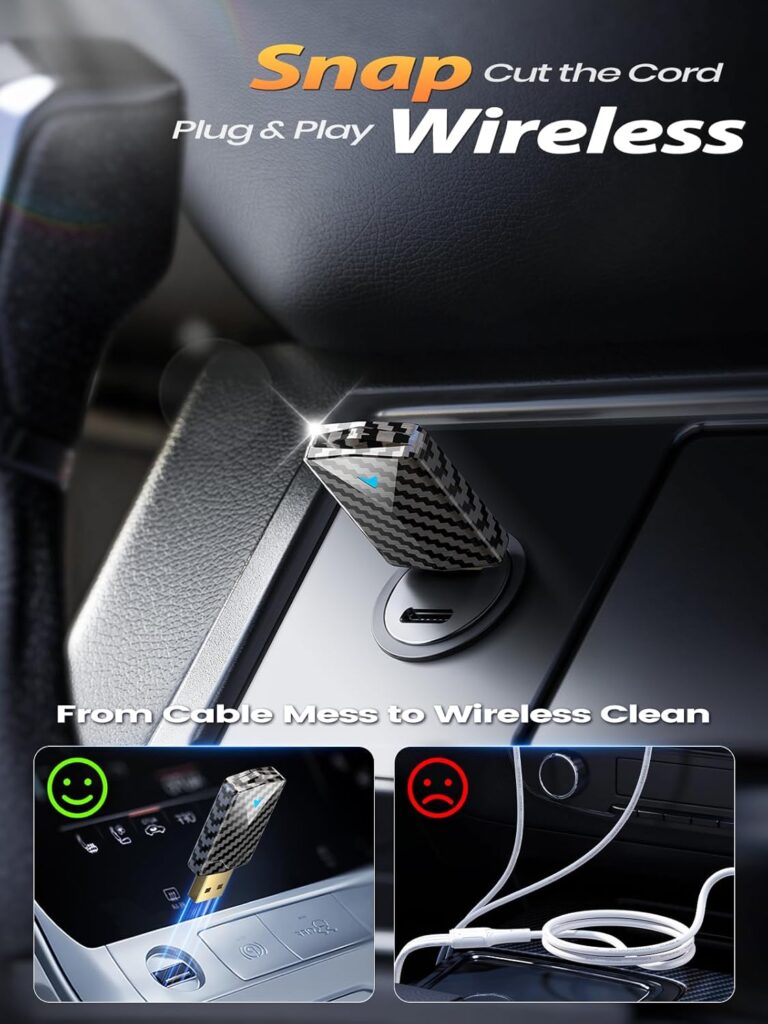
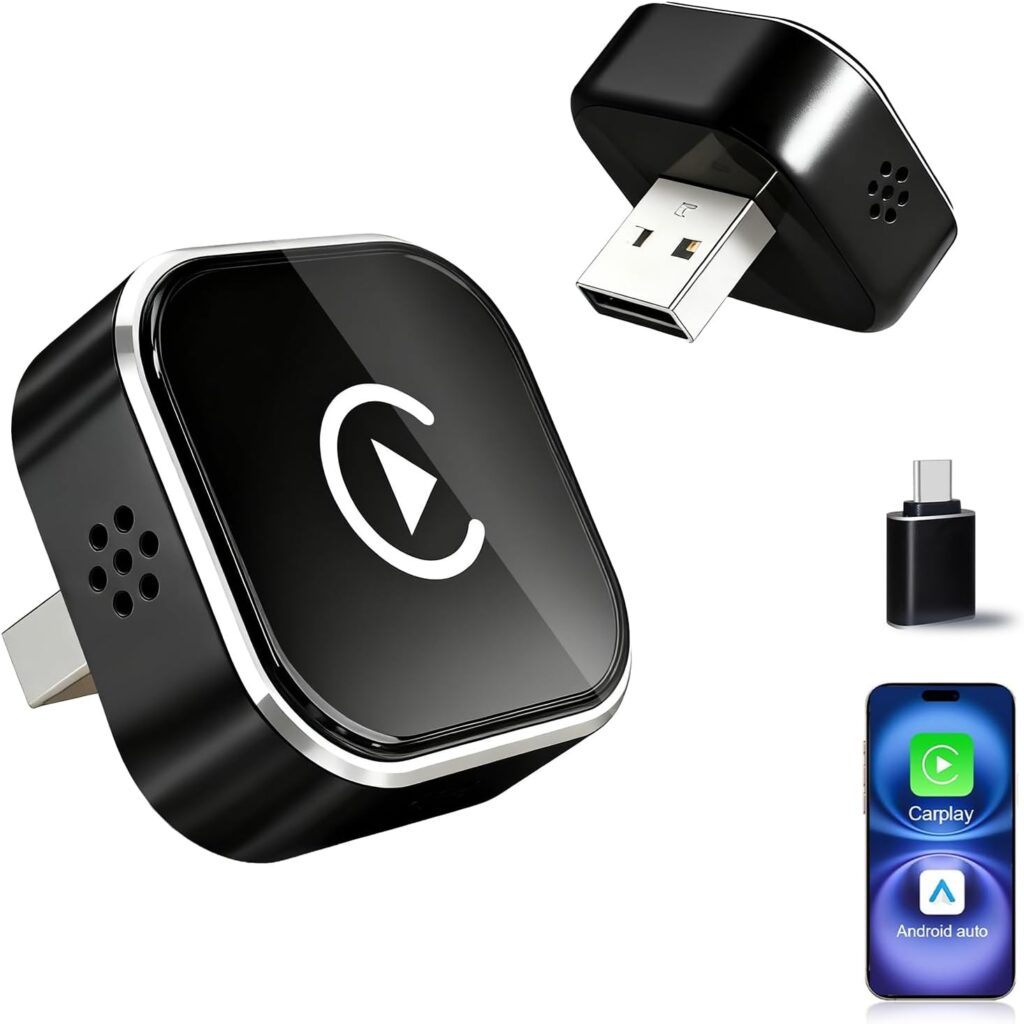
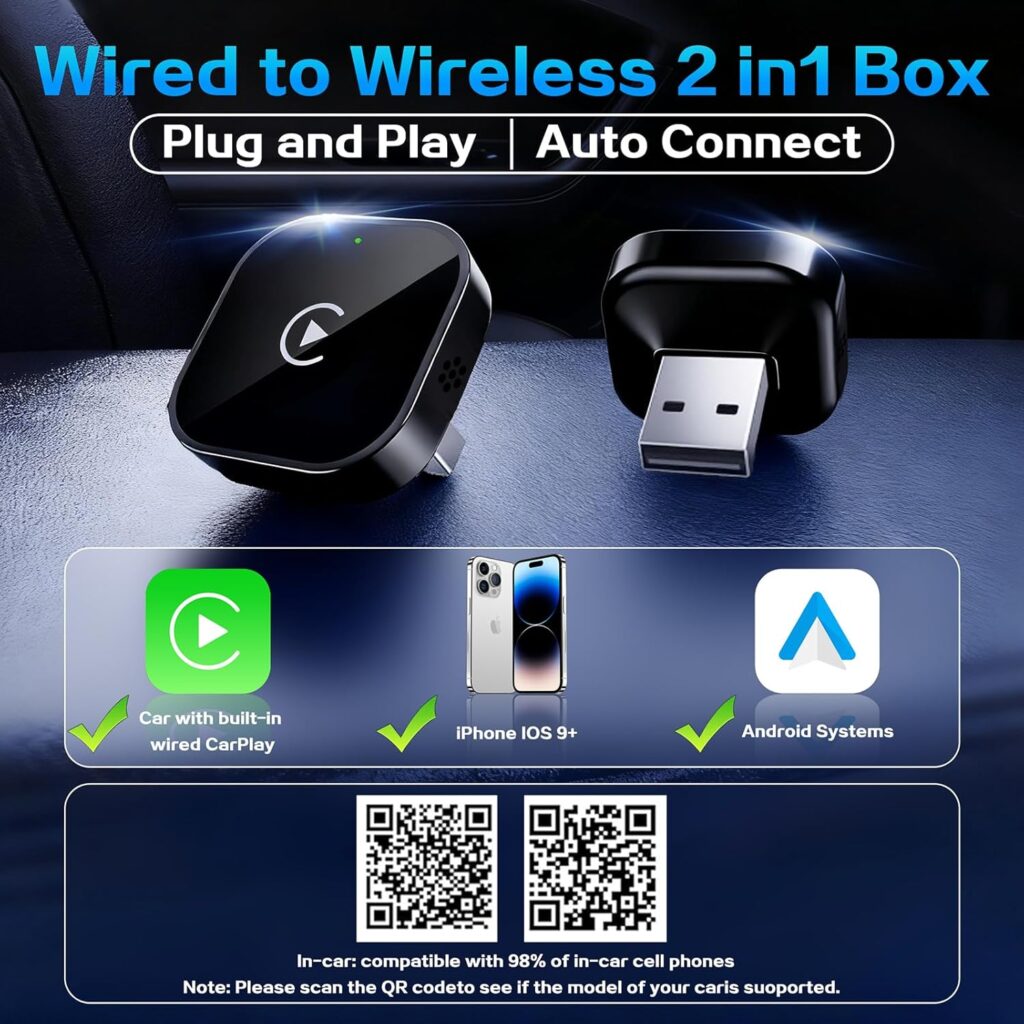
8-in-1 AI Box: Convert your wired CarPlay/Android Auto to wireless, a full Android system magic ai box. Enjoy apps, entertainment, and smart tools, all while keeping your OEM UI
Purchase Notice:To ensure optimal performance, please confirm 1️⃣Your vehicle must support wired CarPlay or wired Android Auto, as the AI Box operating mode depends on the factory system. 2️⃣Your car stereo must support one of the following: Direct on-screen touch control, or a touchpad, remote controller for navigation. 3️⃣ Not compatible with: BMW models, Most Subaru vehicles, Aftermarket head units, or OEM head units that support wireless CarPlay or wireless Android Auto only.
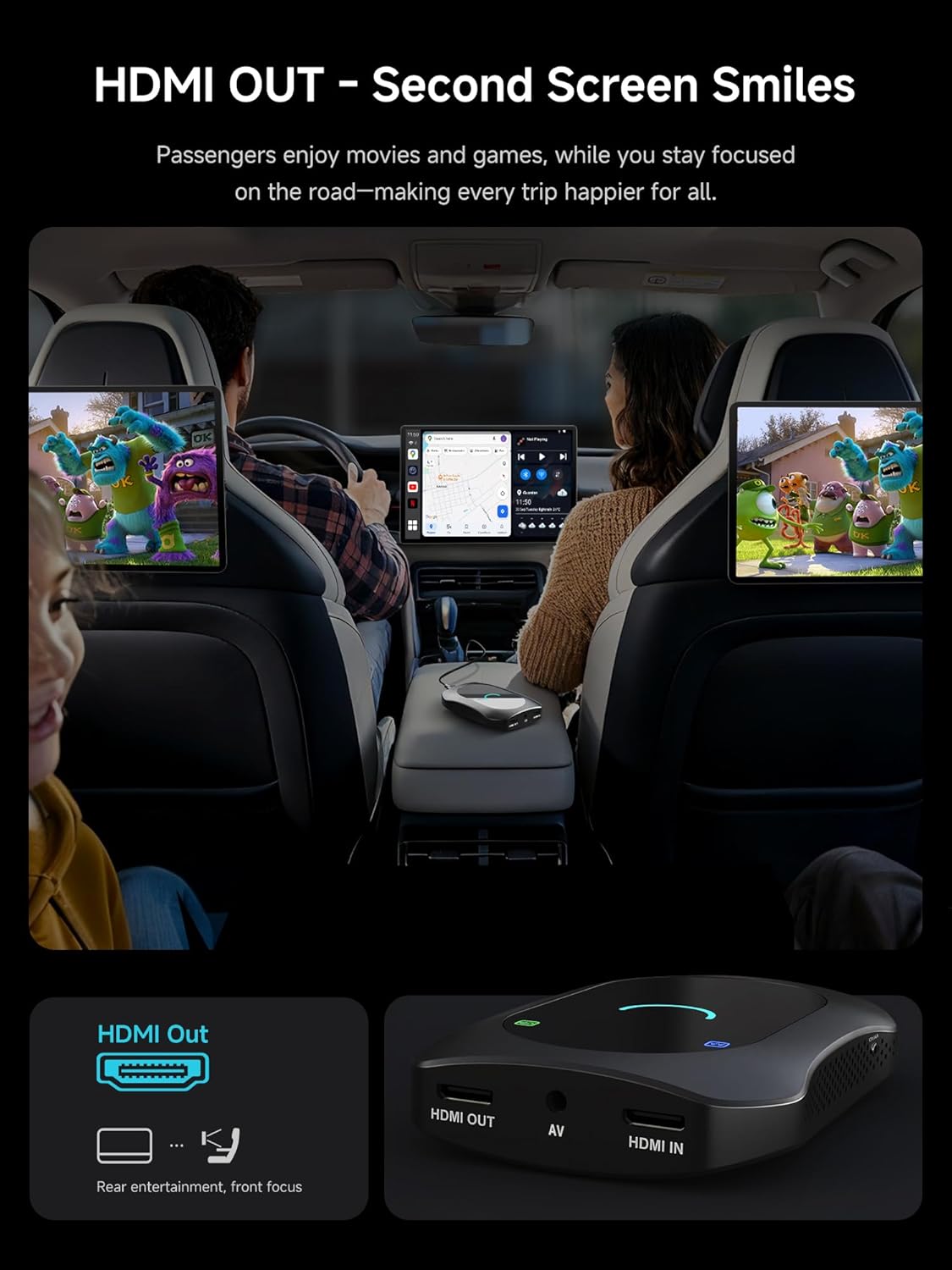
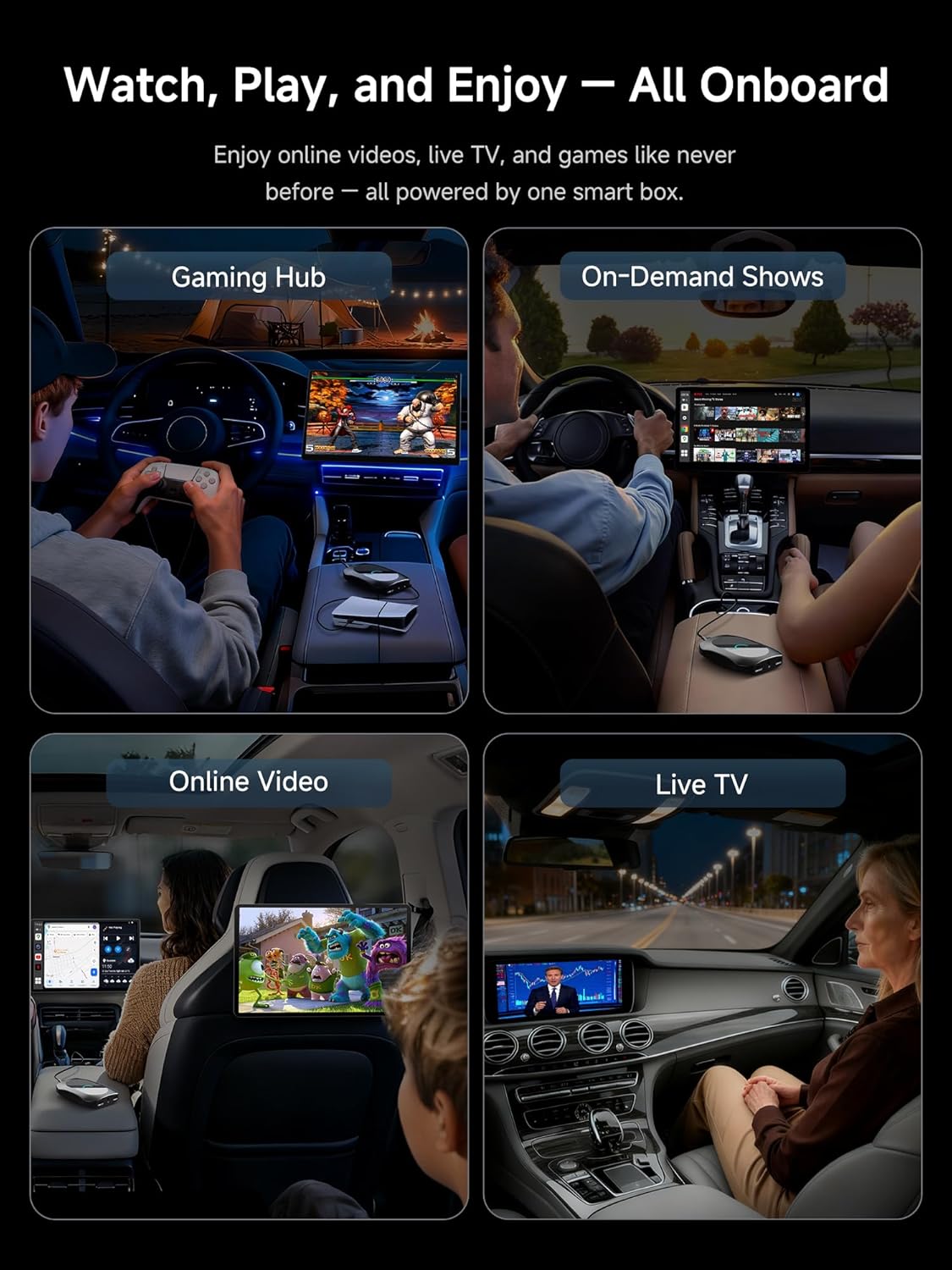
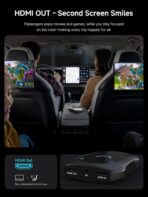
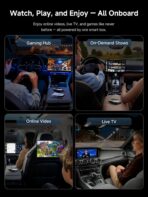
HDMI-In & HDMI-Out: A car video box creates a private cinema. Connect a console, TV stick, or media player via HDMI-In in this carplay ai box to enjoy content on the main screen, or via HDMI-Out output this magic video box apps and videos to a rear/visor monitor—drivers stay focused, passengers enjoy seamless entertainment
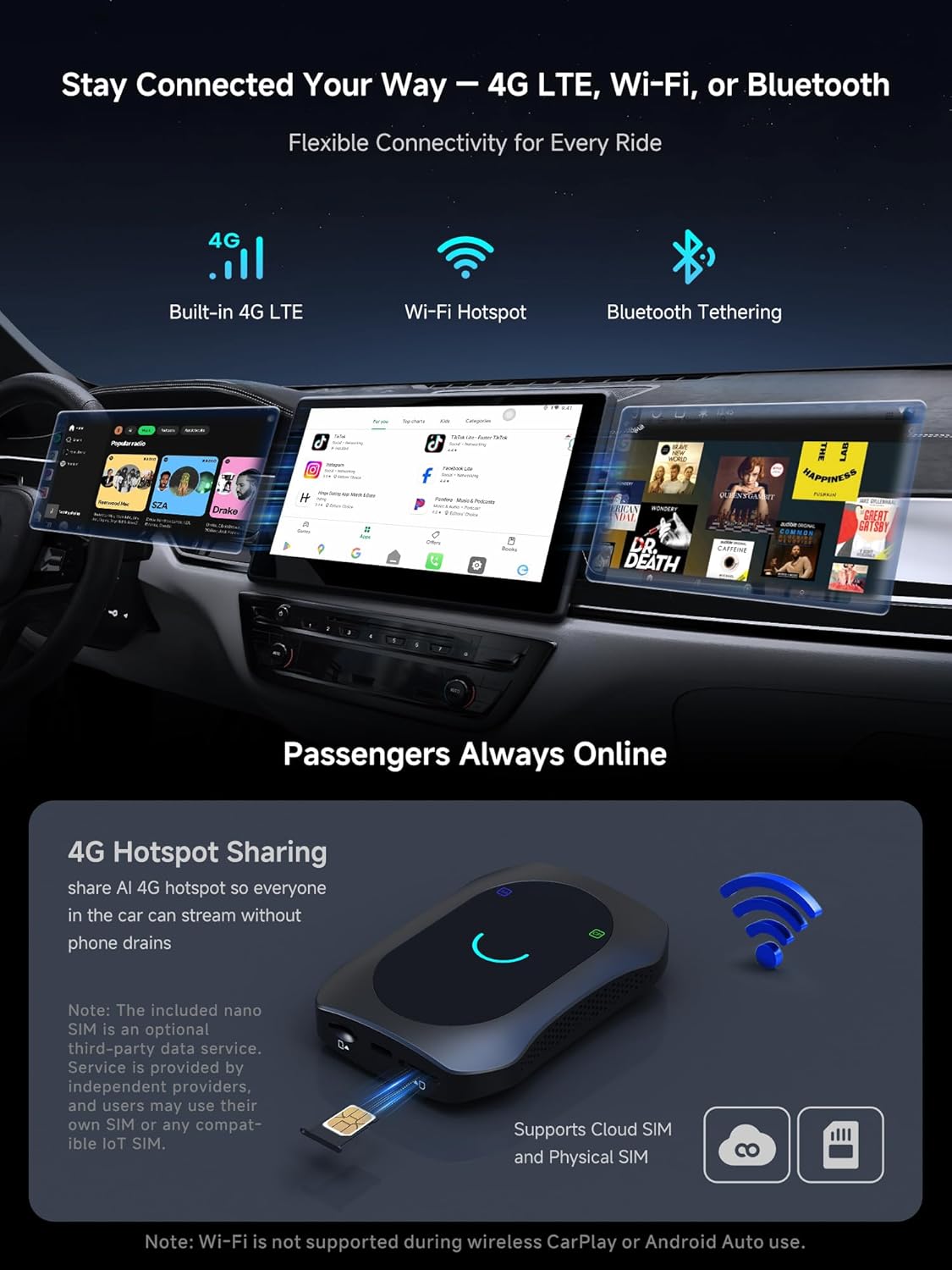
Internet Your Way: Go online via Wi-Fi hotspot, Bluetooth tethering, or built-in 4G LTE. With LTE, CB7S carplay box doubles as a mobile hotspot for passengers—keeping everyone connected and entertained on road trips
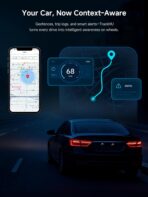
On-Board AI Box& Tracking: DriveChat (ChatGPT-powered) answers naturally, plans trips, and runs voice commands. TrackHU logs location, trip history, and geofence—letting you focus on the road while it manages context and reminders
Android Auto Multimedia AI Box: High soc performance, with meeting most requirements. Run Android apps beyond CarPlay/AA, split screen maps + media, and cache content for trips. The Android magic ai car box CP/AA users wanted: light, capable, and road-ready
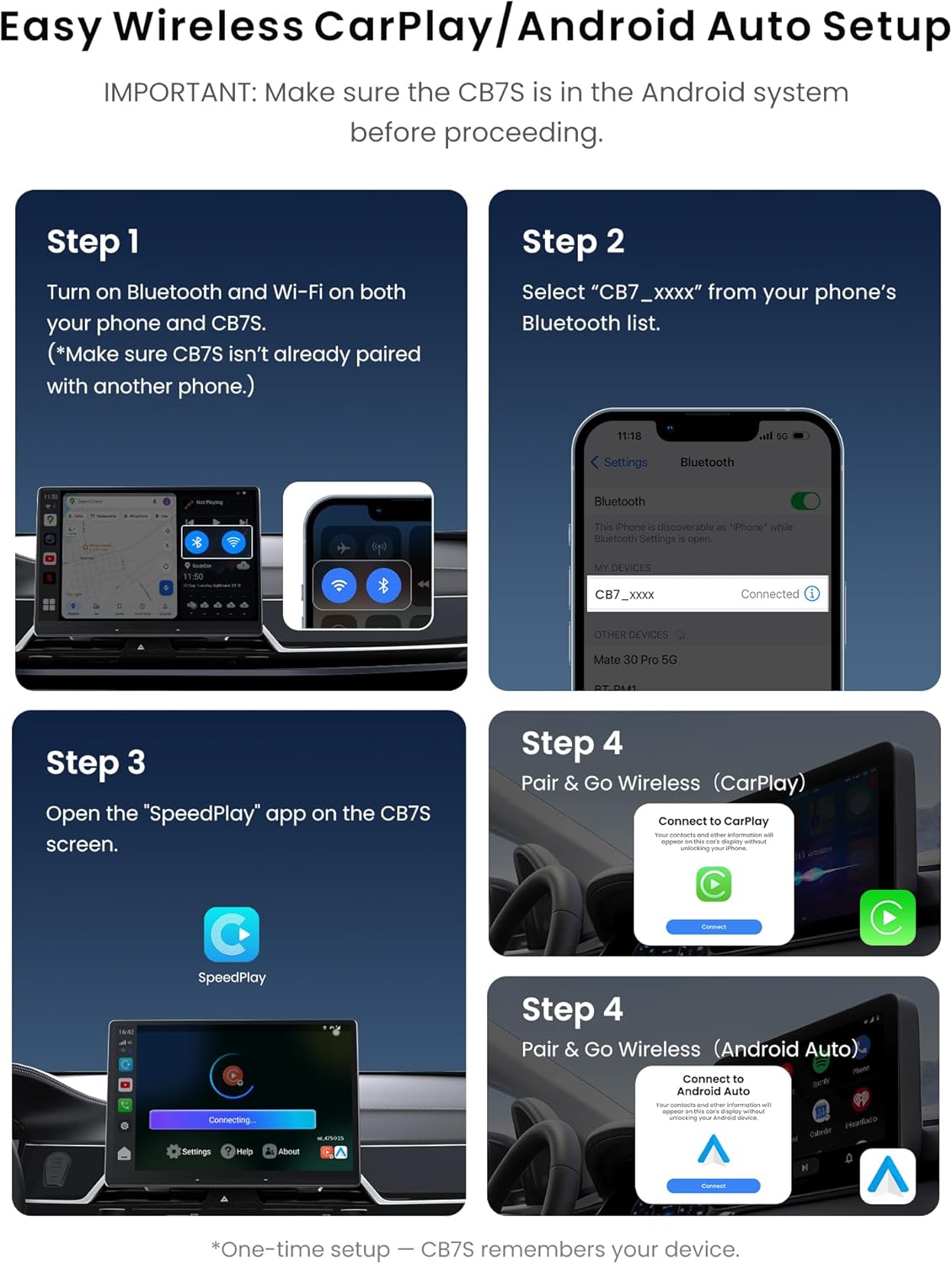
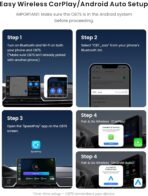
Wireless CarPlay connection 1)Enable Bluetooth and Wi-Fi on both your phone and the CB7. 2)On your phone, search for and select “CB7_xxxx” from the available Bluetooth devices list. 3)On the CB7’s Android system, tap the “CarPlay” app to start the CarPlay connection. 4)Follow the on-screen prompts on your phone to complete the pairing process. 5)Once connected, the system will automatically enter CarPlay mode.
Thermal & Power Reliability: CB7S carplay box stays stable on long drives. Advanced cooling keeps apps and video smooth, while the Y-cable secures steady power. Note: Avoid placing CB7S in closed spaces like glove boxes or armrests
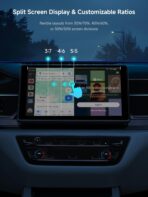
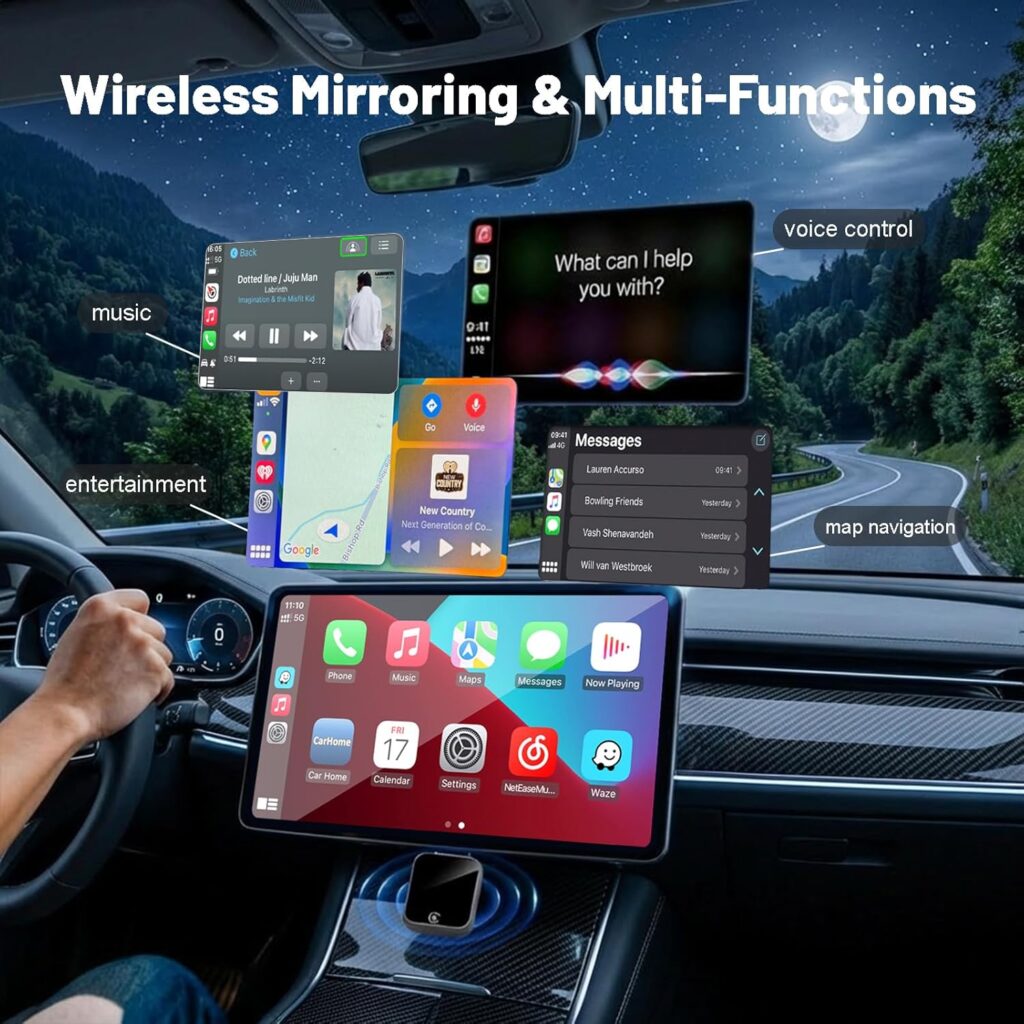
Curated Apps + Split-Screen Display: FindApps store gives you car-ready navigation, music, and driving tools. Pair CB7SATN ai box carplay with split-screen mode to run two apps side by side—maps with entertainment—so driver stay focused while passengers stay engaged
Updates & Expansion: OTA firmware adds new features, apps, and fixes. TF slot (up to 256GB) stores local media or recordings. Backed by 10+ years of in-dash expertise, with a 12-m0nth standard wa-rranty plus 6 extra m0nths
Camera Pro –
Great, Feature-Rich Unit!
My car has Android Auto and Apple CarPlay, but neither is wireless. I bought the Atoto CB7 to overcome this limitation and also because it is an Android OS box which opens your car’s infotainment system to a plethora of third-party apps. As long as your car’s infotainment system has either Android Auto or Apple CarPlay and a USB in, the CB7 should work with it, (check for exceptions before purchase). Setup was simple, there is a recessed button on the side of the CB7 that allows you to chose either AA or CP. Just use a paper clip to depress the button to match your infotainment system and the top of the AI box will display which one it is configured for. You will also need to configure your infotainment system to pair it with the CB7’s Bluetooth and Wi-Fi but that’s it, once that’s done the unit will automatically connect to your car’s screen and display the CB7’s home screen. If you prefer, there is a slot for a SIM card which is a nice touch. A number of apps are pre-installed but I found all of them needed to be updated. Since I run Android on my phone I entered my credentials and accessed the Google Play Store to update the apps I use and also add a few of my own. Everything worked exactly as expected and the response was snappy – which brings me to perhaps my only complaint, the bootup time on the CB7 is rather slow at almost one minute, but that probably won’t be noticed by most people as it takes time to settle-in, attach your seatbelt, etc. There is an HDMI input and output on the CB7 which is remarkable for such a small, feature-packed unit. This would be great for gamers but for fun I hooked it up to the HDMI out my Roku box and it worked perfectly. You have your choice of three included themes for the home screen but I also tried one from the Play Store called Agama Car Launcher – that also worked perfectly. Having your choice of launchers is a great option that allows for much more customization then with the included launcher. I also have an Atoto head unit in my truck and I run the Car Web Guru launcher on that unit because it is extremely customizable, but if simple and easy is your thing, the included launchers on the CB7 will work just fine. I should also mention that if you don’t care about Android OS, you can also use AA or CP wirelessly. Even though I don’t use either I tried them and they worked exactly as they would on your factory unit. All-in-all, I can highly recommend the Atoto CB7, it is a full-featured AI box that is sure to please even the discriminating buyer – pick one up today!
Mo salah –
Wireless, With a Few Quirks
This 2-in-1 wireless CarPlay and Android Auto adapter does a good job turning a wired setup into a cable-free one, and the initial pairing with Bluetooth and Wi-Fi is quick enough that it doesn’t feel complicated. Once connected, it switches into wireless mode reliably on most starts, and the compact design makes it easy to keep tucked out of sight. There can be a brief delay when first loading maps or music, and the reconnection speed varies slightly depending on the phone, but once everything syncs, it runs smoothly for calls and navigation. Overall it makes daily driving more convenient, just with a bit of occasional lag, so four stars feels appropriate.
Carlos rivera –
Awesome but defective 😔
Awesome device , gave 3 stars because my SD slot was faulty and card kept getting stuck. Returning and getting a new to see if I have the same issue……UPDATE 3/20/26. received new one and SD slot works great and just waiting on my refund from the last one. Much better than the last AI box I had previously 5 🌟 ‘s.
Connor Anderson –
DOESNT WORK
Plugged in, try to link the device and SIM cards and data and apps using QR codes, says device doesn’t exist. Support didn’t help and told me email sales. Sales hasn’t answered and that was days ago. Don’t buy.
Chibuike P. Ulasi –
One of the best smartbox in the market in 2025.
So the CB7 is the latest product from Atoto. I bought the CB6 last year, and the CB7 is a significant upgrade. The CB7 has way more features than last year’s CB6. Though I did not particularly test this feature, you can plug in two external monitors to this CB7 with the mini HDMI Input/output. Also, I like that it runs Android 13 and that you can enable eSIM and a physical SIM card for the CB7. This feature was not available on the CB6. I am so happy that I can use Apple CarPlay or Android Auto wirelessly. The CB7 is way faster and smoother to use than the CB6. You can run lots of Android apps on it. I like that I can watch YouTube, Amazon Prime, Hulu, and other streaming services while parked. You can use Wi-Fi or a hotspot on your mobile phone, or enable the included SIM starter pack for 5G wireless access. I am pleased with my purchase and highly recommend this product to anyone looking for wireless CarPlay or Android Auto. It is indeed a Magic Video Box.
Jack –
Awesome little device!
Awesome device! Setup was quick and easy. Plug it in, and wireless CarPlay connects instantly. The HDMI in/out is a great bonus for connecting to larger screens and watching movies. and having built-in Netflix and YouTube makes it perfect for when I’m parked or for road trips, or even at home! I plugged it right into my monitor with HDMI, at it worked instantly. Very nice ability to have. The connection is fast and stable with no lag or dropouts. Overall, it’s a great upgrade that makes my car feel way more modern and convenient.
Nhat Nguyen –
Advanced Wireless Car Multimedia and IoT Hub
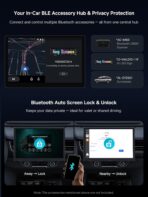
This Wireless CP/AA + Android Desktop Box transforms a car dashboard into a fully connected smart hub. With HDMI input and output, it allows connection of an external HDMI device while sending output to another screen, offering versatile multimedia options. Built-in 4G LTE and Wi-Fi hotspot capabilities keep the vehicle connected on the go. The dual-Bluetooth IoT hub integrates with OBD systems, smart lights, and other connected devices, providing centralized control. Additional features include SWC voice-key commands and DriveChat powered by ChatGPT, enabling hands-free interaction and real-time assistance while driving. Perfect for tech-savvy drivers, this desktop box combines connectivity, entertainment, and smart home integration into a single automotive solution, enhancing convenience, safety, and driving experience.
Rhoel B. –
Just like the description but better
Love it. Very fast
Amazon カスタマー –
CB7購入前純正Android Autoのケーブル接続は何かと面倒なので使用してませんでしたがワイヤレスにあこがれ、ネットにてCB6購入しようかとYouTube見てたら次期モデルが出ていたのでCB7即購入。気になるところ※スマホテザリング+CB7は毎回設定をしなければならず立ち上がりに時間がかかり本体SIMに変更、4G通信も安定立ち上がりがスムーズになりました。※車両本体USB、Android Auto対応のポートは電圧が低いので画面がカクカクでしたが付属のY字ケーブルを使用してシガーソケットから電源を強化したらそこそこ、スムーズに動くようになりました。※Bluetoothスピーカーは接続できません。本体からの直接有線スピーカーのみです。持っていたJBLFLIP4で聞きたかった。※スマホテザリング+Bluetoothスピーカーで聞けますが…今まで殆ど使用してなかった純正Android AutoでしたがCB7購入でspotify及びYouTube他Google マップ他の世界が広がりました。ワイヤレス万歳!次期モデルのバージョンアップに期待します!…※HDMIの入力・出力は試していません。
ちんた –
フォレスターSLで問題なく設定完了し、AmazonプライムやDisney+視聴しています。
masa –
cloudSimを使いたいのにglocalmeにデバイス登録でマッチングエラーになってしまう為glocalmeに問い合わせたが販売店に確認するようにとの回答。この製品はglocalmeの部分はそちらに聞けと。このままではゴミになりそう。追記サポートのたらい回しにあったものの、GlocalMe様のおかげで無事にCloudSIMが使えるようになりました。快適です!
シモーヌ –
スバルナビでもAAへ切替えて利用できました。HDMI入力は遅延と音が小さい感じです。
ゆずすだち –
SL型フォレスターに簡単に接続できました。スマホをテザリングしてCPからAAに切り替えるだけで、接続可能でした。