

Price: $169.99 - $129.99
(as of Mar 29, 2026 17:52:00 UTC – Details)
Product description
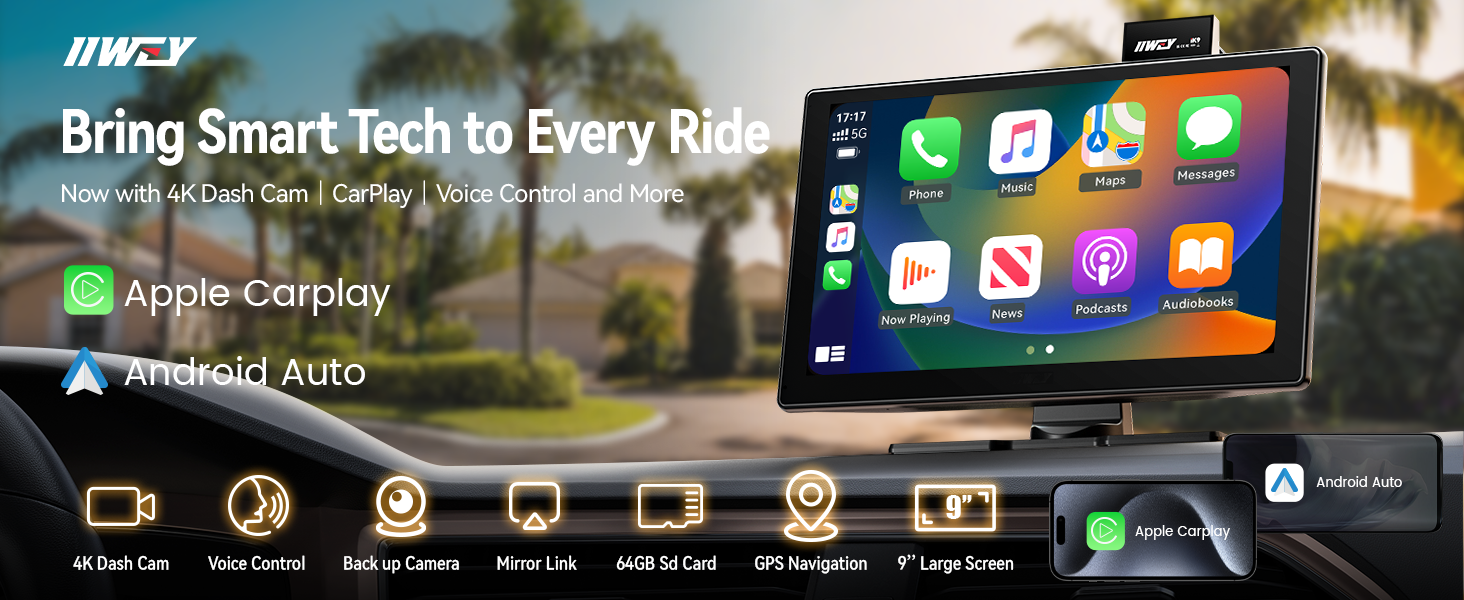


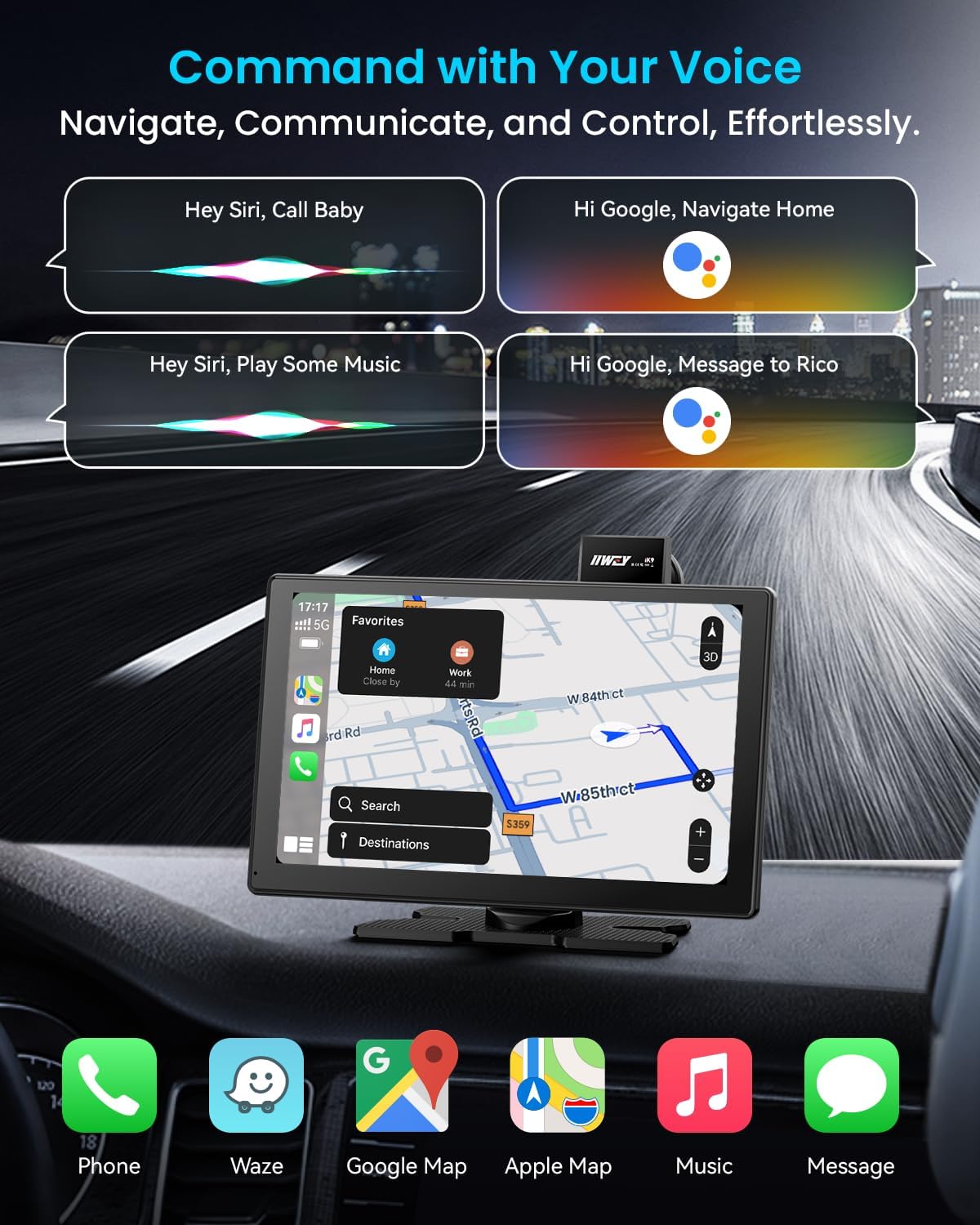
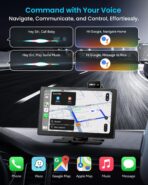
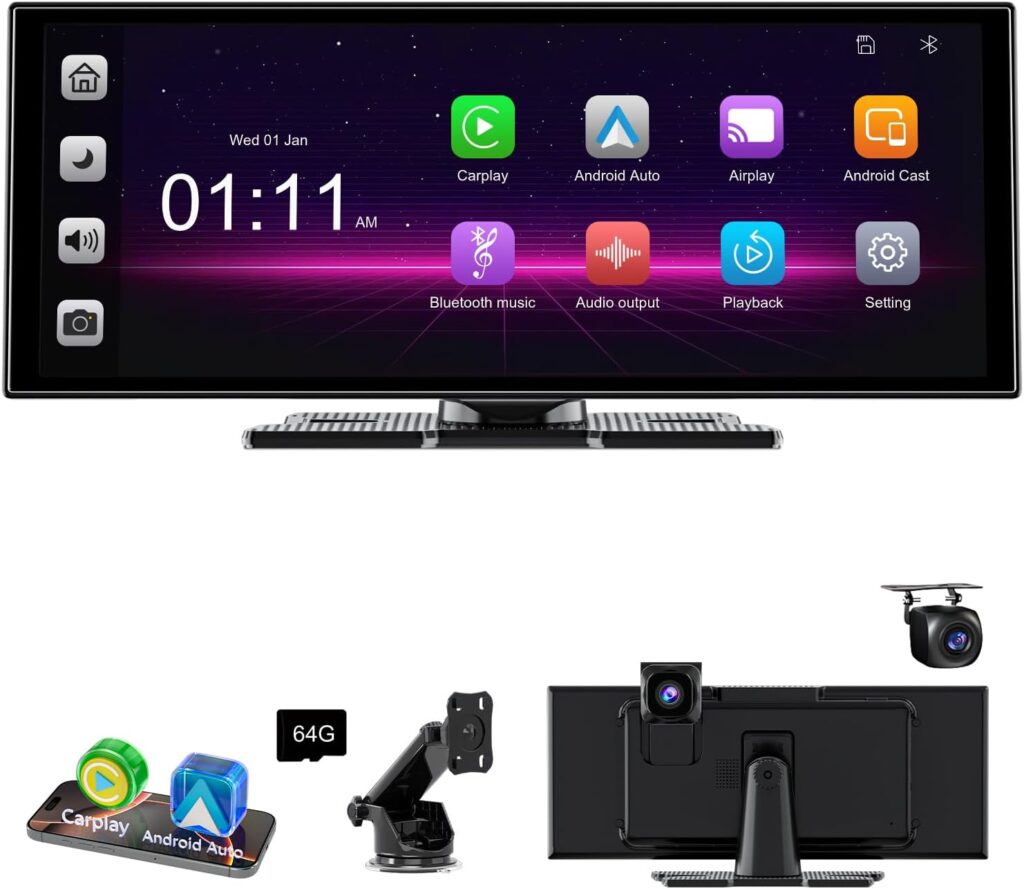
1 Voice Assistant
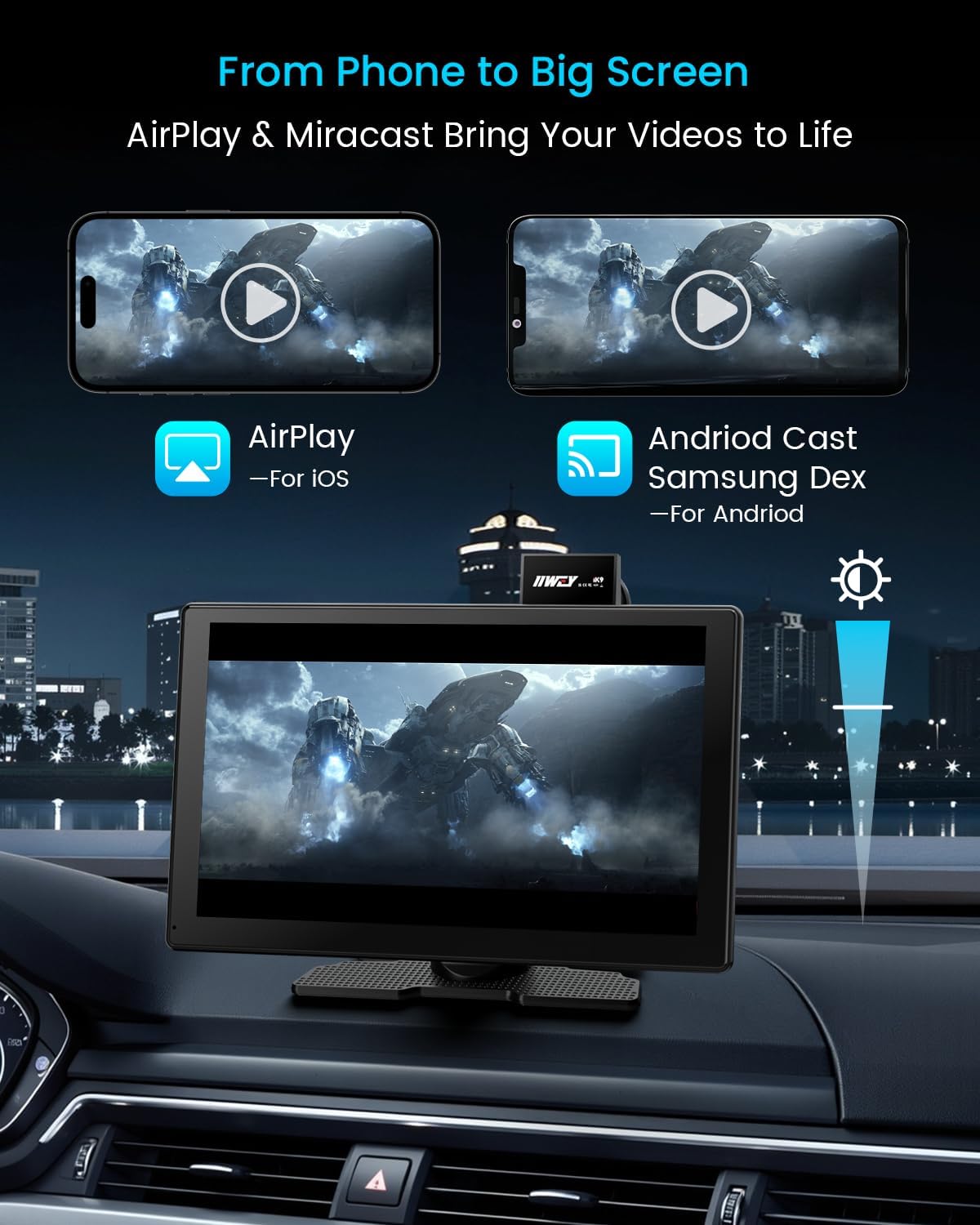
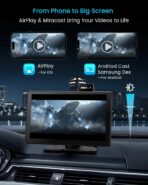
2 Airplay and Miracast
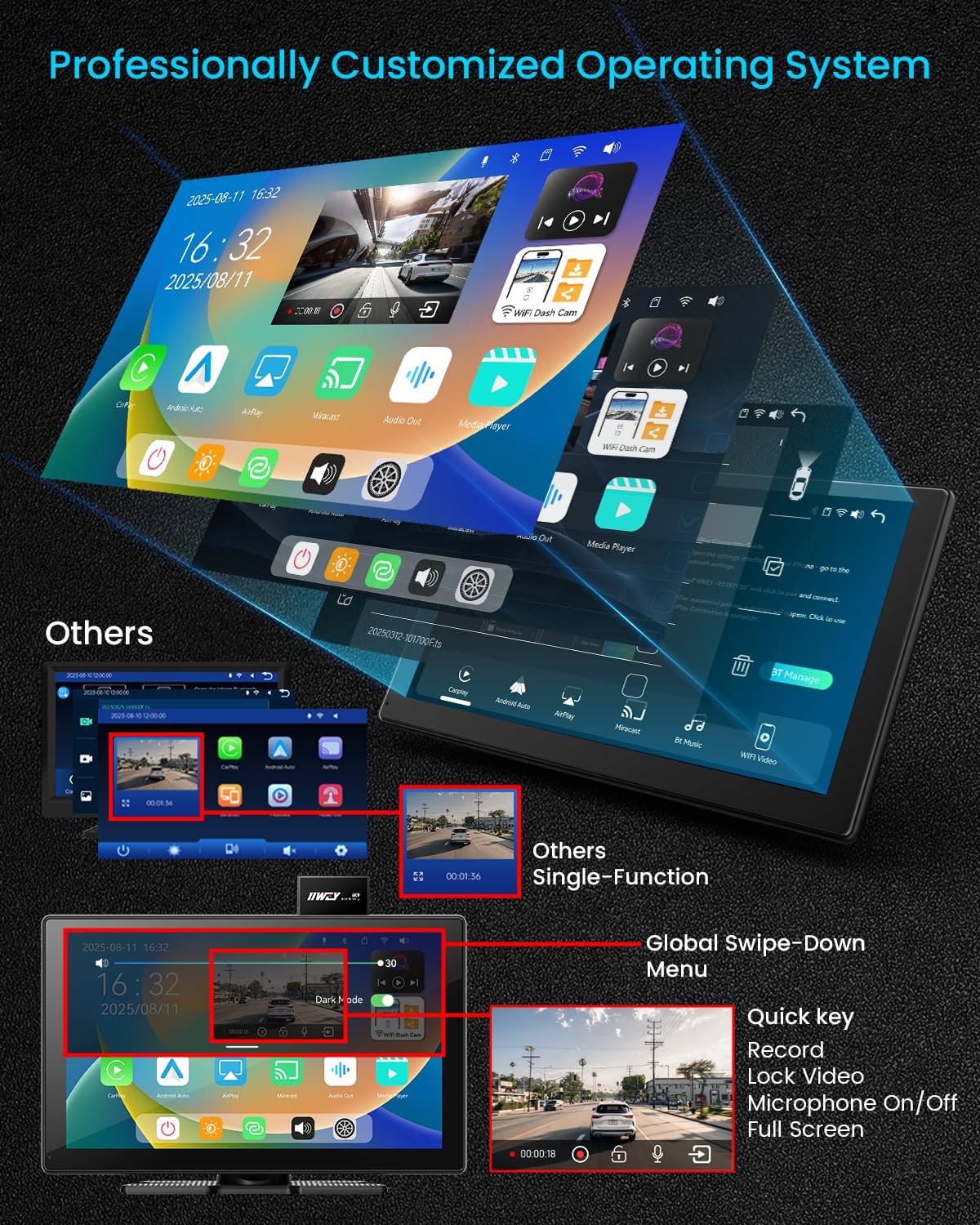
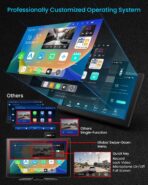
3 Signature UI Design


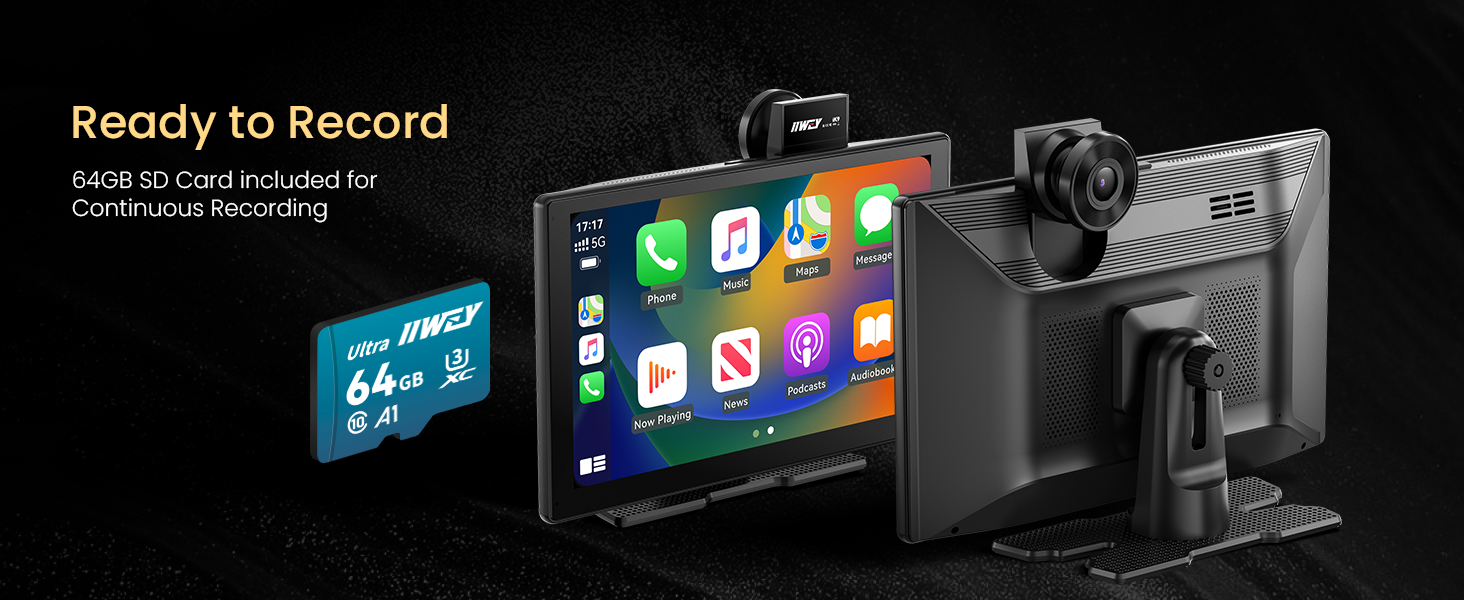

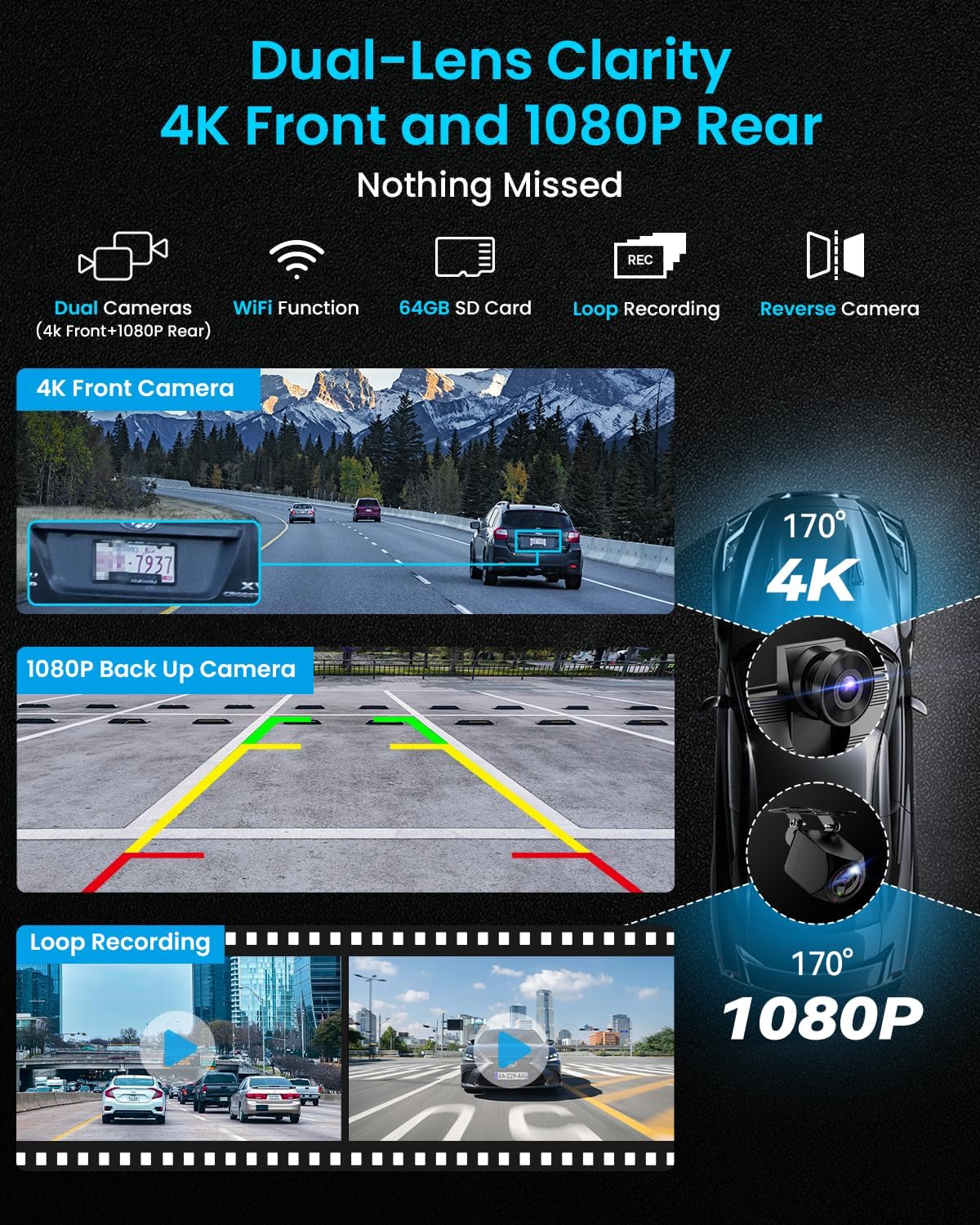
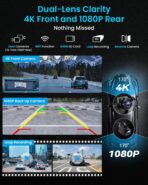
1 4K+1080P Dash Cam
2 Loop Recording
3 Wifi Enabled
4 64G Card Included
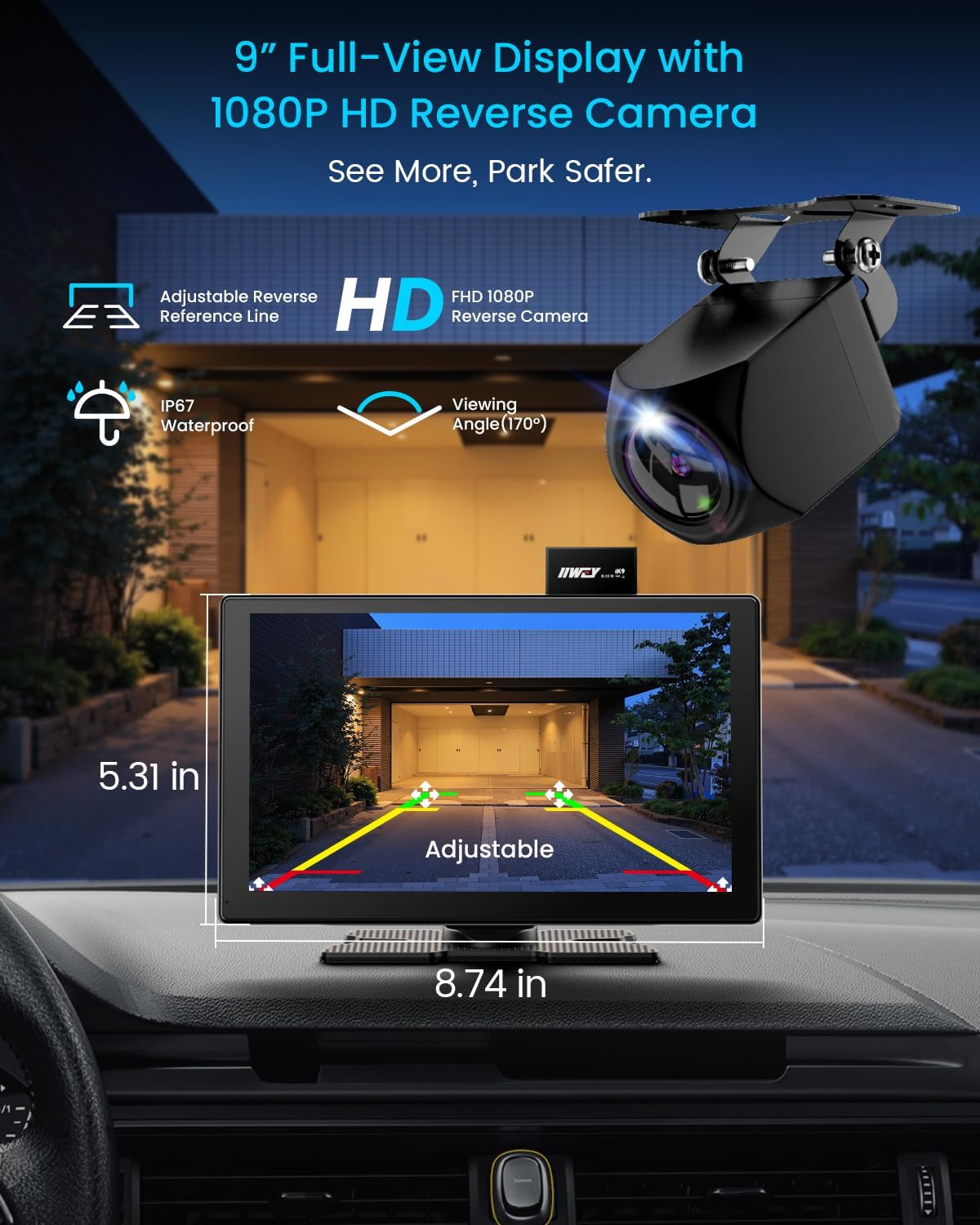
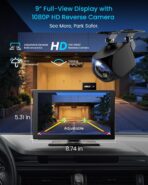
5 Backup Camera


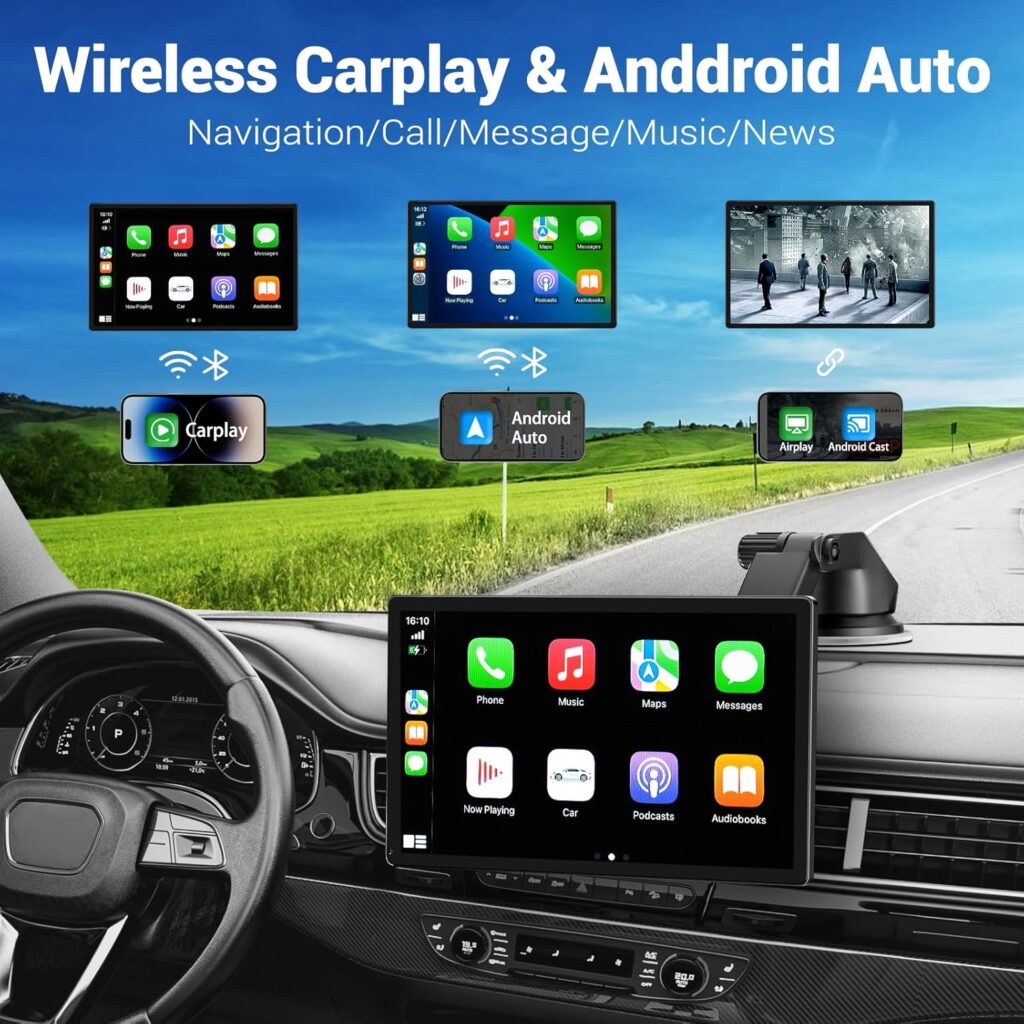
1 Carplay Mode
2 Android Auto
3 Airplay
4 Android Miracast
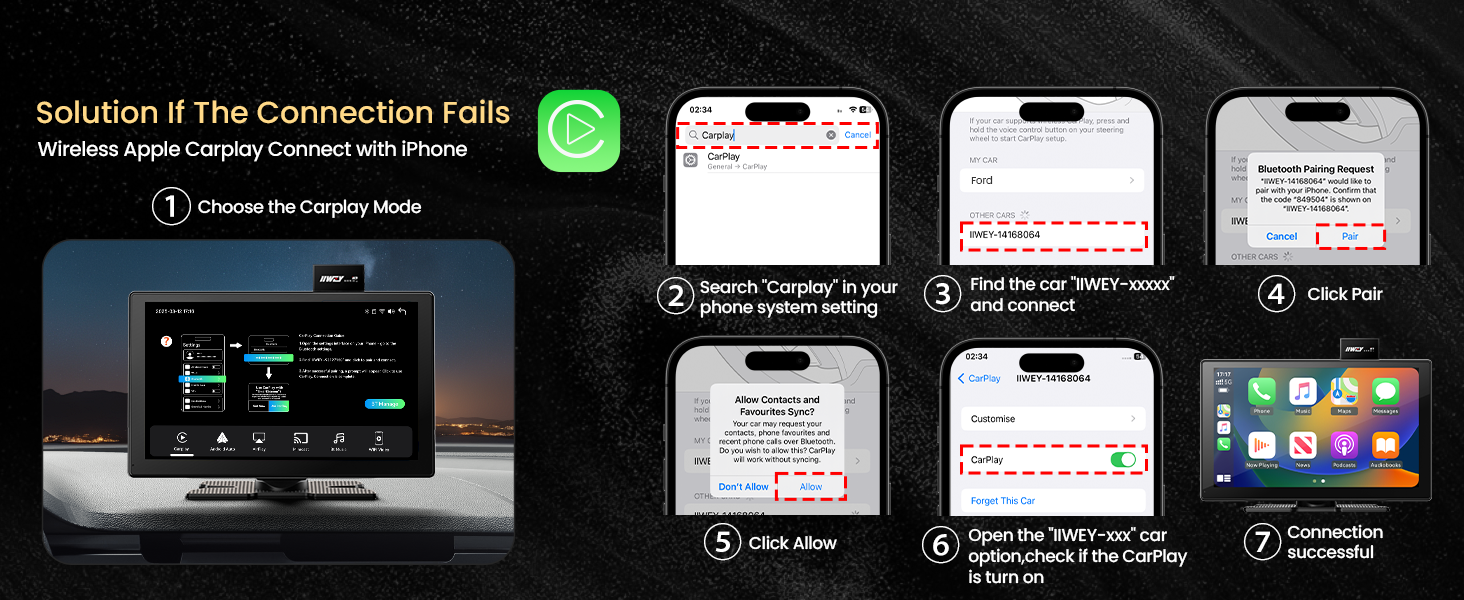
5 Connect Fail


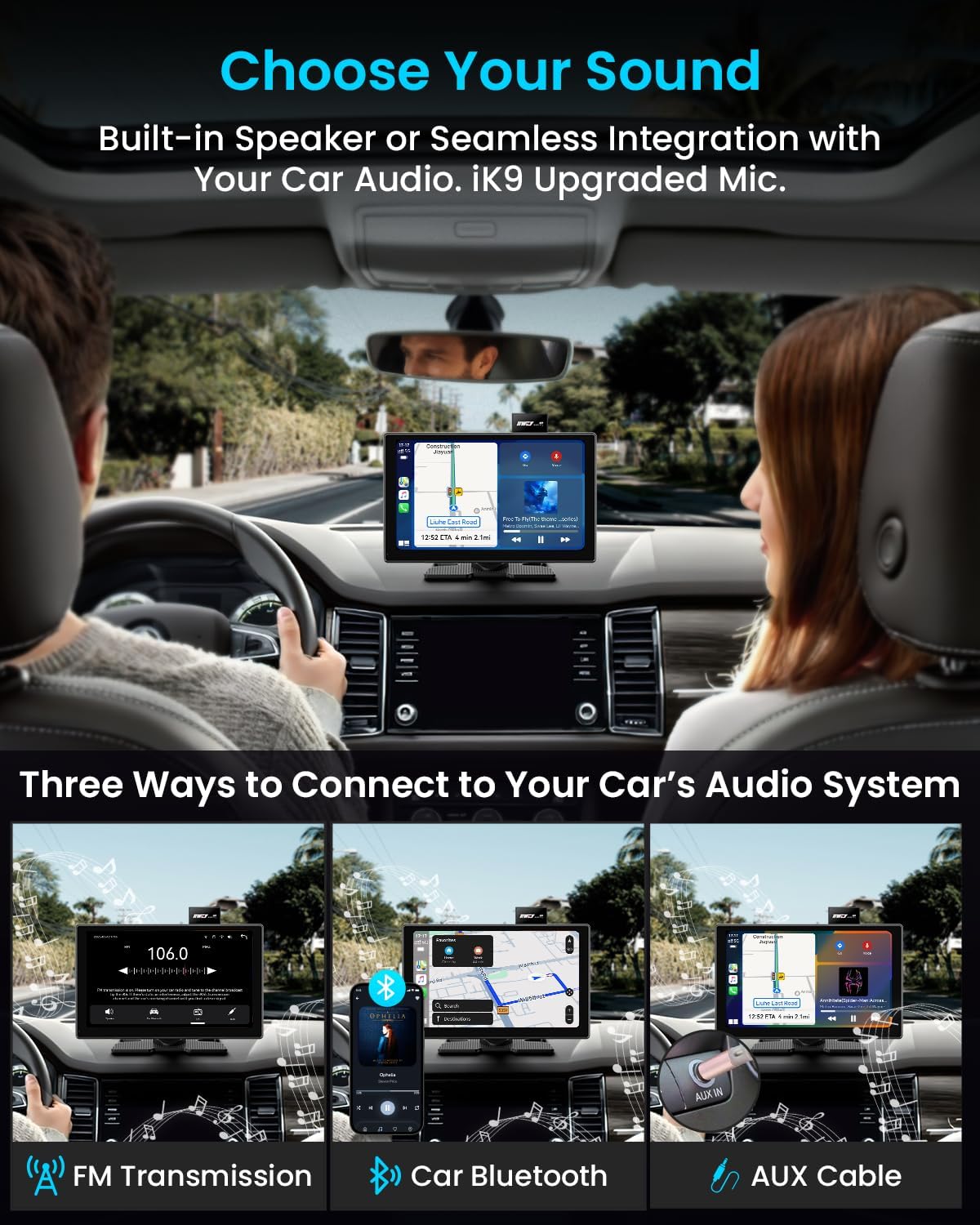
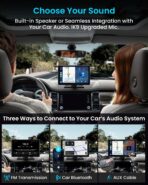
1 Built-in Speaker
2 Multiple Ways Sound


1 Package
2 Auto Startup
3 Multiple Installation
4 Installation Instriction
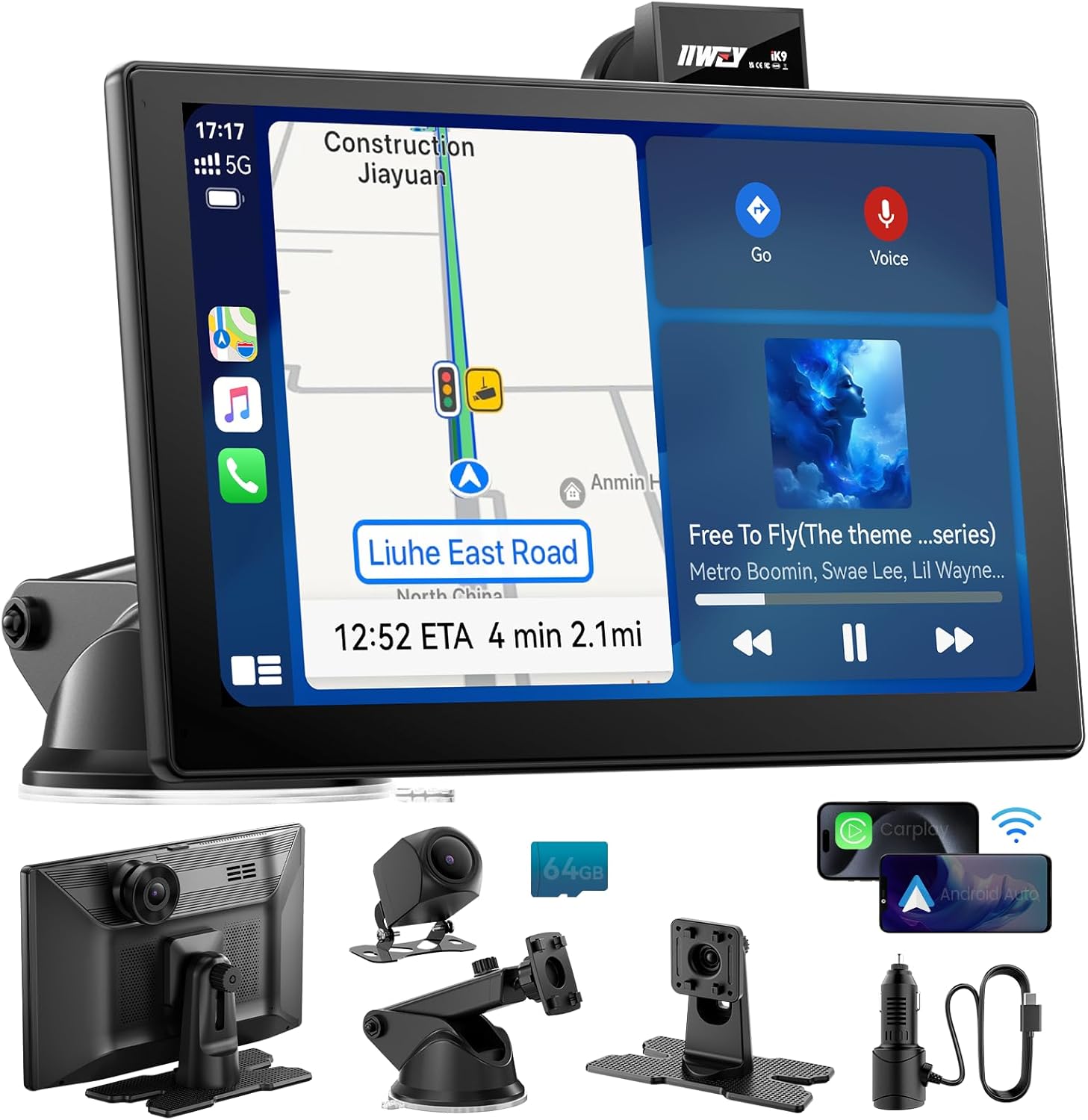
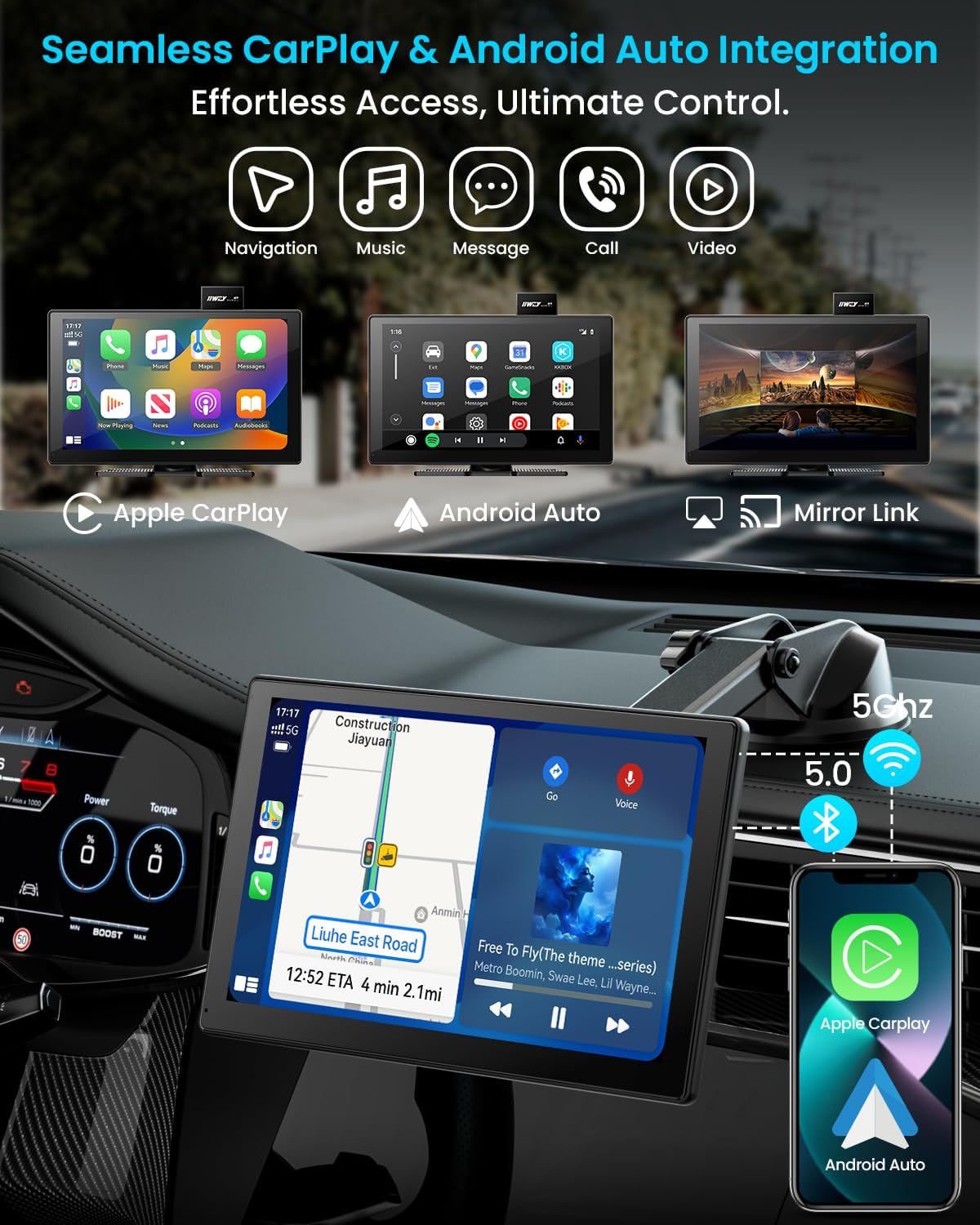
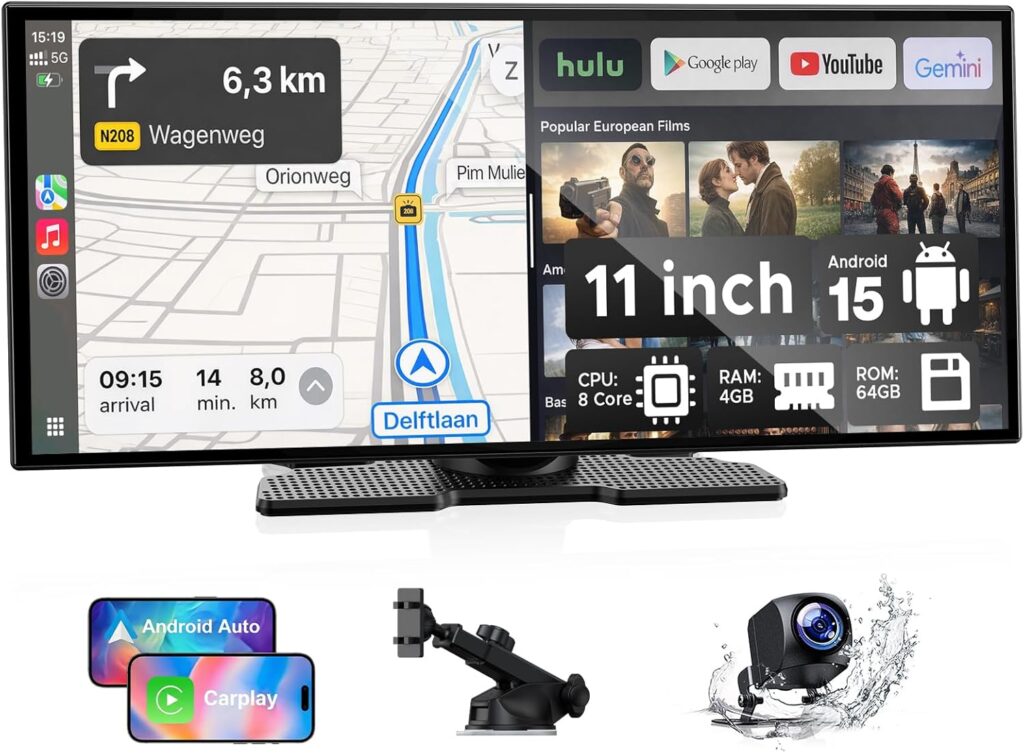
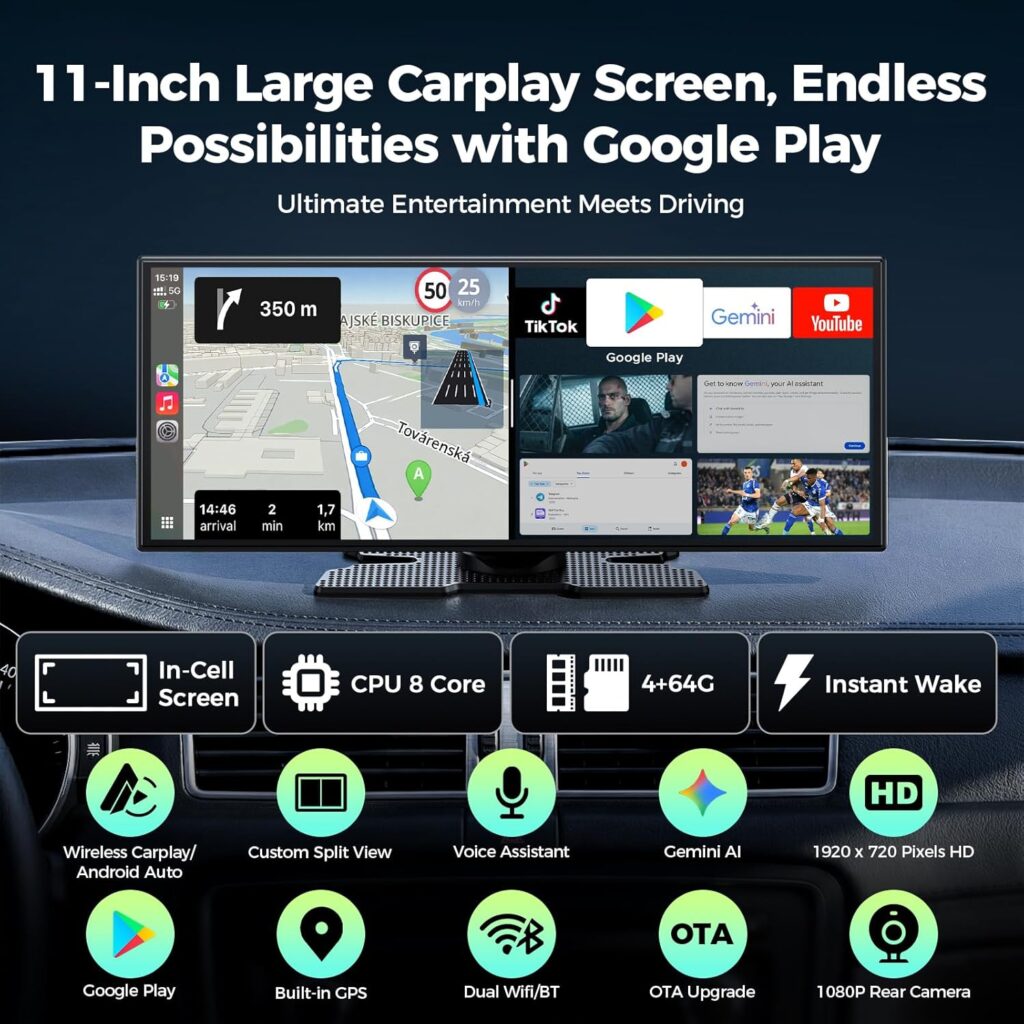
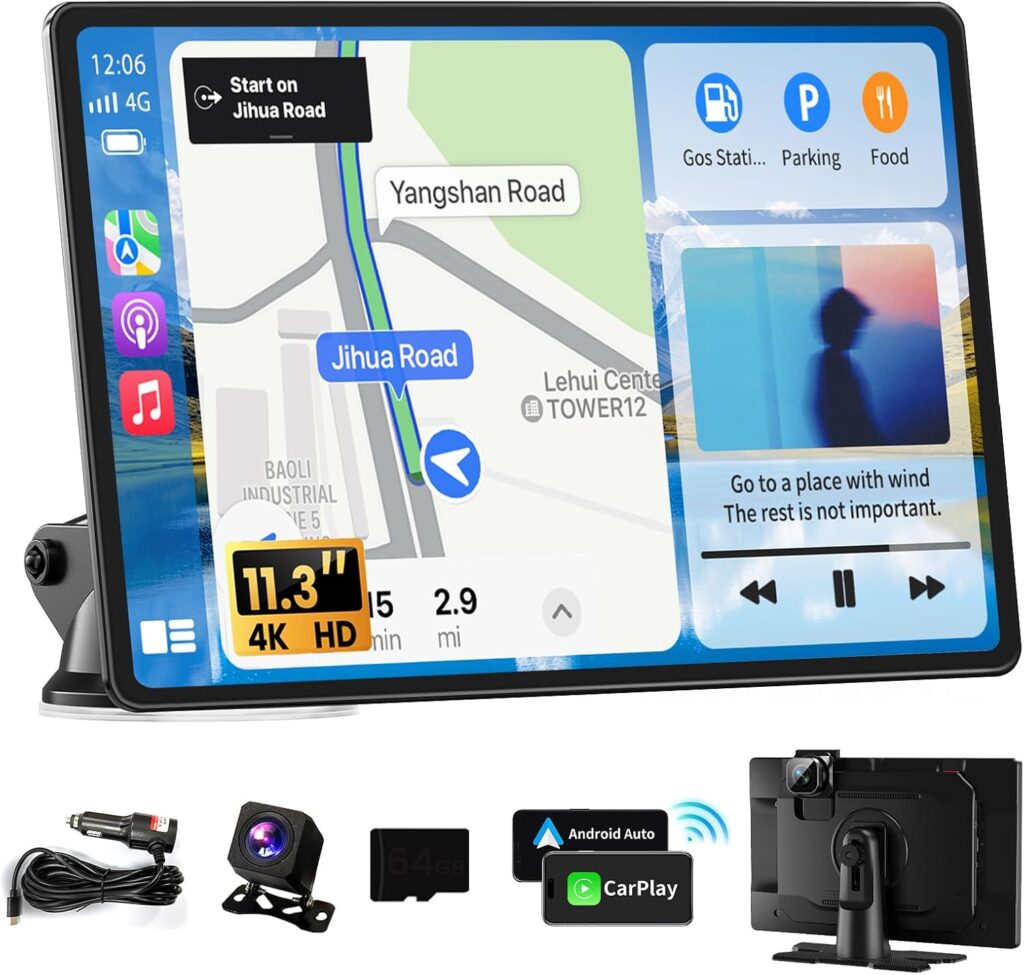
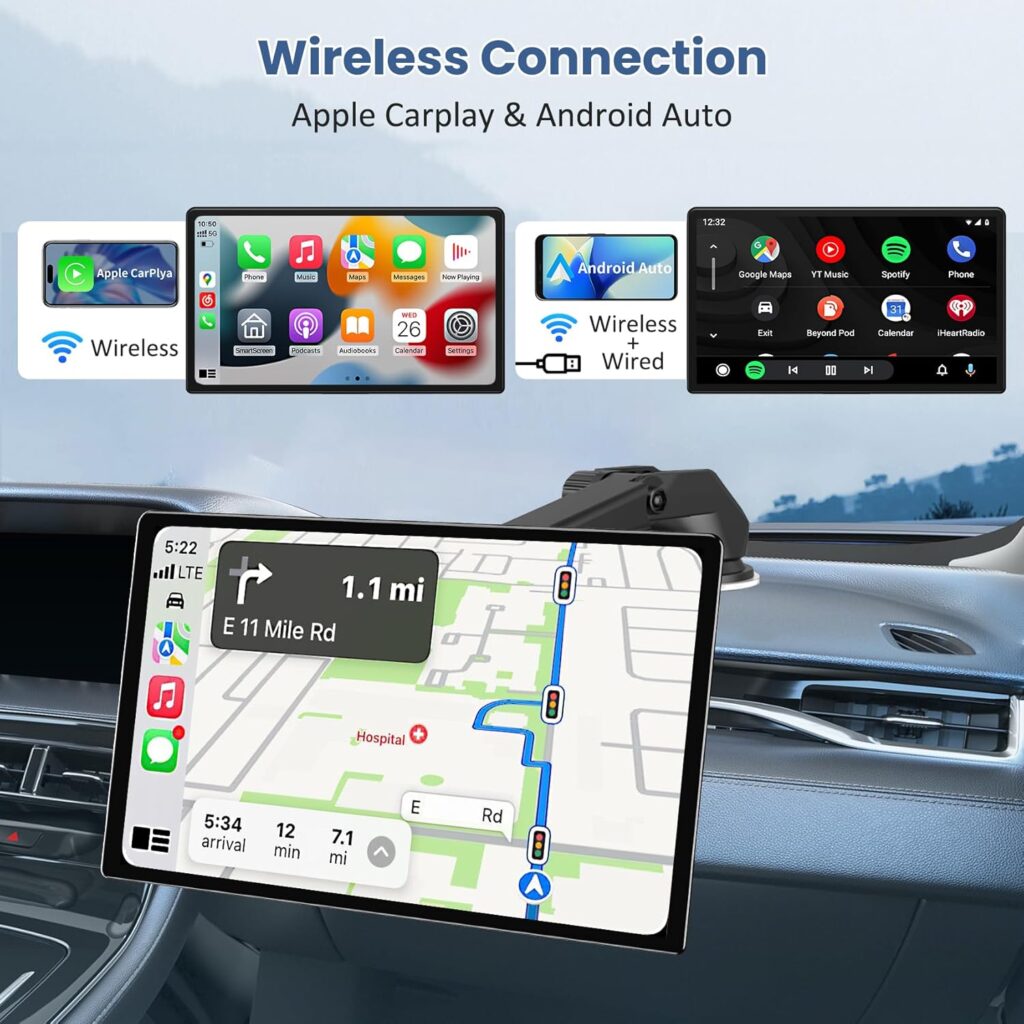
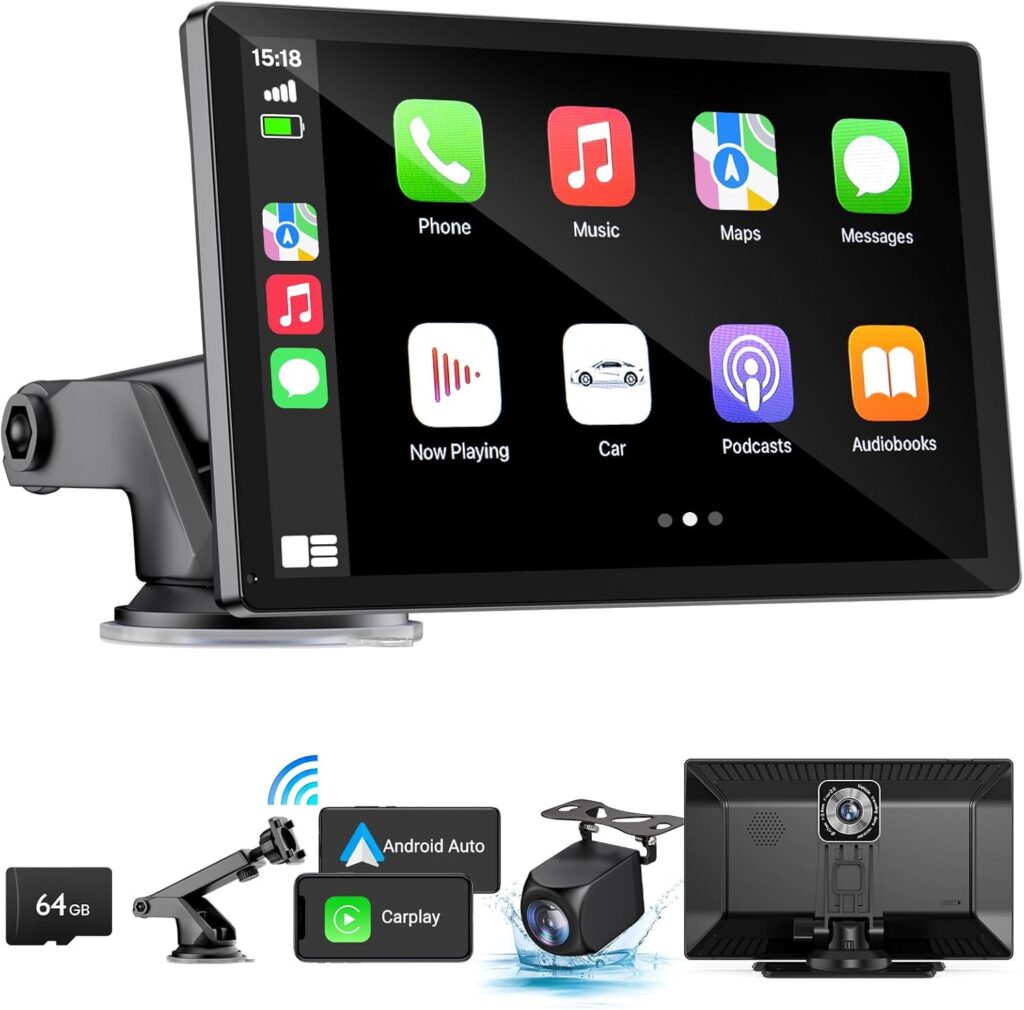
⭐【Wireless Apple CarPlay & Android Auto – Seamless Smartphone Integration】 The IIWEY iK9 brings smart, wireless connectivity to any vehicle. Designed as a wireless CarPlay screen for car, it supports Apple CarPlay and Android Auto, giving you instant access to navigation, calls, messages, and music—no cords required. It’s the easiest way to add Apple CarPlay to any car.
⭐【Voice-Control with Siri & Google Assistant – Hands-Free Driving Made Easy】 Drive with confidence using full voice control. This advanced voice control car stereo with Apple CarPlay allows you to manage phone calls, directions, and media playback entirely hands-free via Siri or Google Assistant—making it the perfect upgrade for smarter, safer driving.
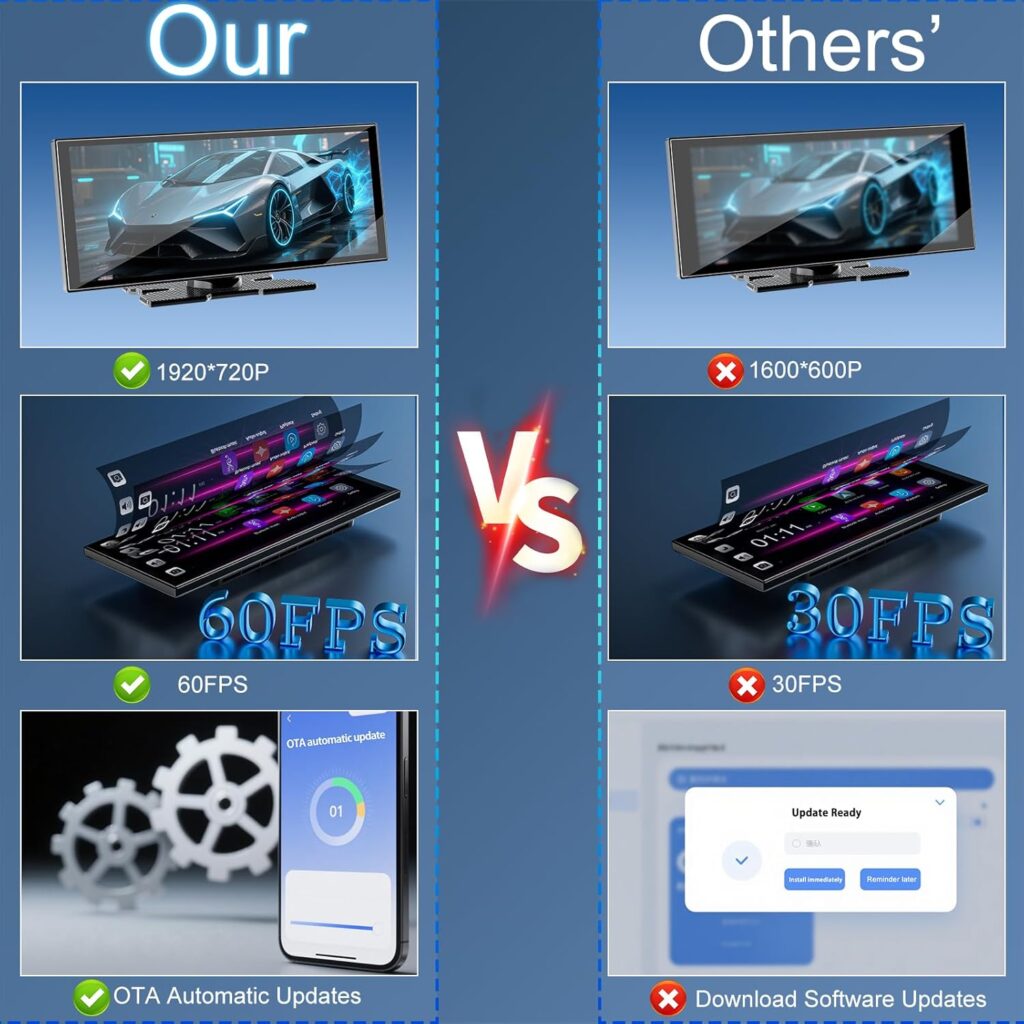
⭐【9-Inch HD Touch Screen Car Stereo with Bluetooth & Wireless Mirroring】 The iK9 features a vivid 9-inch touch screen car stereo with Bluetooth for seamless streaming and calling. With 1024×600 resolution and support for AirPlay and Miracast, this Apple Car Play screen lets you mirror apps, maps, and media in high clarity.
⭐【4K Front Dashcam with Manually Adjustable Lens – Personalized Viewing Angle】 Equipped with a built-in 4K front dashcam and a 1080P rear camera, the iK9 transforms into a complete car stereo with backup camera system. Its manually adjustable lens allows for perfect alignment across different vehicles—ideal for full road coverage and safety.
⭐【Wi-Fi Video Transfer & 64GB SD Card Included – Portable CarPlay with Recording Power】 This portable CarPlay unit comes pre-installed with a 64GB SD card and supports Wi-Fi video transfer. The iK9 acts as a reliable wireless portable CarPlay screen and carplay with backup camera solution, capturing your drives in crisp clarity and saving footage directly to your phone.
⭐【1080P Backup Camera with Adjustable Guidelines – Confident Reversing】 The rear camera activates automatically when reversing, providing a wide-angle 1080P view with customizable parking guidelines. Whether you drive a compact or SUV, this Android Auto screen ensures precision parking every time.
⭐【Premium Audio via FM Transmitter, AUX & Bluetooth – Your Ideal Bluetooth Car Stereo】 Experience rich, immersive sound through Bluetooth, AUX input, or FM transmitter car audio. With its built-in HD microphone, the iK9 functions as a fully featured Bluetooth car stereo, ensuring clear voice calls and powerful in-car audio output.
⭐【Wireless Navigation Screen – Real-Time GPS via Apple & Android Maps】 Turn your iK9 into a full wireless navigation screen for car. Whether using Apple Maps, Google Maps, or Waze, the system provides real-time GPS, lane assist, and voice prompts—delivered through your car’s sound system for optimal awareness.
⭐【Easy Installation – Retrofit-Ready Car Stereo with Apple CarPlay & Android Auto】 As an easy install car stereo system, the iK9 mounts quickly using a suction cup or 3M adhesive. It’s the ideal Android Auto car retrofit and car stereo with Apple CarPlay, offering high-end functionality without modifying your factory setup.
⭐【1-Year Warranty & 24/7 Support – Trusted Apple Car Play Experience】 Backed by a 1-year warranty and 30-day return policy, the iK9 ensures worry-free use. Our expert team is available 24/7 to help you get started with your Apple Car Play, making setup and support as seamless as the drive itself.
N. Himert –
Absolute Game Changer!
There are dozens of these Android Auto/Apple Carplay screens out on the market. Most are short and long but I wanted one with more screen area so I went with the IK9 and it does not disappoint! If you have an older car that does not have an infotainment screen and/or a back up camera – this is a must get! (Note: This is not a free product review – I purchased this product from Amazon just a few days ago)1. Price: For just around $100, you’re not just getting wireless Android Auto/Apple Carplay, but you’re getting a 64 GB SD card (you can always upgrade for more space) so your dash cam can record right out of the box, a front facing dash cam (with wireless connectivity to pull down clips), and a back up camera (which also records). That is insane! For comparison, my other two cars have two-way dash cameras in them (neither came with SD cards), and neither was close to this price.2. Quality: From the package, down to the tools used to install – nothing feels cheap about this system. Touch screen is extremely responsive and picture is great. What surprised me the most was the picture quality on the back-up camera. It is heads and tails above the built in camera on my brand new Honda Civic.3. Installation: If you’ve ever installed a dash camera in your car, this is exactly the same. So long as you’re comfortable popping off interior panels, pulling off the car door gaskets, and snaking wires behind airbags (all extremely simple), this is a job that takes no time at all. From start to finish – I think it took me about 2 hours. The only step that might cause some DIYers pause is tying in the back-up camera to your rear reverse lights (so that the screen switches to the back up camera automatically when you reverse). This is really simple though. Just head to YouTube, find out how to remove your tail light, and find the positive wire to the reverse light and then all you need is a razor blade (to expose the wire) and some electrical tape and you’re good to go. I would strongly recommend not skipping this step so that you do not have to manual switch to the camera every time you head in reverse.4. Connectivity: Simple and easy. Just followed the on screen instructions and my phone was connected and Android Auto was up and running in seconds. I had some trouble connecting the unit’s sound to my car via BT (I think my car’s BT might actually be the problem), but I just switched to the FM transmitter and it’s perfect – crystal clear!Overall: This has only been in our car (2008 Ford Focus) for a day, but it has already transformed it into a modern day vehicle. Most importantly, since my sons will likely be driving this car one day, the addition of a back-up camera is great and gives me peace of mind. If you’re tired of relying on your phone for navigation or you do not have a back-up camera – this is an easy and affordable way to bring your car into the 21st century. Highly recommend!
M. Carreon –
A great tech upgrade for any vehicle
I wanted to upgrade my car with the latest screen tech but I found replacing it with a aftermarket stereo was very expensive with all the adapters and backup camera required to keep things looking and working stock. The IK9 covers just about all the boxes in a compact solution and low cost. I gave it a 4 star due to some issues I had with the device. Some I was able to overcome and others I was not but still find this to be a huge upgrade for my and extremely happy with the results.In the box:Inside the box you get the screen, a window mount, dash mount , backup camera (tied to wire), a 32G micro SD card (inserted in screen), double sticky for the backup camera, the manual, and a little plastic tool to shove wiring into the wide panels while routing it. All the things you need to install and setup the screen. It’s all packed nice, neat, and it’s sealed. So you know it’s new and not someone else’s return. Pay attention to the plastic on the screen, it has instructions to extend your warranty, I didn’t pay attention and peeled it off.Wiring up:All the connections are on the left side of the screen, so it’s best to run the wiring from the drivers side. you will have to remove panels in one form or another in the trunk to run the camera (you can purchase a panel removal tool). There is no direct power wiring for the device, so you have to use the 12VDC adapter to power it. The adapter has a USB -A port to power your phone and it states you can also do Android Auto via wire that way too. I found the red cable for the backup camera you tie to the Positive on the backup light was a bit too short by about a foot. That cable was run more direct and didn’t follow the path of my stock wiring harnesses. It won’t snag but I would prefer to run it with other wiring to keep them together. I was able to route the backup camera easily from the trunk to the front dash, tucking it under the floor panels. The backup camera provides double sticky tape, but not a license plate bracket. I bought the license plate bracket to mount the backup camera to. I’m not a fan of using double sticky tape, it doesn’t always hold. The third party bracket is also stainless steel, so it’s more resistant to rust. The camera mounted to the bracket easily and has a clean look to it.The screen plugs into the DC plug without issue and powered up. I did use a 3.5mm cable and ran it to the AUX port on my car, allowing the car speakers to be used. Though you do have options to connect you car’s Bluetooth or FM radio modulator from the screen. The music sounded great but calls were a bit gritty, I luckily had a ground loop adapter to reduce noise, I added that to the AUX cable, and the calls come in perfect now.Operation:Android Auto (Only Tested this version):I synced my Android phone to the screen. It took seconds for it to connect both Bluetooth and WIFI (its required). It does take a minute or so for it to connect to your phone after starting the card but I consider that engine warm up time. Android Auto has some settings you can select on the screen itself and others on your phone. Make sure to check them all to see how you want the operation to work. Android Auto interface is limited to only certain apps on your phone, for safety. Though the VLC app I use to play music is allowed so it’s all good there.I am able to take and make calls without issue and they sound perfectly clear. This is a good thing as the Bluetooth on my car radio died and left me holding my phone while on calls, not safe. This is completely hands free now. I decided not to view text messages on the screen to keep it safer and less distracting, I also muted text notifications, keeps from constant pinging. Those can wait for when i’m not actively drivingThe screen provides front camera, back camera, or view of both while you drive. Both views are recorded onto the MicroSD card while the screen is on. I find that to be a nice feature to ensure everything is recorded while you drive. You can also record voice inside the vehicle but you can mute that, I did. If you want GPS tracking or enter a location on the screen, it will mute music while it provides direction. There is a nifty button that floats on the screen when you are in Android Auto that lets return you to the Main screen for any reason. The screen is really bright so I’m running it at 70% during the day and 2% at night. You can enter the times you want it to switch between day/night, it’s not automatic.The backup camera is crystal clear. You also have the ability to adjust the backup lines width and depth. You can only adjust the whole line, not the colors separately. My red line marker starts about 3 feel from the car but know when to stop. When I first installed the backup camera the view was the opposite. There is an option in settings to mirror the backup view to make it normal but sometimes it would return. I used the company’s self help guide and ended up updating the firmware (pay close attention to the steps). The backup camera works flawlessly now. Music will mute while you are backing up as well, it’s a nice touch to be less distracting.This comes with a front camera that is mounted on the screen. Which is a plus as some don’t come with it. You can pull the camera a bit higher for a better view but still fell short from where I mounted the screen, so my front upper dash is visible. That’s on me, not the screen, for the cost I’m not complaining. The front camera comes in real clean and the screen records both front and back camera while you are driving. So this is a huge plus while taking trips or ever needed in court.
Melchor L –
Nice airplay
I was looking for something similar to my cars screen and this fits perfectly. I simply love it. Is light and easy to use. Also I didn’t even know it came with an SD card so that was even nicer. I already shared this product with someone else that’s looking for one. You won’t be disappointed. Very easy to install for Android and I find the Price fits just right. Very easy to connect to Bluetooth. I’m not crazy about the sound for music but for gps works just fine.
Amazon Customer –
Easy setup, good quality.
This is great for the price, easy setup. works well as a replacement for my car stereo. I connected it to an amp and play use BT from phone but would work well in combination with a car radio as well.
Mike –
Awesome especially for the price!
Awesome kit and fairly easy to set up in a 21 year old Lexus ES. It did take me a while to get it “nicely” installed but anyone with the right tools and space can get it installed fairly quickly. Very happy with purchase! Cameras are very crisp and detailed.
Katia –
Reverse camera
It’s a great product and I will give 5 stars but just 4 because of De reverse camera is in a mirror and it’s confusing. when it is in used.
Daniel Hope –
Doesn’t connect to my cars Bluetooth
The screen quality is great and all, but I bought this product because it said it connects via Bluetooth, but after hrs of trying i couldn’t get it to connect, I may return and try to find one that will connect via usb, I believe with my car I can still use the steering wheel controls on the usb setting