


Price: $206.00 - $189.99
(as of Mar 28, 2026 07:23:05 UTC – Details)
Product description


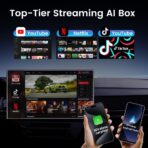
 Lag-Free Video
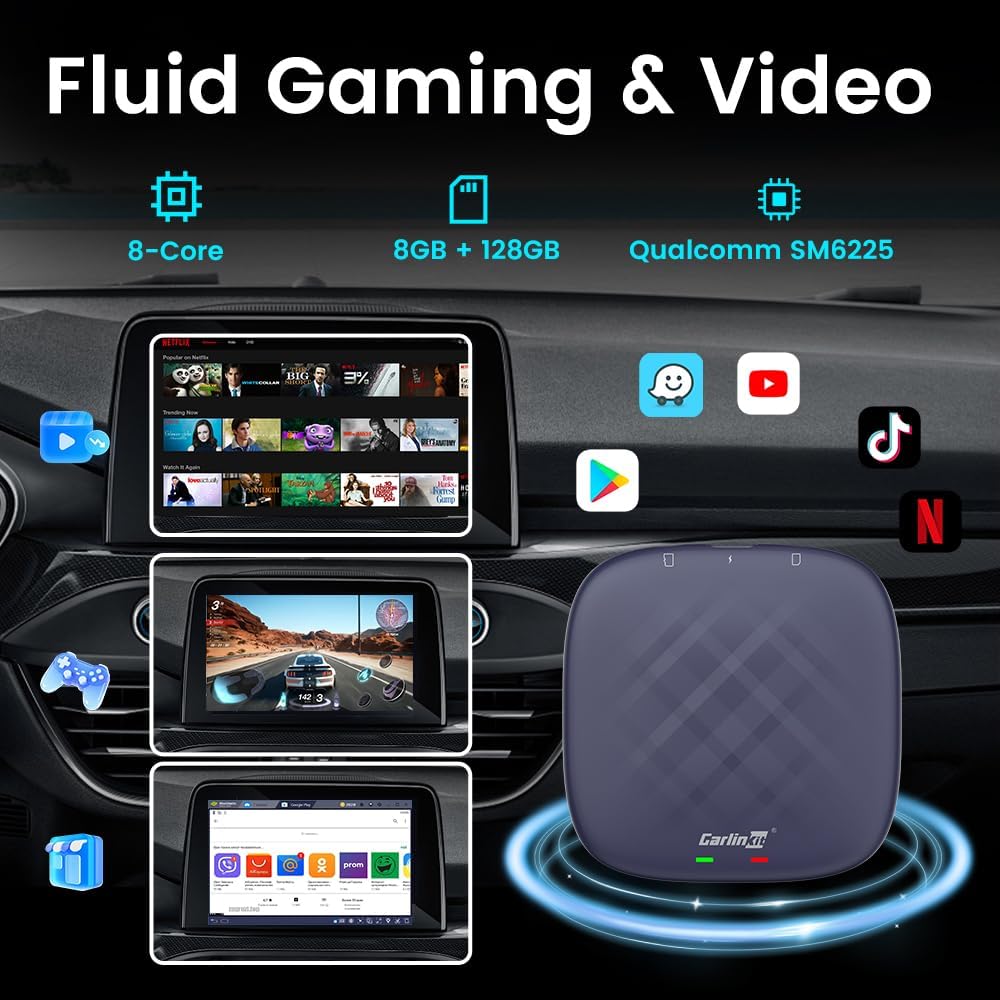
The SM6225 chip enables seamless, lag-free streaming across YouTube, TikTok, and Netflix.
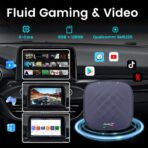
 Lag-Free Play
Its 8-core processor ensures smooth, lag-free performance in demanding games.
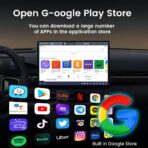
 Lag-Free Experience
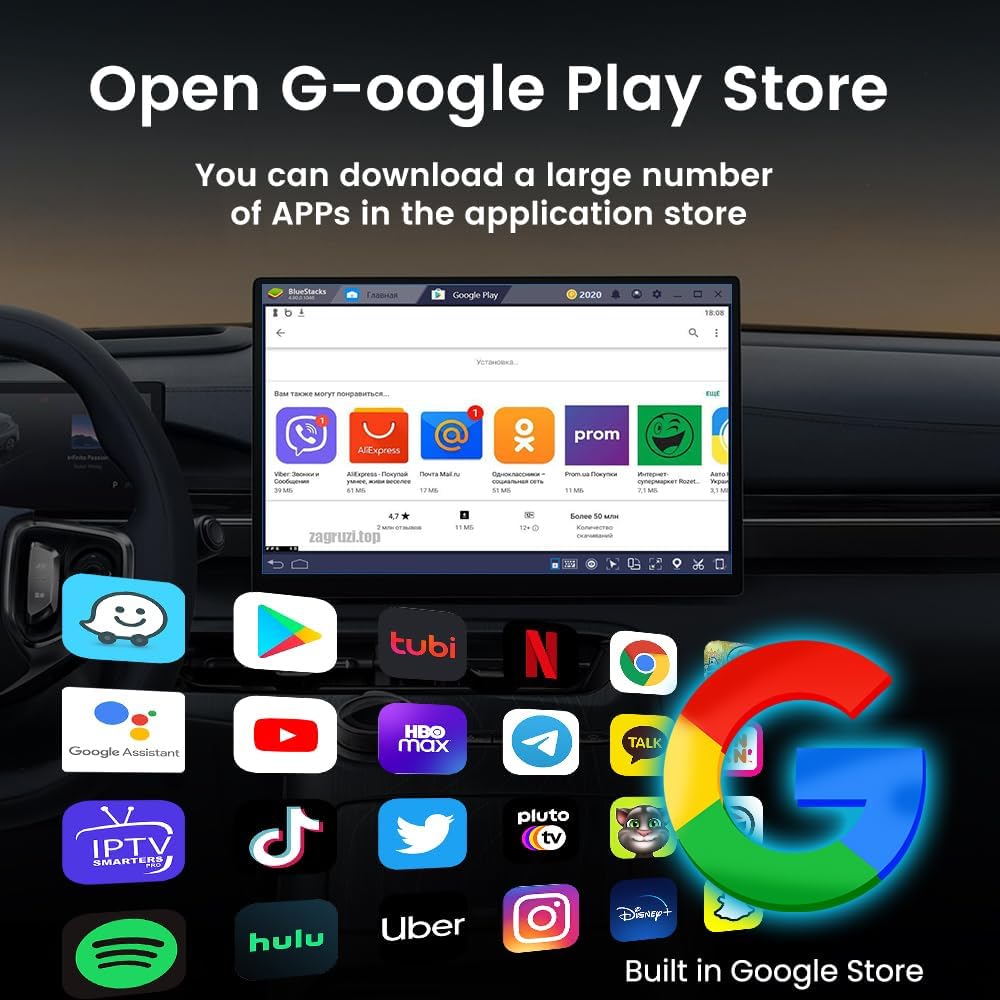
With 8GB and 128GB storage, it runs Google Play apps effortlessly and fluidly.


CarlinKit Tbox
Why Choose Us?
CPC200-Tbox
Name
Plug and Play
8GB + 128GB
SM6225 8-core
Android 13.0 System
CPC200-Tbox
Name
Google Play Store
8GB + 128GB
SM6225 8-core
Android 13.0 System
CPC200-Tbox
Name
NetflixYouTubeTikTok
8GB + 128GB
SM6225 8-core
Android 13.0 System
CPC200-Tbox
Name
CarPlay Android Auto
8GB + 128GB
SM6225 8-core
Android 13.0 System
NO.1 
NO.3 
NO.2 
NO.4 
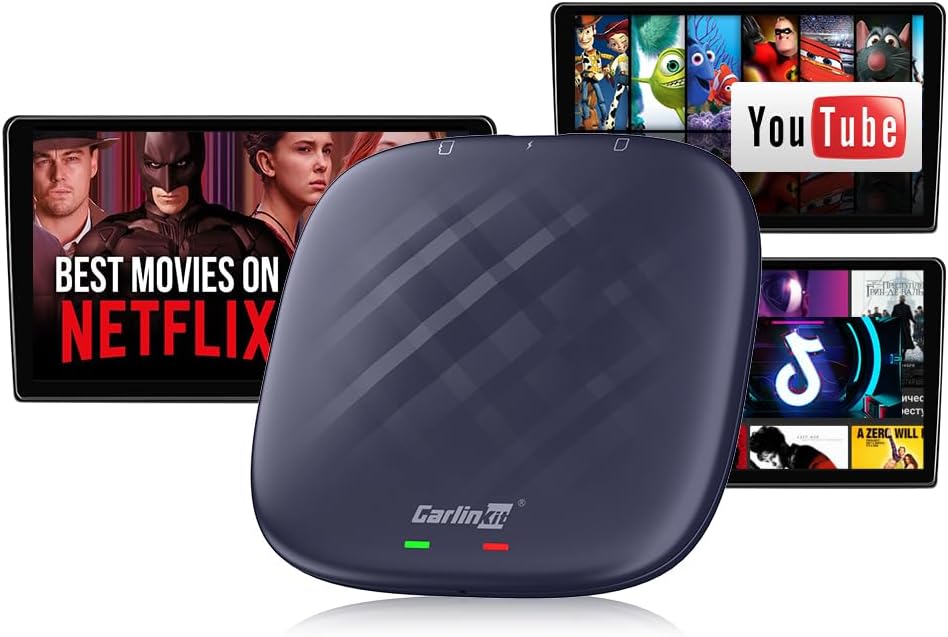
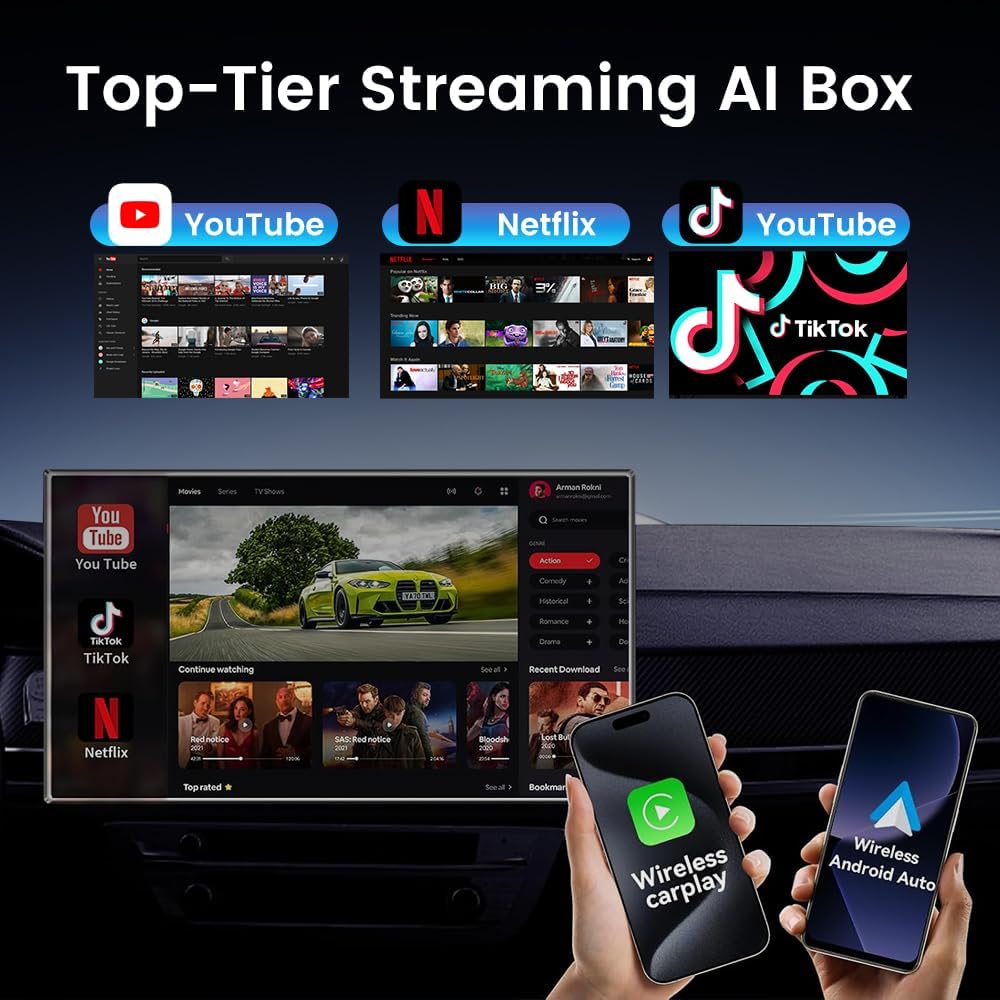
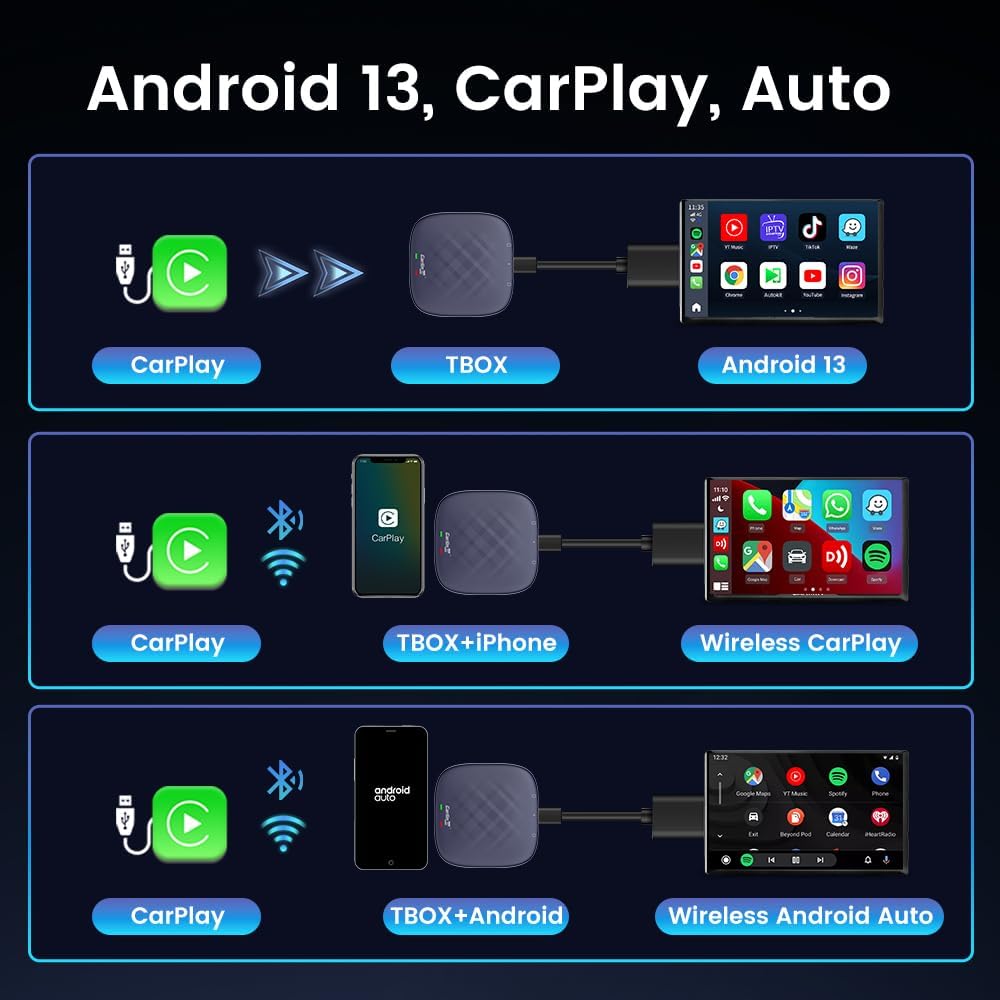
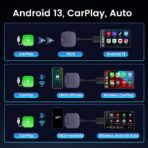
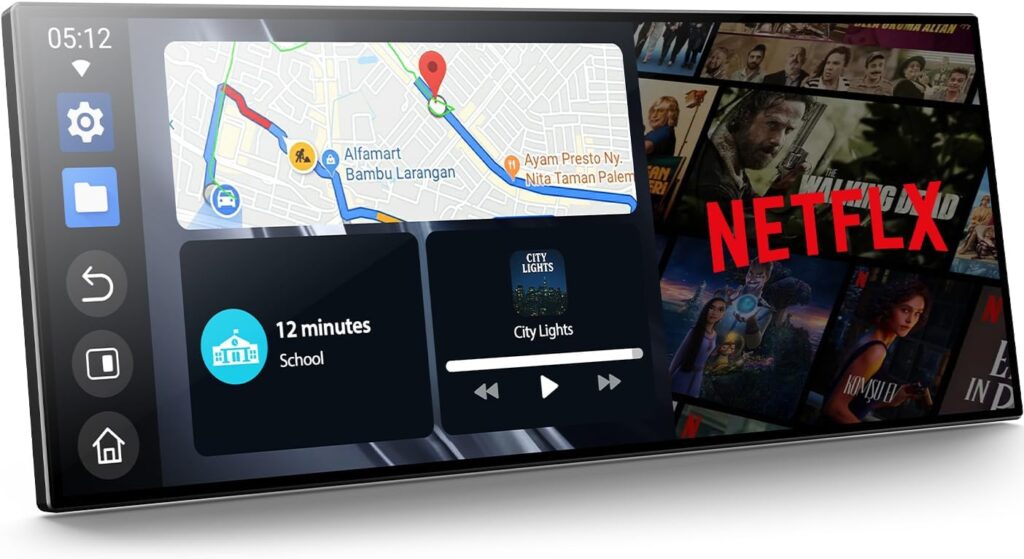
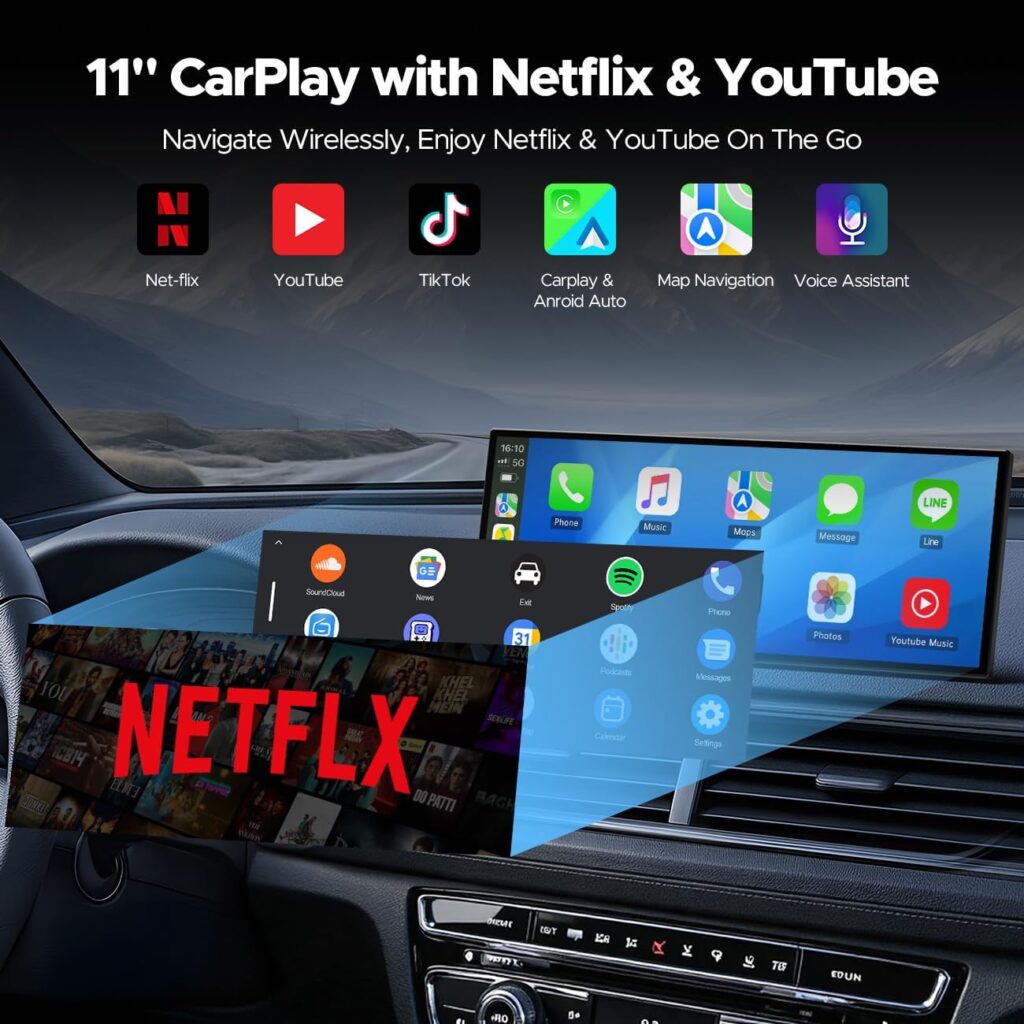
Stream Anytime, Anywhere – Watch YouTube, TikTok, and Netflix with the CarlinKit Tbox Plus Netflix CarPlay Adapter. Seamless Wireless Upgrade – Converts wired CarPlay & Android Auto to wireless with ease.
High-Performance Car Streaming Box – Equipped with Android 13.0, 8-core SM6225 processor, and 8GB+128GB storage for fast, smooth streaming.
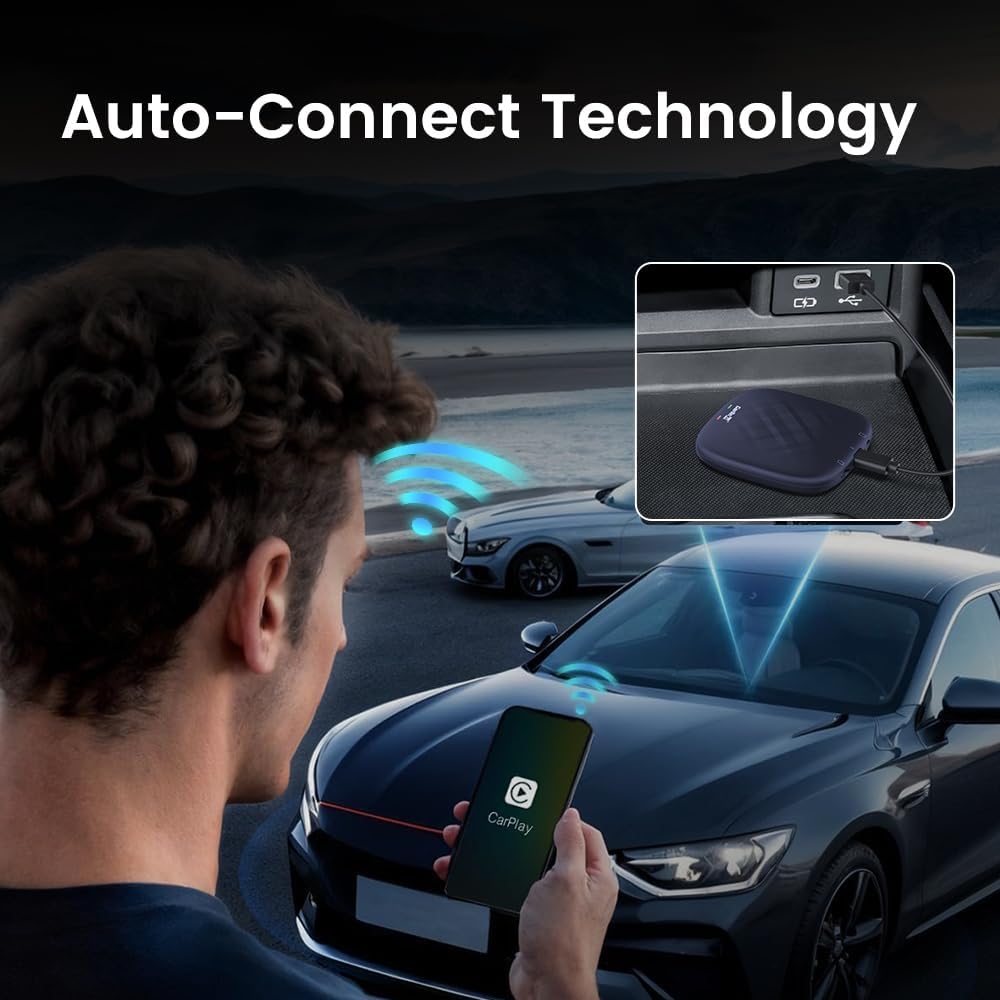
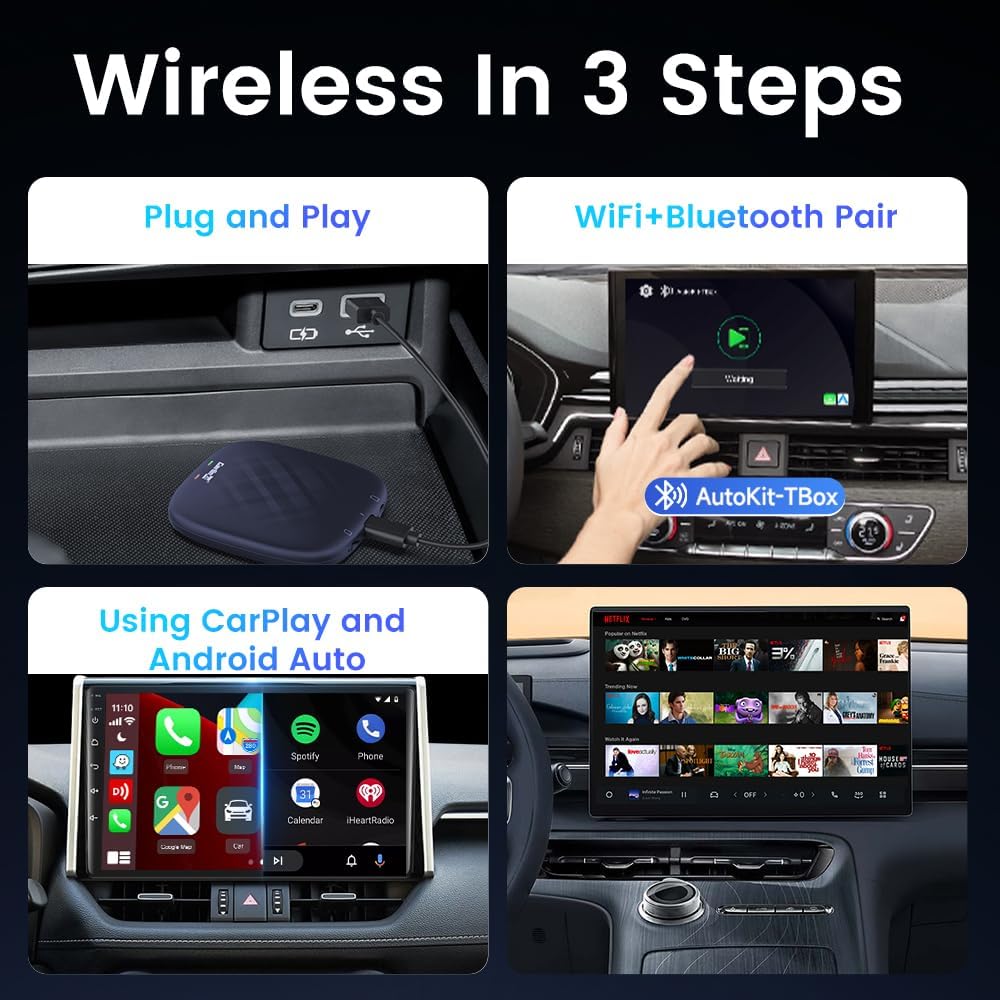
Plug & Play Convenience – This CarPlay Box Streaming Device connects instantly for effortless entertainment on the road.
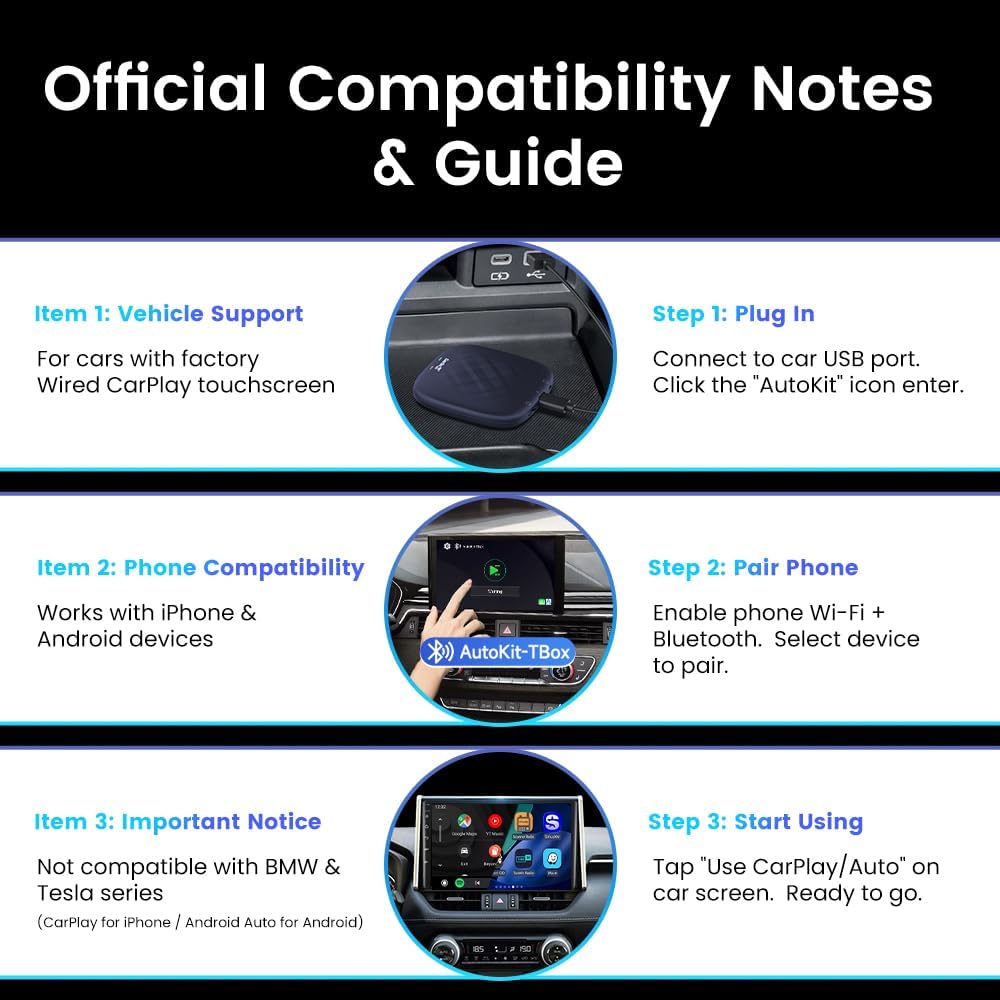
Enhanced Compatibility – CarlinKit’s Car Streaming Device works with most cars supporting wired CarPlay, transforming your drive with premium streaming and connectivity.
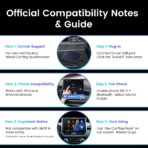
CarlinKit CarPlay Box currently does not support mirroring function,Not compatible with the full range of BMW and Tesla.
Wireless CarPlay: iPhone 6 and above / iOS 10.0 and above. Wireless Android Auto: Android phone with Android 11.0 and above.
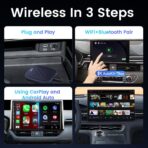
Wireless CarPlay Match iPhone Phone Tutorial After plugging the device into the car USB port, click on the original wired carplay icon. Click on the APK page on the car screen, open the wifi and Bluetooth signal on the iphone, find the Bluetooth signal of the device, then allow pairing, click ” use carplay ”, wait for a while to connect.
Wireless Android Auto Match Android Phone Tutorial After plugging the device into the car USB port, click the original wired carplay icon. Click the APK page on the car screen, open the settings on your Android phone, open Bluetooth, then search for the Bluetooth signal of the device, click on pairing, and wait for successful connection.
Special Reminder: 1, Wireless CarPlay can only match iPhone phones, not Android phones. 2, Wireless Android Auto can only match Android phones, not iPhone phones. 3, Issue with CarPlay channel not going full screen: device can be switched to Android Auto channel
Switching Methods: 1.Copy this file to the root directory of the MICRO SD and then insert the MICRO SD into the Tbox. h-t-t-p-s://drive.google.com/file/d/1xZACqHJsg77Af3gYOaTCgEly41-U3SV1/view?usp=sharing 2.Plug the box into the charger, wait for 5 minutes, the box will restart automatically to switch to Android Auto channel. video tutorial h-t-t-p-s://w w w.youtube.com/watch?v=-_DKr1imqjM

Perry R –
CarlinKit CarPlay Box Streaming Device-FANTASTIC!
This box is absolutely amazing, ive had for 2 days now, just works exactly how i was hoping to work, it works perfectly!! lay videos on it perfectly cleanr, sound is great, android auto works flawlessly too. i would highly suggest getting this box, so many other out there, thats either a pain to setup, or sounds goes in and out, phones calls get disconnected not with this box, get this box you wont be sorry!!!
Turd Ferguson –
Perfect
This just works! The connection between the unit and the phone is strong and stable – you don’t have to worry about lag or disconnections. The features all work well and I haven’t had problems using any of them. This is great for a car that doesn’t have wireless Carplay. It really is plug and play – it just works out of the box.
Mario –
Good device bad update
After an update I installed after setting everything up, I wasn’t available yo connect correctly to my T-Mobile SIM card. Sometimes I have to power cycle the divace for 2 times, sometimes for mor than 5 for the device be avle to read the simcard
Customer Review –
HUGE Upgrade to Wired OEM Carplay
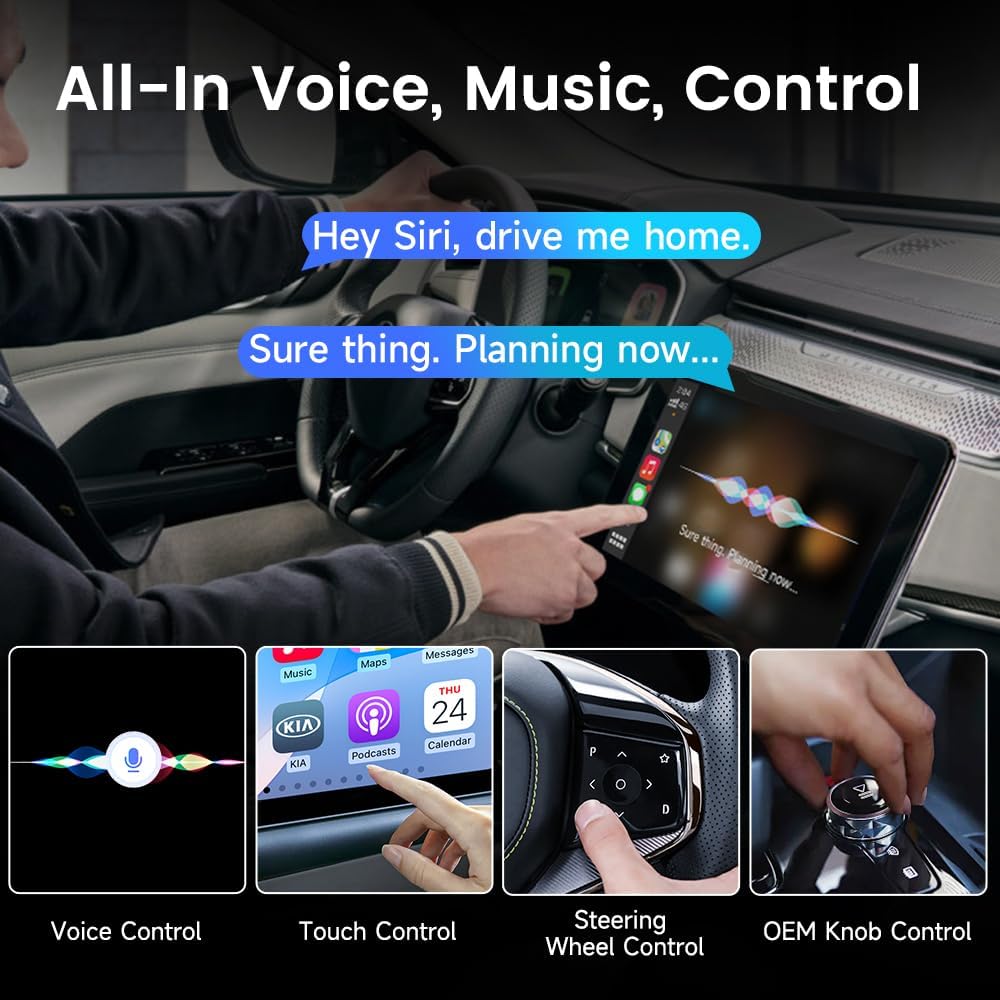
This is a nice all in one type of device. First off, it makes my CarPlay wireless. Yes my 2022 model car still did not come with OEM wireless car play. To set this unit up, just hook it up to your car’s port. After that this device allows my CarPlay to just turn on as soon as I power on the engine. This is useful because I don’t have to constantly plug in my cable.Secondly, you can use this to make your screen pretty much a mini Android tablet. I use this when I have down time in my car and I want to watch some YouTube videos. You can still control everything via the car’s OEM function. I usually use my steering wheel buttons or the touchscreen to operate this unit.
funning –
One of my favorite car accessories for long trips
Just be aware, you’ll need a hotspot for this to work properly or I believe you can get a SIM card with a data plan but I haven’t tried that.To save you time, enable the voice controls so you don’t have to type as much because typing in scrolling can be a pain. You can also pair it with a Bluetooth keyboard with a touchpad but that’s one extra item to carry in the car.You can add a lot of other apps through the Google Play store which is great and the Picture in Picture is awesome. It’s basically an Android device in your car. Stay safe and don’t watch/drive. I put it on data saver on my phone and usually 240p is good enough for me on YouTube.It can take a bit for your hotspot to automatically connect too and sometimes I have to manually search for it. Overall this is a must have for me.***update***Did an online update that was suggested by the app and now it’s not working. Resets don’t work and now a big waste of money.
Joel Mickelson –
Compatible with 2024 Toyota Tacoma
Exceeding expectations so far! This really transforms the 14″ screen in the 4G Tacoma. I opted for the 8gb RAM+128GB storage “Plus” model to handle the heavier loads of streaming apps like Netflix and YouTube. The UI is highly customizable running on Android.There’s one feature I wasn’t aware of that makes integration fantastic… You can connect your phone wirelessly to the CarlinKit to run Carplay just like if it was connected to the OEM system. By removing your phone from the OEM unit and running strictly off of the CarlinKit, you can more easily toggle between Carplay and the Android UI. I downloaded most content to use offline because I’m not using a SIM card in the CarlinKit.. yet. Still deciding if that’s necessary or if occasionally hotspot can suffice with content already downloaded.
Zack –
Pricey on Amazon, and very difficult to use
This item did not work well for me. I have a 2016 Mazda MX-5 Miata. The touch screen controls did not always work, nor did navigating via did the physical buttons on the center console. I also found it somewhat slow. Unfortunately I did not have the same success as others with this product.
Matthew Valdez –
Enhance your CarPlay capabilities
This CarPlay box is a fantastic way to upgrade your in-car experience. It allows you to use CarPlay more effectively, with access to a wider range of apps beyond the typical CarPlay or Android Auto options. Navigation, music, and other productivity apps are much easier to access, making it a great tool for improving your daily drive.It’s simple to install—just plug it in, and your car recognizes it as a CarPlay adapter. The built-in Android system gives you access to the Play Store, which is awesome for downloading apps like YouTube, Netflix, or other streaming services. While it’s great for entertainment, I can’t stress enough that videos should only be used when parked or waiting, like when picking up your kids or waiting at an appointment. Safety is key, and this device should never be a distraction while driving.If you’re looking for a way to expand your car’s functionality and get a full Android experience, this box delivers exactly that. Just be mindful to use it responsibly.
Beaxir –
Honestly, the core idea is brilliant. Plugging this little box into my car’s USB port instantly gave me a whole new infotainment system. My factory setup felt ancient overnight. Being able to switch seamlessly between wireless CarPlay (which worked reliably with my wife’s iPhone) and the full Android 13 system on my phone is its biggest win. I loved having native Netflix, YouTube, and Google Maps running independently since there is no more draining my phone battery on long drives. The 8GB RAM/128GB storage handled multitasking smoothly when it worked (like navigation + Spotify). Availability to use a dedicate SIM card for constant LTE data meant the box was always online, which could be convenient for streaming and maps without tethering. In addition, it can save the phone battery for not keeping the hotspot on. One limitation is that the car’s own infotainment system MUST support at least the wired Apple CarPlay to be able to use this AI box.However, it hasn’t been all smooth sailing. The LTE-only connectivity is a noticeable limitation in 2025. While it works, it’s clearly slower than 5G, especially when trying to stream higher-quality video or if I’m relying on it as a hotspot in areas with weaker 4G signals. The speed difference is significant.More concerning is the random system reboots. It doesn’t happen constantly, but often enough to be frustrating, maybe 2-3 times per week. There’s no obvious trigger; one minute I’m navigating with Google Maps, the next, the screen goes black and it reboots. This is disruptive and frankly, a bit unsafe when you’re relying on navigation mid-journey. It feels like the box occasionally just “throws a tantrum.”The verdict: powerful but flawedThe Carlinkit AI Box genuinely transforms a basic CarPlay system into a smart, versatile entertainment hub. The freedom from your phone and the access to full Android apps is fantastic. However, the lack of 5G feels outdated, and the unpredictable reboots are a significant drawback that impacts the driving experience. It delivers on its promise of functionality, but falls short on consistent reliability. Overall I would like to give it a 3.5 out of 5 stars.Who should consider it? If you really want an Android system and streaming apps in your car right now, and you’re willing to tolerate occasional glitches and reboots, it offers unique capabilities. But if you prioritize rock-solid stability above all else for critical functions like navigation, you might find the random reboots too frustrating for daily dependence. It’s a powerful tool, but handle it with the understanding that it might need a reboot on your next road trip.
Andrew A. –
Once hooked up, all the hand free phone features and other car screen settings become un available.It doesn’t integrate.
David J –
I installed the **Carlinkit 3-in-1 AI Box (8GB+128GB)** in my vehicle that already had OEM wired CarPlay, and I’ve been extremely impressed. This little box transformed my car into a full Android-powered smart system — **wireless CarPlay, Android Auto**, and **full Android 13** with access to **Google Play**, **YouTube**, **Netflix**, and **TikTok**. It’s like having a tablet built into your dashboard.The **setup was plug-and-play** — just connected it to the car’s USB port, and it booted right into a clean, Android-style interface. From there, I connected to Wi-Fi, signed in to Google, and downloaded apps like Waze, Spotify, and YouTube. You can even install APKs manually if needed.The wireless CarPlay and Android Auto both work flawlessly. CarPlay boots automatically when I start the car, and the transition from native systems to this is smooth and fast. Performance is excellent thanks to **8GB RAM and 128GB storage** — apps load quickly, video streams without lag, and I haven’t had any crashes or freezing so far.Streaming apps like Netflix and YouTube play in full screen and at good resolution. You do need a Wi-Fi hotspot from your phone or a SIM card via a secondary dongle (not included), but once connected, it’s a full multimedia system.**Pros:*** Converts wired CarPlay into wireless with full Android interface* Smooth performance with 8GB RAM / 128GB storage* Supports all major apps via Google Play* Seamless wireless CarPlay & Android Auto* Excellent build and easy setup* No lag in streaming apps like Netflix or YouTube**Cons:*** Requires hotspot or Wi-Fi connection for streaming* No SIM slot built-in — needs external adapter for cellular* Slight delay during initial boot (~30 seconds)**Verdict:**If you want to **upgrade your OEM CarPlay system** into a full-featured entertainment hub with apps, wireless connectivity, and solid performance, this Carlinkit AI Box is one of the best options out there. A little pricey, but absolutely worth it for daily convenience and entertainment. Highly recommended.
AmazonB –
Not good u got to keep unplugging gps doent work for maps u got to unplug so many times not worth that price. Useless
Amazon Customer –
I’ve used a lot of Carlinkit CarPlay adapters before, but this is the first one that had a really good dedicated android build.I’m used to using CarPlay in my vehicle, though it has its limitations. I picked up this adapter to add the wireless CarPlay functionality, while also adding a really good android box to the entertainment system.Getting it set up was really easy. Once I connected the wifi to my iPhone hotspot, I downloaded the newest update and installed it. You will need to log into a google account to use a lot of the apps or App Store, but once you do, you basically have an android box that you can use on your cars display. You can watch Netflix and YouTube (while parked obviously) without any issues.The fact that this one has 8GB of RAM and 128GB ROM makes this box really fast! The menu is quick and snappy. Very responsive, and the videos play smooth and clear when running through my hotspot. It’s like having a mini TV in my vehicle.The android auto and CarPlay are pretty standard like other adapters, and I would say that this one is really worth it if you’re looking for the additional Netflix and YouTube capabilities. Highly recommended!