

Price: $39.99 - $14.49
(as of Mar 29, 2026 11:59:10 UTC – Details)
Product description
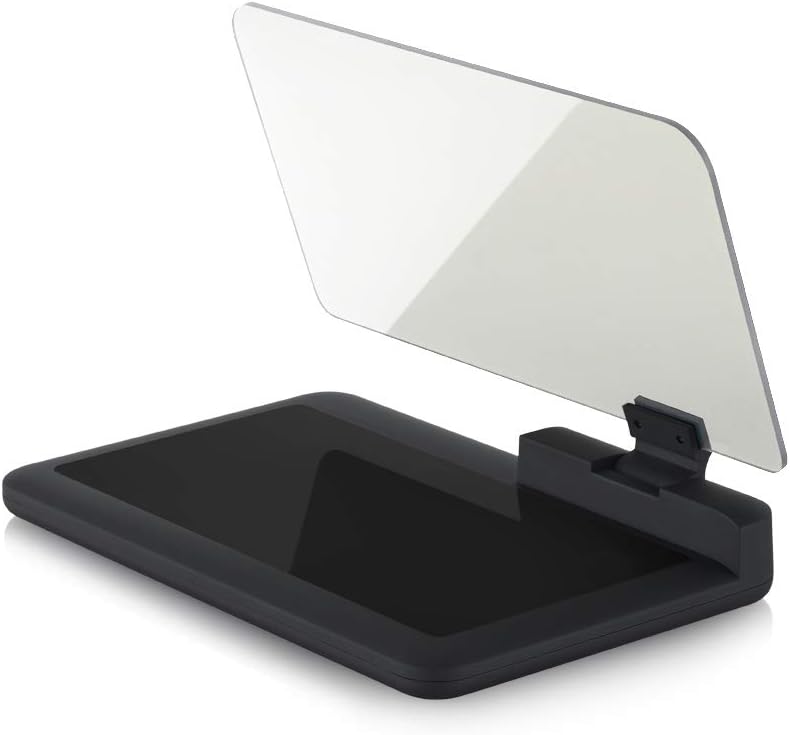
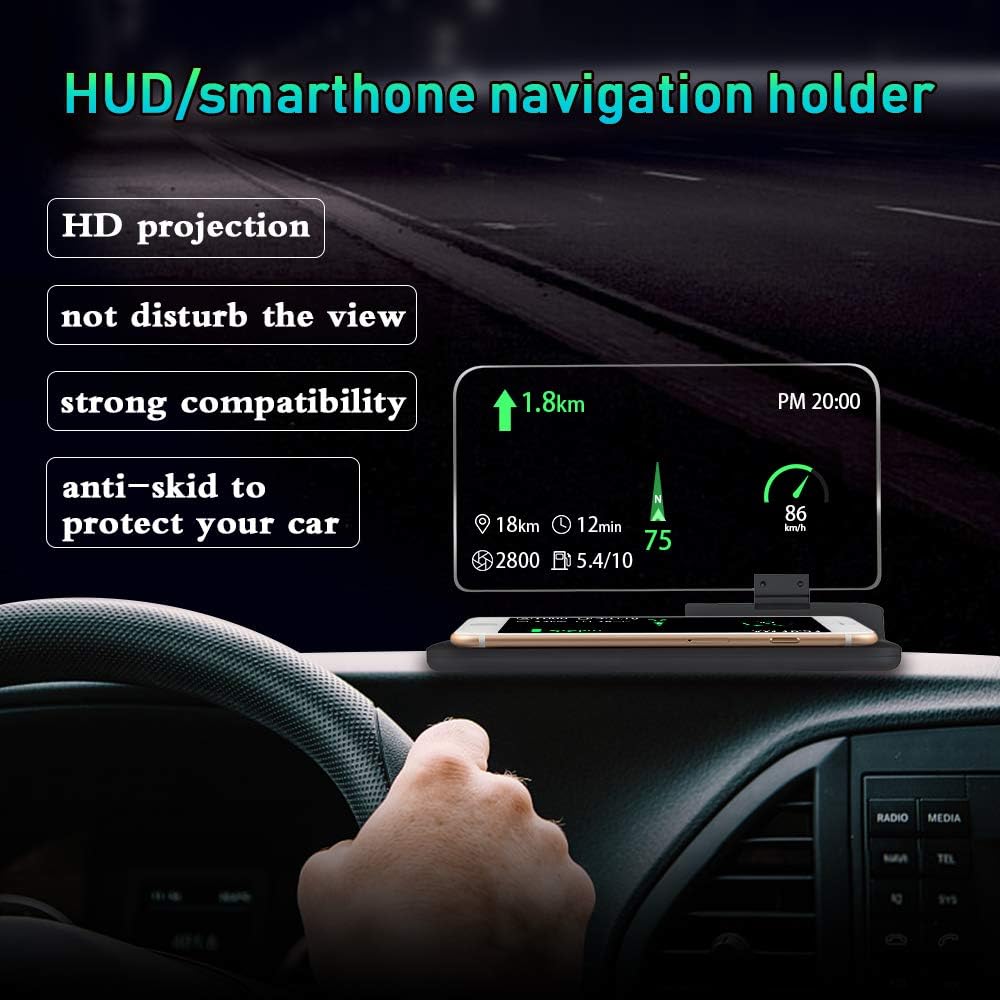
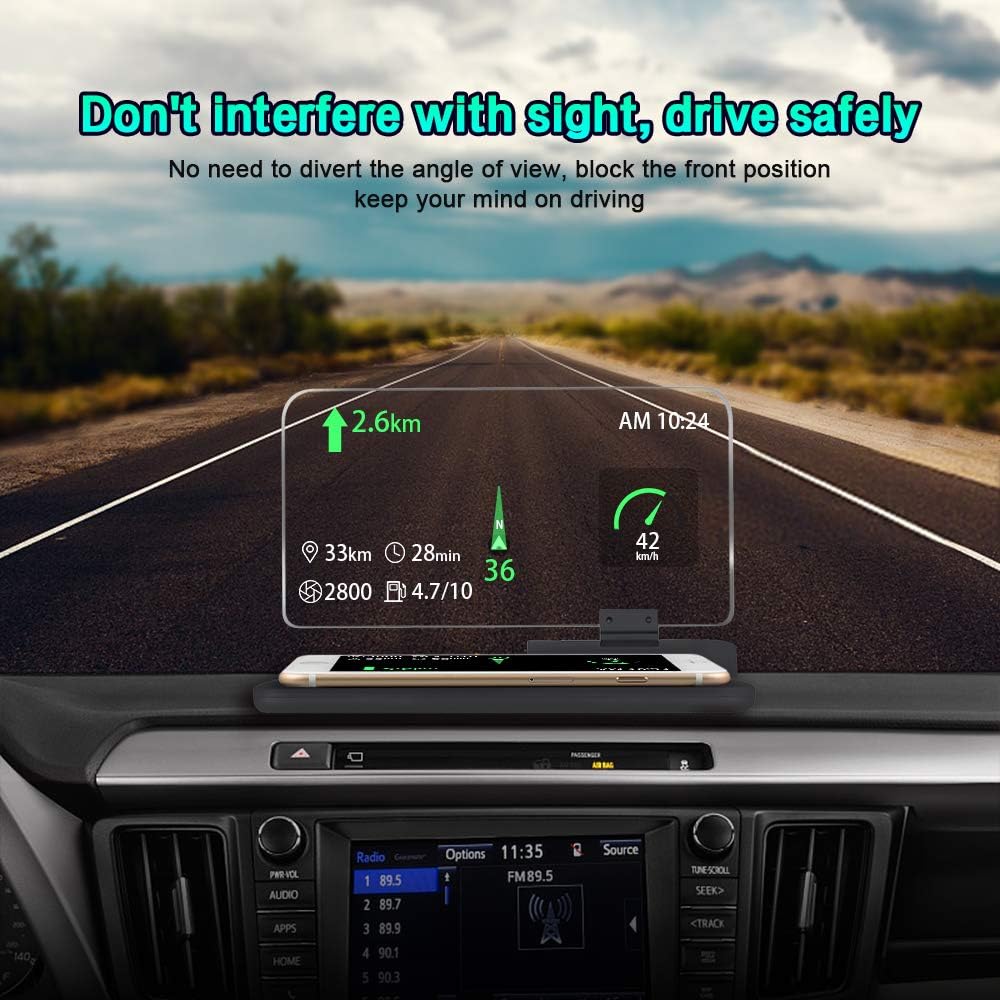
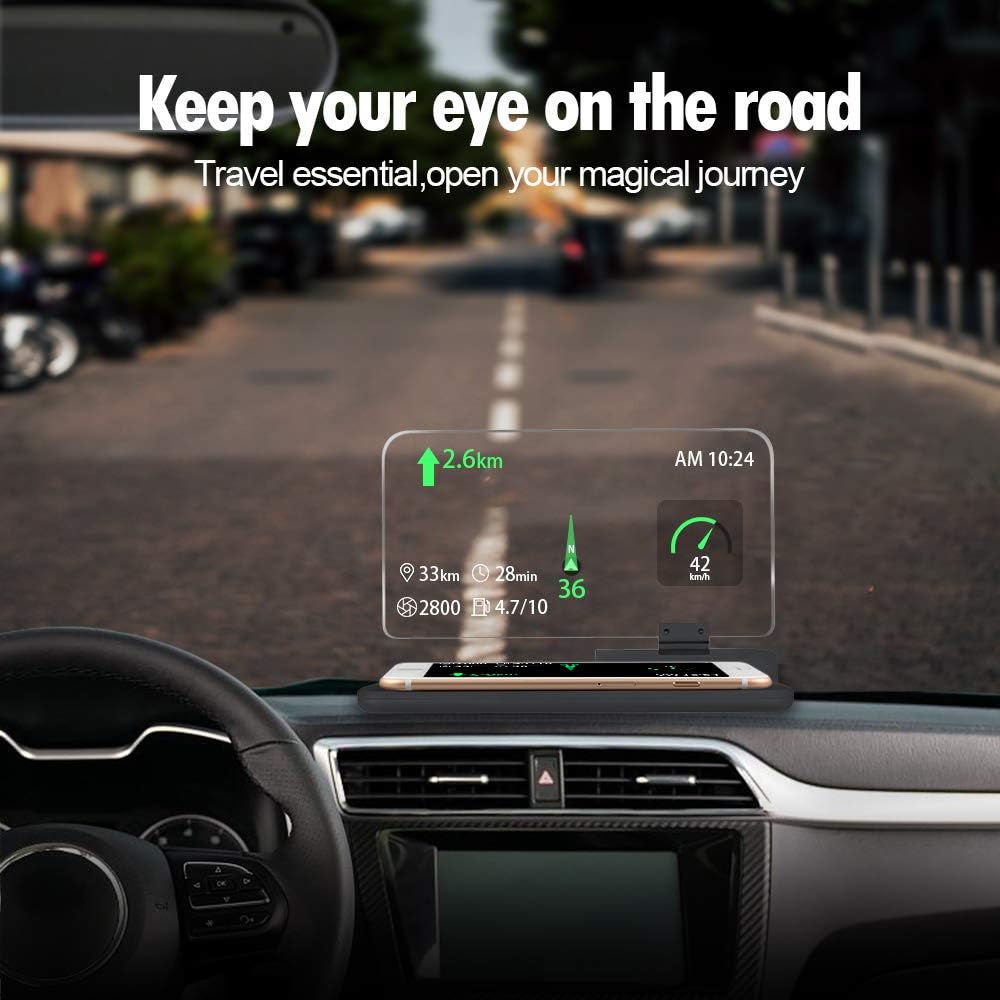
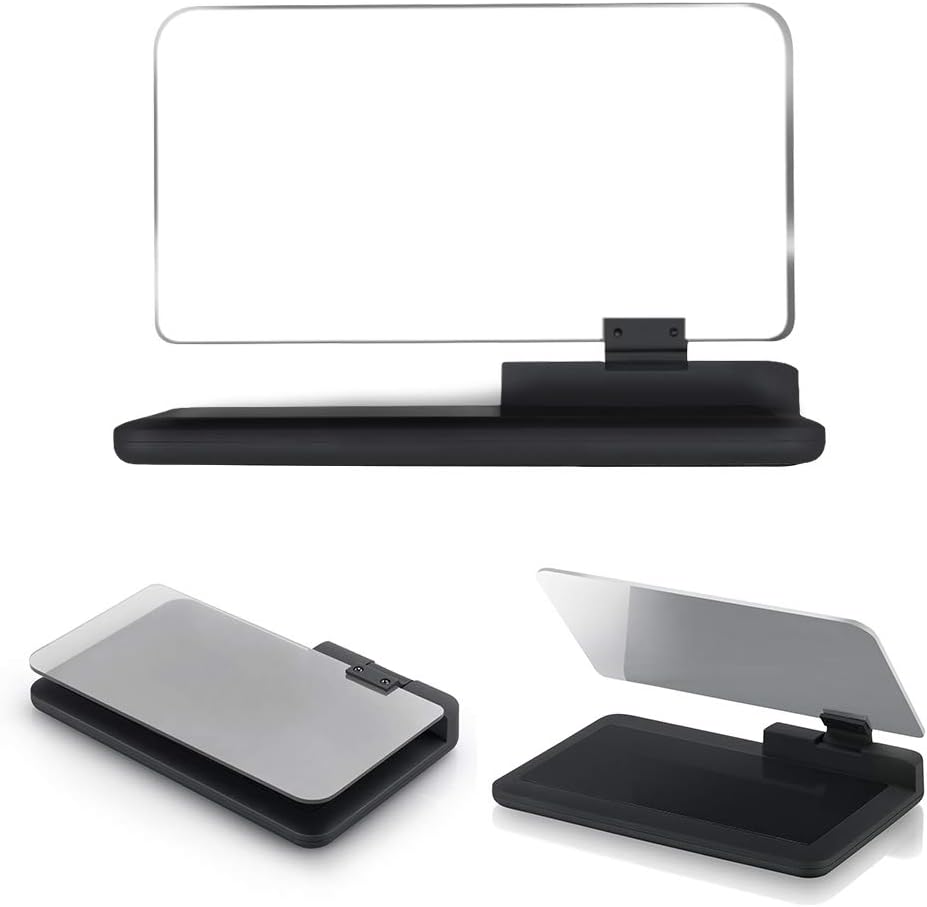
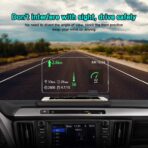
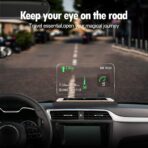
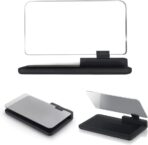
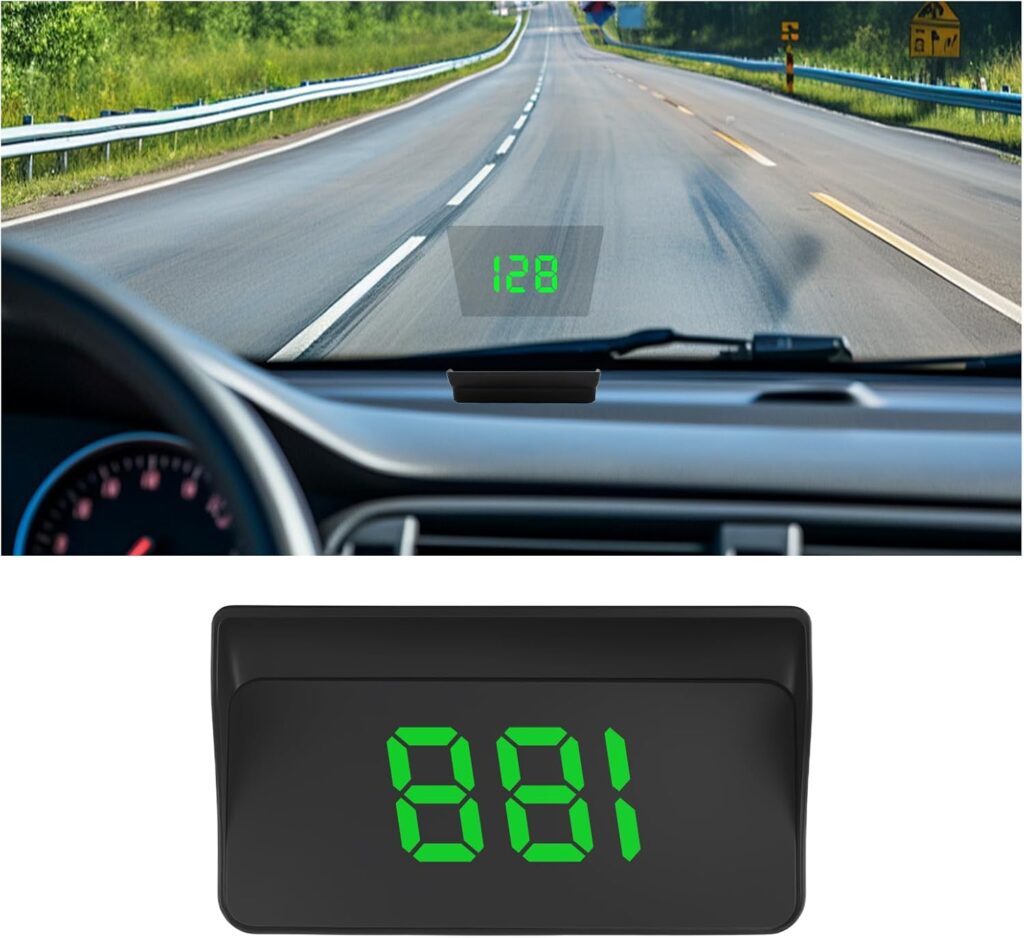
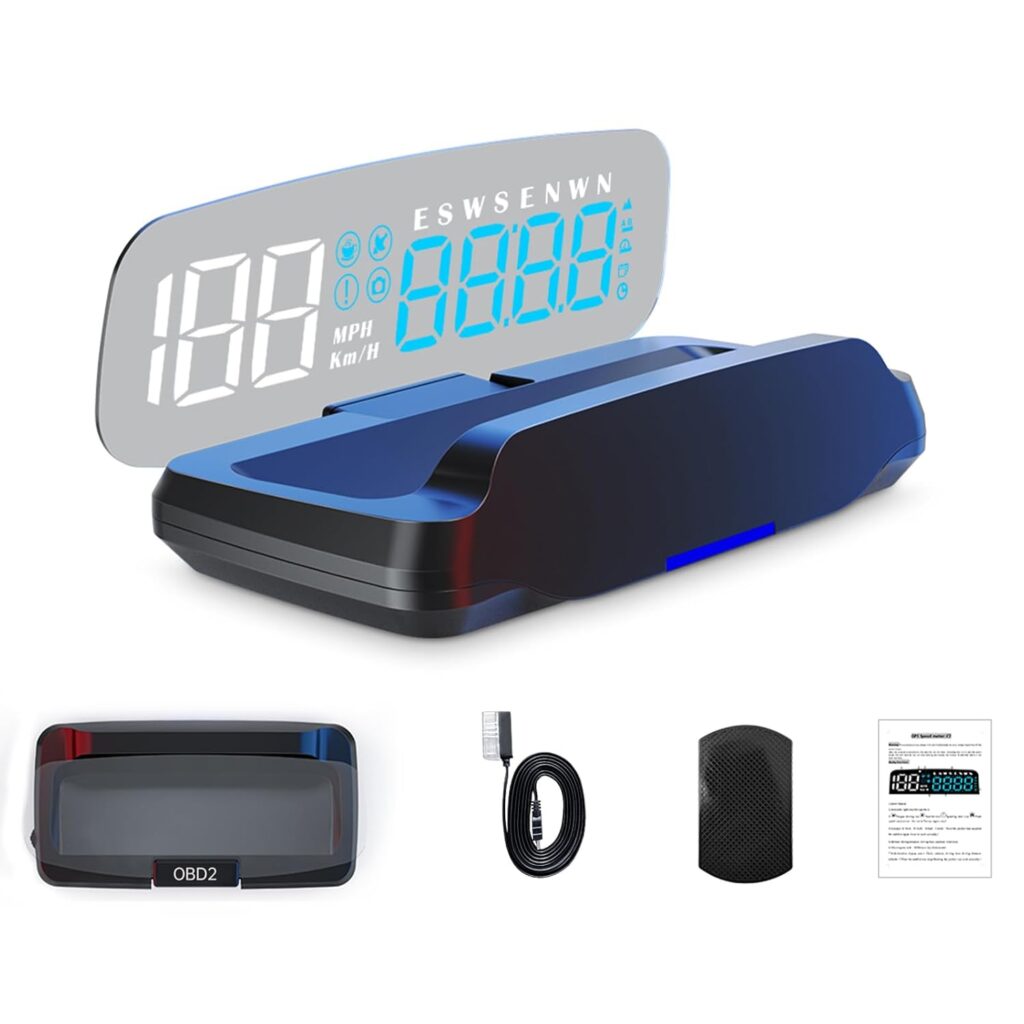
Car GPS Head Up Display Holder with HD Image Reflection for HUD and Smartphone

This Holder compatible with all head up display and smartphones( Up to 6 inches) Can easily view from the HD image reflection, avoid distraction and keep safe for your driving tour
Usage

Adjustable Angles Choose your most suited angle ( Usually is 45° ) Method of installation 1. Choose an appropriate place on the car instrument panel, and stick the black non-slip mat on the place you want, then put the Universal Smartphone holder on the non-slip mat.
2.Tear off the protection film and protection paper card on the two side of organic glass board.
3. Stick the transparent reflection film on the inside of the organic glass board.
4. Take off the protection film on the surface, and put the phone on the surface of Universal Smartphone holder and adjusting the organic glass board to appropriate angle according to individual visual angle(usually visual angle is 45°).
Compatible

Work for GPS:
Screen Size Less Than 6 inch
Work for HUD:
HUD A8, HUD A1, HUD W02, HUD Q7, HUD E300 and so on
Details

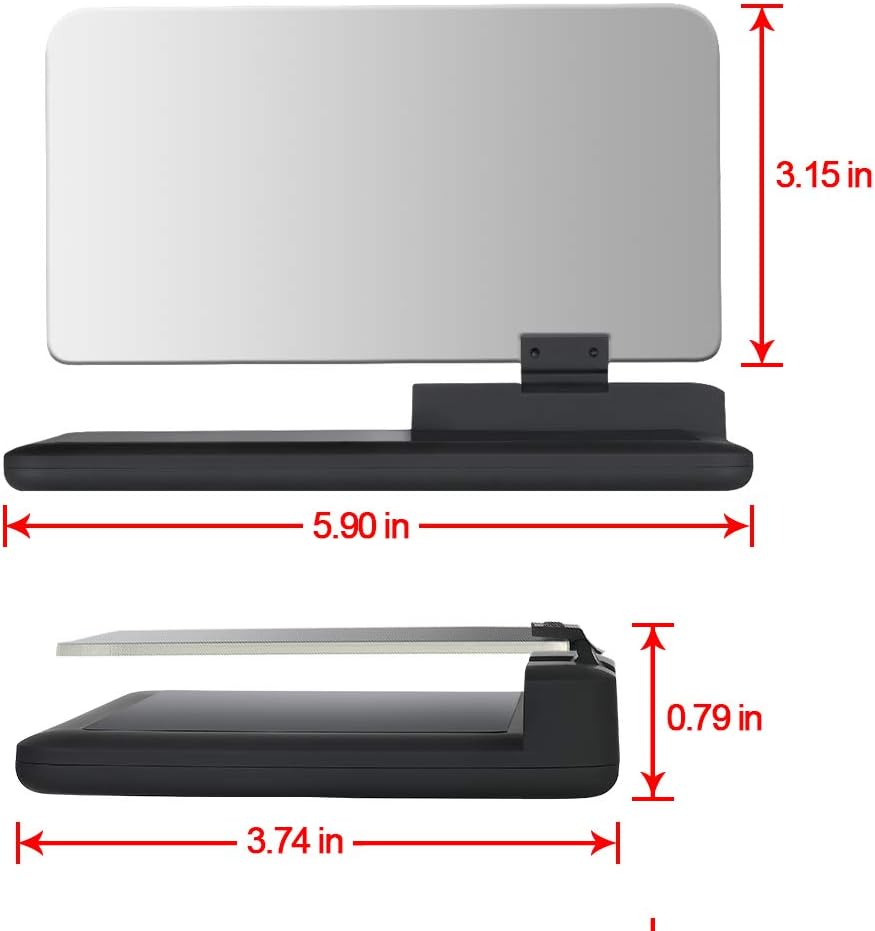
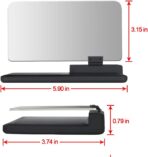
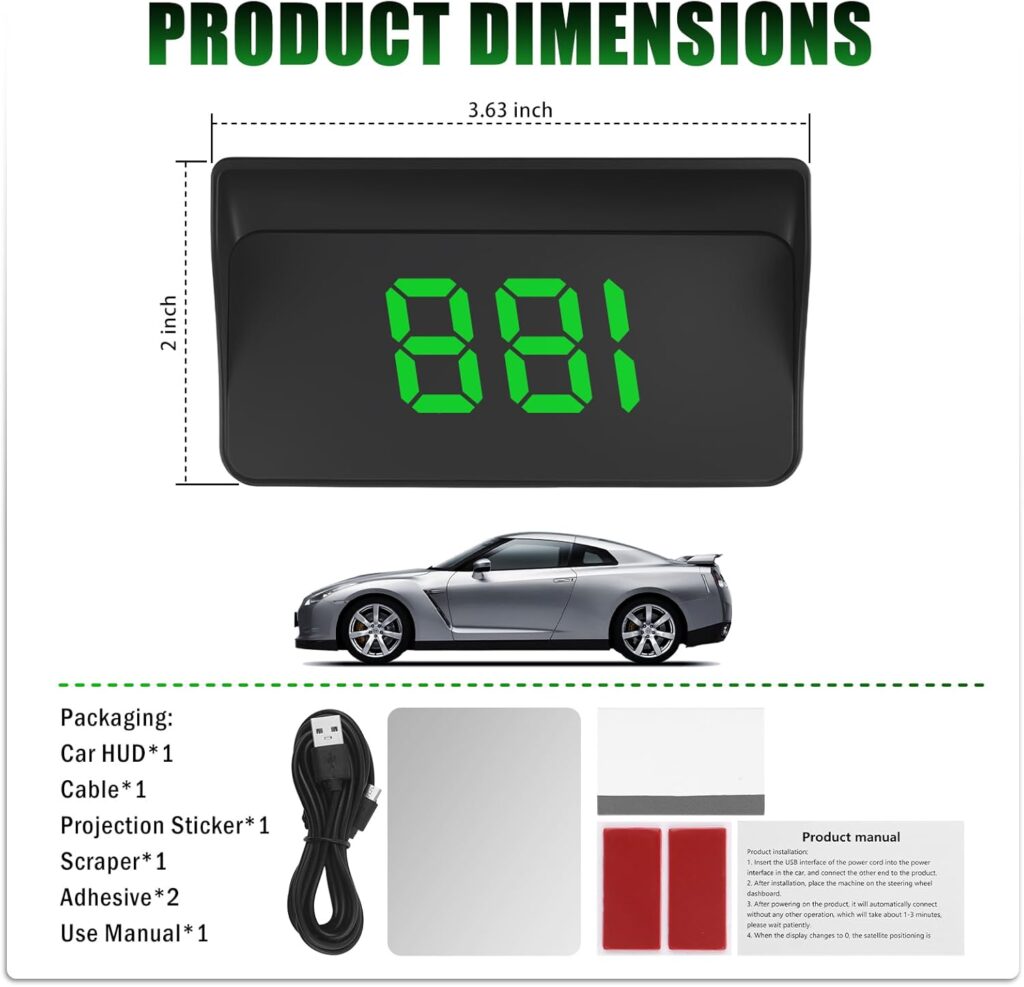
Size: 15cm x 9.5cm x 2.5cm
Weight: 115g

Work for Phones: Universal Smartphone ( Up to 6 inch)

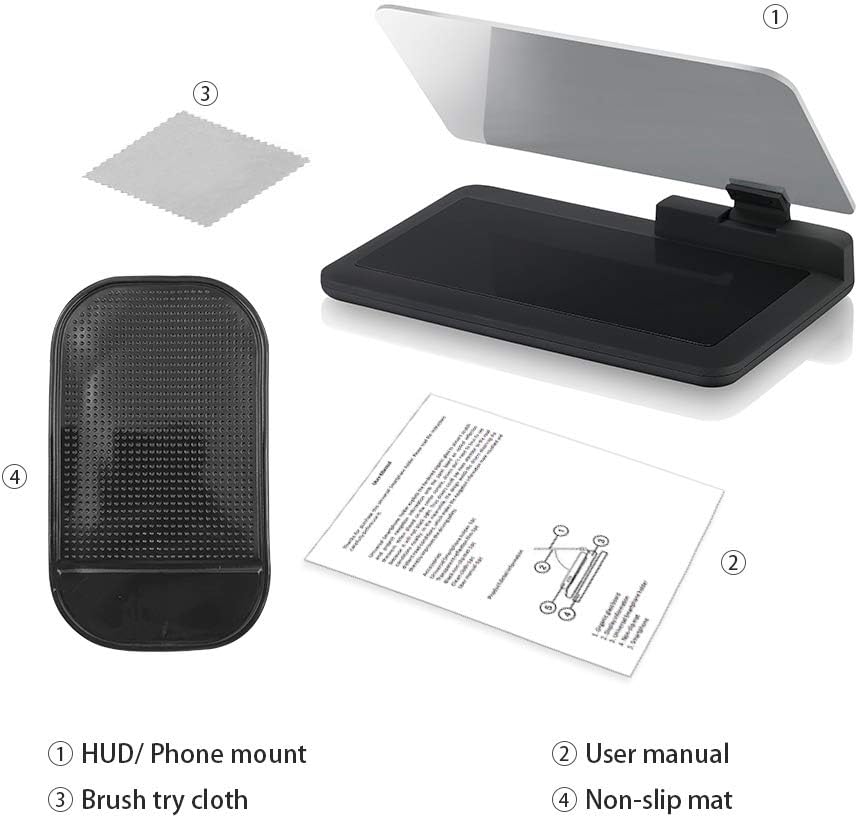
Package Included:
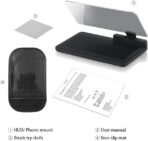
1 x Universal Smartphone holder
1 x Black non-slip mat
1 x Transparent Reflection Film
1 x Clean cloth
1 x User manual
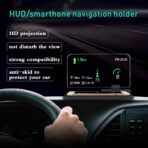
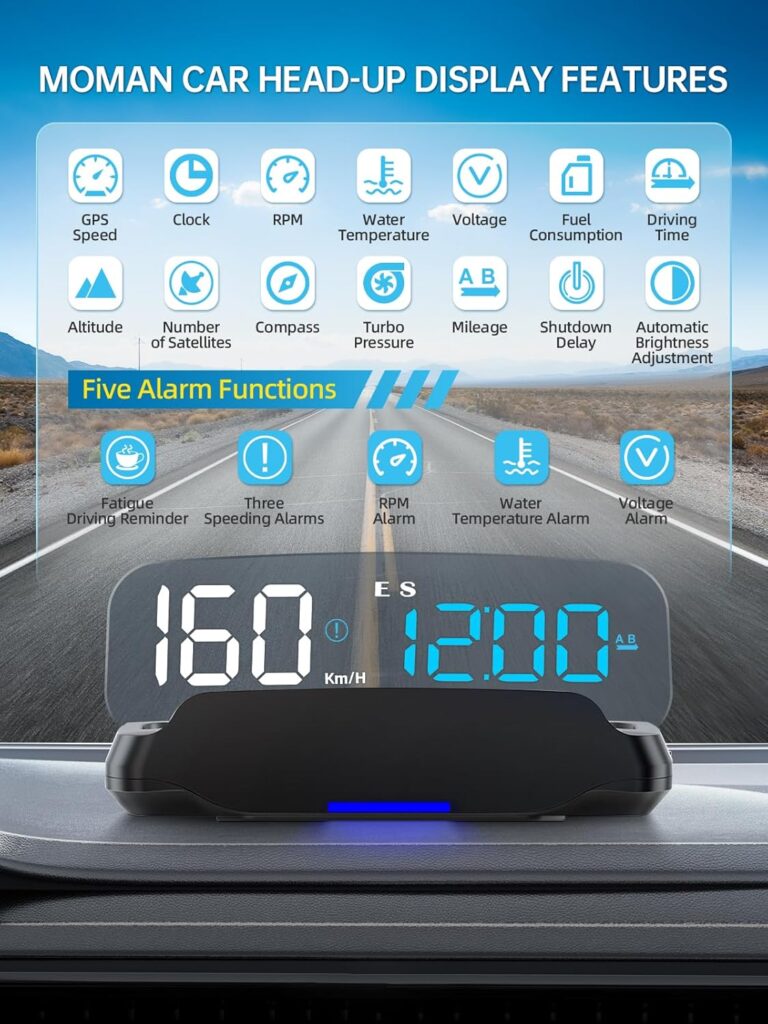
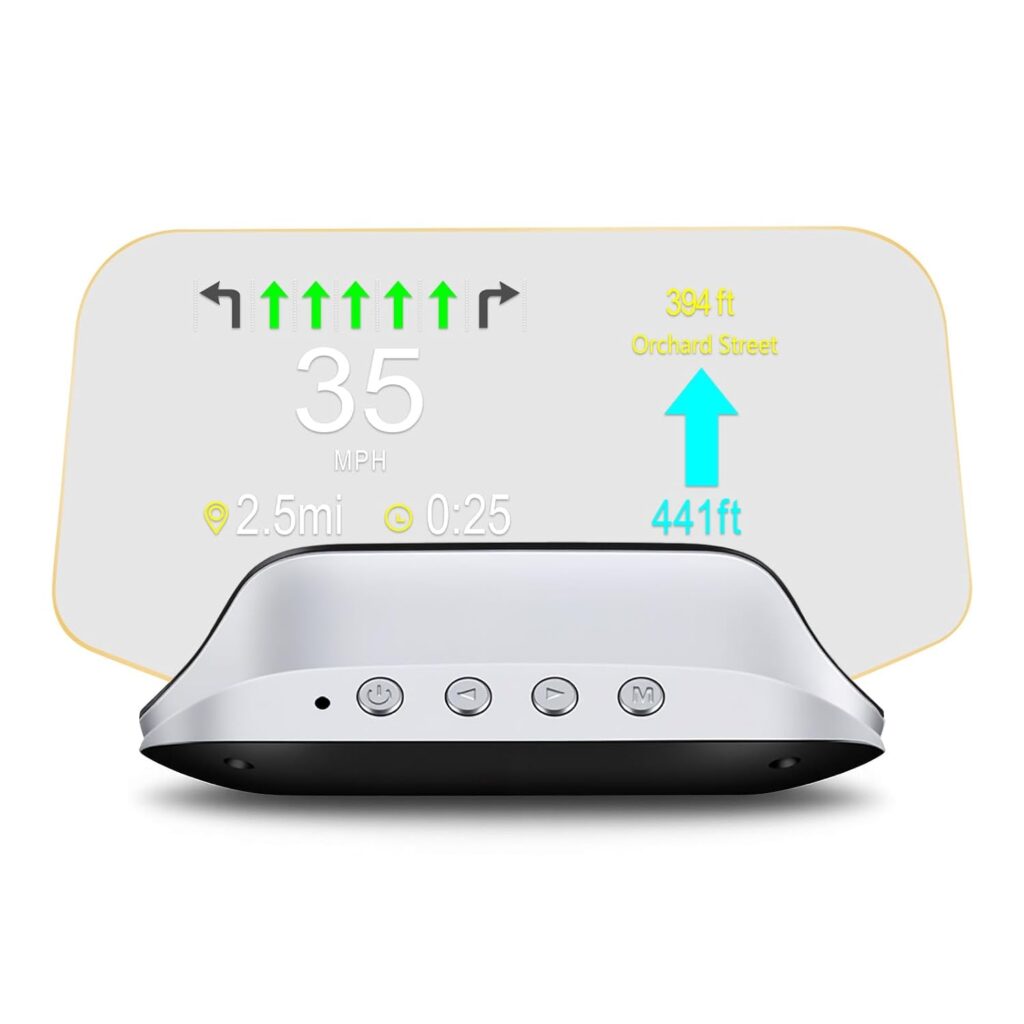
✔ The head up display holder shows enough information directly to you, which allowing you to maintain constant focus on the traffic, with no extra distraction. It will reflect any HUD-based app information or GPS Navigation information clearly in front of your eyes, letting you see the navigation instructions clearly without lowering your head.
✔ Up to 6 inches, this head-up display holder works for all HUD, cell-phone, GPS navigation and information display devices. It will open your magical journey. The widest reflective film makes you watch the screen easily and clearly. It is the travel essential and can keep safe for your journey.
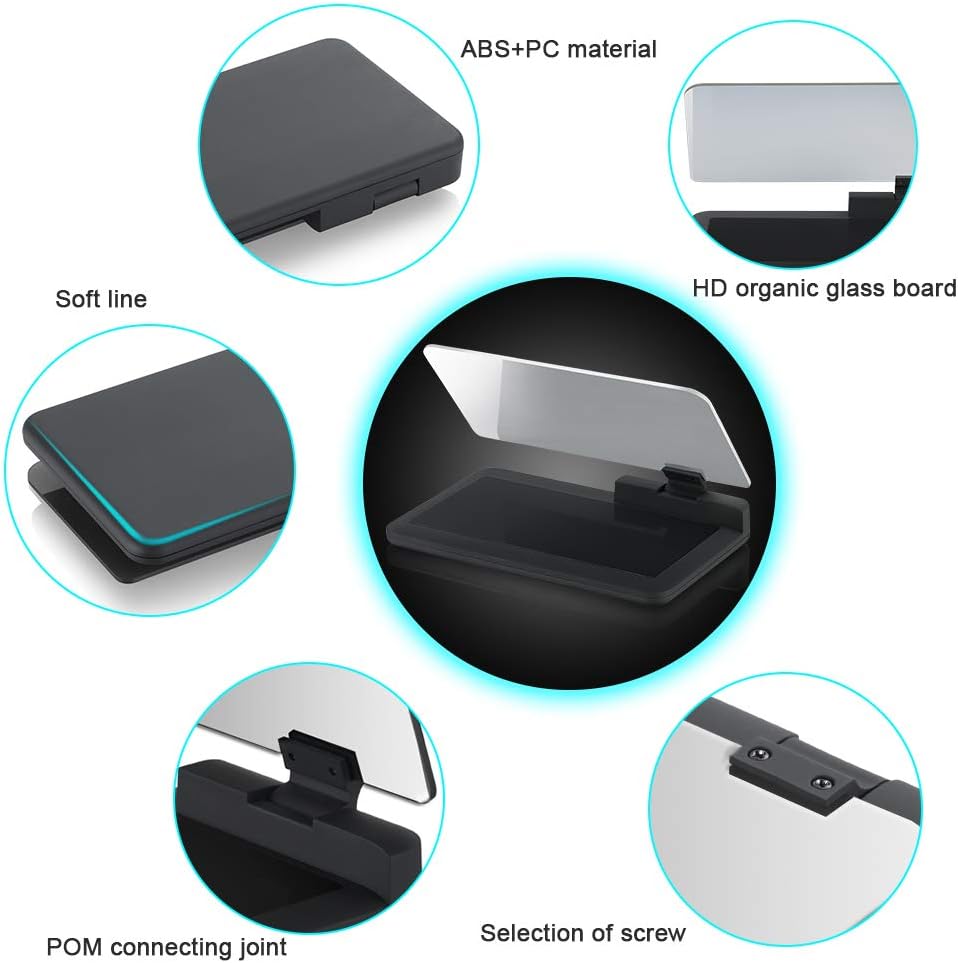
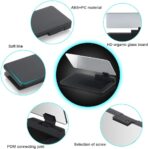
✔ This holder with fashionable techniques and modern designs that will be a good decoration to embellish your love car. It also comes with ABS + Organic glass board and high quality non-slip material with non-slip mat – no worry about your device will slide down.
✔ Simply download and install the HUD APP or GPS navigation APP which you need on your mobile phone. Place our HUD holder on the car instrument panel, and then adjust the organic glass board to appropriate angle according to individual visual angle(usually visual angle is 45°). Finally, put your mobile phone or HUD above the holder.
✔ Notice: If you use our holder with the mobile, please choose the reflection mode on your APP. For most clearly display, please tear off the protection film and protection paper card on the two side of organic glass board. Then Stick the transparent reflection film on the inside of the organic glass board.
Robert –
Works reasonably well
Seems accurate once you calibrate it. Switching from metric to imperial was easy. It has one little thing that’s annoying, once I exceed 80 MPH the tachometer goes away but comes back once you drop to 79. Not a big deal but I bought the device for the main purpose of seeing the RPMs on the windshield so I don’t have to keep looking at the dash when I drop a gear to pass on an incline. Maybe it could be fixed if I were to ever read the manual. hahahahaha
Knuckles –
Easy to install, but it dies in the heat
Worked fine for about 2 weeks, then began to randomly change settings. Now it reads KPH instead of MPH, and when I’m on the freeway doing 55, it says I am travelling at 213 KPH. It randomly shuts off, restarts, or fails to turn on when I start my car. It is basically a POS that you should not waste your money on.
Douglas Hall –
Pretty cool for the price but not perfect
I bought this for my RV before a cross country trip because my speedometer is hard to see with my sunglasses on and the tilt wheel down, which is what I prefer. Super easy, just plug into the OBD port under the dash. It comes with a small reflector screen like a screensaver for your phone that you affix to the inside of the windshield. It showed speed, RPM’s, volts and water temp. It does read a little high….at 70 mph on the dash speedometer and with cruise set on 70, this devide read 75 mph. Error seems less (+2-3 mph) at lower speeds. Anyway I just mentally adjusted the math. It was a great help on the road, lessened the driver fatigue for sure. The instructions stated that it may read less than the dash gauges…..I don’t know if it is because it is cheap, or if the data from the OBD port causes this. Either way it’s a cool gadget.
Timothy –
A two month product for $50. It was great while it lasted.
Update1: After contacting the seller about the defective product, we came to an agreement to send me an updated model and refund me the cost. Once I receive it, I’ll update this review again with any additional information.I had been using this product for the last two months and was going to right up a decent review until Monday morning, eight weeks after I received it.I got this product after doing research on all the other HUDs that Amazon offered and this one seemed to do what I needed it to do. I drive a 5-speed 2005 Elantra and ordered this HUD based on it’s display, the colors and information it presented.When I received it, it seemed like a pretty basic setup; cable with ODB2 connector on one end and a mini-USB plug on the other, the device itself, a sticky pad to keep it from moving around on the dashboard (although, it was designed to lay on a flat dashboard, so if you have a curve over your instrument panel, it makes it harder to place and display the information correctly), and a polarizing sheet to eliminate the double reflection from the window.I initially ran the cable along the outer edge of my dashboard, along the crack between the door and the dash, and then up under the dashboard to the ODB2 outlet to see how it would look. I noticed that the product lit up displaying the voltage and the word Hud. Cool. It works!After spending about 30 minutes trying to translate the manual’s very broken English and trying to work the settings controls (it’s a 3 way switch – up, down, and in to navigate), I managed to get it configured for US measurements (MPH, F°) with two exceptions: the two over speed alarms and the fuel consumption information. Both of these are coded to only be in metric measurements (Km/H and Km/L, respectively) and you cannot change them. Since one of the variable displays is the fuel consumption information, I decided not to display this information. If you remember and understand that the values will be different than all the other measurements on the display, then you should be okay to display it.I personally elected to display the RPMs, voltage, temperature (in graph form only), and speed. This gave me information about the car, without it being overwhelming. One good feature that this device has is the automatic display mode (menu option #7). When set to zero, the device turns off all other display information except the speed when traveling more than 50MPH (80KMH). This is very helpful and practical and make it so that it’s not so distracting.The unit has additional information to display, like the radiator temperature, mileage counter (i.e. trip computer), and alarms for when over revving the engine (i.e. you need to shift to a higher gear), over speed limit, engine fault, and fatigued driver. There is another “buzzer” alarm, but there’s no menu setting to configure it. Maybe it’s tied to the seatbelt, door open, or one of those types of alerts.Once I had it completely configured, I didn’t want it just hanging over my dashboard, so I disassembled my dashboard and fed the wire up thru the console’s pathways to tidy it up. I applied the adhesive pad to the dash and plugged in the HUD. This setup worked great.A quick note about how this looks. I always wear polarized sunglasses to get rid of the reflection of the dashboard and anything that is reflecting from it. This includes the HUD’s box image. With the brightness of the HUD, this gives the perfect image of the information on the screen and, while the double image is there, it’s not super annoying as long as I’m wearing polarized sunglasses. On sunny days, this HUD is tested to its limits and much of the colored information is washed away in the bright sunlight, but the speed is still noticeable, albeit faint. Other reviews of this same unit have recommended putting the reflection film on the windshield to allow the display to be seen better, but honestly, I have been hesitant to put anything more on the windshield which would create more of a distraction. However, if you’ve played video games, then the HUD shouldn’t be a problem as the information is always present on the windshield and you don’t have to look away from what’s in front of you.From commuting to running errands to just general leisure, it worked. I was able to unplug it and take it out of the car to prevent dishonest people from obfuscating with it. That is until Monday morning when was about to head off to work.When I plugged it in after only 8 weeks of using it, each and every LED light on the display lit up and didn’t show anything useful. I tried unplugging it and plugging it back in and even turned the car off and back on, but nothing helped. Basically, it died after only two months of use. After checking with Amazon customer service, I found out that the device has no kind of warranty at all, so if you buy one of these, be sure to get the extra warranty in case it craps out on you too.Pros:Easy to setup and start usingBright displayLots of informationAutomatic reduction of information at higher speeds to reduce distractionVarious colors to differentiate different types of informationCon:Doesn’t include a non-stick pad for curved dashboardsIt’s a little bulkyThe brightness can be a distraction if you are looking down at it while drivingLack of adjustment to US measurements on fuel consumption and speed alertsSettings controls are hard to manage and very touchyTo make it look nice, you have to know how to disassemble your dashboard to run the wiring neatlyDoesn’t come with any stated warranty, so make sure you include one when you buy it
Real Raleigh Reviewer –
It’s a useful basic device
I tried this alongside the ACECAR offering. This is the clear winner, for a couple of reasons. The speedo and tach are a little bigger, but are also quicker – it may poll the OBD-II data every 0.5s instead of 1.0s. There is a significant lag on the ACECAR offering that makes it largely useless for monitoring around-town road speeds. Also, the ACECAR unit only visualizes 500RPM increments, which, together with the delay, makes the tach altogether useless. By the time the ACECAR readout catches up your engine may have increased or decreased speed by 2k RPM. This unit reads out RPMs in 250RPM increments, and updates much faster, which, together, means it really is useful as a gauge at any road speed.It doesn’t have cardinal directions as the ACECAR does; it shows fuel economy, but in terms of L/100km, which is not especially useful in the US. The only potentially useful aspect is that it shows you real-time economy, so you might get some sense of your general economy. It also has a trip computer, which is helpful, but again, in km only, so, it’s not going to be useful with respect to your nav unit, maps on your phone, directions, etc.Engine temperature, in degrees Celsius, is also a useful reading, and may be consistent with your instrument cluster if you’re in a European car.Given that it is bigger, easier to read, updates its readings more quickly, and that all of the data displayed is helpful (although the color scheme is a complete mess and it’s only in metric / European units), the reasonable price, and ESPECIALLY given the lack of better competitive offerings, this is a solid 4-5 stars as of June 2020. I’m opting to add this to all of my cars that don’t have a HUD. It’s simple, easy and useful.
Amazon Customer –
Just did not like this
It is bright enough and the anti glare screen works – sometimes some of the read outs would not light up or indicate
Hydenbooks –
Low-tech and economical option that works really well.
I didn’t want any cables running over my dashboard so I was hoping to find something that didn’t need to be plugged in. This really seems to fit that nicely. It is low tech, and inexpensive. I turned my phone brightness up and downloaded a free heads up display app and this is working great.
Adrian Austin –
Download the correct apps, after thst tap on the map, tap HUD and it will work.
Charles Smith –
Works well, automatically dimsVery bright display
T. Jothi –
We have to depend on third party app, which is not totally worth.
Gummy1953 –
I have used this for a while now and I am very pleased. It is worth taking the time to set it up as you want it. I have matched it to local radar speed signs so I know it is accurate. The fuel use should only be taken as a guide.It is great if, as like me, the speedometer is not easily visible in certain light conditions.
Srz –
🌟🌟🌟🌟🌟