
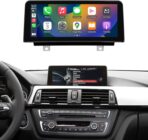

Price: $249.00
(as of Apr 02, 2026 17:55:47 UTC – Details)
Product description

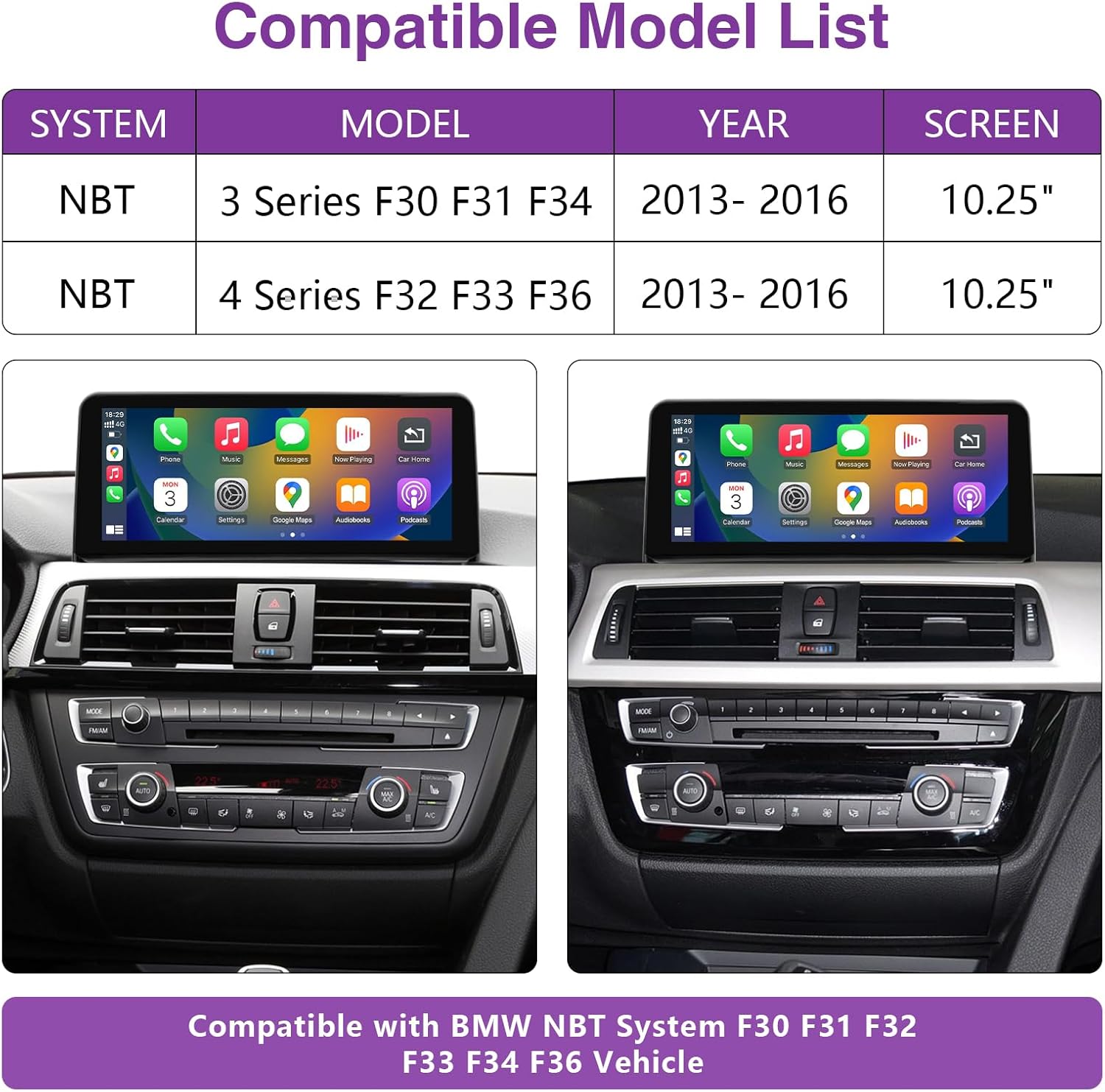
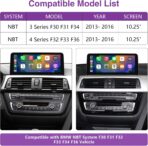
Compatible with BMW 3/4 Series with NBT System:
Compatible with the BMW 3/4 Series NBT System manufactured from 2013 to 2016. This encompasses various models, including F30/F31/F32/F33/F34/F36.Note: Please ensure that your car system is NBT. You can check our picture for reference. If you’re unsure, you can ask for assistance.

Premium Q&A
Q:How can I confirm whether my system is CIC, CCC, or NBT?
A: You can confirm it by checking the image above.
Q: How many sound modes are supported?
A: Two sound modes are supported: AUX and Bluetooth.
Q: The screen works fine, but there is no sound.
A: There are two possible reasons for no sound. The first is that the optical fiber cable may not be properly connected, and the second is that the AUX setting may be incorrect. Please check these two aspects.
Q: What if the original car screen does not display?
A: If the original car screen does not display, even after selecting the correct resolution, please check the LVDS cable.
Q: The screen of the product is malfunctioning and does not display the applications
A: Please check if the LVDS cable is properly connected.


FAQ
Issue: “The screen of the product is malfunctioning and does not display the applications.”
Reason: select the smaller resolution, for example, your car original screen resolution is
1280*480, but you set the resolution of new screen as 800*480.
Solution: select the correct resolution as per your car original solution, and restart the screen or the car again
【Pre-shopping Notes】This touchscreen is suitable for the BMW NBT system. It is not compatible with other systems. It’s designed for use with BMW 3 series F30/F31/F34 (2013-2016), 4 series F32/F33/F36 (2013-2016). The screen is malfunctioning and not displaying applications: Please ensure the LVDS cable is properly connected. No sound: Check if the optical fiber cable is connected correctly and if the AUX setting is configured properly.
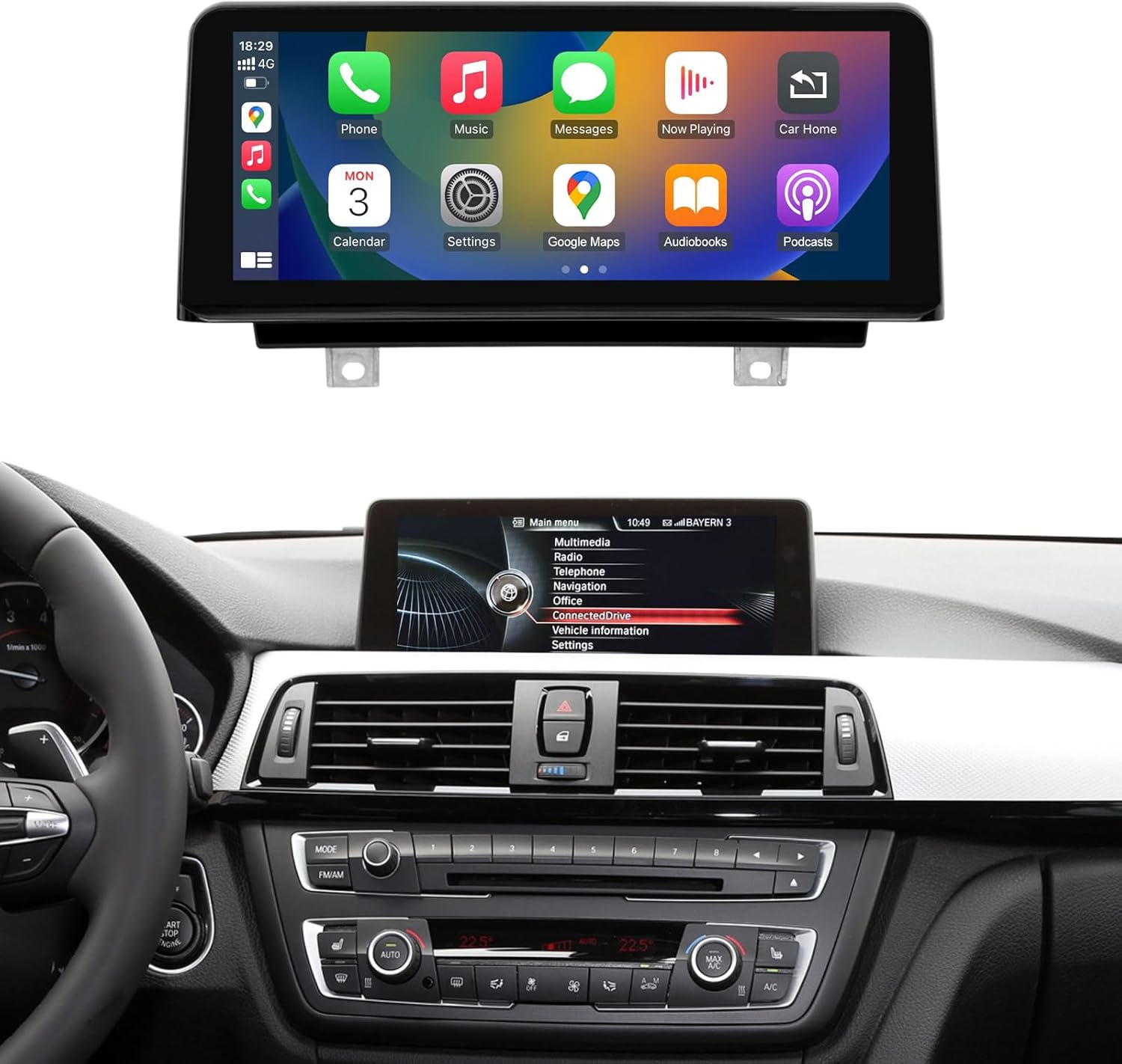
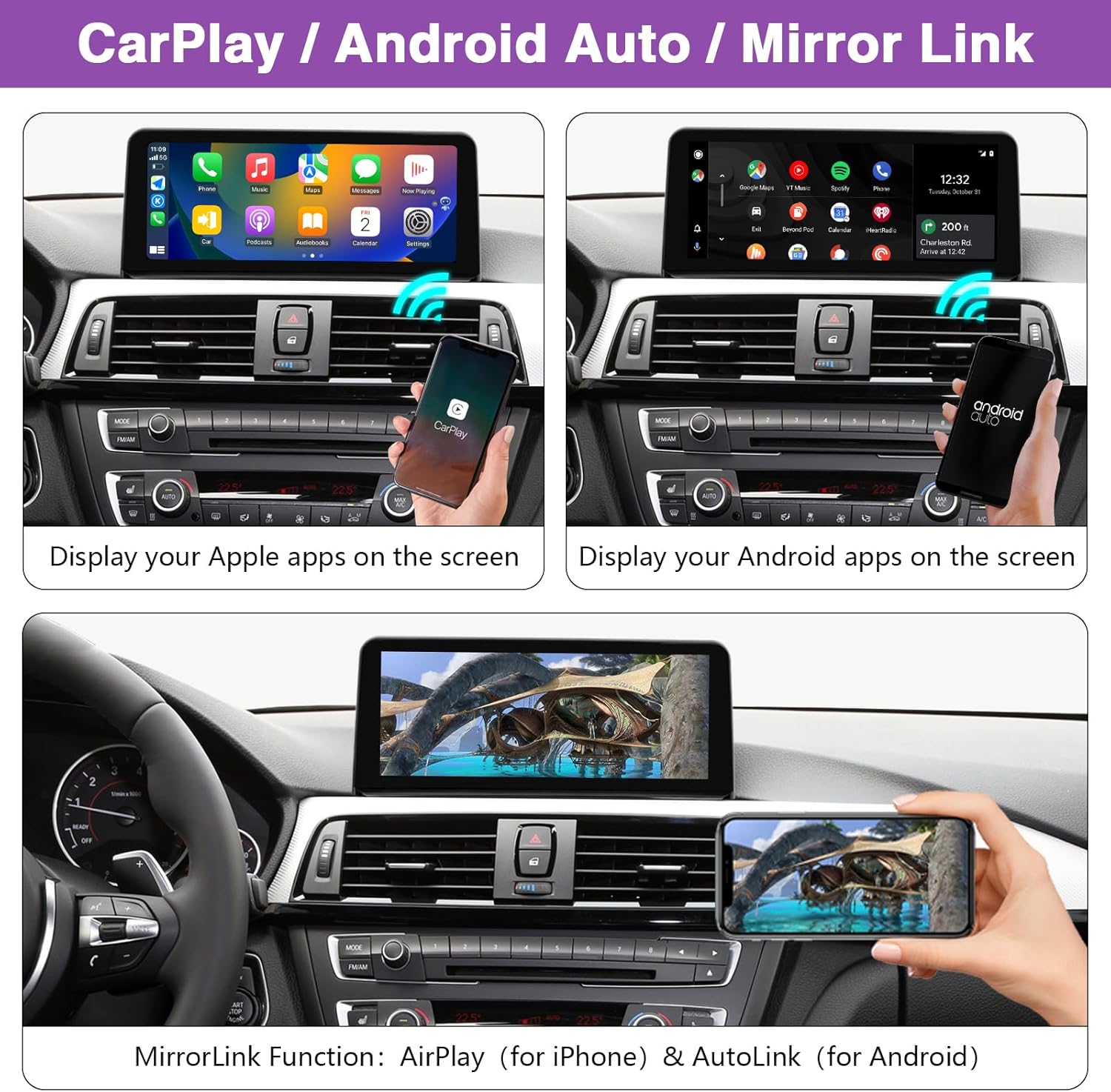
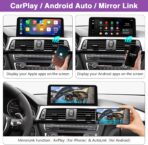
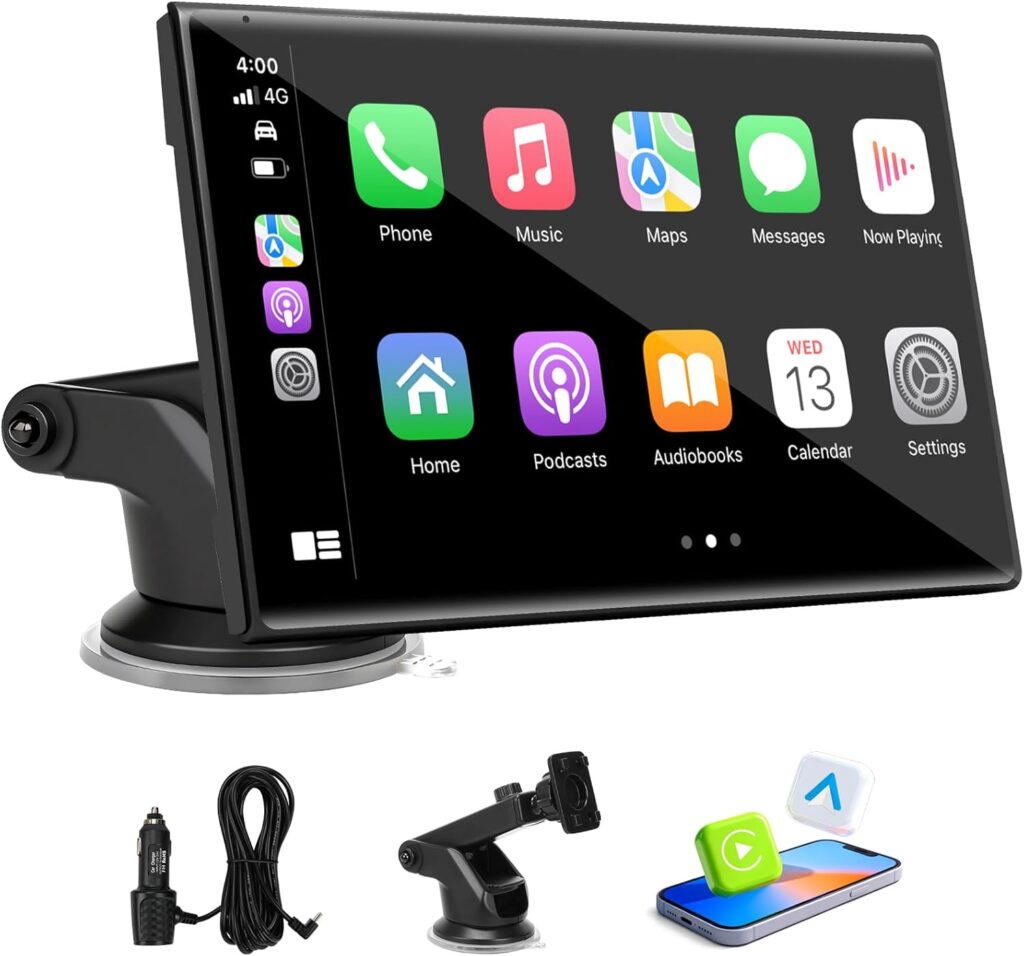
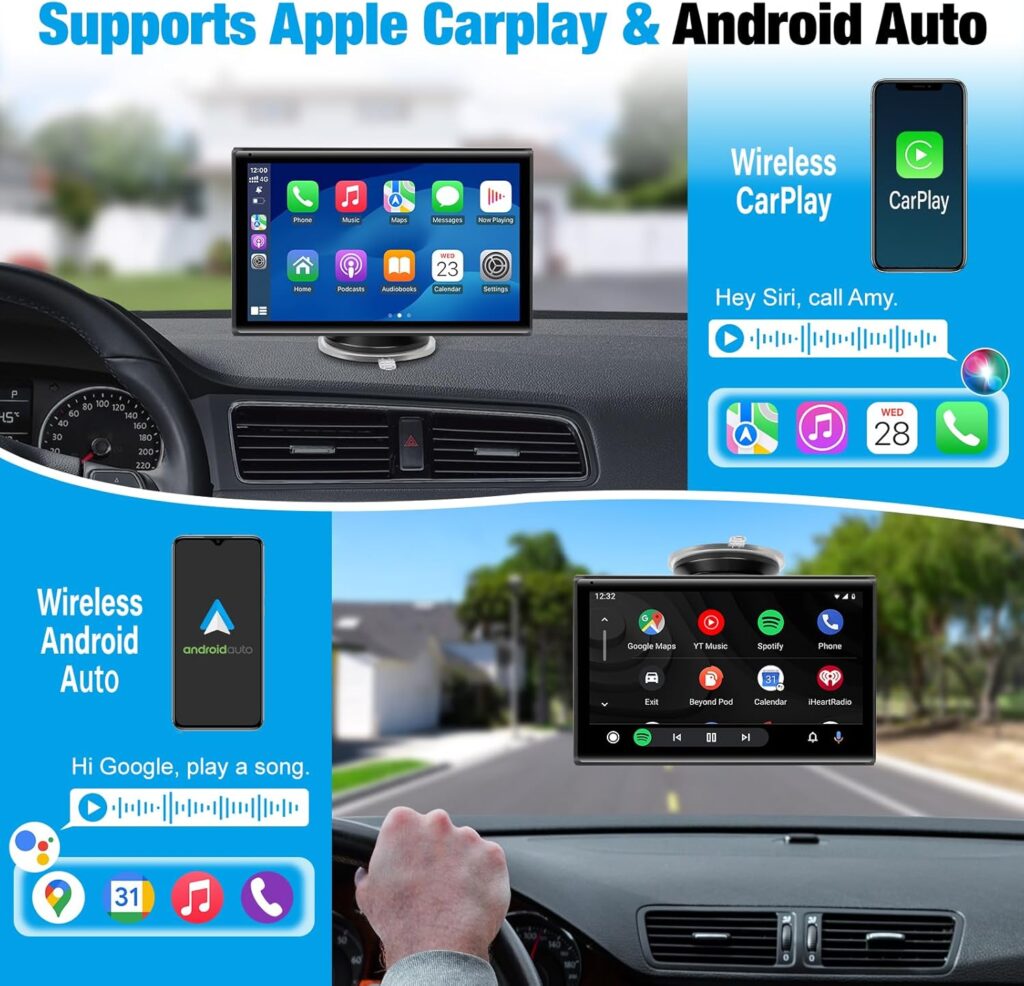
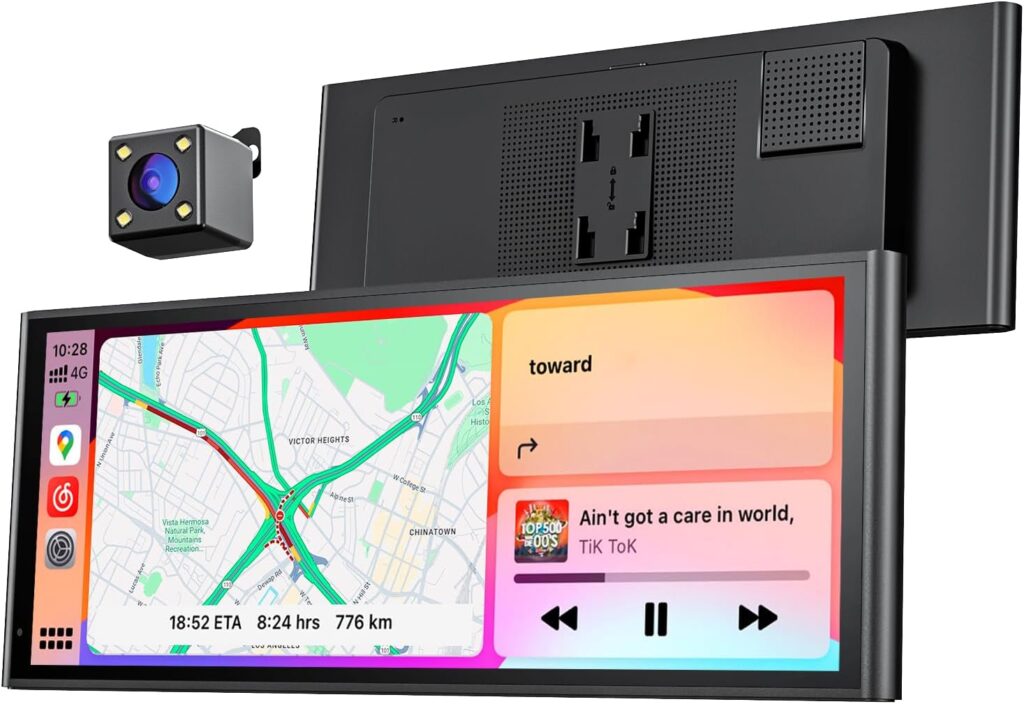
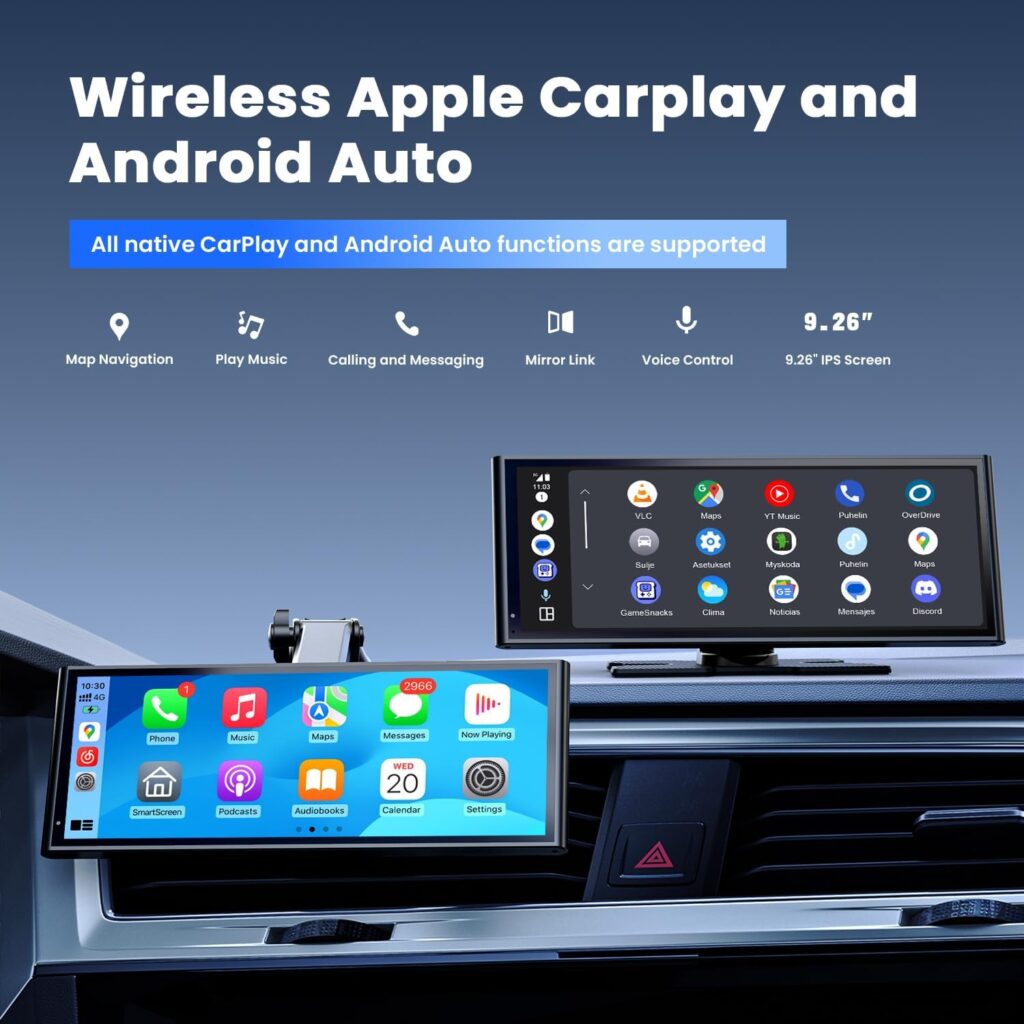
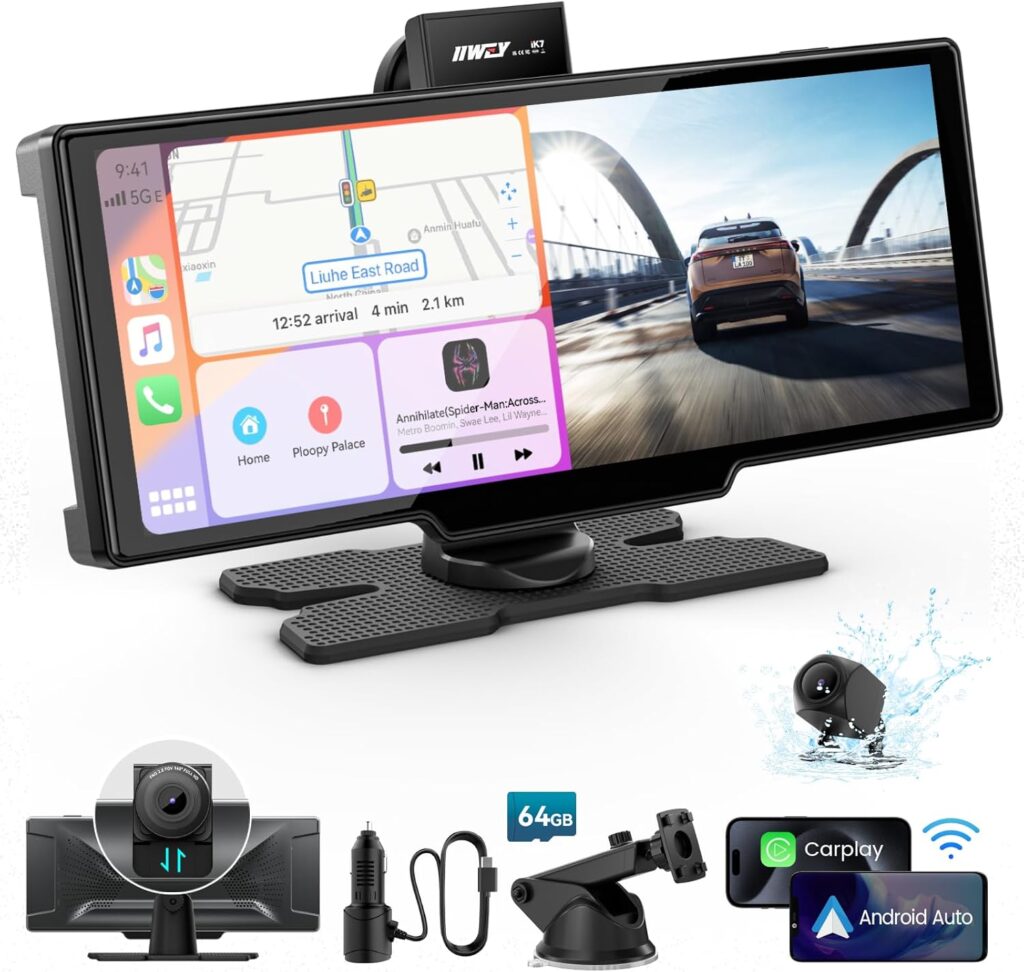
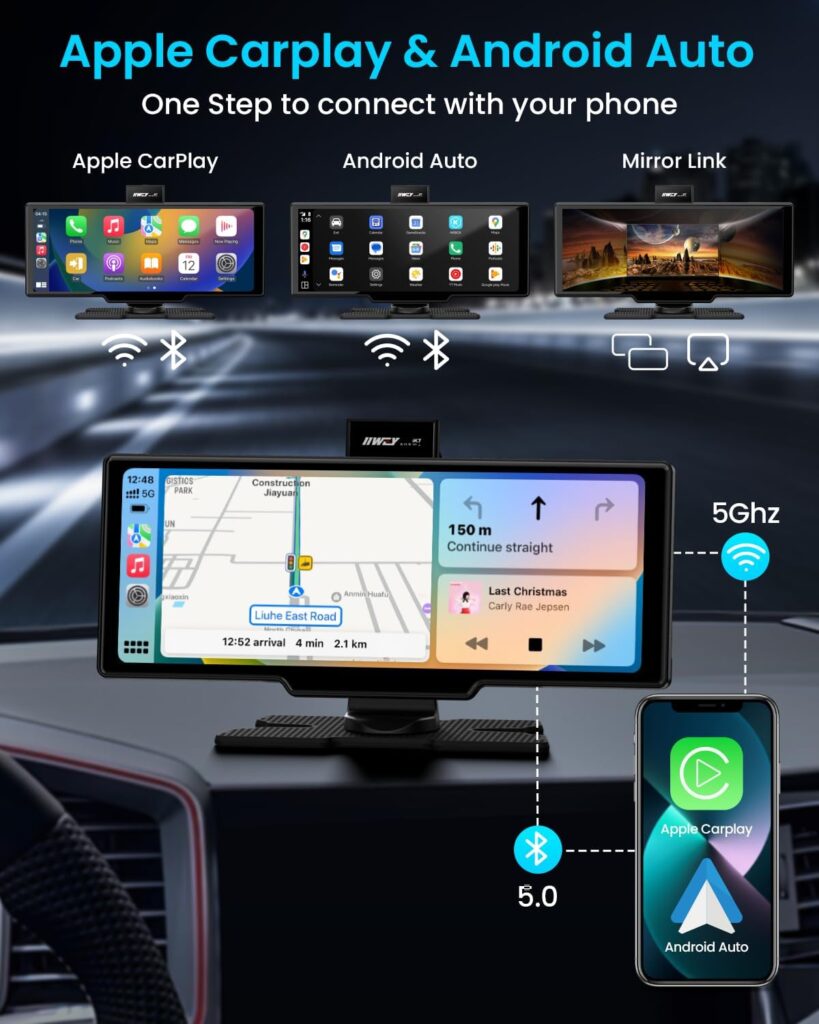
【Built-in Carplay & Android Auto】Built-in wired and wireless Carplay & Android Auto support Siri or touch display interaction. You can access GPS, make calls, send and receive messages, and enjoy music, among other functions. It’s a smarter, safer, and more enjoyable way to use your phone in the car. This touchscreen operates on a Linux system, ensuring stable performance without freezing issues over prolonged use.
【Supports Original Functions】The upgraded touch screen retains all original functions, including the original car radio, amplifier function, factory joystick control, original reversing camera, and more. No software changes are made to the vehicle’s control units. It supports the use of original or aftermarket rearview cameras and is compatible with DVR systems.
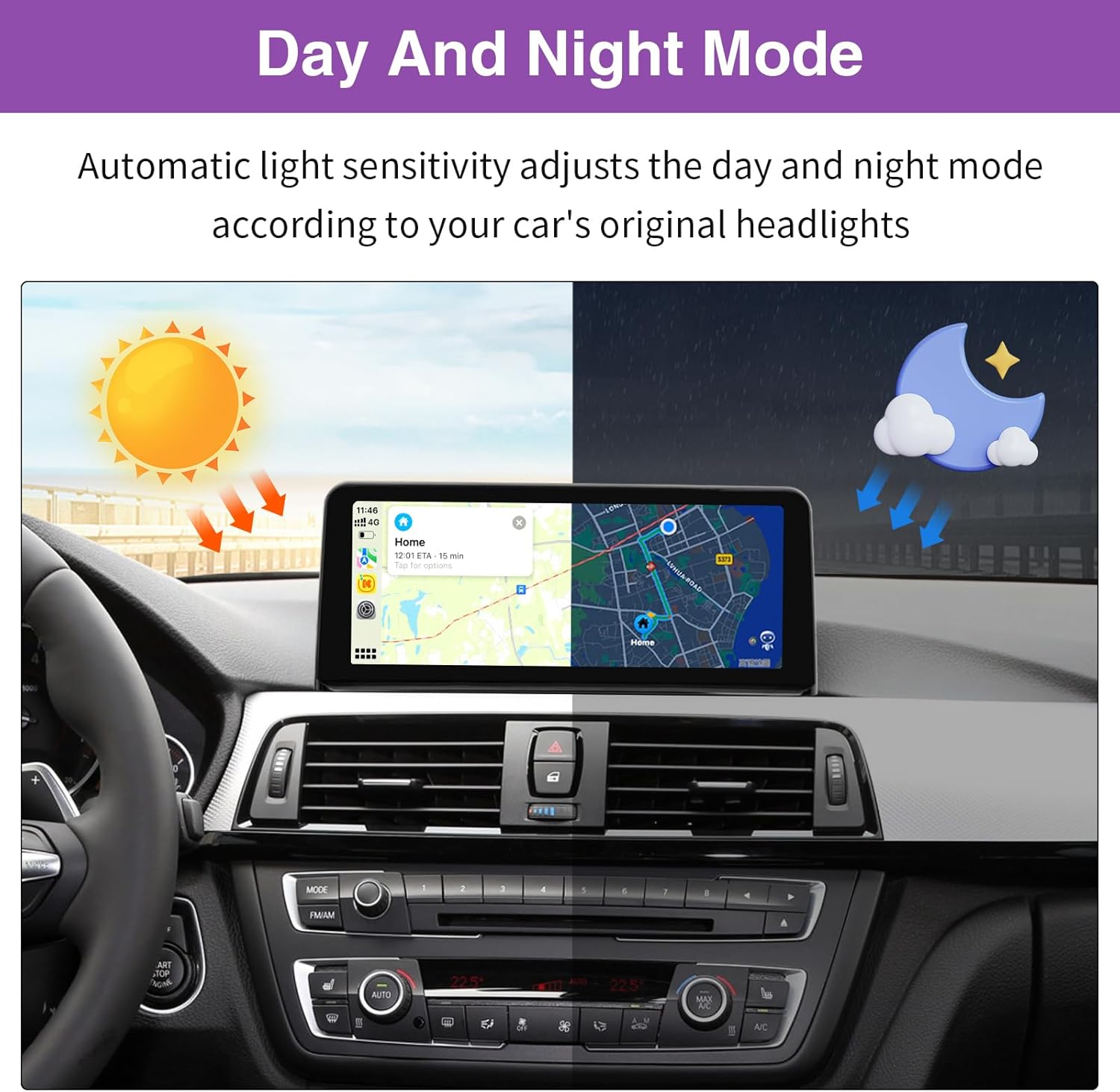
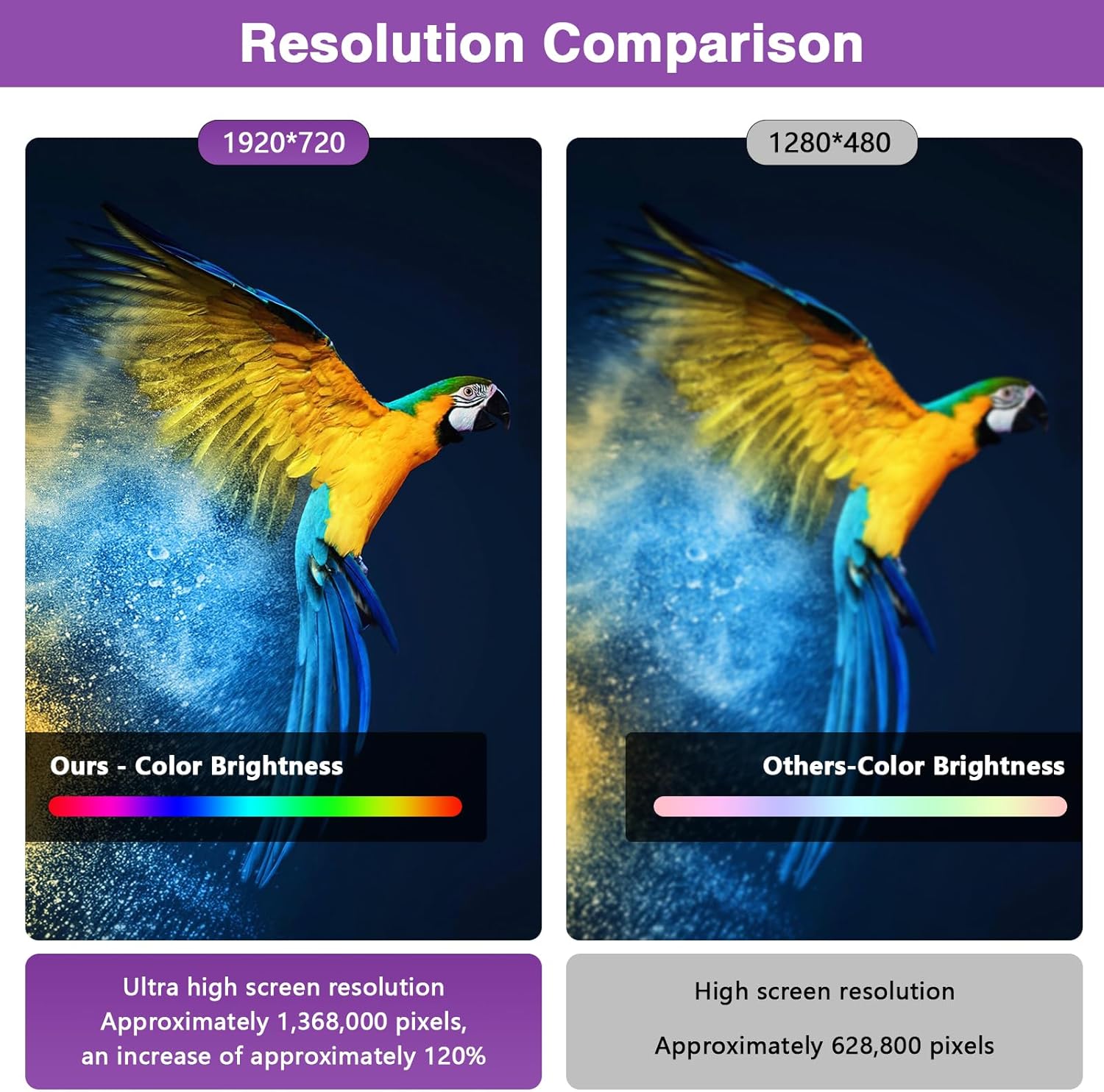
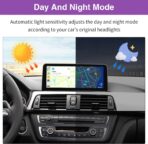
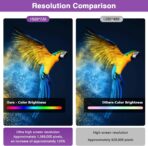
【Upgraded Screen Resolution】You can connect via USB to play your favorite music or videos. The 1920 * 720 HD resolution touchscreen enables more convenient movie viewing and supports mirror link functionality. Automatic light sensitivity adjusts the display between day and night modes based on your car’s original headlights, ensuring a more comfortable driving experience.
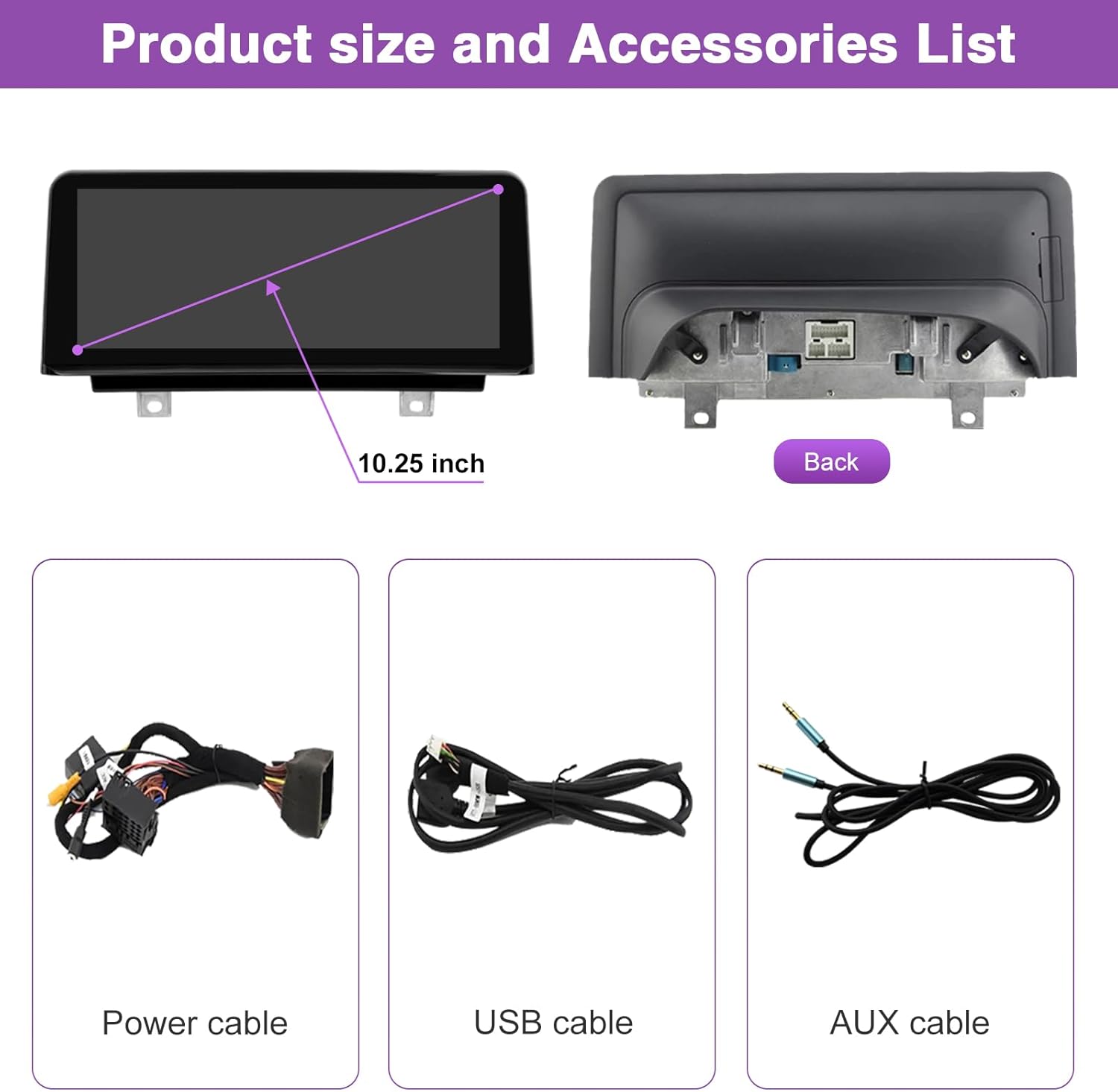
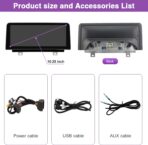
【Easy Installation】The original car cable allows for plug-and-play installation, eliminating the need for cutting or breaking cables, ensuring a non-destructive process. The package includes an 12.3″ touchscreen and all necessary cables. If you encounter any installation issues, please reach out to us for assistance.
Tomas Beck –
BUY IT (after a year use no advertisement)
This is it. Amazing! I have 2015 F30 and iPhone 14 Pro and it’s so much better than the screen before. I looked for a large screen that will work and will be affordable, and this is simply what you should buy if you want/ need one. I have it for over a year and thought I will leave a review. Touchscreen works great, no lag at all, the size is not too much, makes your interior look more modern, the steering wheel buttons work etc. I can’t imagine being without it now.Ok, actually, it could have a tiny bit thinner frames on the sides, compared to brand new BMW X5 that also has 12.3 inch sized screen, but that’s really all about the negative side.Let me tell you, everything worked on the first try, so if you have trouble, it’s not the product’s fault. I was afraid of troubles from the comments, but not everybody can plug it in properly… For example the audio issue, if you want to call someone, you may need to change audio output from Carplay to BMW, but that’s it. And maybe you can set it up better than me and then you don’t have to :).
Jacob –
Android and iOS functions work seamlessly
Works Perfectly. Installation/fitting time is about 2 hours if you work with someone reliable.
povbemmer –
Defective
I installed this product months after I bought it.When I installed it, I figured it was discounted so much for being defective product.I tried same set up in 2 different cars, the screen goes to sleep, giving me an idea of taht display can’t handle the power, the ram size is so small.I don’t recommend it
Amazon Customer –
Great display, and huge upgrade in looks, but big hassle in setup and Android Auto still unreliable.
I installed the Ninetom 12.3″ touchscreen in my 2013 BMW 320i xDrive (F30), and I want to share my full experience — the good, the bad, and the lessons learned.Fit & Compatibility:The 12.3″ size is too big for the 2013 F30. It does not fit properly in the stock trim. I only managed to install it because my factory display was removed for repair. If you want a direct fit, go with the 10.25″.The product listing is somewhat misleading about F30 compatibility — be prepared for modifications.Installation:Forget about the instructions in the box. They are minimal and borderline useless.Watch as many YouTube videos as you can for your exact model and year before attempting installation.You must set the vehicle’s display resolution correctly in the unit’s settings to get a proper picture. Otherwise, you’ll just see a distorted or black screen.The LVDS cable must be seated properly. If you lose sound, check your AUX settings in iDrive — sound comes through AUX, not directly from the unit.Setup & Functionality:The display itself is stunningly clear. It feels modern and premium compared to the small stock BMW screen.I can still use my factory iDrive menus and features through the new display. My OEM system even plays videos, so I can still enjoy movies and music videos on the big screen.Where I’ve struggled is Android Auto. Despite multiple attempts, I haven’t been able to get wireless Android Auto working with my Samsung phone. The unit broadcasts a Wi-Fi network, but pairing is hit-or-miss, and it doesn’t consistently launch Android Auto. This remains a work in progress.Pros:Gorgeous, high-resolution display.Retains factory iDrive functions.Adds modern features like CarPlay, Android Auto, and screen mirroring (in theory).Great value for the size if you’re willing to tinker.Cons:Fitment is poor on my 2013 F30 — it’s simply too large.Setup is extremely technical and frustrating.Android Auto is unreliable (at least with my Samsung S24 Ultra).Instructions are nearly useless; you’ll be relying on trial-and-error and online videos.Final Thoughts:If you’re comfortable tinkering, troubleshooting, and living with an imperfect fit, this unit is a cost-effective way to modernise your BMW. The screen quality is excellent, making the car feel much newer. But if you expect true plug-and-play functionality, be prepared for frustration.
Russell Becker –
Easy to install – Integrated Perfectly! Awesome
I was shocked how easy this was. Took 1 hour.The only thing I had to do for full integration was change the resolution settings to work with car original menus and camera .Setup – Car Settings – Original Car Screens Resolution – 1289x480NBT
Eheller –
Linux based system works with BMW 328i year 2014
It is an affordable and fast system that focus in providing CarPlay and and Android Car system, basically mirroring your phone. If you want a system that works with apps and other features WITHOUT having your phone connected it will not work. Why would need to install apps in this unit if you already have a phone with it. Nevertheless, if you need that extra stuff for a much higher price, buy an android OS system.Important for this to connect the audio you must USE the Aux cable provided. The original Bluetooth of the BMW does only do phone conversations and does not play audio. You can hack your car to activate that feature, but this is something not related to this product.Highly recommended and added a few pictures showing the aux install and how to change the logo when you boot up the unit. Save the correct format picture to a USB stick and connect it to the USB1 cable.
Zachary Schumann –
Pretty awesome.
Pretty simple to install with a couple caveats.Be very careful with where you’re putting your trim pieces. I accidentally scratched up my climate control panel so I had to order a replacement because the leds shine through the cracks at night.Also I’m not a fan of the audio settings. There’s no speaker isolation and I can’t seem to get the EQ settings right to sound more full.The unit itself isn’t too bad to install. MAKE SURE you move the green fiber optic cables to the new harness!!! Also, you need to change the resolution of idrive in the settings or you’ll get the screen flicker like other reviews. That’s user error.Enjoying it so far 👍
Art in KW –
Excellent upgrade.
Excelent upgrade from my faded, sun-cracked screen on my BMW. Truly plug-n-play, just read and follow the instructions. Android Auto connects automatically in less than a minute. I do recommend this screen upgrade; wish I’ve done it sooner.