



Price: $30.99
(as of Mar 29, 2026 12:42:04 UTC – Details)
Product description

The video showcases the product in use.The video guides you through product setup.The video compares multiple products.The video shows the product being unpacked. MAIMEIMI GPS Speedometer HUD for Car Merchant Video

SWITCHING SPEED UNITS
Step 1 Press and hold the wave button to enter setup mode. The screen will display “1”, indicating Menu Option 1; Step 2 Scroll button left/right to cycle through menu options. Stop when the screen shows “5”, then press the button to enter parameter settings; Step 3 Scroll button left/right to toggle between “1” (MPH) and “0” (Km/h). Select your preferred unit; Step 4 Press and hold the wave button to save and exit, completing the setup.
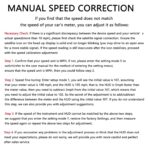
MANUAL SPEED CORRECTION
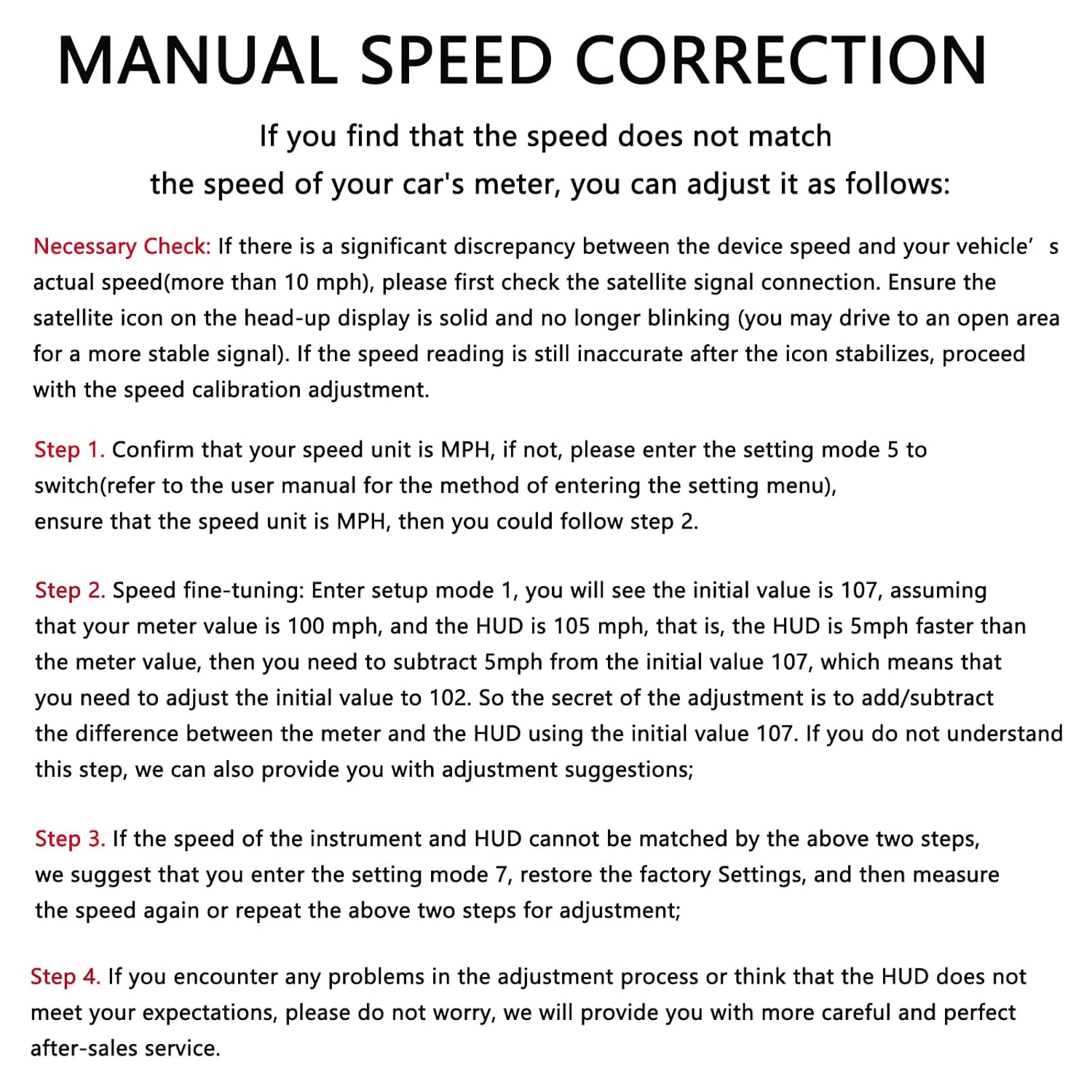
Adjustable Speed If you find that the speed does not match the speed of your car’s meter, you can adjust it as follows: Step 1 Confirm that your speed unit is MPH, if not, please enter the setting mode 5 to switch(refer to the user manual for the method of entering the setting menu), ensure that the speed unit is MPH, then you could follow step 2; Step 2 Speed fine-tuning: Enter setup mode 1, you will see the initial value is 107, assuming that your meter value is 100 mph, and the HUD is 105 mph, that is, the HUD is 5mph faster than the meter value, then you need to subtract 5mph from the initial value 107, which means that you need to adjust the initial value to 102. So the secret of the adjustment is to add/subtract the difference between the meter and the HUD using the initial value 107. We can also provide you with adjustment suggestions; Step 3 If the speed of the instrument and HUD cannot be matched by the above two steps, we suggest that you enter the setting mode 7, restore the factory Settings, and then measure the speed again or repeat the above two steps for adjustment; Step 4 If you encounter any problems in the adjustment process or think that the HUD does not meet your expectations, please do not worry, we will provide you with more careful and perfect after-sales service.


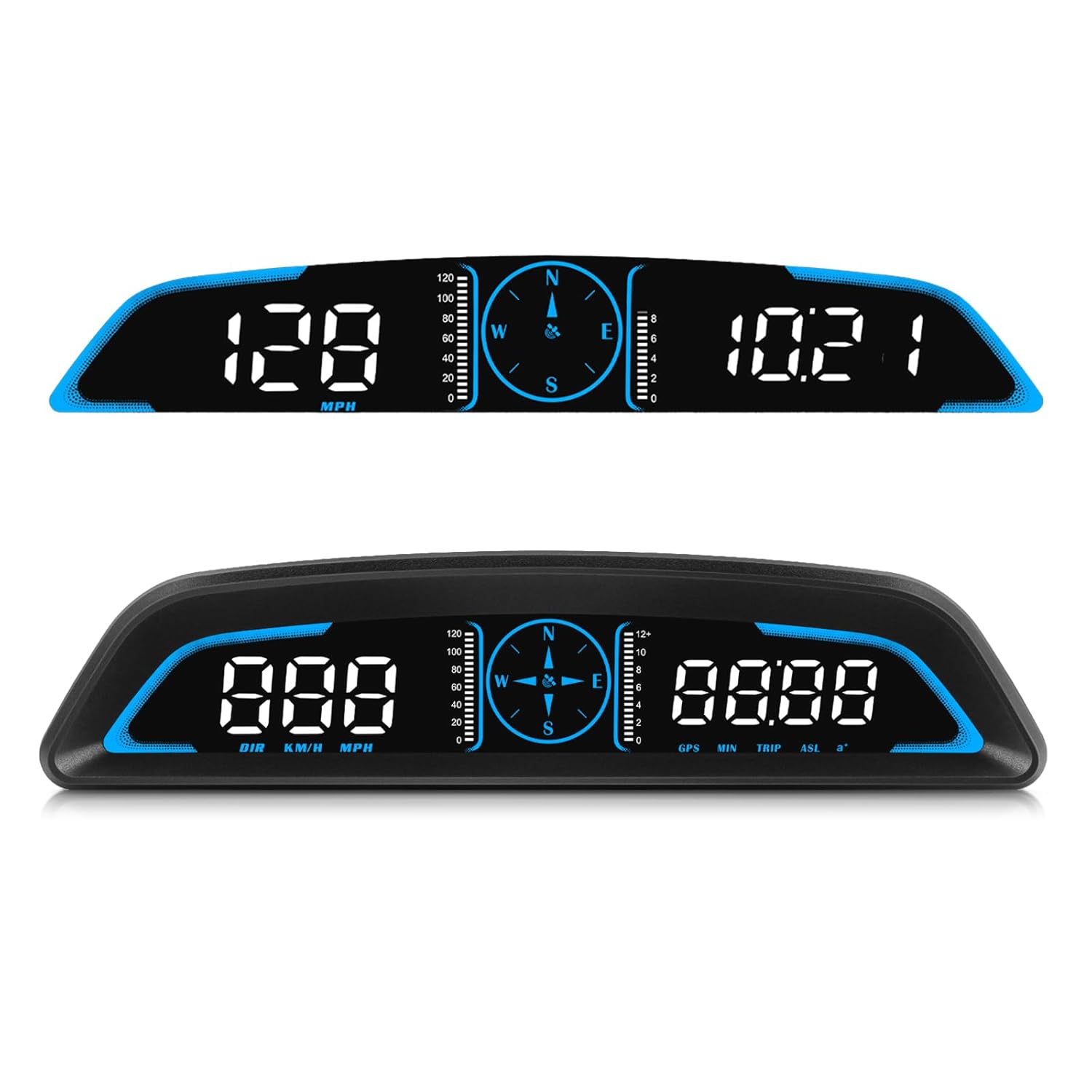
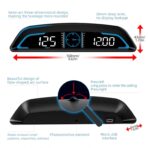
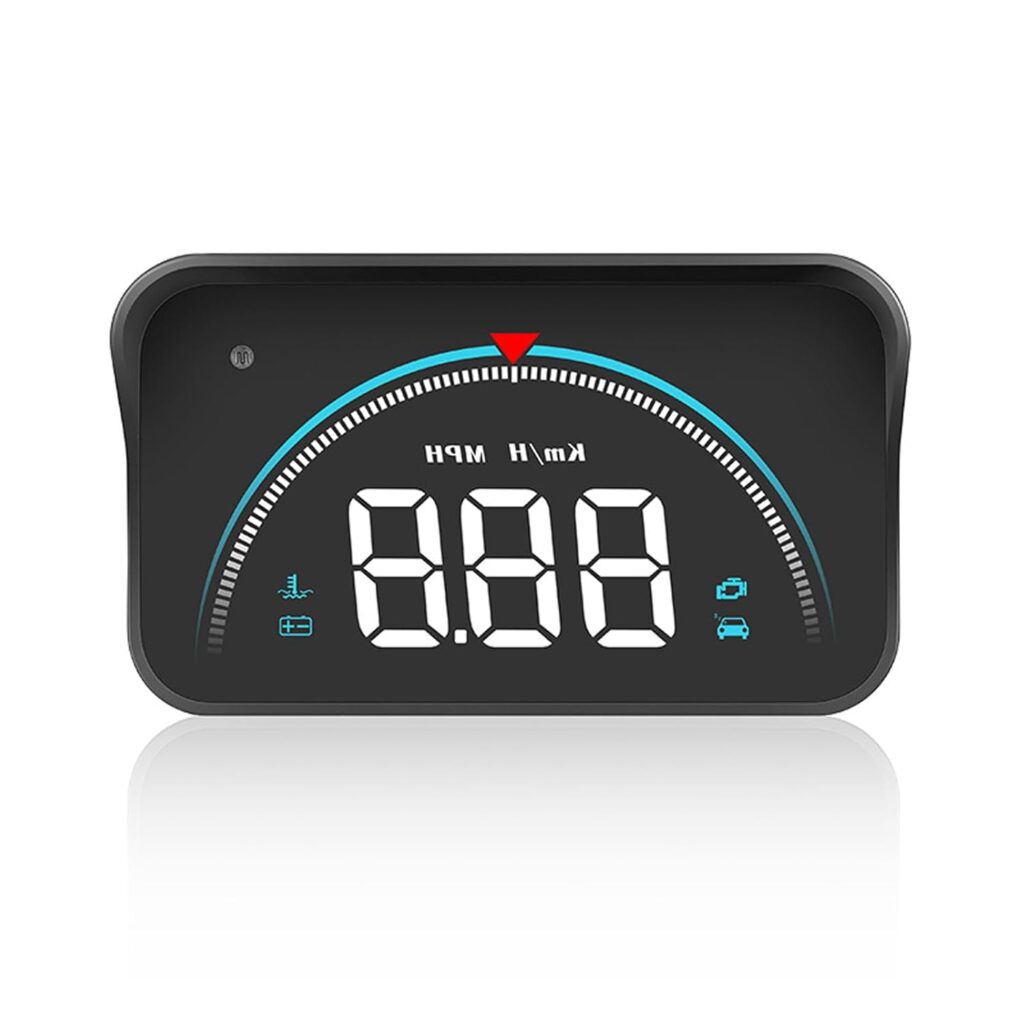
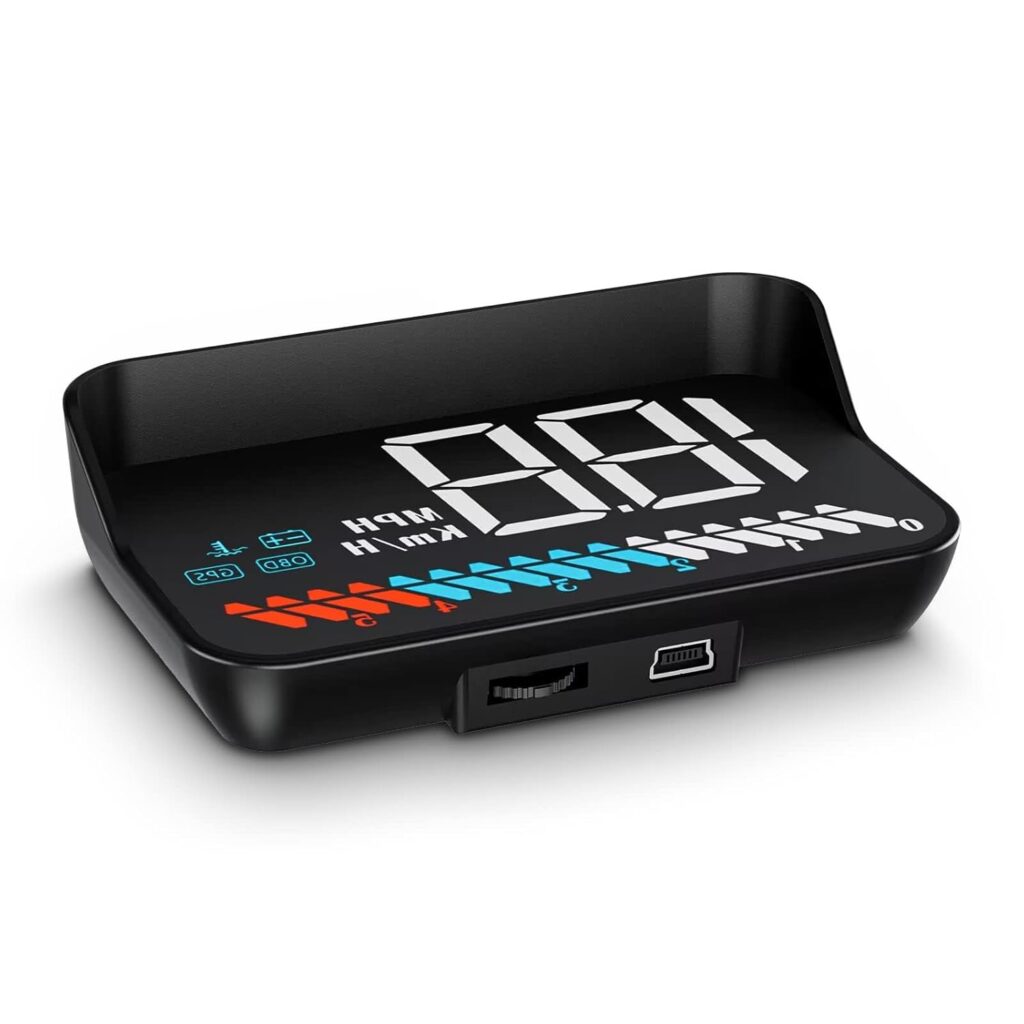
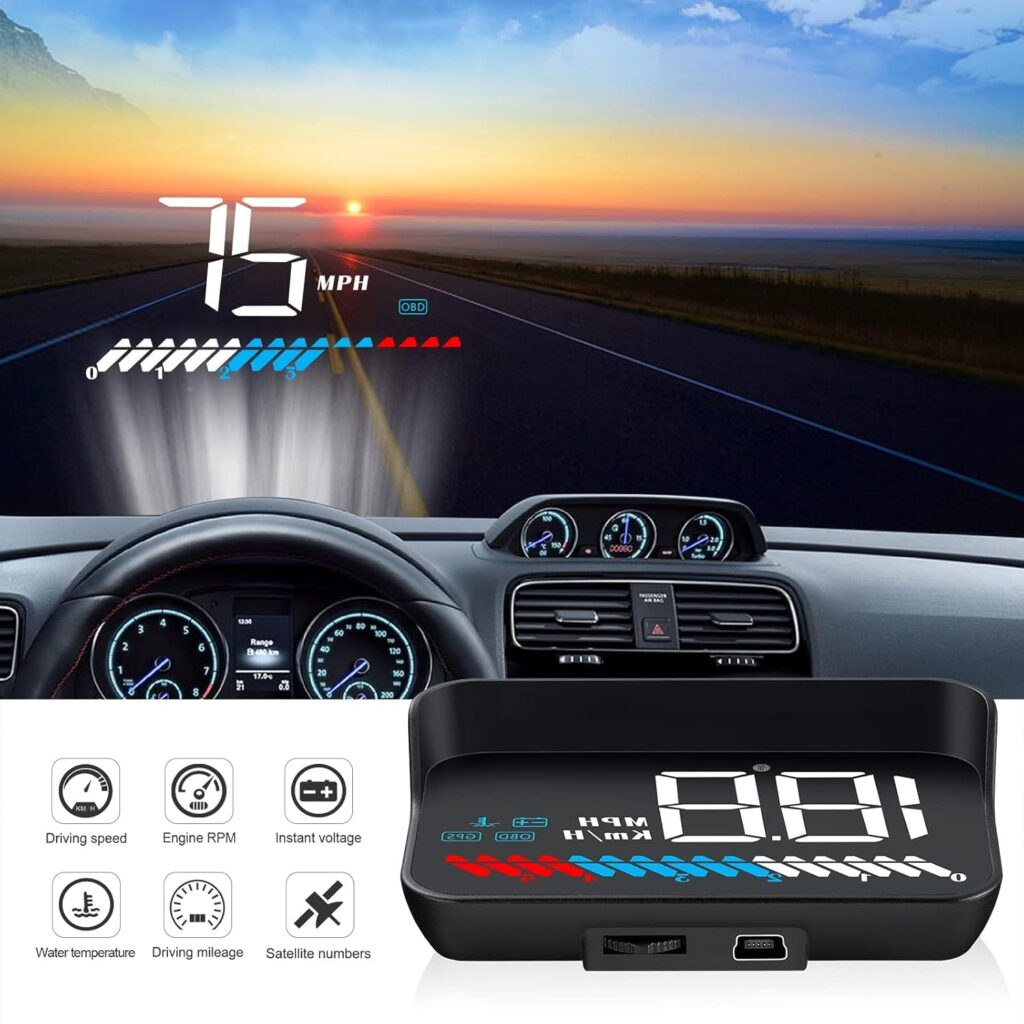
【HUD Digital Speedometer】 : head up display gives you real-time feedback on your speed through GPS, and the head-up display design allows you to avoid looking down to read the instrument, ensuring that you drive safer.
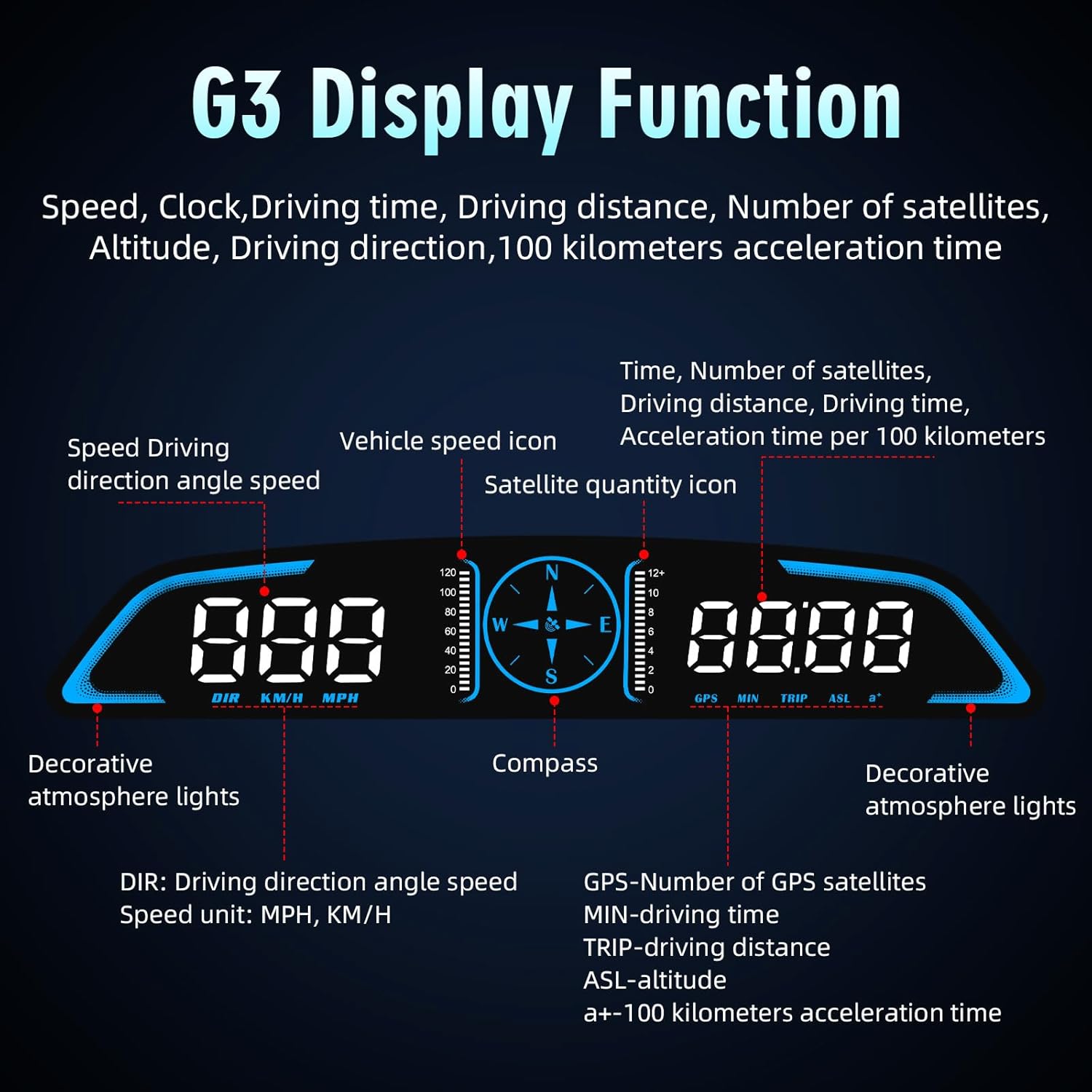
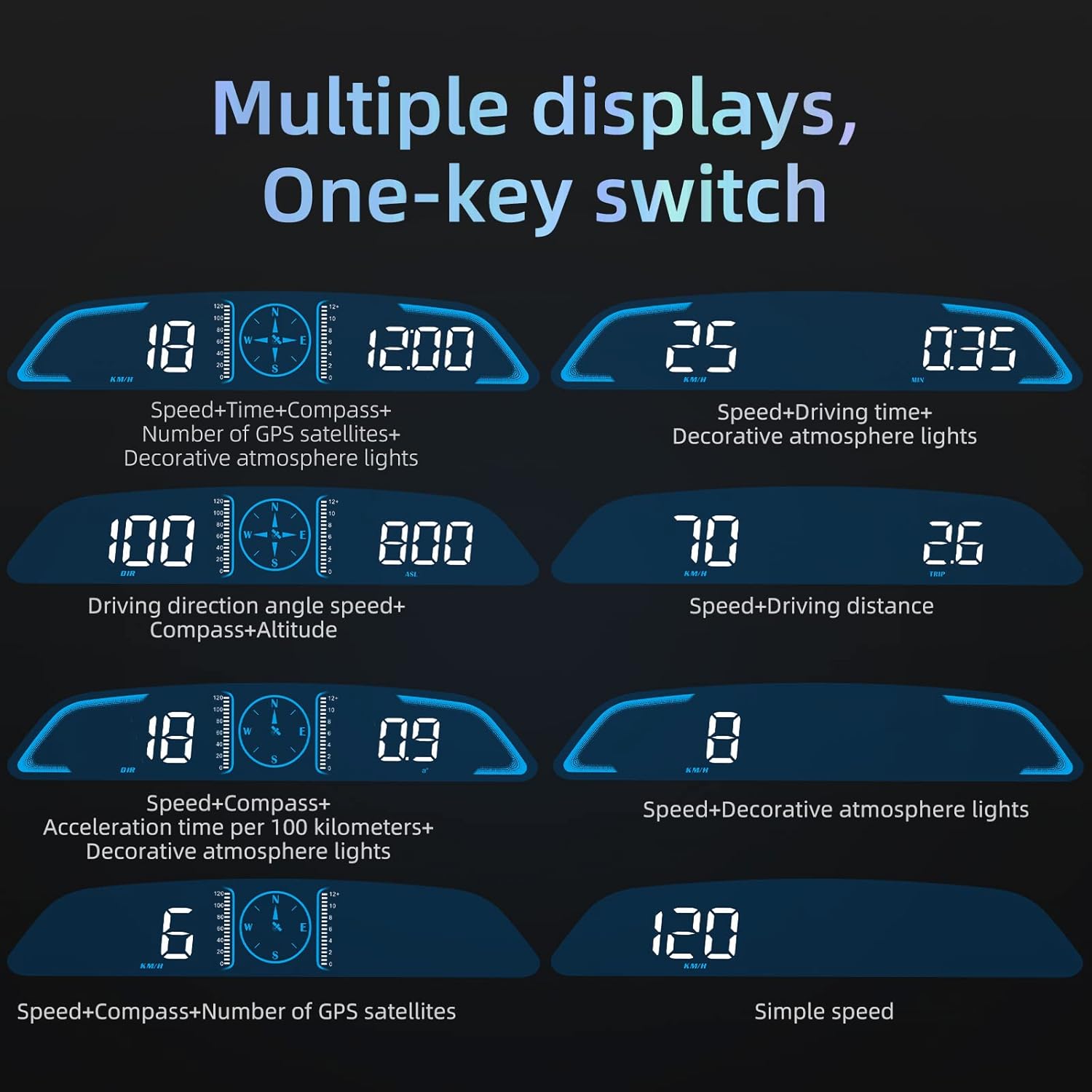
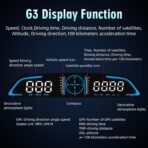
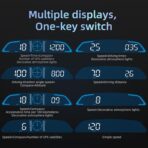
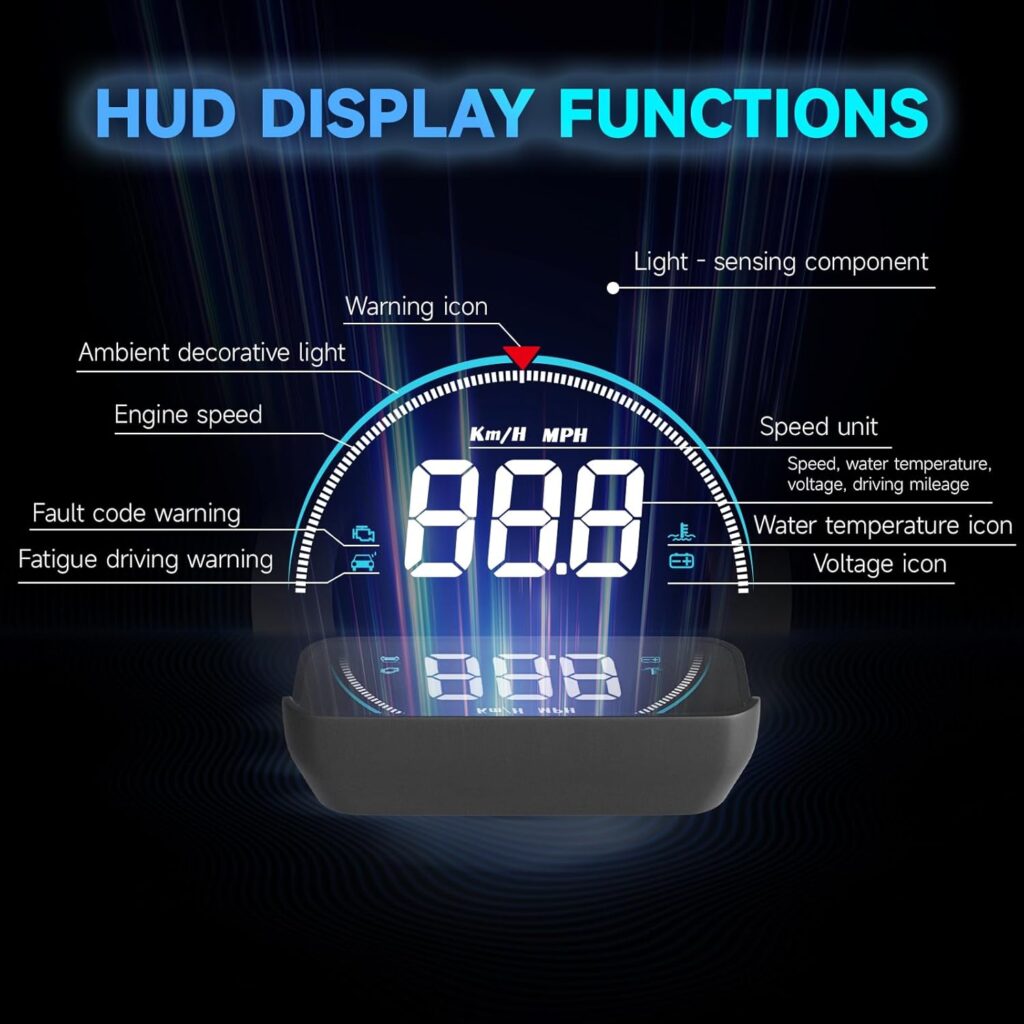
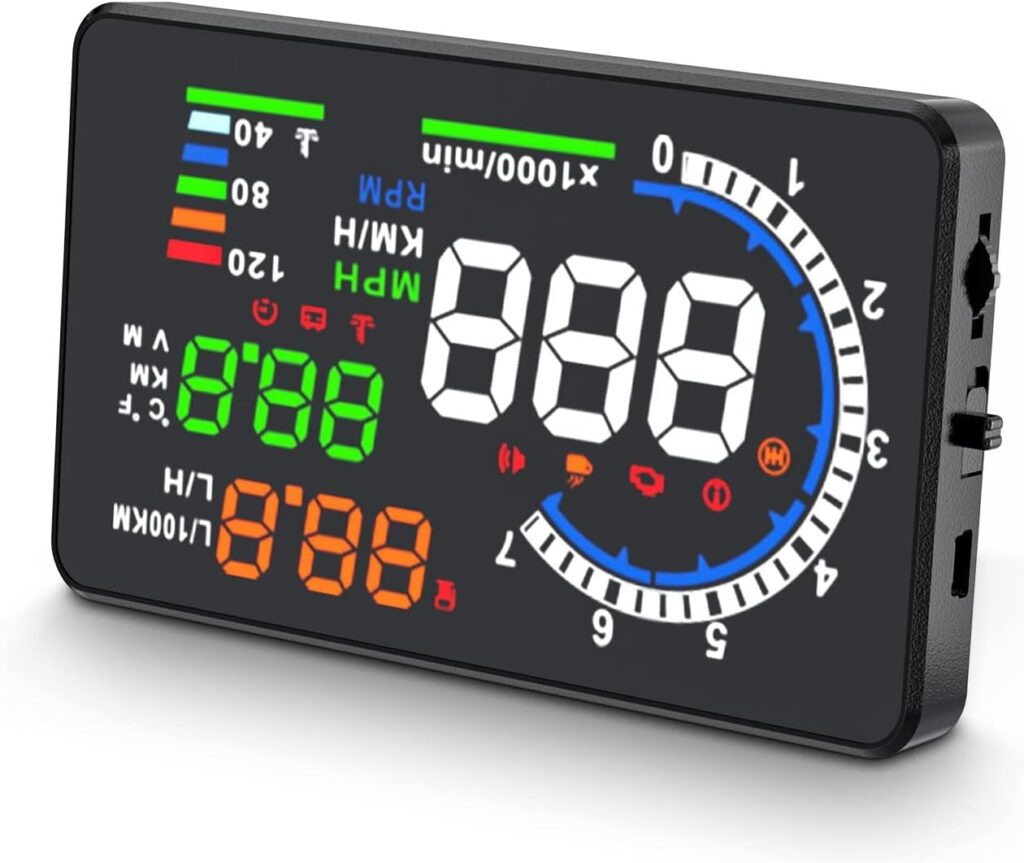
【Multi-data Heads Up Display】: In addition to being a digital speedometer, our heads up display for cars can display a variety of data: Time, Driving distance, acceleration time, latitude and longitude, altitude, etc. In addition, the heads up display has a variety of data modes for you to choose from, allowing you to zoom in on the data you need more accurately.
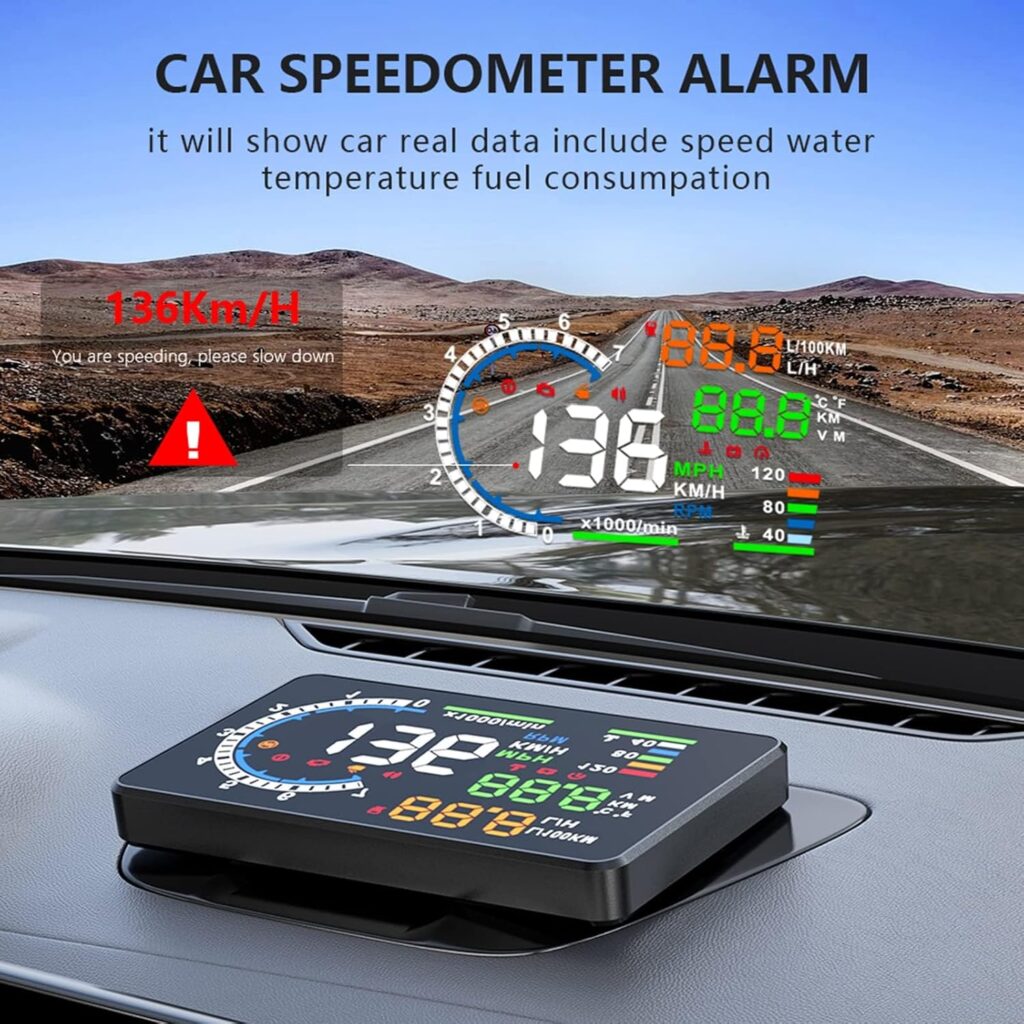
【Alarm Functions】: The gps speedometer for car is equipped with three stages of speeding alarm and fatigue driving alarm. Both alarm functions of the gps speedometer for car can be adjusted to suit the needs.
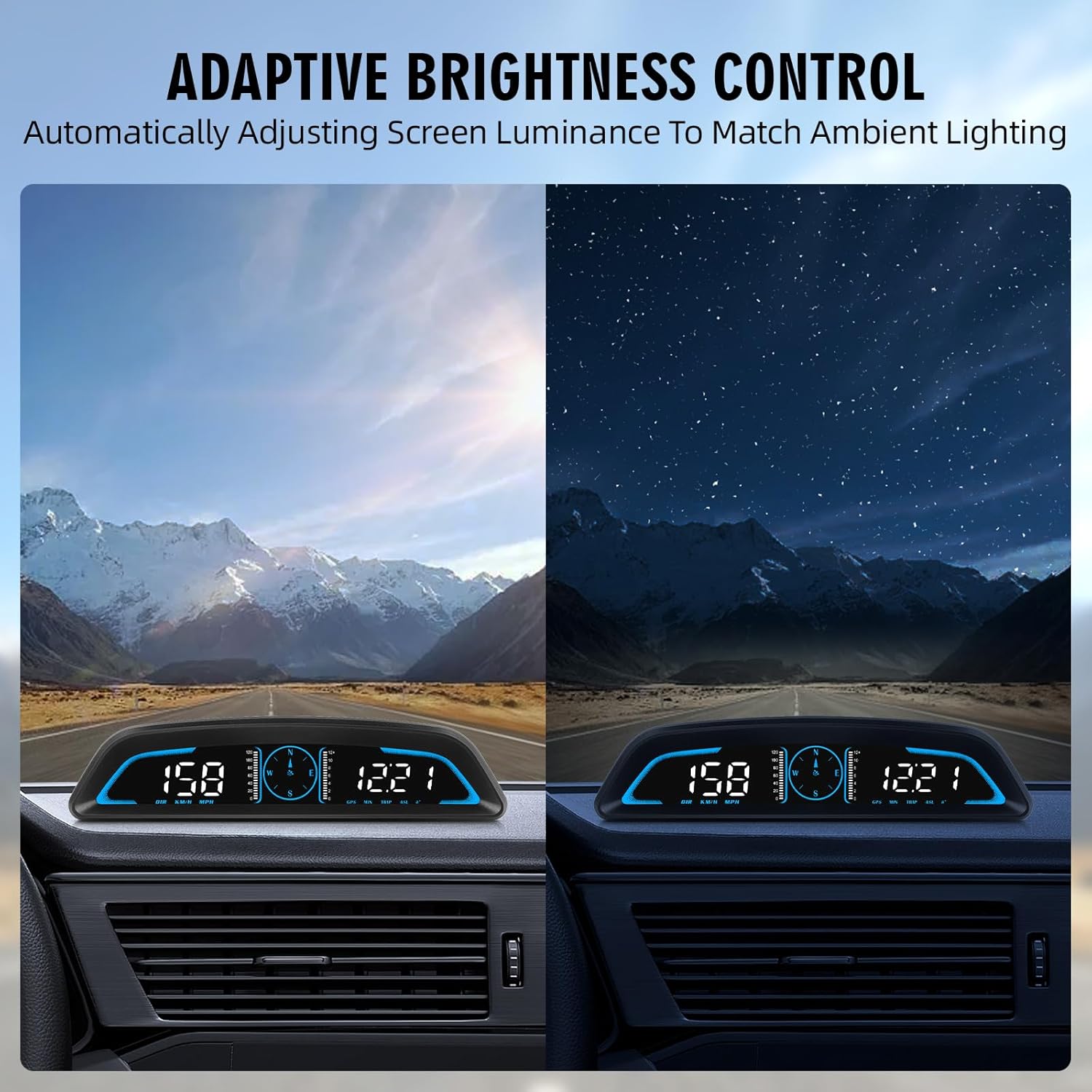
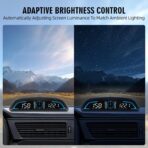
【Auto-Dimming Display for Optimal Visibility】 Equipped with an ambient light sensor, this head up display for car automatically adjusts screen brightness. Whether driving under glaring sunlight or at night, the anti-glare interface of car speedometer remains crisp yet non-distracting. The auto-adaptive lighting ensures seamless readability across all conditions.
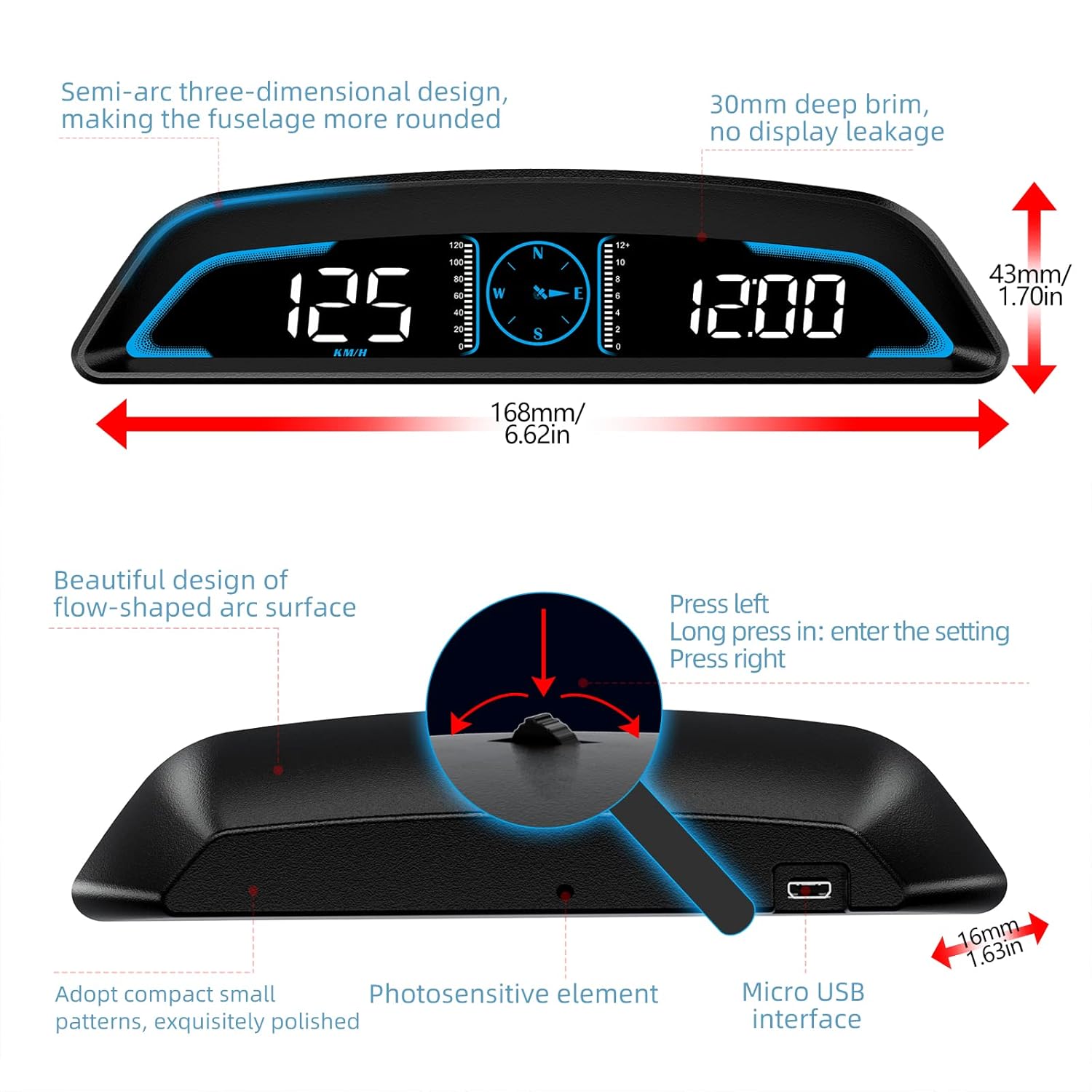
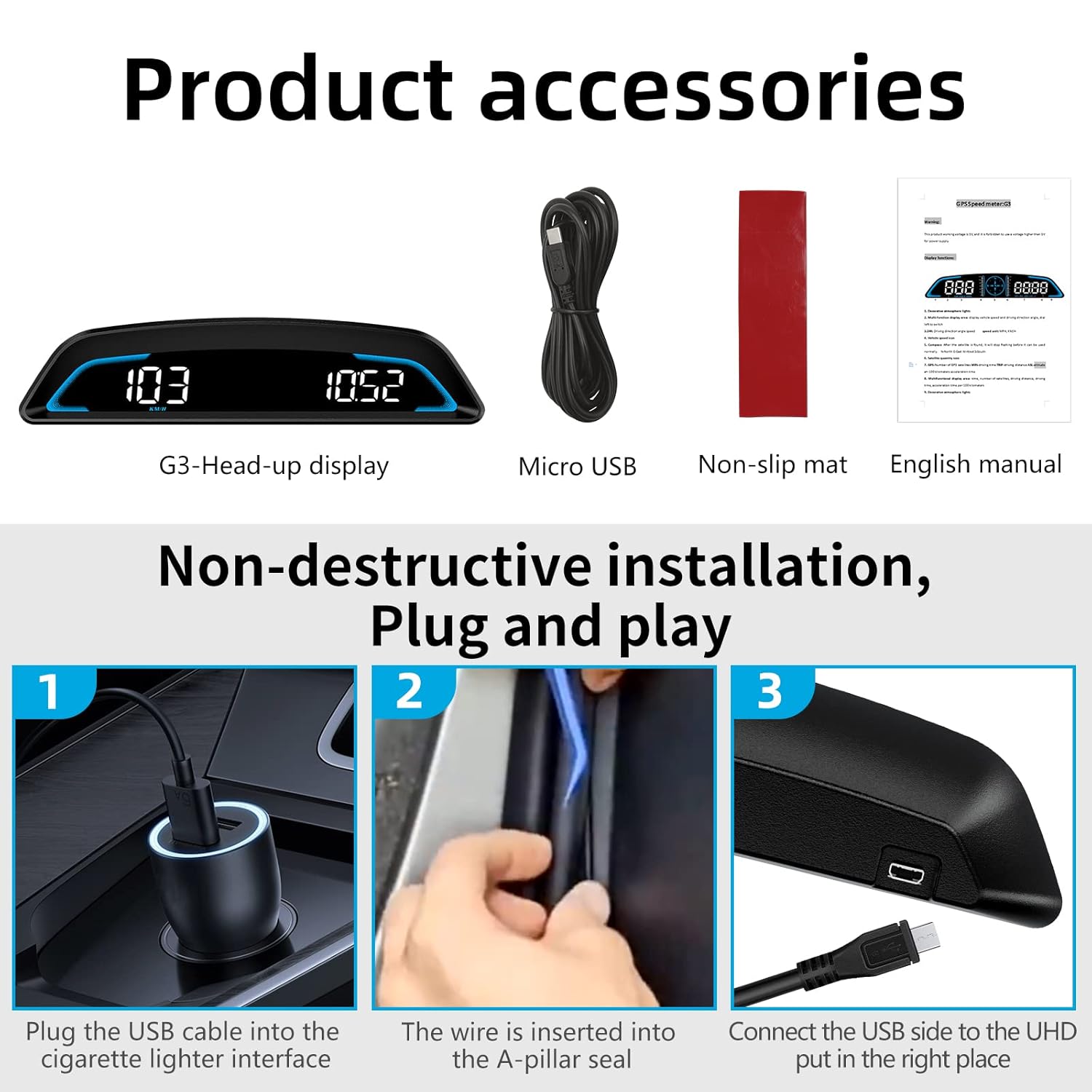
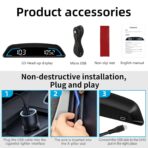
【Universal 5V USB Port】: The MAIMEIMI car heads up display operates at 5V, so as long as your vehicle has a 5V USB port, the car heads up display is compatible with your model. Easy to install, plug and play, just connect the USB of the MAIMEIMI gps speedometer to the USB port of your car.
【Note】: The car speedometer does not connect to a USB port with a voltage greater than 5V, as this will cause damage to the instrument. After the GPS speedometer is powered on, the satellite icon will keep blinking until the satellite icon stops blinking before normal use. If you find a certain difference in the speed display after starting the HUD speedometer, you can follow the instructions to enter the setting mode to manually fine-tune.
chris rains –
Compact and accurate speedometer
Used in our truck restoration. Compact and accurate. Allowed us to leave original dash in tact.
Bruce –
Great product works perfectly
Works perfectly
PAUL A. –
Works fine
Works great…just wish it was 12hr clock
Richard D’auteuil –
Don’t like the usb input cable, it required two adapters
Works nice
Paul Willett –
Lame Instructions
It works, but it’s very hard to use and the instructions aren’t very helpful as far as we can set up so that you have the right time zone and everything it would be nice if the instructions were a lot more clear
Sherrell Hayes –
Fix the time, fix the time everybody doesn’t like military time
Can’t set the clock for 12hrs , it only has military